Skip to Main Content
Sam's Club
Sam's Club
All Departments
All Services
Customer reviews for SAMSUNG 83” Class S90FD Series 4K OLED Smart TV for
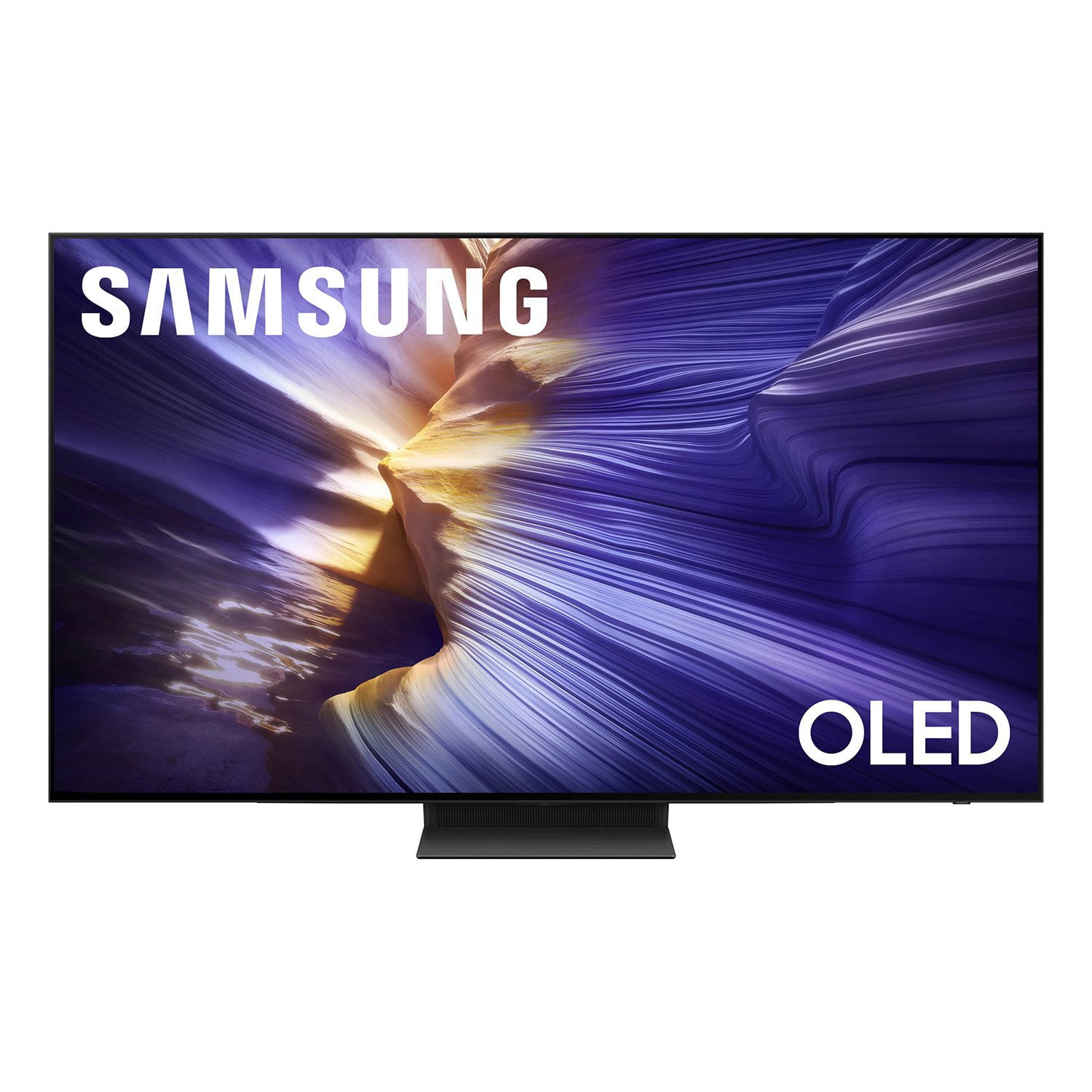
SAMSUNG 83” Class S90FD Series 4K OLED Smart TV
4.7 out of 5 stars
stars
1,837 ratings1,837 reviews
  1. 5 stars80% (1,477)
  2. 4 stars13% (237)
  3. 3 stars3% (56)
  4. 2 stars2% (39)
  5. 1 star2% (28)

Member photos

  • +688 images
Sort by |
Showing 791-800 of 1,837 reviews
Jul 5, 2026
Reviewer name: Mert
5 out of 5 stars
5 out of 5 stars review

Next To The Picture

[This review was collected as part of a promotion.] This TV makes me feel like I'm in it, it's Beautiful. I Love my TV and I a glad that I purchased it...

Review from Samsung US
Helpful?3D37GPZDAAT215584057195
Jun 20, 2026
Reviewer name: Danny
5 out of 5 stars
5 out of 5 stars review

Samsung is outstanding!!

[This review was collected as part of a promotion.] Just purchased a 65 inch Samsung Smart TV. Picture is very sharp and brightness is great! Overall I'd say the TV is awesome. I can't wait to use all the features and get the sound bar set up!

Review from Samsung US
Helpful?3D37GPZDAAT215584057195
Jun 20, 2026
Reviewer name: Antero
5 out of 5 stars
5 out of 5 stars review

Unbelievable

[This review was collected as part of a promotion.] If you haven't bought a Samsung 4k tv yet you don't know what you're missing. I can't explain the color, contrast, sharpness that it gives. Everything looks so real that it's actually scary.

Review from Samsung US
Helpful?3D37GPZDAAT215584057195
Jun 20, 2026
Reviewer name: tandelor
5 out of 5 stars
5 out of 5 stars review

Samsung hits the OLED nail on the head
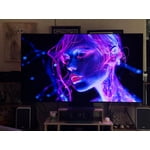
[This review was collected as part of a promotion.] As a purist I am totally impressed with what Samsung has done with AI. You can dial in accuracy or brightness or color temp and AI works across the board with your settings intact. Brilliant.

Review from Samsung US
Helpful?3D37GPZDAAT215584057195
Jul 5, 2026
Reviewer name: Richie
5 out of 5 stars
5 out of 5 stars review

Great TV

[This review was collected as part of a promotion.] So far, I lLove It. Still leaning all the features. Contrast is Great. I also purchased Samsung Theater System. They work goid together.♥️

Review from Samsung US
Helpful?3D37GPZDAAT215584057195
Jul 5, 2026
Reviewer name: Ronald
4 out of 5 stars
4 out of 5 stars review

We di love the picture being so clear

[This review was collected as part of a promotion.] Had to adjust the brightness. When scene was dark it was unable to see the picture. It seems a lot better now that I made an adjustment.

Review from Samsung US
Helpful?3D37GPZDAAT215584057195
Jul 5, 2026
Reviewer name: BeHappy
5 out of 5 stars
5 out of 5 stars review

Samsung is awesome
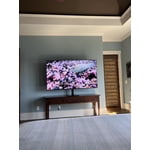
[This review was collected as part of a promotion.] We purchased this tv for our bedroom and have very pleased with the quality of the picture and ease of use.

Review from Samsung US
Helpful?3D37GPZDAAT215584057195
Jun 5, 2026
Reviewer name: Pauly D
4 out of 5 stars
4 out of 5 stars review

Excellent tv

[This review was collected as part of a promotion.] The picture is clear and bright and we love it! The colors are amazing and the lighting is very good.

Review from Samsung US
Helpful?3D37GPZDAAT215584057195
Jul 6, 2026
Reviewer name: TVLover
3 out of 5 stars
3 out of 5 stars review

Could be easier to operate

[This review was collected as part of a promotion.] I do not like the fact that it will turn on by itself, I have attempted to trun off every feature in order to make the tv stay off when I turn it off.

Review from Samsung US
Helpful?3D37GPZDAAT215584057195
reply from Samsung Advisor

Hi TVLover, Thanks for sharing your experience. If your TV is powering on by itself, there are a few settings and external triggers to review: 1. Power On with Mobile – Your TV may be connected to the SmartThings app or other networked devices. To stop wake signals, turn this feature off: Settings > All Settings > Connection > Network > Expert Settings > Power On with Mobile = Off 2. Check for Active Timers – Go to Settings > All Settings > General & Privacy > System Manager > Time > Timer Settings, then disable any On Timers or Sleep Timers 3. Anynet+ (HDMI-CEC) – If your TV is connected to external HDMI devices, one of them may be triggering power-on behavior. To disable this feature: Settings > All Settings > General & Privacy > External Device Manager > Anynet+ (HDMI-CEC) = Off 4. Software Update – Make sure your TV is up to date: Settings > Support > Software Update > Update Now If you’ve ruled out all the above and your TV still powers on unexpectedly, try unplugging it for 30 seconds. Should the issue continue, please call Samsung Support at 1-800-SAMSUNG, (8AM – 9PM EST Mon – Fri, 8AM – 6PM Sat – Sun). LiveChat is also available via the ‘Support’ link on our website. ~ Samsung Advisor

Jun 20, 2026
Reviewer name: Martha
1 out of 5 stars
1 out of 5 stars review

Defective Model

[This review was collected as part of a promotion.] Our tv is about 3 months old, has been used VERY LITTLE. and has developed colored streak in the picture. Obviously this is a defective model and needs to be replaced.

Review from Samsung US
Helpful?3D37GPZDAAT215584057195
reply from Samsung Specialist

We appreciate you taking the time to let us know about your experience. So that we can better troubleshoot this issue and provide steps towards a solution, please contact Samsung Support at 1-800-SAMSUNG (8AM – 9PM EST Mon – Fri, 8AM – 6PM Sat – Sun), or visit our website for LiveChat. ~ Samsung Specialist