Skip to Main Content
Sam's Club
Sam's Club
All Departments
All Services
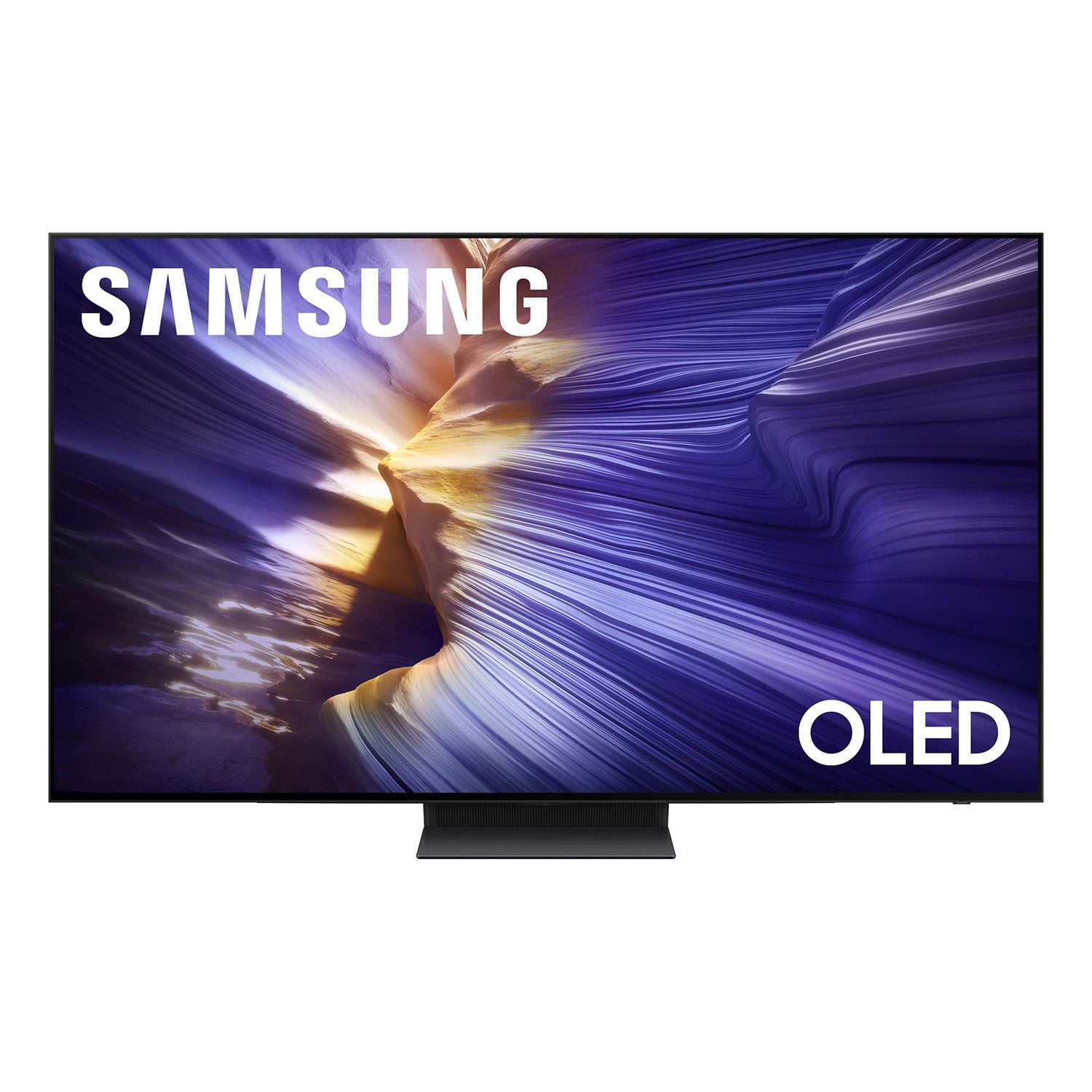
Customer reviews for SAMSUNG 83” Class S90FD Series 4K OLED Smart TV for
SAMSUNG 83” Class S90FD Series 4K OLED Smart TV
4.7 out of 5 stars
stars
2,125 ratings2,125 reviews
  1. 5 stars80% (1,691)
  2. 4 stars13% (282)
  3. 3 stars3% (74)
  4. 2 stars2% (43)
  5. 1 star2% (35)

Member photos

  • +808 images
Sort by |
Showing 471-480 of 2,125 reviews
Oct 12, 2026
Reviewer name: Ozzy
5 out of 5 stars
5 out of 5 stars review

Picture is great

[This review was collected as part of a promotion.] Picture clarity the same as the day we purchased the product. Hdmi ports are enough for all our attachments and great combination with the Samsung surround sound.

Review from Samsung US
Helpful?3D37GPZDAAT215584057195
Oct 12, 2026
Reviewer name: Ramos
5 out of 5 stars
5 out of 5 stars review

Amazing

[This review was collected as part of a promotion.] Absolutely love this tv. It has great picture great brightness. Contrast is upscale. Responsiveness is fast and uniformity is unmatched.

Review from Samsung US
Helpful?3D37GPZDAAT215584057195
Jul 20, 2026
Reviewer name: Will
5 out of 5 stars
5 out of 5 stars review

Great picture
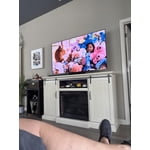
[This review was collected as part of a promotion.] The picture on this t v is probably the best I have ever had. Great picture without a glare and can be seen from the side as well as front without any problem. Very satisfied.

Review from Samsung US
Helpful?3D37GPZDAAT215584057195
Oct 5, 2026
Reviewer name: Pocholo
5 out of 5 stars
5 out of 5 stars review

Great.i love it

[This review was collected as part of a promotion.] Helpful on everything services features sounds there are very good I have only tv Samsung and I love it

Review from Samsung US
Helpful?3D37GPZDAAT215584057195
Jun 23, 2026
Reviewer name: Ebag4all
5 out of 5 stars
5 out of 5 stars review

Great tv

[This review was collected as part of a promotion.] This tv looks great in my opinion! Perfect contrast, great brightness, sharp, great smoothness and excellent upscaling.

Review from Samsung US
Helpful?3D37GPZDAAT215584057195
Oct 7, 2026
Reviewer name: Edbar
5 out of 5 stars
5 out of 5 stars review

BEST CHOICE

[This review was collected as part of a promotion.] This model's resolution is so crisp and the colors are so vivid it's like watching a moving in the theaters but BETTER!!

Review from Samsung US
Helpful?3D37GPZDAAT215584057195
May 12, 2026
Reviewer name: Umer
3 out of 5 stars
3 out of 5 stars review

Reflection

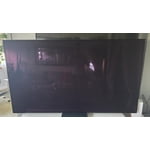
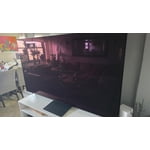
[This review was collected as part of a promotion.] Reflection is bad. During daytime, anything will be easily seen on the T. V. blocking the view and it's never as easy as shown in store such as color, settings profile.

Review from Samsung US
Helpful?3D37GPZDAAT215584057195
reply from Samsung Specialist

Thank you for your review of Samsung’s S90F OLED TV and for sharing your feedback regarding screen glare. This TV is engineered with Anti Reflection Technology, designed to help reduce ambient light reflections and improve overall visibility. That said, lighting conditions can vary by room. For optimal glare control, we recommend positioning the TV to avoid direct light on the screen or consulting a professional installer for ideal placement. If you ever have questions about TV features, specifications, or setup, we’re here to help. Give us a call at 1-800-SAMSUNG (8AM – 9PM EST Mon – Fri, 8AM – 6PM Sat – Sun). LiveChat is also available via the ‘Support’ link on our website. ~ Samsung Specialist

Oct 20, 2026
Reviewer name: Dan100
3 out of 5 stars
3 out of 5 stars review

Average product at Best

The sound is tinny and the volume goes way up for no reason. Screen has awful glare prior Samsung 48 UHD curved was not like the reflection on this screen

Review from Samsung US
Helpful?3D37GPZDAAT215584057195
reply from Samsung Advisor

Hi Dan100, We’re sorry to hear you're experiencing inconsistent sound volume on your Samsung S90F TV. To help stabilize audio, try enabling Auto Volume, which automatically adjusts sound levels when switching inputs or channels: Settings > All Settings > Sound > Expert Settings > Auto Volume > On Additionally AI Sound features may be actively adjusting the audio in real time based on your environment or content. To turn off these functions: Settings > All Settings > Advanced Features > AI Mode Settings > AI Mode. You can disable all AI functions or select individual options like Adaptive Sound or Adaptive Volume. We also recommend running a Sound Test to check for audio issues: Settings > Support > Device Care > Self Diagnosis > Sound Test If the issue continues, please contact Samsung Support at 1-800-SAMSUNG (8AM – 9PM EST Mon – Fri, 8AM – 6PM Sat), or reach us via text anytime. You can also visit ‘Support’ on our website for: • Live Chat • Manuals, Software, & Warranty Info ~ Samsung Advisor

Oct 20, 2026
Reviewer name: Sp80549
5 out of 5 stars
5 out of 5 stars review

Great picture! Love the size
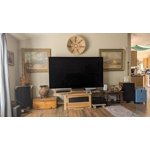
[This review was collected as part of a promotion.] Good all-around set works well with my Yamaha 5.1 stereo They just want me to keep adding words. I don't know what to say. It's a good color fits on the wall. Oh that's enough

Review from Samsung US
Helpful?3D37GPZDAAT215584057195
Sep 20, 2026
Reviewer name: Harmeet
5 out of 5 stars
5 out of 5 stars review

Great job!

[This review was collected as part of a promotion.] The contrast and brightness on the TV is incredible. The remote is very responsive. Lastly the upscaling is great and so is that uniformity!!

Review from Samsung US
Helpful?3D37GPZDAAT215584057195