Join Now
Skip to Main Content
Sam's Club
Sam's Club
All Departments
All Services
Customer reviews for SAMSUNG 83” Class S90FD Series 4K OLED Smart TV for
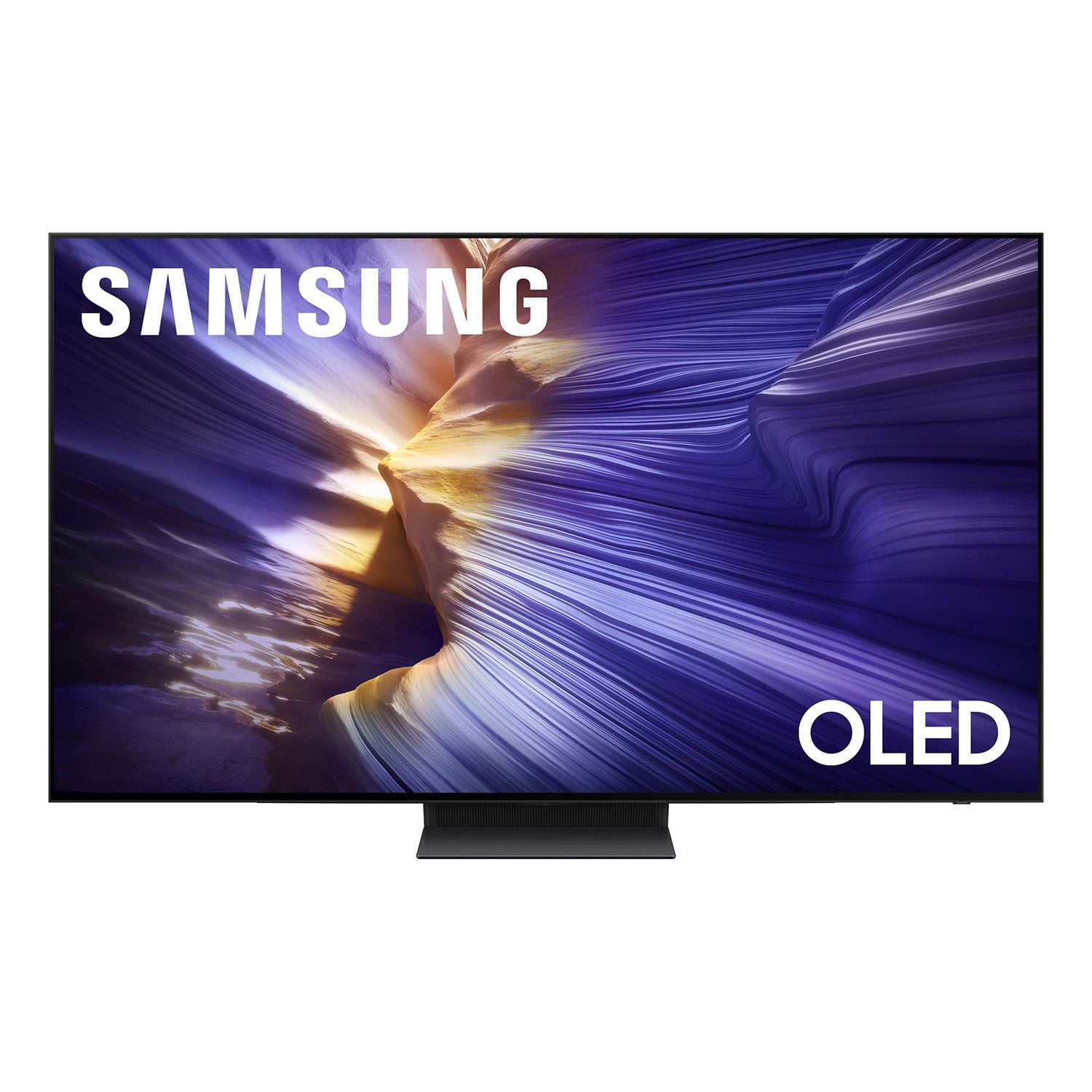
SAMSUNG 83” Class S90FD Series 4K OLED Smart TV
4.7 out of 5 stars
stars
2,125 ratings2,125 reviews
  1. 5 stars80% (1,691)
  2. 4 stars13% (282)
  3. 3 stars3% (74)
  4. 2 stars2% (43)
  5. 1 star2% (35)

Member photos

  • +808 images
Sort by |
Showing 2,101-2,110 of 2,125 reviews
Oct 14, 2025
Reviewer name: Johnny29
5 out of 5 stars
5 out of 5 stars review

Amazing tv

[This review was collected as part of a promotion.] I have 3 tvs and going to buy one more for outdoor amazing quality and resolution love samsung

Review from Samsung US
Helpful?3D37GPZDAAT215584057195
Nov 16, 2025
Reviewer name: Lovely
5 out of 5 stars
5 out of 5 stars review

Samsungoledtv

[This review was collected as part of a promotion.] Amazing Samsung oled and I don't know what else to WATCH!

Review from Samsung US
Helpful?3D37GPZDAAT215584057195
Oct 15, 2025
Reviewer name: Madpat8
5 out of 5 stars
5 out of 5 stars review

The picture quality is spectacular!

[This review was collected as part of a promotion.] Extremely user-friendly. Picture quality is spectacular

Review from Samsung US
Helpful?3D37GPZDAAT215584057195
Oct 20, 2025
Reviewer name: Joey1234
5 out of 5 stars
5 out of 5 stars review

Best TV - Samsung

[This review was collected as part of a promotion.] I have no complaints TV shows perfectly and no need to adjust the settings The sound is excellent

Review from Samsung US
Helpful?3D37GPZDAAT215584057195
Oct 14, 2025
Reviewer name: Anthonytony
5 out of 5 stars
5 out of 5 stars review

The best TV on the market

[This review was collected as part of a promotion.] I've been a Samsung fan on TV'S for a very long time and this one is the best so far

Review from Samsung US
Helpful?3D37GPZDAAT215584057195
Aug 18, 2025
Reviewer name: JessandGregory
4 out of 5 stars
4 out of 5 stars review

Its been the BEST

[This review was collected as part of a promotion.] It's been the best sreaming tv that I've ever had and easy to use

Review from Samsung US
Helpful?3D37GPZDAAT215584057195
Aug 22, 2025
Reviewer name: Familygirl
5 out of 5 stars
5 out of 5 stars review

Great picture

[This review was collected as part of a promotion.] We love streaming videos movies and television shows. Have had for a while now and love it.

Review from Samsung US
Helpful?3D37GPZDAAT215584057195
Apr 17, 2025
Reviewer name: Foreal322
5 out of 5 stars
5 out of 5 stars review

Everything that it does is unbelievable.!

[This review was collected as part of a promotion.] This TV is seamless, for watching streaming apps, for gaming, the way it connects every thing I own is just incredible, wouldn't have something different when I have a masterpiece in my possession.

Review from Samsung US
Helpful?3D37GPZDAAT215584057195
Aug 19, 2025
Reviewer name: Peanut
1 out of 5 stars
1 out of 5 stars review

Poor picture quality, colors are too rich.

The television picture quality is very bad, too dark, the colors are too rich and can't be adjusted, I've changed all the picture settings and haven't found one that made the picture quality better, just total crap!!

Review from Samsung US
Helpful?3D37GPZDAAT215584057195
reply from Samsung Specialist

Peanut, We appreciate your input on the picture quality of Samsung’s S90F TV. If the image isn’t meeting your expectations, there are several adjustments you can make to improve your viewing experience. First, please ensure your TV is running the latest firmware, as updates may include important picture quality enhancements. Go to: Home > Left directional button > Settings > Support > Software Update > Update Now Then, select a Picture Mode that best fits your environment: Home > Home > left directional key > Settings > All Settings > Picture > Picture Mode 1. Standard – Default mode for general viewing 2. Dynamic – Brighter and clearer in well-lit rooms 3. Eco – Optimized for energy saving 4. Movie – Best for watching in dark environments 5. Filmmaker Mode – Preserves content exactly as intended by creators You can also enhance your experience by enabling AI Mode, which automatically adjusts picture and sound based on your surroundings and usage patterns: Settings > All Settings > Advanced Features > AI Mode Settings > AI Mode If these adjustments don’t improve your picture quality, feel free to contact Samsung Customer Support at 1-800-SAMSUNG, available 8AM – 12AM EST, 7 days a week. You can also LiveChat with an agent or find helpful guides by visiting the ‘Support’ section of our website. ~ Samsung Specialist

Apr 30, 2025
Reviewer name: Manonamission
5 out of 5 stars
5 out of 5 stars review

Lumens are there

[This review was collected as part of a promotion.] Every time I get home i'm fascinated by how great this t v screen looks on my wall and how clear the picture is.

Review from Samsung US
Helpful?3D37GPZDAAT215584057195