Skip to Main Content
Sam's Club
Sam's Club
All Departments
All Services
Customer reviews for SAMSUNG 83” Class S90FD Series 4K OLED Smart TV for
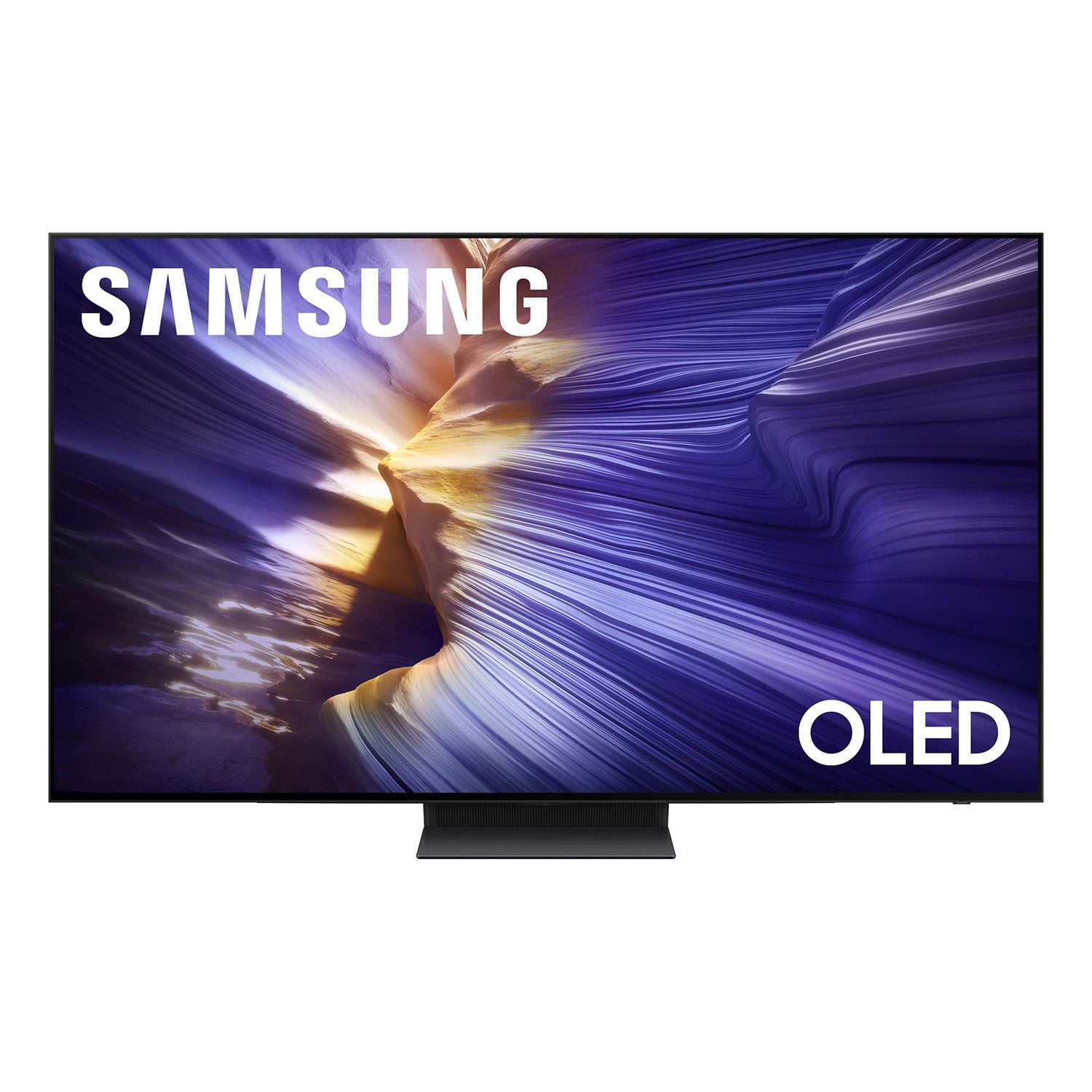
SAMSUNG 83” Class S90FD Series 4K OLED Smart TV
4.7 out of 5 stars
stars
2,125 ratings2,125 reviews
  1. 5 stars80% (1,691)
  2. 4 stars13% (282)
  3. 3 stars3% (74)
  4. 2 stars2% (43)
  5. 1 star2% (35)

Member photos

  • +808 images
Sort by |
Showing 2,041-2,050 of 2,125 reviews
Oct 15, 2025
Reviewer name: Sheree
4 out of 5 stars
4 out of 5 stars review

Easy set up, but where is the Gaia ap

[This review was collected as part of a promotion.] The TV was very easy to set up & Samsung TV is nice. It took a while to find the aps. I am still unable to find the Gaia ap. Any suggestions would be great.

Review from Samsung US
Helpful?3D37GPZDAAT215584057195
Oct 14, 2025
Reviewer name: Royboy
5 out of 5 stars
5 out of 5 stars review

My Large TV

[This review was collected as part of a promotion.] bought my Samsung 75” TV and I couldn't be happier. Easy to set up and has the best picture. Would only buy Samsung in the future. Great TV

Review from Samsung US
Helpful?3D37GPZDAAT215584057195
Aug 22, 2025
Reviewer name: abg343
5 out of 5 stars
5 out of 5 stars review

Great Device

[This review was collected as part of a promotion.] This was a great purchase. Its a solid device and yhe user interface is simple. I am planning on grabbing another in soon.

Review from Samsung US
Helpful?3D37GPZDAAT215584057195
Oct 27, 2025
Reviewer name: Olyduck
5 out of 5 stars
5 out of 5 stars review

Great color and sharpness

[This review was collected as part of a promotion.] I really like the contrast and especially the deep blacks. I have it paired with the Q990F soundbar. Great combo.

Review from Samsung US
Helpful?3D37GPZDAAT215584057195
Aug 22, 2025
Reviewer name: Trojan
5 out of 5 stars
5 out of 5 stars review

Love the size and crystal clear picture

[This review was collected as part of a promotion.] The picture is crystal clear and the processor is blazing fast. Love the apps and the bright cinema view.

Review from Samsung US
Helpful?3D37GPZDAAT215584057195
Jun 15, 2025
Reviewer name: Cherbear
5 out of 5 stars
5 out of 5 stars review

55 in OLED SAMSUNG TV

[This review was collected as part of a promotion.] I recommend this TV to any one looking for a mid size TV. The picture quality is excellent. Very clear picture. And the sound is great.

Review from Samsung US
Helpful?3D37GPZDAAT215584057195
Oct 20, 2025
Reviewer name: Itslazar
5 out of 5 stars
5 out of 5 stars review

Oled s90f amazing

[This review was collected as part of a promotion.] What an amazing tv, first time owning an oled tv and wow we don't even use our old tvs now everyone in my family wants to watch shows on the new oled absolutely amazing

Review from Samsung US
Helpful?3D37GPZDAAT215584057195
Oct 16, 2025
Reviewer name: Love2watch
5 out of 5 stars
5 out of 5 stars review

Hank This TV is Awesome!
[This review was collected as part of a promotion.] This TV is mind blowing. The Picture is so sharp and clear. The Samsung TV is amazingly nice. Sports are so vivid and magnificent. It doesn't matter what you watch everything is magnificent.

Review from Samsung US
Helpful?3D37GPZDAAT215584057195
Oct 14, 2025
Reviewer name: Woodnose
4 out of 5 stars
4 out of 5 stars review

Short on the remote

[This review was collected as part of a promotion.] TV is a great TV clarity. Everything's great about it except the remote control is a little bit cumbersome and small to navigate.

Review from Samsung US
Helpful?3D37GPZDAAT215584057195
Nov 12, 2025
Reviewer name: ChrisB
2 out of 5 stars
2 out of 5 stars review

Very Disappointed

Bought this TV a week ago. Picture and screen is good but everything else not so good. 1. No native media player to play media files from local network 2. No free app to perform media player tasks 3. No app to support older TABLO devices 4. Audio output is either TV or external speakers. Cannot play together 5. Tiny remote has poor functionality. No direct buttons to setup or programmable features. 6. Remote control does not work as universal remote for most of my devices. 7. Could not rename external devices (sources) unless Samsung recognize it from its list. 8. Split screen (multi view) could not watch two TV channels like ABC and NBC. I gave 2 stars for the display only but could not give more for TIZAN OS

Review from Samsung US
Helpful?3D37GPZDAAT215584057195
reply from Samsung Specialist

ChrisB, We appreciate you sharing your thoughts on Samsung's S90F. Please note the following: - While 2025 Samsung TVs do not have built-in media players, if you wish to play files from your NAS/PC, we recommend using a USB drive or a dedicated streaming device that supports network sources. Alternatively, you could set up a Plex/Emby server on your network and use a compatible app or casting method to display on the TV. - To watch live or recorded content from an older Tablo DVR, you can use an external streaming device with the Tablo app. - Q-Symphony allows sound from TV speakers and compatible Samsung Q- or S-Series Soundbars simultaneously. The HW-S800D (Black) or HW-S801D (White) Soundbar would be a great addition to Samsung's S90F TV. With 3.1.2 Channel audio, built-in Wireless Dolby Atmos, and Adaptive Sound, your audio is analyzed in real time to pull out the most important audio based on the type of content. - While the Solar Cell Remote may appear minimal, many buttons offer multiple or long-press functions to help simplify the design without sacrificing functionality. For example: • Settings/Number/Color: Allows you to easily access your TV's Quick Settings and input channel numbers. • Volume rocker: Push up/down to adjust volume. Press and release quickly to mute. • Long-press Volume button: Hold for more than 1 second to open Accessibility Shortcuts. • RETURN button: Press to go back to the previous menu or screen. While watching TV, it takes you back to the previous channel. These functions allow for a more streamlined experience without adding extra buttons. Learn TV Remote is a feature designed to help users become familiar with the layout and function of each button on the Samsung remote. When enabled, pressing any button (except the Power button, which will still turn off the TV) will prompt the TV to announce the button’s name and its purpose – without affecting TV operation. This teaching mode is especially useful for users who are visually impaired or new to Samsung remotes. To enable this feature, go to: Settings > All Settings > General & Privacy > Accessibility > Learn TV Remote. To exit, simply press the Return key twice. - The remote can also be setup as universal. You can also rename external sources. For setup, please refer to the 2 links below (reference pages 19 & 31 of the User Guide): 1. https://www.samsung.com/us/support/answer/ANS00089902/ 2. https://downloadcenter.samsung.com/content/UM/202505/20250518034749001/BN81-27185A-170_EUG_ROPATSCF_NA_ENG-US_250226.0.pdf We hope this helps! If you need more assistance or have questions, please don't hesitate to reach us at 1-800-SAMSUNG, 8AM - 12AM EST, 7 days a week. LiveChat with an agent as well as manuals, software, and warranty info can be found at the ‘Support’ link on our Samsung website. ~ Samsung Specialist