
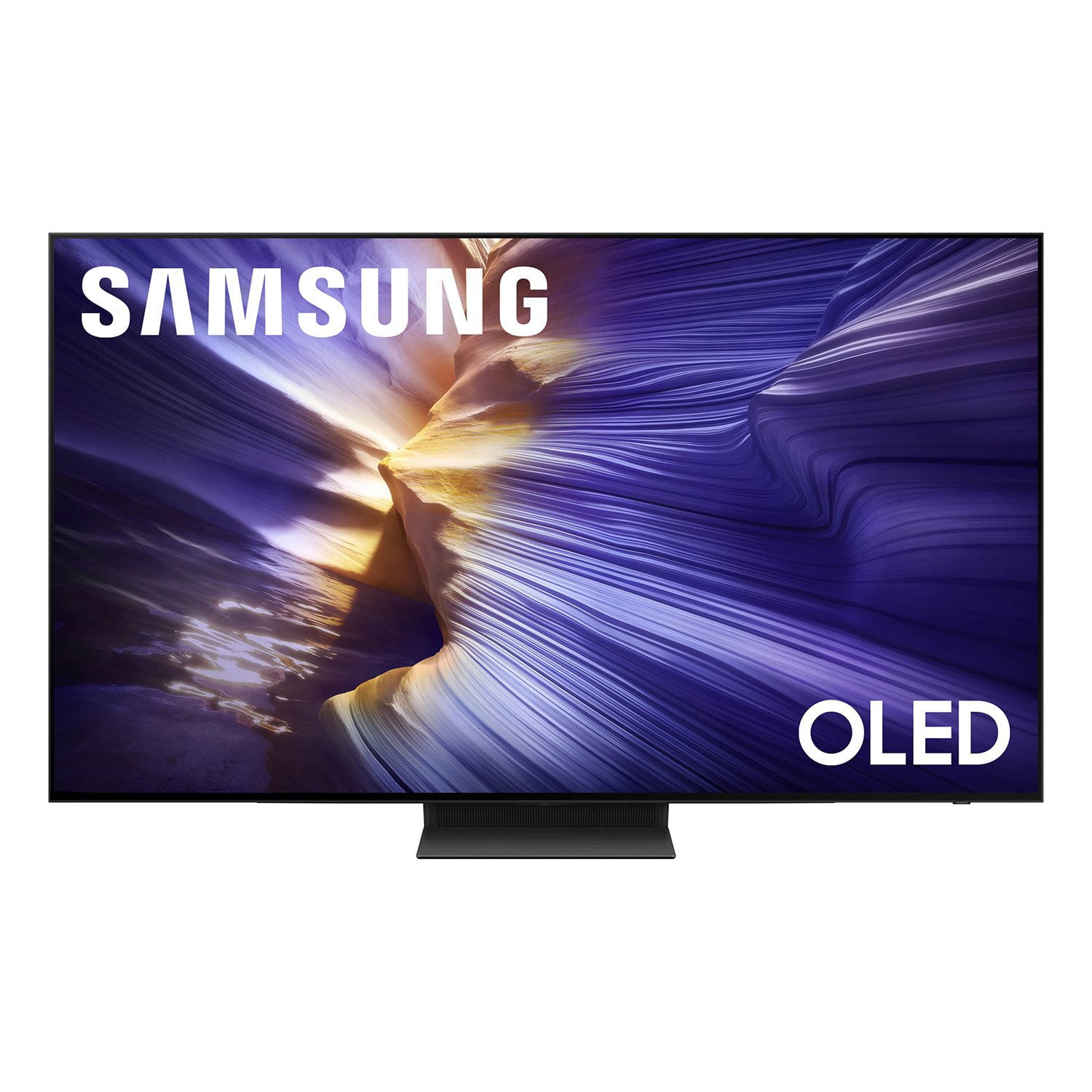
 Customer reviews for SAMSUNG 83” Class S90FD Series 4K OLED Smart TV for
Member photos

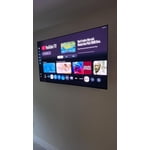
 +676 images
S90f 65"
[This review was collected as part of a promotion.] Outstanding picture all around. Easy adjustments to all picture settings. Brightness galore and smooth. The sharpness gives picture crisp look.
Great Picture Quality and UI
[This review was collected as part of a promotion.] I love this TV's picture quality. Watching movies on it is a treat. I see colors that I never saw before in any display before. Also the UI is clean and fast. Best purchase ✌️
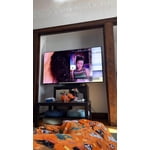
I love the tv
[This review was collected as part of a promotion.] I love how bright and colorful the TV is and I like how my games look so much better I recommend people spending a bit more money on the OLED tvs
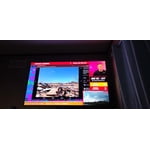
Incredible Picture and Sleek Design,
[This review was collected as part of a promotion.] I recently upgraded to Samsung's 55-inch OLED TV, and I couldn't be happier with the decision. The picture quality is absolutely stunning—sharp, vibrant, and deep in contrast. Watching movies or sports feels immersive, with true blacks and vivid colors that pop without being overdone. Whether you're streaming 4K content or watching standard cable, the upscaling and clarity are impressive. Samsung's updated user interface is another win. It's faster, more intuitive, and cleaner than previous versions. Navigating between apps, inputs, and settings feels much smoother and less cluttered. You can tell a lot of thought went into refining the smart experience. And let's talk about the remote—finally, something simple! It's sleek, minimal, and gets rid of all the unnecessary buttons. It's easy to use without constantly looking down or fumbling through commands. Plus, the solar charging feature is a great bonus—no more scrambling for batteries. Overall, this TV feels like a premium upgrade across the board. If you're on the fence, I highly recommend it.
The best mid range OLED on the market by FAR
This TV. Is amazing …. A huge step up from the s90c …. The processor is huge step up I don't think I have seen this big of an upgrade from a processor of a 2 year old tv from any tv I have owned …. I had all types of issues with motion and flickering with my s90c that is all gone now … the brightness is another huge step up and I recently owned the lg g4 for a short period and rivals that brightness …. I don't like the matte screen or I would have gotten the s95f but this QD-OLED is amazing
Hi Dubb, Thank you for your review! We’re thrilled to hear OLED HDR+ is elevating your viewing experience on the S90F OLED. With the power of the NQ4 AI Gen2 processor and self-illuminating pixels, every scene is enhanced with brighter highlights, deeper contrast, and remarkable detail. We appreciate you choosing Samsung. For help with settings, features, or anything else, feel free to contact Samsung Support at 1-800-SAMSUNG - open daily from 8 AM to 12 AM EST. You can also visit our website and click the “Support” tab to: • Start a LiveChat • Download manuals or check warranty info • Register your product to unlock support, promos, and more ~ Samsung Specialist
Very Disappointed
Bought this TV a week ago. Picture and screen is good but everything else not so good. 1. No native media player to play media files from local network 2. No free app to perform media player tasks 3. No app to support older TABLO devices 4. Audio output is either TV or external speakers. Cannot play together 5. Tiny remote has poor functionality. No direct buttons to setup or programmable features. 6. Remote control does not work as universal remote for most of my devices. 7. Could not rename external devices (sources) unless Samsung recognize it from its list. 8. Split screen (multi view) could not watch two TV channels like ABC and NBC. I gave 2 stars for the display only but could not give more for TIZAN OS
ChrisB, We appreciate you sharing your thoughts on Samsung's S90F. Please note the following: - While 2025 Samsung TVs do not have built-in media players, if you wish to play files from your NAS/PC, we recommend using a USB drive or a dedicated streaming device that supports network sources. Alternatively, you could set up a Plex/Emby server on your network and use a compatible app or casting method to display on the TV. - To watch live or recorded content from an older Tablo DVR, you can use an external streaming device with the Tablo app. - Q-Symphony allows sound from TV speakers and compatible Samsung Q- or S-Series Soundbars simultaneously. The HW-S800D (Black) or HW-S801D (White) Soundbar would be a great addition to Samsung's S90F TV. With 3.1.2 Channel audio, built-in Wireless Dolby Atmos, and Adaptive Sound, your audio is analyzed in real time to pull out the most important audio based on the type of content. - While the Solar Cell Remote may appear minimal, many buttons offer multiple or long-press functions to help simplify the design without sacrificing functionality. For example: • Settings/Number/Color: Allows you to easily access your TV's Quick Settings and input channel numbers. • Volume rocker: Push up/down to adjust volume. Press and release quickly to mute. • Long-press Volume button: Hold for more than 1 second to open Accessibility Shortcuts. • RETURN button: Press to go back to the previous menu or screen. While watching TV, it takes you back to the previous channel. These functions allow for a more streamlined experience without adding extra buttons. Learn TV Remote is a feature designed to help users become familiar with the layout and function of each button on the Samsung remote. When enabled, pressing any button (except the Power button, which will still turn off the TV) will prompt the TV to announce the button’s name and its purpose – without affecting TV operation. This teaching mode is especially useful for users who are visually impaired or new to Samsung remotes. To enable this feature, go to: Settings > All Settings > General & Privacy > Accessibility > Learn TV Remote. To exit, simply press the Return key twice. - The remote can also be setup as universal. You can also rename external sources. For setup, please refer to the 2 links below (reference pages 19 & 31 of the User Guide): 1. https://www.samsung.com/us/support/answer/ANS00089902/ 2. https://downloadcenter.samsung.com/content/UM/202505/20250518034749001/BN81-27185A-170_EUG_ROPATSCF_NA_ENG-US_250226.0.pdf We hope this helps! If you need more assistance or have questions, please don't hesitate to reach us at 1-800-SAMSUNG, 8AM - 12AM EST, 7 days a week. LiveChat with an agent as well as manuals, software, and warranty info can be found at the ‘Support’ link on our Samsung website. ~ Samsung Specialist
Best TV purchase
[This review was collected as part of a promotion.] I've been wondering about upgrading my TV for the last few years. My previous TV purchase was almost 15 years ago, when TVs were starting to come out with HDMI. So, this year I decided that it's time to upgrade. I did a lot of research, watched, and read the expert reviews. I narrowed down my choices to Samsung, LG, and Sony. I am glad I went with Samsung. The S90F 55-inch uses a QD-OLED panel, which is truly a joy to watch TV and play on PS5, and its innovative features are very user-friendly.
Amazing Samsung TV Review
[This review was collected as part of a promotion.] I recently got a Samsung TV, and I'm seriously impressed. The picture quality is stunning super sharp, vibrant colors, and deep blacks, especially with their QLED and OLED models. The smart features are easy to use, and it connects quickly to all my streaming apps. The sound is pretty good too, but I paired it with a soundbar for an even better experience. Overall, it's a sleek, high-performing TV that's totally worth it.
Accurate Colors, Bright | Needs Thicker Coating
This is an excellent tv, with accurate color reproduction and detail. I'm a professional artist and find it to be the best I've seen. It is very bright, and I often don't need it at full brightness. I'm very impressed. The OS is also snappy. I do have a few notes. Other than the wonderful image quality, I'd recommended the following updates: 1. Allow users to create multiple copies of 'filmmaker mode' or any mode, 2. Allow for infinite screen zooming out on all occasions and apps (currently it supports zooming in, but not out) and only on some apps), 3. Allow the doc of apps to be fixed st the bottom vs. the whole page moving each time on Tizen, 4. The antiglare screen coating is VERY thin, and was removed in one area during gentle cleaning with a microfiber. Please use a more robust coating method AND tell customers that it can barely be touched, like the coatings in lenses; it was VERY fragile. Other than that, this tv is excellent. I was concerned about OLEDS being too dark, but it's so bright and accurate. My goodness. It's not over saturated. It's very natural and well-balanced. This is the best tv I've seen. The viewing Angel is so wide it always looks perfect. Thank you!!!
Best OLED TV of 2025
[This review was collected as part of a promotion.] I would just like to say how amazing this tv is. I literally upgraded from a 10 year old first Gen samsung smart tv and oh my god the difference is night an day. Quite literally, the amazing QDOLED display on this tv gives it the most perfect inky blacks I've ever seen! I also just love the 40W sound system, and when paired with my Q-series sound bar I can take advantage of the new Q-Symphony technology and transform my living room into my very own movie theater! I also love gaming, whether it be through the integrated Samung Gaming Hub or through my game console, taking advantage of the 144hz and Freesync Premium that the tv has to offer is just the cherry on top. Stutter free, buttery smooth gameplay all from my tv. Truly the most revolutionary piece of tech I've purchased.
