Skip to Main Content
Sam's Club
Sam's Club
All Departments
All Services
Customer reviews for SAMSUNG 83” Class S90FD Series 4K OLED Smart TV for
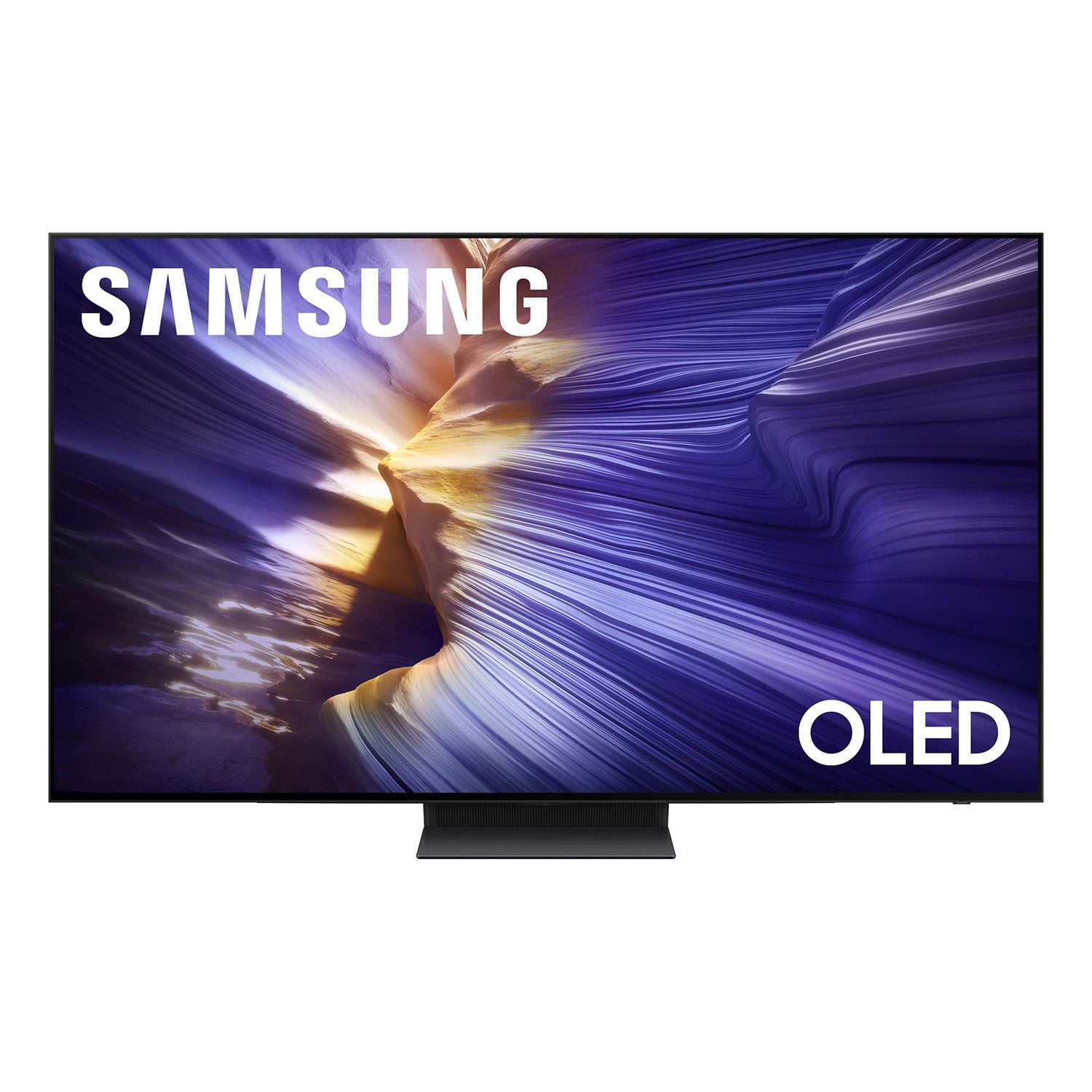
SAMSUNG 83” Class S90FD Series 4K OLED Smart TV
4.7 out of 5 stars
stars
2,127 ratings2,127 reviews
  1. 5 stars80% (1,693)
  2. 4 stars13% (282)
  3. 3 stars3% (74)
  4. 2 stars2% (43)
  5. 1 star2% (35)

Member photos

  • +808 images
Sort by |
Showing 1,371-1,380 of 2,127 reviews
Aug 6, 2026
Reviewer name: Sid1
5 out of 5 stars
5 out of 5 stars review

Best TV we've ever owned
[This review was collected as part of a promotion.] Great image - wall to wall. Super blacks Very happy with my Samsung

Review from Samsung US
Helpful?3D37GPZDAAT215584057195
Aug 5, 2026
Reviewer name: Jerry
4 out of 5 stars
4 out of 5 stars review

Great tv

[This review was collected as part of a promotion.] Great tv. My only issue is the confusing home screen

Review from Samsung US
Helpful?3D37GPZDAAT215584057195
Aug 20, 2026
Reviewer name: JAC TX
5 out of 5 stars
5 out of 5 stars review

Great quality

[This review was collected as part of a promotion.] The picture is incredible. I don't even need a sound bar as the quality is quite good.

Review from Samsung US
Helpful?3D37GPZDAAT215584057195
Aug 20, 2026
Reviewer name: Bleu
5 out of 5 stars
5 out of 5 stars review

Very pleased

[This review was collected as part of a promotion.] Really enjoying our tv. The picture is great and enjoyable

Review from Samsung US
Helpful?3D37GPZDAAT215584057195
Aug 5, 2026
Reviewer name: Lady_Steuck
5 out of 5 stars
5 out of 5 stars review

Amazing!

[This review was collected as part of a promotion.] It's definitely an upgrade. The brightness and responsiveness is top tier!

Review from Samsung US
Helpful?3D37GPZDAAT215584057195
Aug 20, 2026
Reviewer name: crittermom
5 out of 5 stars
5 out of 5 stars review

Great features, great picture, great connectivity

[This review was collected as part of a promotion.] The picture is beautiful, connects quickly to the internet. Glad we purchased this TV.

Review from Samsung US
Helpful?3D37GPZDAAT215584057195
Aug 21, 2026
Reviewer name: Morales
4 out of 5 stars
4 out of 5 stars review

Remote button to small

[This review was collected as part of a promotion.] The remote buttons are to small and to close together not happy with it tv is fine not remote

Review from Samsung US
Helpful?3D37GPZDAAT215584057195
Aug 5, 2026
Reviewer name: Kpel
5 out of 5 stars
5 out of 5 stars review

Great tv

[This review was collected as part of a promotion.] Absolutely love this TV. Great picture! Samsung it a home run with this tv.

Review from Samsung US
Helpful?3D37GPZDAAT215584057195
Aug 20, 2026
Reviewer name: ygr135
5 out of 5 stars
5 out of 5 stars review

Love it

[This review was collected as part of a promotion.] Nice size, very bright, colors are super good. Definitely. Recommend. It

Review from Samsung US
Helpful?3D37GPZDAAT215584057195
Aug 5, 2026
Reviewer name: 77tnt
3 out of 5 stars
3 out of 5 stars review

Poor setup instructions

[This review was collected as part of a promotion.] The instructions for setup are pictorial and very minimal. Same for the remote control.

Review from Samsung US
Helpful?3D37GPZDAAT215584057195
reply from Samsung Specialist

We appreciate you sharing your experience. To help you get the most from your TV and remote functions, you can download the full e-Manual and more by visiting Samsung’s website then navigating to: Support > Manual & Software > TVs & Home Theater. From there, you can search for and select your TV model to view or download the available guides. The e-Manual & Remote Control Guide are also conveniently built into your TV: Settings > Support > Tips and User Guides. For additional guidance, your TV also includes Accessibility features designed to assist with navigation and remote use. • Learn Menu Screen provides audio guidance for on-screen menus by announcing the name and function of each item as you scroll – without making any changes. This is especially helpful for users who are visually impaired or new to Smart TV menus. Enable via: Settings > All Settings > General & Privacy > Accessibility > Learn Menu Screen. To exit, press the Return key twice. • Learn TV Remote helps users become familiar with the layout and function of each button on the Samsung remote. Pressing a button (other than Power) will prompt the TV to announce its name and purpose, again without affecting TV operation. Enable via: Settings > All Settings > General & Privacy > Accessibility > Learn TV Remote. To exit, press the Return key twice. If you’d like more assistance with these features, please reach Samsung Support at 1-800-SAMSUNG (8AM – 9PM EST Mon – Fri, 8AM – 6PM Sat – Sun). LiveChat agents are also available through the ‘Support’ link on our website. ~ Samsung Specialist