Join Now
Skip to Main Content
Sam's Club
Sam's Club
All Departments
All Services
Customer reviews for SAMSUNG 83” Class S90FD Series 4K OLED Smart TV for
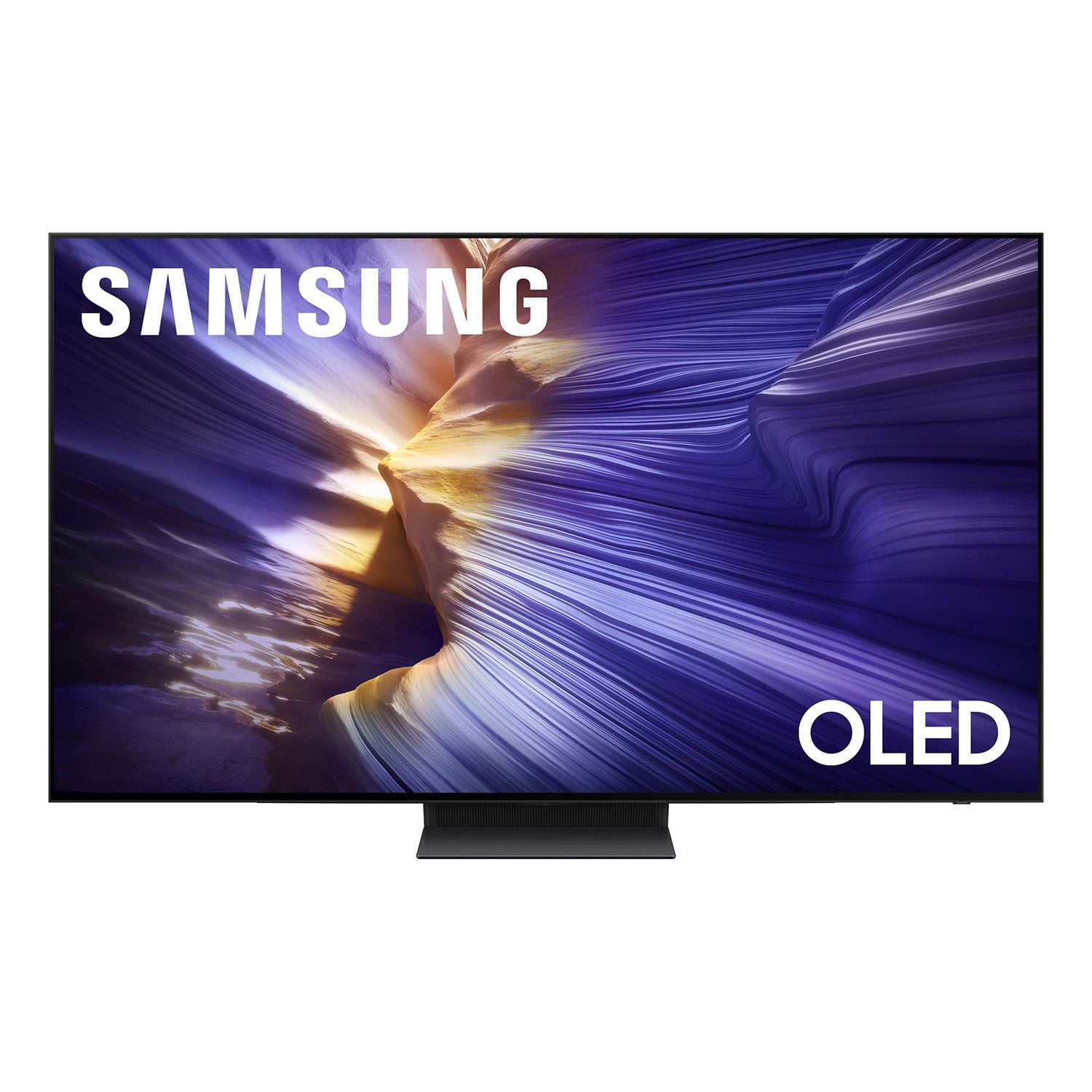
SAMSUNG 83” Class S90FD Series 4K OLED Smart TV
4.7 out of 5 stars
stars
2,127 ratings2,127 reviews
  1. 5 stars80% (1,693)
  2. 4 stars13% (282)
  3. 3 stars3% (74)
  4. 2 stars2% (43)
  5. 1 star2% (35)

Member photos

  • +808 images
Sort by |
Showing 1,111-1,120 of 2,127 reviews
Jul 5, 2026
Reviewer name: Paul
5 out of 5 stars
5 out of 5 stars review

Great Value OLED TV

[This review was collected as part of a promotion.] This Samsung OLED TV has a great picture, and was a great value compared to other premium TV's. I am using cable and it works well,items in the setup.

Review from Samsung US
Helpful?3D37GPZDAAT215584057195
Jul 20, 2026
Reviewer name: Ahyltonnj
5 out of 5 stars
5 out of 5 stars review

Great picture and features
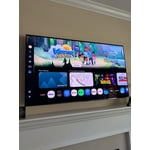
[This review was collected as part of a promotion.] The TV works great. We love the TV in the crisp color and the we have had no issues with the TV whatsoever would highly recommend a TV for those who are purchasing a nice OLED TV

Review from Samsung US
Helpful?3D37GPZDAAT215584057195
Jun 20, 2026
Reviewer name: Danny
5 out of 5 stars
5 out of 5 stars review

Samsung is outstanding!!

[This review was collected as part of a promotion.] Just purchased a 65 inch Samsung Smart TV. Picture is very sharp and brightness is great! Overall I'd say the TV is awesome. I can't wait to use all the features and get the sound bar set up!

Review from Samsung US
Helpful?3D37GPZDAAT215584057195
May 11, 2026
Reviewer name: Causie
5 out of 5 stars
5 out of 5 stars review

Matching

[This review was collected as part of a promotion.] I had the 77 in BF in the living room and I decided I like the picture so much I wanted one in the bedroom same model the picture is the best

Review from Samsung US
Helpful?3D37GPZDAAT215584057195
Jun 5, 2026
Reviewer name: Dustymom
5 out of 5 stars
5 out of 5 stars review

Great sound and color

[This review was collected as part of a promotion.] I love the color and the sound, it's a great viewing experience. A great buy. I would recommend this tv to everyone.

Review from Samsung US
Helpful?3D37GPZDAAT215584057195
Jul 20, 2026
Reviewer name: RsN1
4 out of 5 stars
4 out of 5 stars review

Samsung TVs

[This review was collected as part of a promotion.] We are enjoying our new Samsung TVs. The brightness and colors are great. Only downside is we cannot add local apps.

Review from Samsung US
Helpful?3D37GPZDAAT215584057195
May 23, 2026
Reviewer name: LoneTier
5 out of 5 stars
5 out of 5 stars review

Brightness, and gaming mode

[This review was collected as part of a promotion.] The c t v is really nice. The dark colors are darker and the bright colors are brighter. I love the gaming mode too

Review from Samsung US
Helpful?3D37GPZDAAT215584057195
May 25, 2026
Reviewer name: Blinging96
3 out of 5 stars
3 out of 5 stars review

Excellent TV for the price

[This review was collected as part of a promotion.] The picture is great the issue I have is deleting the apps is not very user friendly. I feel this TV would be better if it had a cursor to navigate through the apps you want or the channels.

Review from Samsung US
Helpful?3D37GPZDAAT215584057195
reply from Samsung Specialist

Blinging96, Thank you for sharing your feedback with us. To help you get the most from your TV, you can download the full e-Manual and more by visiting Samsung’s website, then navigating to: Support > Manual & Software > TVs & Home Theater. From there, you can search for and select your S90F TV model to view or download the available guides. The e-Manual & User Guide are also conveniently built into your TV: Settings > Support > Tips and User Guides. Your TV includes Learn Menu Screen, an accessibility feature that provides audio guidance for on-screen menus. When enabled, your TV will announce the name and function of each menu item as you scroll, without making any changes. This feature is particularly helpful for users who are visually impaired or new to Smart TV menus. To enable, go to: Settings > All Settings > General & Privacy > Accessibility > Learn Menu Screen. To exit, press the Return key twice. If you’d like more assistance with this feature, please reach Samsung Support at 1-800-SAMSUNG (8AM – 9PM EST Mon – Fri, 8AM – 6PM Sat – Sun). LiveChat agents are also available through the ‘Support’ link on our website. ~ Samsung Specialist

Apr 20, 2026
Reviewer name: Mike
5 out of 5 stars
5 out of 5 stars review

Great TV

[This review was collected as part of a promotion.] it's been a great TV and I have no issues with it. Everything works as intended and the quality is absolutely amazing.

Review from Samsung US
Helpful?3D37GPZDAAT215584057195
Jun 1, 2026
Reviewer name: Samsung Day one
5 out of 5 stars
5 out of 5 stars review

Exceptional

[This review was collected as part of a promotion.] I'll keep this review simple. Quality 10/10 Technology 10/10 Picture 10/10 Viewing angles 10/10 PRICE 10/10 If you've ever been curious about OLED and looking to upgrade, this is now the time!

Review from Samsung US
Helpful?3D37GPZDAAT215584057195