Join Now
Skip to Main Content
Sam's Club
Sam's Club
All Departments
All Services
Customer reviews for SAMSUNG 83” Class S90FD Series 4K OLED Smart TV for
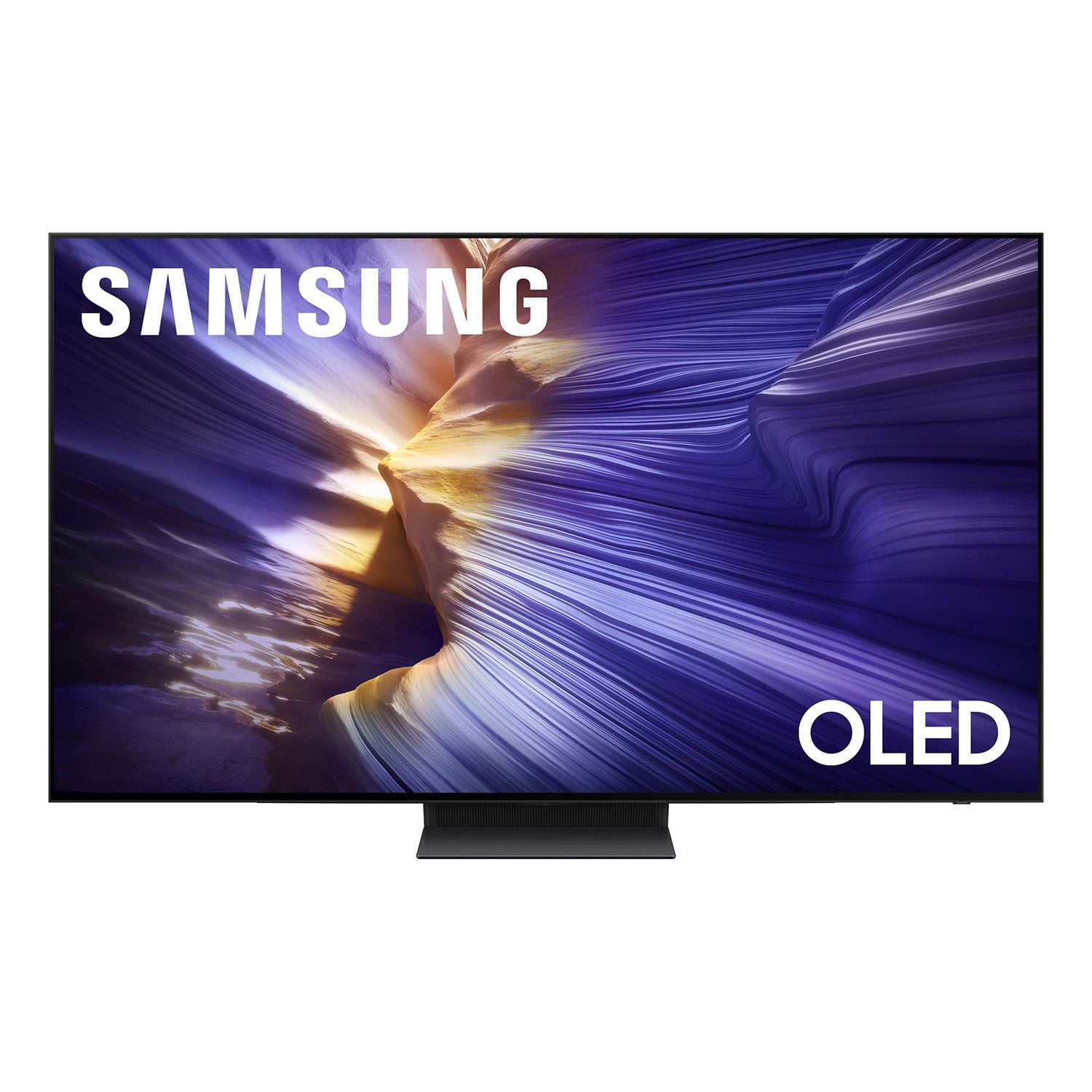
SAMSUNG 83” Class S90FD Series 4K OLED Smart TV
4.7 out of 5 stars
stars
2,127 ratings2,127 reviews
  1. 5 stars80% (1,693)
  2. 4 stars13% (282)
  3. 3 stars3% (74)
  4. 2 stars2% (43)
  5. 1 star2% (35)

Member photos

  • +808 images
Sort by |
Showing 1,021-1,030 of 2,127 reviews
Jun 20, 2026
Reviewer name: Mario
5 out of 5 stars
5 out of 5 stars review

Nice view

[This review was collected as part of a promotion.] Very good quality and easy to set , come with free channels, ones you install your apps and make your on adjusted no other setting is required, just use your control .

Review from Samsung US
Helpful?3D37GPZDAAT215584057195
Jul 24, 2026
Reviewer name: Mark
5 out of 5 stars
5 out of 5 stars review

Larger remote control

[This review was collected as part of a promotion.] Picture is great as well as all available channels Remote control could be larger to make it easier to use

Review from Samsung US
Helpful?3D37GPZDAAT215584057195
May 20, 2026
Reviewer name: SixG
5 out of 5 stars
5 out of 5 stars review

Gaming is great.

[This review was collected as part of a promotion.] The clarity and use of the gaming mode is very cool. Motion during heavy fight scenes with no blur or slowness.

Review from Samsung US
Helpful?3D37GPZDAAT215584057195
Jun 29, 2026
Reviewer name: Jciara33
5 out of 5 stars
5 out of 5 stars review

Crisp

[This review was collected as part of a promotion.] Nice bright and crisp picture. I have upgraded with a sound bar and surround sound, but the speakers in the TV are of good quality. Over all im highly pleased with this tv

Review from Samsung US
Helpful?3D37GPZDAAT215584057195
Jun 5, 2026
Reviewer name: none
5 out of 5 stars
5 out of 5 stars review

Great picture.

[This review was collected as part of a promotion.] Great, bright picture. The sound is good alone, but I did buy a sound bar, a Samsung Sound Bar, period. There is one problem I noticed: when the TV about 20 seconds.

Review from Samsung US
Helpful?3D37GPZDAAT215584057195
May 11, 2026
Reviewer name: Misery
5 out of 5 stars
5 out of 5 stars review

Love it

[This review was collected as part of a promotion.] Refreshbrate brightness and color difference are fantastic. I dont understand what to took me so long to purchase a new TV. Also the way it syncs to phone and makes everything a bit simpler.

Review from Samsung US
Helpful?3D37GPZDAAT215584057195
Jun 25, 2026
Reviewer name: Coonrod
5 out of 5 stars
5 out of 5 stars review

Samsung 65"

[This review was collected as part of a promotion.] Have had for about three weeks and am very happy with its picture and audio without a sound bar.Replacing an 11-year-old Vizio \, Technology has certainly improved

Review from Samsung US
Helpful?3D37GPZDAAT215584057195
Jun 9, 2026
Reviewer name: MaritzaE
5 out of 5 stars
5 out of 5 stars review

Great Features

[This review was collected as part of a promotion.] We are delighted with the television. The picture quality, colors, design, and many other features are excellent. We recommend it without hesitation.

Review from Samsung US
Helpful?3D37GPZDAAT215584057195
May 25, 2026
Reviewer name: Blinging96
3 out of 5 stars
3 out of 5 stars review

Excellent TV for the price

[This review was collected as part of a promotion.] The picture is great the issue I have is deleting the apps is not very user friendly. I feel this TV would be better if it had a cursor to navigate through the apps you want or the channels.

Review from Samsung US
Helpful?3D37GPZDAAT215584057195
reply from Samsung Specialist

Blinging96, Thank you for sharing your feedback with us. To help you get the most from your TV, you can download the full e-Manual and more by visiting Samsung’s website, then navigating to: Support > Manual & Software > TVs & Home Theater. From there, you can search for and select your S90F TV model to view or download the available guides. The e-Manual & User Guide are also conveniently built into your TV: Settings > Support > Tips and User Guides. Your TV includes Learn Menu Screen, an accessibility feature that provides audio guidance for on-screen menus. When enabled, your TV will announce the name and function of each menu item as you scroll, without making any changes. This feature is particularly helpful for users who are visually impaired or new to Smart TV menus. To enable, go to: Settings > All Settings > General & Privacy > Accessibility > Learn Menu Screen. To exit, press the Return key twice. If you’d like more assistance with this feature, please reach Samsung Support at 1-800-SAMSUNG (8AM – 9PM EST Mon – Fri, 8AM – 6PM Sat – Sun). LiveChat agents are also available through the ‘Support’ link on our website. ~ Samsung Specialist

Apr 20, 2026
Reviewer name: Jbad55
5 out of 5 stars
5 out of 5 stars review

Great color, brightness and contrast

[This review was collected as part of a promotion.] The delivery was good and so far I dont have any problems Very nice television smoothness, sharpness resolution, contrast and brightness are the best i have ever seen

Review from Samsung US
Helpful?3D37GPZDAAT215584057195