I wish I'd never bought this TV!
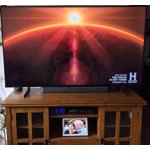
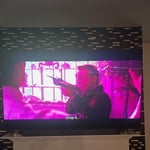
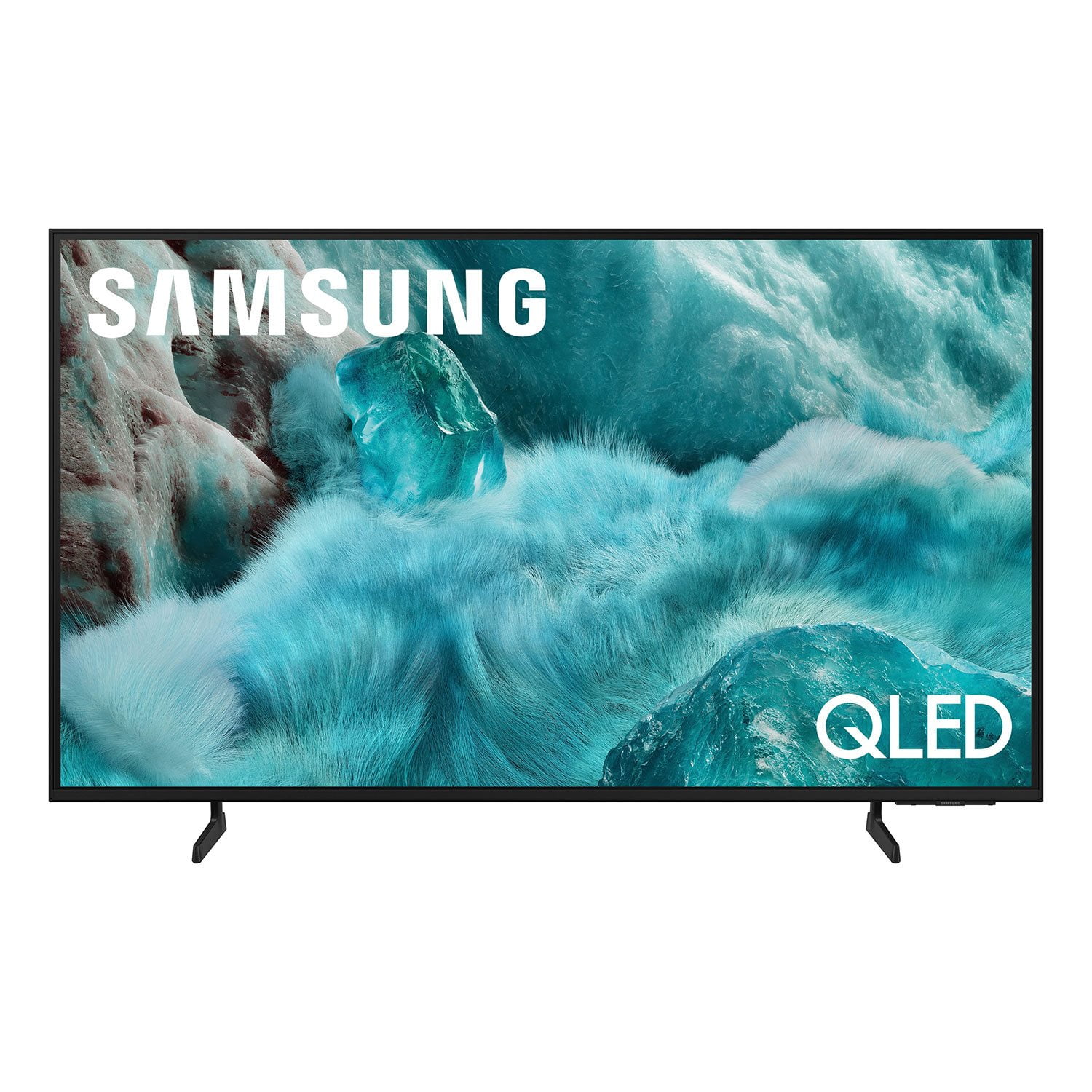
I truly wish I had never bought this TV. Although it has an excellent picture and vivid colors, this Tizen operating system is terrible. I thought a Roku OS was bad but this Tizen OS is far worse and glitchy. If you backup or forward too often or cover too much time, the system will lock up or simply move backward and forward in a glitchy movement over the entire time of the program. Then I have to turn off the TV and unplug it for a few minutes to get it reset! It is maddening!! Add to that a virtually worthless remote and you have a truly exasperating combination that could have been designed by a masochist and sadist working together. I actually had to buy a Samsung universal remote to use until I could decipher some of this useless remote! The only redeeming item on the remote is a solar recharging window. No numbers at all, so in order to go to a channel, you must scroll through all of the other channels, over thee hundred on the Samsung listings! And it's even worse on subscription channels! Nope, even with the excellent picture and vivid colors, I wish I'd never bought it.
reply from Samsung
Buck,<br /><br />We appreciate your feedback regarding response time. For optimal performance, please ensure your TV is running the latest firmware. You can check this by going to: Home > left directional key > Settings > Support > Software Update<br /><br />To further optimize performance, try running Device Care, which checks memory, clears unused cached data, and closes background apps: Home > left directional key > Settings > Support > Device Care > Start Device Care<br /><br />To help you get the most from your TV and remote functions, you can download the full e-Manual and more by visiting Samsung’s website then navigating to: Support > Manual & Software > TVs & Home Theater. From there, you can search for and select your Q7FD TV model to view or download the available guides.<br /><br />The e-Manual & Remote Control Guide are also conveniently built into your TV: Settings > Support > Tips and User Guides<br /><br />Learn TV Remote is another feature designed to help users become familiar with the layout and function of each button on the Samsung remote. When enabled, pressing any button (except the Power button, which will still turn off the TV) will prompt the TV to announce the button’s name and its purpose – without affecting TV operation.<br /><br />This teaching mode is especially useful for users who are visually impaired or new to Samsung remotes. To enable this feature, go to: Settings > All Settings > General & Privacy > Accessibility > Learn TV Remote. To exit, simply press the Return key twice.<br /><br />If you’d like more assistance with this feature, please reach Samsung Support at 1-800-SAMSUNG, available 8AM – 12AM EST, 7 days a week. LiveChat agents are also available through the ‘Support’ link on our website.<br /><br />~ Samsung Specialist