Skip to Main Content
Sams Club
Sams Club
Customer reviews for SAMSUNG 65" Class Q7FD Series 4K QLED Smart TV for
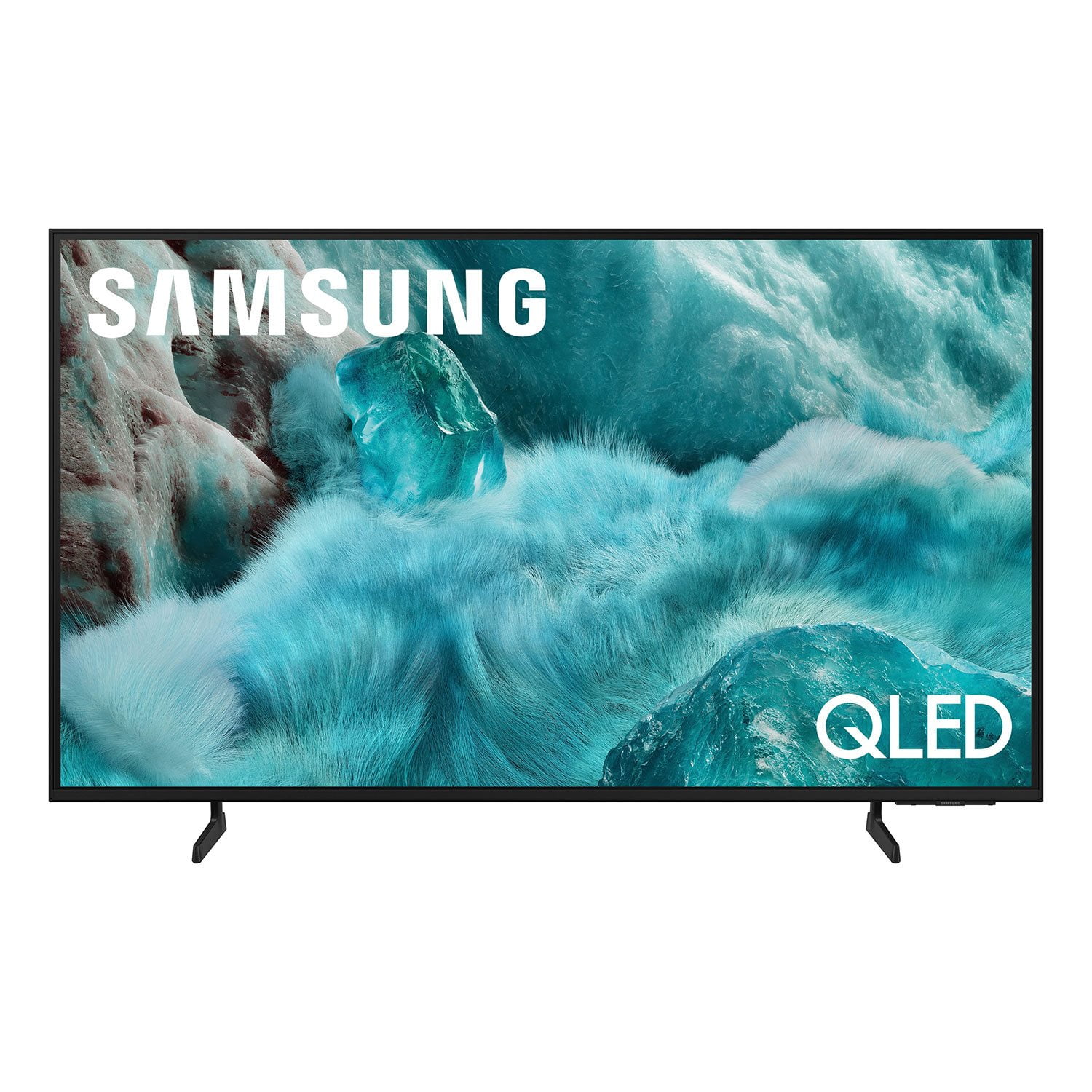
SAMSUNG 65" Class Q7FD Series 4K QLED Smart TV
4.7 out of 5 stars
stars1,830 ratings1,768 reviews
  1. 5 stars81% (1,491)
  2. 4 stars13% (246)
  3. 3 stars3% (48)
  4. 2 stars1% (14)
  5. 1 star2% (31)
Write a review

Customer photos

  • +531 images
Sort by |
Showing 1,181-1,190 of 1,768 reviews
Feb 5, 2026
Patty Jo
5 out of 5 stars review

Features

[This review was collected as part of a promotion.] Great picture, very clear life like, lets you become part of show

Review from Samsung US
Helpful?1EU281TBRNQA15567708318
Feb 17, 2026
Donny
5 out of 5 stars review

Great TV

[This review was collected as part of a promotion.] I love my new TV the clarity pollution color is amazing .

Review from Samsung US
Helpful?1EU281TBRNQA15567708318
Feb 17, 2026
Anonymous
5 out of 5 stars review

Great Features!

[This review was collected as part of a promotion.] Good. High definition. Lasted a long time. Still use it to this day.

Review from Samsung US
Helpful?1EU281TBRNQA15567708318
Feb 12, 2026
Desertsnake
3 out of 5 stars review

Bleeding edge

[This review was collected as part of a promotion.] The TV has a lot of bleeding light around the edge of the TV.

Review from Samsung US
Helpful?1EU281TBRNQA15567708318
reply from Samsung Specialist

Desertsnake, We appreciate your feedback on the picture quality of Samsung’s Q7FD TV. If the image doesn’t quite match your preferences, there are several adjustments you can make to better suit your viewing environment and content type. First, please ensure your TV is running the latest firmware, as updates may include important picture quality enhancements. Go to: Home > Left directional button > Settings > Support > Software Update > Update Now To explore picture mode options, navigate to: Home > Left directional button > Settings > All Settings > Picture > Picture Mode. Options include: • Standard – Ideal for general viewing • Dynamic – Brighter and more vibrant for well-lit spaces • Eco – Optimized for energy efficiency • Movie – Best for viewing in low light • Filmmaker Mode – Preserves the content creator’s intent and disables motion smoothing for supported content You can further customize your image by going to: Settings > All Settings > Picture > Expert Settings, where you can adjust Brightness, Contrast, Color Tone, Sharpness, Contrast Enhancer and more. If you’d like help finding the best picture settings for your preferences, please don’t hesitate to contact Samsung Support at 1-800-SAMSUNG, available 8AM – 12AM EST, 7 days a week. You can also LiveChat with an agent or explore additional resources on our website by clicking the ‘Support’ link. ~ Samsung Specialist

Feb 17, 2026
LoverOfTech
5 out of 5 stars review

A tv you need to own.

[This review was collected as part of a promotion.] The picture is so crisp, the color beautiful, the refresh rate near perfect.

Review from Samsung US
Helpful?1EU281TBRNQA15567708318
Feb 17, 2026
Hhuullii00
5 out of 5 stars review

Love my Samsung tv. Im a loyal customer

[This review was collected as part of a promotion.] Easy to use. Runs smooth. I love the interface and resolution

Review from Samsung US
Helpful?1EU281TBRNQA15567708318
Feb 6, 2026
Michele
5 out of 5 stars review

Free tv

[This review was collected as part of a promotion.] It 's great but I have not taken it out of the box yet

Review from Samsung US
Helpful?1EU281TBRNQA15567708318
Feb 7, 2026
Anya
5 out of 5 stars review

Great feature

[This review was collected as part of a promotion.] Very satisfied with this tv . Love the way the colors look on this tv and how easy it is to use.

Review from Samsung US
Helpful?1EU281TBRNQA15567708318
Feb 18, 2026
Cello
5 out of 5 stars review

Best TV

[This review was collected as part of a promotion.] Best tv ever! Quality excellent, picture excellent

Review from Samsung US
Helpful?1EU281TBRNQA15567708318
Feb 17, 2026
Dizzel
5 out of 5 stars review

Great product

[This review was collected as part of a promotion.] Love this product easy use and great quality always on point

Review from Samsung US
Helpful?1EU281TBRNQA15567708318