Skip to Main Content
Sams Club
Sams Club
Customer reviews for SAMSUNG 65" Class Q7FD Series 4K QLED Smart TV for
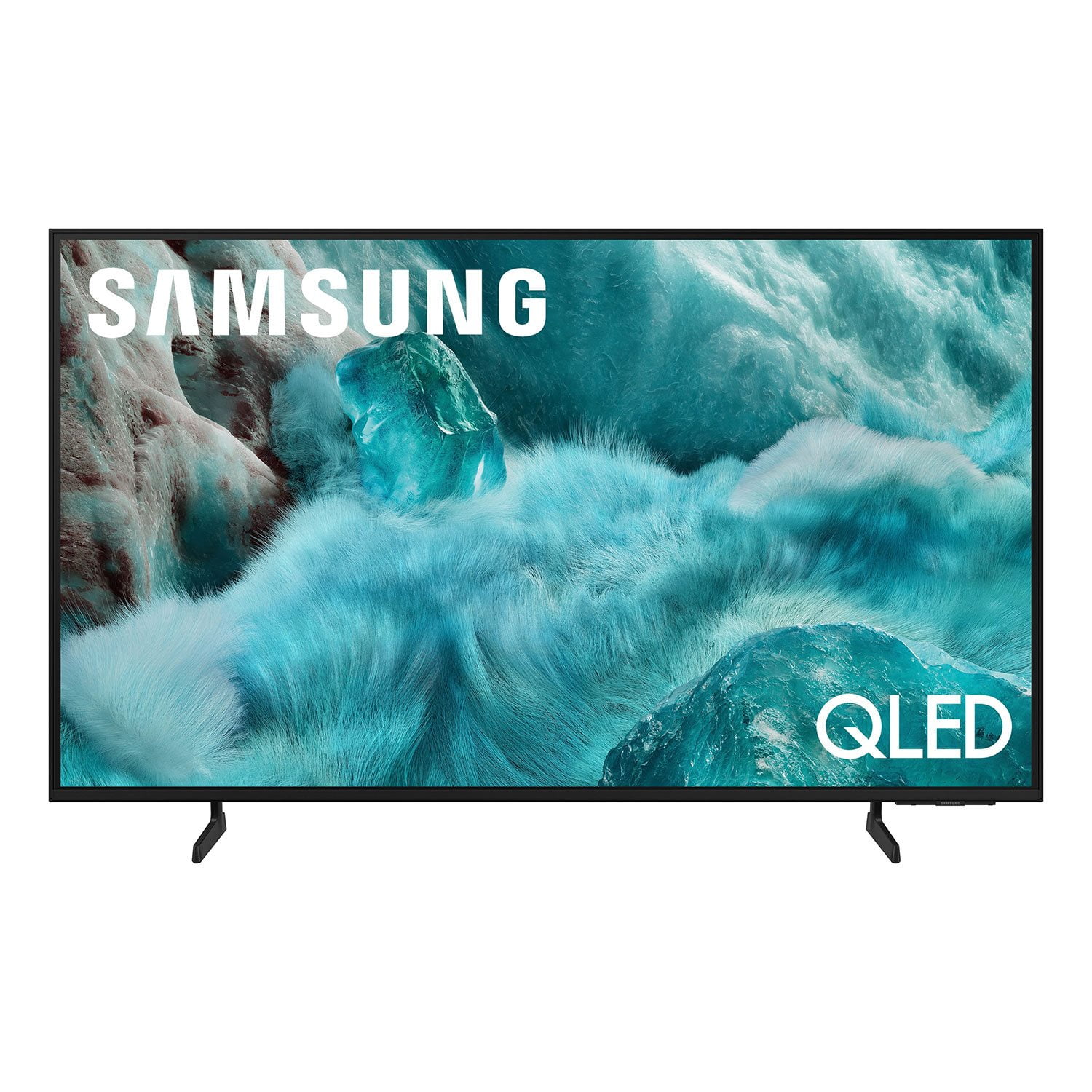
SAMSUNG 65" Class Q7FD Series 4K QLED Smart TV
4.7 out of 5 stars
stars1,830 ratings1,768 reviews
  1. 5 stars81% (1,491)
  2. 4 stars13% (246)
  3. 3 stars3% (48)
  4. 2 stars1% (14)
  5. 1 star2% (31)
Write a review

Customer photos

  • +531 images
Sort by |
Showing 1,111-1,120 of 1,768 reviews
May 17, 2025
Jayfedex
5 out of 5 stars review

Love the vibrant colors.

[This review was collected as part of a promotion.] Love my samsung tv, the picture is clear and colorful. Works great with all my video game consoles. I have a Samsung Galaxy S23 Ultra, and this tv can mirror the screen with a press of a button. If I misplace my tv remote the tv allows me to control it using the app. If I'm watching YouTube on my phone and I want to show the family a video, I can connect to the tv thru wireless network and show the video. I will never get another brand of TV.

Review from Samsung US
Helpful?1EU281TBRNQA15567708318
Jul 9, 2025
LUVSamsung
5 out of 5 stars review

My SAMSUNG TV

[This review was collected as part of a promotion.] My Samsung TVs generally offers excellent picture quality, with their Q7FD QLED 4K (2025) models delivering vibrant colors, deep blacks, and impressive brightness. Also Many models also boast advanced gaming features and a user-friendly Tizen OS, I love Samsung products, and highly recommended to everyone, it's a must have

Review from Samsung US
Helpful?1EU281TBRNQA15567708318
Sep 5, 2025
Trying
3 out of 5 stars review

Good picture, but...

[This review was collected as part of a promotion.] We set up the Samsung television, but we are unable to get the remote to change the channels. We have Comcast for our cable and the Comcast remote works well on everything except changing the volume. So we have to use both remotes to watch TV. I have been unable to pair the sound bar with the TV also. Maybe eventually it will all come together?

Review from Samsung US
Helpful?1EU281TBRNQA15567708318
reply from Samsung Specialist

Hello, Thanks for your review. To change the channel using your SolarCell Remote, locate the thin rocker button just below the Play/Pause key and above the Prime Video shortcut. Push up (^) to go up one channel or push down (v) to go to the next channel. Just below the Back button and above the Netflix hotkey, you’ll find a thin rocker-style button with a (+) on top and a (–) below. Push up on this button to raise the volume, or down to lower it. To help you get the most from your TV and remote functions, you can download the full e-Manual and more by visiting Samsung’s website then navigating to: Support > Manual & Software > TVs & Home Theater. From there, you can search for and select your TV model to view or download the available guides. The e-Manual & Remote Control Guide are also conveniently built into your TV: Settings > Support > Tips and User Guides Learn TV Remote is another feature designed to help users become familiar with the layout and function of each button on the Samsung remote. When enabled, pressing any button (except the Power button, which will still turn off the TV) will prompt the TV to announce the button’s name and its purpose – without affecting TV operation. This teaching mode is especially useful for users who are visually impaired or new to Samsung remotes. To enable this feature, go to: Settings > All Settings > General & Privacy > Accessibility > Learn TV Remote. To exit, simply press the Return key twice. If you’d like more assistance with this feature, please reach Samsung Support at 1-800-SAMSUNG, available 8AM – 12AM EST, 7 days a week. LiveChat agents are also available through the ‘Support’ link on our website. ~ Samsung Specialist

Aug 22, 2025
Clw4188
4 out of 5 stars review

65 inch 4k tv

[This review was collected as part of a promotion.] The TV has a nice picture for steaming but lags at times with fast motion. The remote is the most disappointing part of the TV. It's very slow clicking from app to apps. Volume is slow to respond. I had to buy another Samsung compatible remote that works allot better. Picture looks great for gaming but still some lag at fast motion.

Review from Samsung US
Helpful?1EU281TBRNQA15567708318
Sep 6, 2025
gotarheels
3 out of 5 stars review

Always wanted a Samsung

[This review was collected as part of a promotion.] I watch a lot of tv!! I have been extremely disappointed in the brightness of the tv. It seems all of the programs are darker than my old set. I am also not extremely happy with the tiny device to turn it on and change the channels I admit I am older, and computer illiterate,but Not everyone who buys your tv's are. I do not know how to download or upload!

Review from Samsung US
Helpful?1EU281TBRNQA15567708318
reply from Samsung Specialist

gotarheels, We’re sorry to hear you’re not fully satisfied with the picture quality on your Samsung Q7F TV. If the image appears too dark, we suggest disabling certain energy-saving features, which can automatically adjust brightness and affect how the screen looks. Go to: Settings > All Settings > General & Privacy > Power and Energy Saving, then turn off Brightness Optimization, Energy Saving Solution, Motion Lighting, and/or Contrast Enhancer. You can also adjust the Picture Mode to better suit your environment: Settings > All Settings > Picture > Picture Mode • Standard – Default mode for general viewing • Dynamic – Brighter and clearer, ideal for well-lit rooms • Movie – Best for dark room viewing • Eco – Energy-saving mode • Filmmaker Mode – Preserves content as intended by creators To fine-tune brightness, go to: Home > left directional key > Settings > All Settings > Picture > Expert Settings, then adjust the Brightness level (0–50) to your preference. Lastly, please make sure your TV is running the latest firmware: Home > Home > left directional key > Settings > Support > Software Update > Update Now We hope these tips help improve your viewing experience. If you need further support, feel free to contact us at 1-800-SAMSUNG, 8AM – 12AM EST, 7 days a week. LiveChat is also available via the ‘Support’ link on our website. ~ Samsung Specialist

Aug 30, 2025
ApparentlyJohn
5 out of 5 stars review

Couldn't be happier with my TV

[This review was collected as part of a promotion.] Picture is incredibly vibrant and crisp. Connects with my Samsung soundbar surround system wirelessly with zero latency issues. It runs any app with ease with no delays at all when starting one up. The Freesync Ultimate is a big bonus since I spend most of my time playing fast paced competitive video games and it has no trouble with fast moving pictures. Also incredible to watch football on game day.

Review from Samsung US
Helpful?1EU281TBRNQA15567708318
Aug 11, 2025
SmoothOperator
5 out of 5 stars review

Another solid product from Samsung

[This review was collected as part of a promotion.] Used mainly for streaming shows or playing video games. Samsung never disappoints with their sleek designs and highly functional utilities that work seamlessly with other Samsung devices. The picture is crisp, and the design flawlessly compliments any space that you decide to put it. If you want a smart TV that performs exactly as intended (and throws in a little extra) then this is a great option.

Review from Samsung US
Helpful?1EU281TBRNQA15567708318
Aug 22, 2025
Moviebuff
5 out of 5 stars review

We love our Samsung TV! It's picture perfect!

[This review was collected as part of a promotion.] We use our Samsung TV everyday. I love the picture quality for movies and my son loves playing his Xbox on it. The graphics are amazing. The variety of apps available is huge and they're all easy to download and use right away. We love it!

Review from Samsung US
Helpful?1EU281TBRNQA15567708318
Jun 16, 2025
Junebug87
4 out of 5 stars review

Best tv evrr

[This review was collected as part of a promotion.] I love everything about this TV from the graphics to the high-def to the sound to how movies look it looks so real and unbelievable I've never had another TV like this my kids is games are almost virtually real it's like you actually in the game the sound is so there's a whistle other than how expensive this TV was there's nothing I don't like about it I love everything about it and I'm sure this to anyone and everyone hands down best TV out there

Review from Samsung US
Helpful?1EU281TBRNQA15567708318
Jun 21, 2025
Euchreplayer
4 out of 5 stars review

Very good picture but don't use the remote

[This review was collected as part of a promotion.] I like the size I purchased. It was easy to set up. It is the remote I have issue with. Found out after 3 calls that there is nothing to be done. I can not fast forward or reverse on some of the programs I stream. It only works on some. My last phone call to Samsung the girl suggested I try the fire stick. I now use my old fire stick and not the remote that came with the TV.

Review from Samsung US
Helpful?1EU281TBRNQA15567708318