Skip to Main Content
Sam's Club
Sam's Club
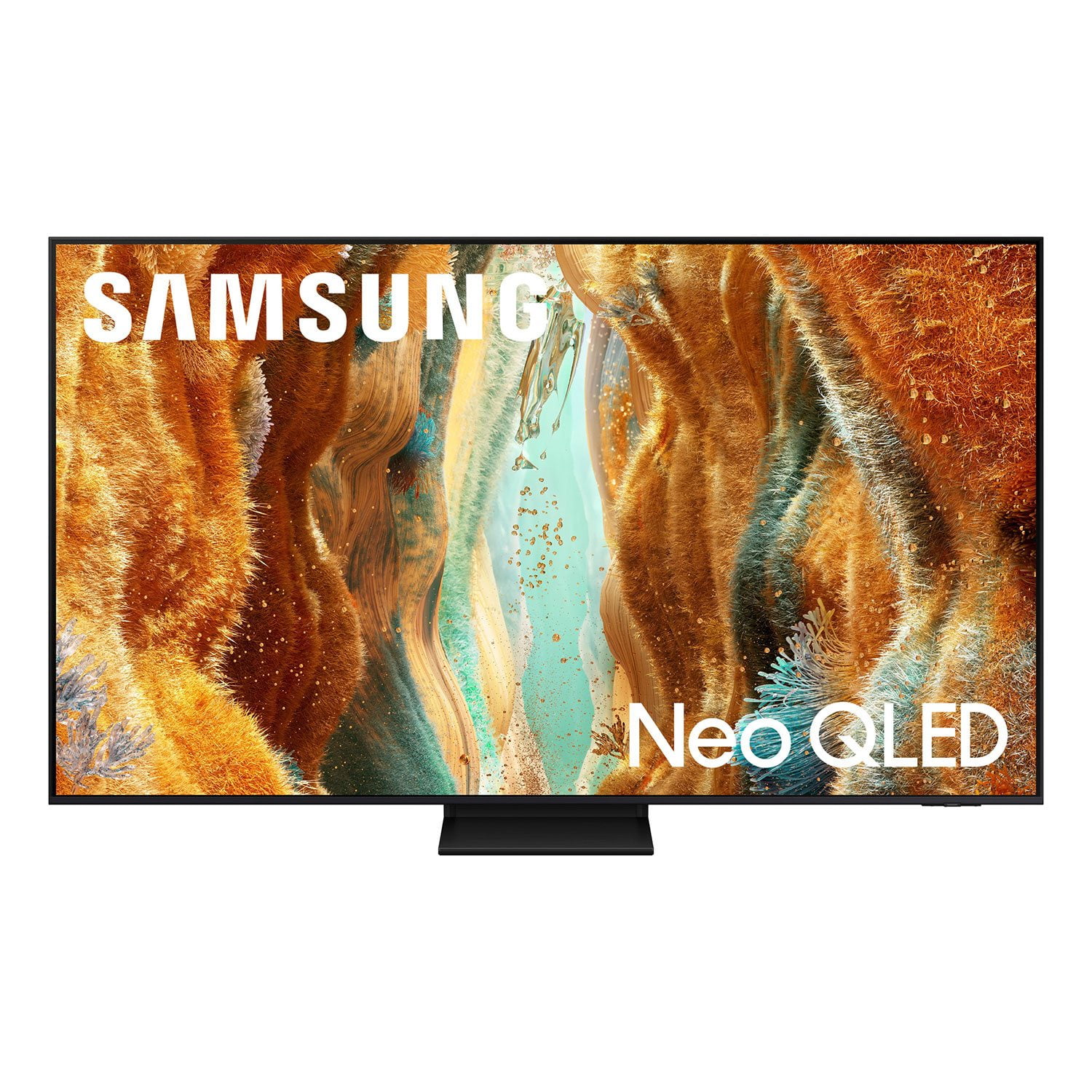
Customer reviews for SAMSUNG 55” Class QN70FD Series 4K Neo QLED Smart TV for
SAMSUNG 55” Class QN70FD Series 4K Neo QLED Smart TV
4.7 out of 5 stars
stars192 ratings189 reviews
  1. 5 stars83% (159)
  2. 4 stars12% (23)
  3. 3 stars2% (4)
  4. 2 stars1% (1)
  5. 1 star3% (5)

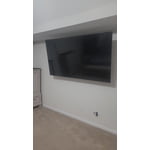
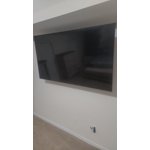
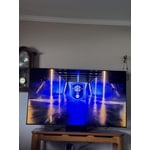
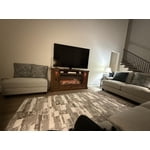
Member photos

  • +50 images
Sort by |
Showing 151-160 of 189 reviews
Oct 24, 2025
Abood23
5 out of 5 stars review

Best tv screen ever

[This review was collected as part of a promotion.] Thx samsung the best company for screen and phones and everything.

Review from Samsung US
Helpful?3ZU0LY9BX4K615535573121
Aug 2, 2025
NOLANRYAN0181
5 out of 5 stars review

In Samsung we trust!

[This review was collected as part of a promotion.] I stream and cast an ive yet to have any issues! But this is a Samsung, wouldn't expect less then greatness!

Review from Samsung US
Helpful?3ZU0LY9BX4K615535573121
Jul 14, 2025
Reviewchick
5 out of 5 stars review

This tv is awesome!

[This review was collected as part of a promotion.] I watch movies with the family on our TV. My husband is a big gamer and he loves the picture quality. This tv is was a great purchase.

Review from Samsung US
Helpful?3ZU0LY9BX4K615535573121
Aug 22, 2025
Llamallama
5 out of 5 stars review

Great TV quality

[This review was collected as part of a promotion.] The TV picture is absolutely stunning, the sound is prue one of the best TV I have had in a very long time

Review from Samsung US
Helpful?3ZU0LY9BX4K615535573121
Jul 4, 2025
Racing48
5 out of 5 stars review

Amazing Tv

[This review was collected as part of a promotion.] Absolutely an amazing tv! The picture and clarity is 2nd to none! I love this TV. It will pretty much do anything you want except for washing the dishes lol

Review from Samsung US
Helpful?3ZU0LY9BX4K615535573121
Jun 26, 2025
Bigbank117
5 out of 5 stars review

Great tv samsung

[This review was collected as part of a promotion.] Tv works great not really much to say just works as intended just needs a simple ui update to many menus for similar settings

Review from Samsung US
Helpful?3ZU0LY9BX4K615535573121
Aug 28, 2025
Di85422Az
5 out of 5 stars review

Size is perfect, has many new features.

[This review was collected as part of a promotion.] Size is great, it was very easy to pair. Remote has already a specific button for my favorite services, Netflix, YouTube, Samsung TV and Prime, priceless!

Review from Samsung US
Helpful?3ZU0LY9BX4K615535573121
Oct 8, 2025
PIANOGUY
5 out of 5 stars review

The best quality picture I've ever had

[This review was collected as part of a promotion.] I am a casual user, no gaming. This tv has an excellent picture quality for my uses. A great all around choice.

Review from Samsung US
Helpful?3ZU0LY9BX4K615535573121
Jul 16, 2025
Snoop03
5 out of 5 stars review

The picture is out of this world

[This review was collected as part of a promotion.] We use this in our living room for absolutely everything. It's the most fun when we have friends and family over to watch a game.

Review from Samsung US
Helpful?3ZU0LY9BX4K615535573121
Apr 30, 2025
Sn
1 out of 5 stars review

Only trouble so far

So so picture quality,very dim for my liking,extremelly slow os, missing one of the rubber pieces for the stand, setup menu in Spanish, feels like a "value" black friday model....

Helpful?3ZU0LY9BX4K615535573121
reply from Samsung

Hi Sn,<br /><br />We appreciate your review of Samsung&#39;s QN70FD. To best assist with parts missing from your TV&#39;s stand, we suggest reaching out to Sam&#39;s Club for assistance with this.<br /><br />Regarding your TV&#39;s language - it sounds like the initial language selection may have been bypassed during setup. To change it, go to: Home &gt; left directional key &gt; Settings &gt; All Settings &gt; General &amp; Privacy &gt; Language, and select your preferred language from the available options.<br /><br />For optimal performance, please ensure your TV is running the latest firmware. You can check this by going to: Home &gt; left directional key &gt; Settings &gt; Support &gt; Software Update<br /><br />To further optimize performance, try running Device Care, which checks memory, clears unused cached data, and closes background apps: Home &gt; left directional key &gt; Settings &gt; Support &gt; Device Care &gt; Start Device Care<br /><br />If the image appears too dark, we suggest disabling certain energy-saving features, which can automatically adjust brightness and affect how the screen looks. Go to: Settings &gt; All Settings &gt; General &amp; Privacy &gt; Power and Energy Saving, then turn off Brightness Optimization, Energy Saving Solution, Motion Lighting, and/or Contrast Enhancer.<br /><br />If the image still isn’t meeting your expectations, select a Picture Mode that best fits your environment: Home &gt; Home &gt; left directional key &gt; Settings &gt; All Settings &gt; Picture &gt; Picture Mode<br />1. Standard – Default mode for general viewing<br />2. Dynamic – Brighter and clearer in well-lit rooms<br />3. Eco – Optimized for energy saving<br />4. Movie – Best for watching in dark environments<br />5. Filmmaker Mode – Preserves content exactly as intended by creators<br /><br />You can also enhance your experience by enabling AI Mode, which automatically adjusts picture and sound based on your surroundings and usage patterns: Settings &gt; All Settings &gt; Advanced Features &gt; AI Mode Settings &gt; AI Mode<br /><br />We hope these tips help improve your viewing experience! If you need further support, feel free to contact us at 1-800-SAMSUNG, 8AM – 12AM EST, 7 days a week. LiveChat is also available via the ‘Support’ link on our website.<br /><br />~ Samsung Specialist