Skip to Main Content
Sam's Club
Sam's Club
All Departments
All Services
Customer reviews for SanDisk Ultra Dual Drive Go USB Type-C 128GB, 2 pk. for
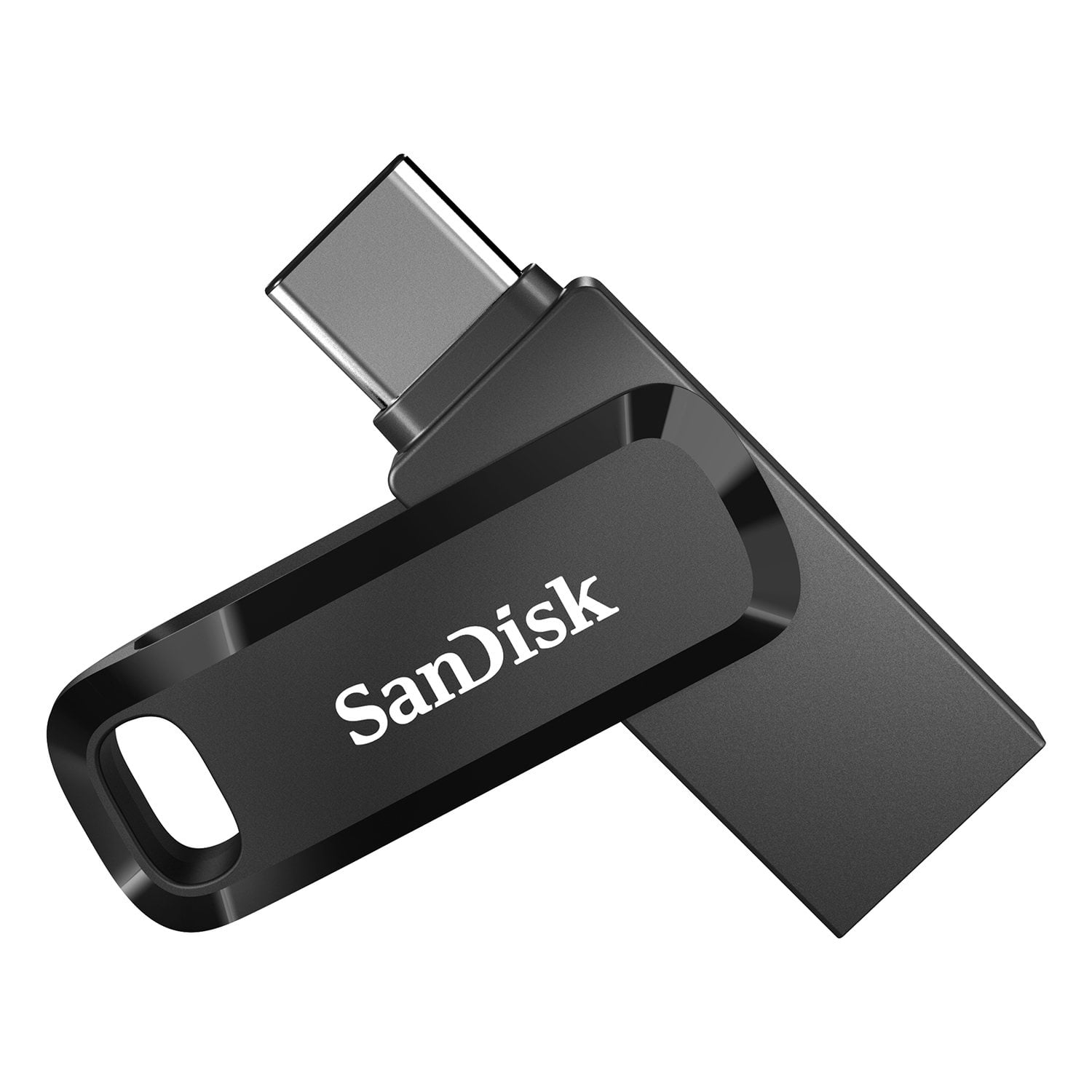
SanDisk Ultra Dual Drive Go USB Type-C 128GB, 2 pk.
4.3 out of 5 stars
stars
63 ratings19 reviews
  1. 5 stars73% (46)
  2. 4 stars11% (7)
  3. 3 stars0% (0)
  4. 2 stars3% (2)
  5. 1 star13% (8)
Sort by |
Showing 11-19 of 19 reviews
Jun 22, 2026
GT
5 out of 5 stars review

Verified Purchase

Formatted in MS-DOS but easy to format to exFAT

Super value

Helpful?3IFF3QN7RUWG15489070283
Oct 17, 2025
Jewels
5 out of 5 stars review

Verified Purchase

Small but work great

Good price and they work great. I needed to update my maps in my car and this worked perfect for downloading them.

Helpful?3IFF3QN7RUWG15489070283
Mar 7, 2026
John
4 out of 5 stars review

Verified Purchase

Nice

Very nice works well

Helpful?3IFF3QN7RUWG15489070283
Feb 10, 2026
Ruth
5 out of 5 stars review

Verified Purchase

Photo Capture helper

SanDisk

Helpful?3IFF3QN7RUWG15489070283
Jun 19, 2025
TLuv
5 out of 5 stars review

Verified Purchase

As described

Works great! Light weight and easy to transport.

Helpful?3IFF3QN7RUWG15489070283
Sep 23, 2025
George
5 out of 5 stars review

Verified Purchase

Share

Great product and price

Helpful?3IFF3QN7RUWG15489070283
Jan 19, 2026
Kim
2 out of 5 stars review

After downloading and saving several very important files, I am unable to "Eject" the Flash Drive (safely) on my Windows 11 PC. Since this appears to be a common problem, the manufacturer should address this issue in easily accessible locations. So frustrated.

Helpful?3IFF3QN7RUWG15489070283
reply from SanDisk Team

We're sorry for the frustration this caused. This can happen on Windows 11 if a background process (like antivirus or indexing) is still accessing the drive. Closing open files/windows or restarting file explorer usually resolves it. If the issue continues, please get in touch with our support team for further assistance by opening a ticket at (https://support-en.sandisk.com/app/askweb)

May 28, 2025
ZzyzxExit
5 out of 5 stars review

Super Simple to Use!

Plug it into a USB port, and there ya have it ... an external drive!

Helpful?3IFF3QN7RUWG15489070283
May 21, 2025
cowboy
1 out of 5 stars review

No directions

There are no directions on how to use this, set it up, or anything!

Helpful?3IFF3QN7RUWG15489070283
reply from Western Digital Team

Hi, As of February 2025, Western Digital has separated into two independent companies and the support process for your Western Digital and Sandisk branded products may have changed. All Hard Drive products remain with Western Digital, and all SSD and Flash products are now supported by Sandisk. We apologize for any confusion or inconvenience. For support of your SSD or Flash product, please contact the SanDisk support team on Social Media handle @sandisk