Skip to Main Content
Sam's Club
Sam's Club
All Departments
All Services
Customer reviews for VIZIO 32" Class D-Series HD Smart TV for
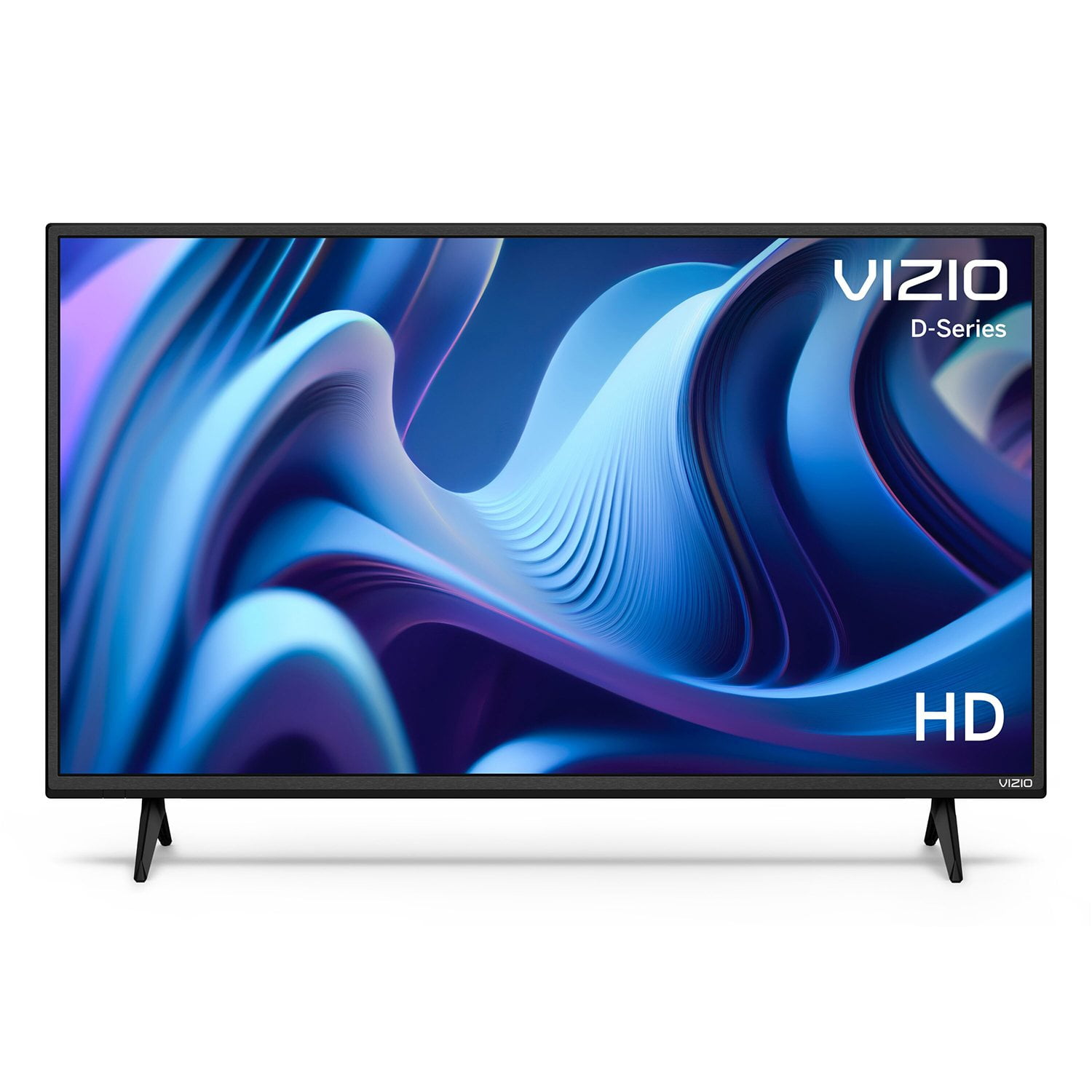
VIZIO 32" Class D-Series HD Smart TV
4.4 out of 5 stars
stars
5,324 ratings4,619 reviews
  1. 5 stars72% (3,820)
  2. 4 stars12% (657)
  3. 3 stars4% (234)
  4. 2 stars3% (170)
  5. 1 star8% (443)
Sort by |
Showing 1,351-1,360 of 4,619 reviews
Jul 21, 2023
Jshok
5 out of 5 stars review

Installed in a semi truck

[This review was collected as part of a promotion.] I can't believe it still works. The roads in Colorado shake the daylights out of my Freightliner, I rescan every night, stream often, heat this summer, cold past winter, over Vail pass usually twice a day, 4 days a week. I hear the TV getting shaking on the wall mount all day long. AMAZING IT STILL WORKS.!

Review from vizio.com
Helpful?1EJCLPYFQZH515470050676
Sep 23, 2023
FCB n SAB
1 out of 5 stars review

[This review was collected as part of a promotion.] Only 100 days after purchase and multiple problems. Won’t start-freezes during booting process-Error 500 msg-sound freezes can’t go up or down . Customer Service said must ‘act up when you call to qualify for return authorization’ ….. never again

Review from vizio.com
Helpful?1EJCLPYFQZH515470050676
reply from Customer Care

I would like to offer the assistance of our award-winning technical support team with this issue. Please visit support.VIZIO.com and click on ‘Contact Us’. We’ve got agents ready to chat, text message, or speak with you on the phone. 

Jan 7, 2025
Greenacres
4 out of 5 stars review

Love the easy set up

I really like my Vizio 24 “. Using it in kitchen. Like the smart cast functions of tv. Tried setting it up to pair with Alexa, went through all the instructions through Alexa app, Dish network and googled how to get Vizio tv to work with Dish Joey with complete failure accords the board. Kinda disappointed but with that said I do like the Vizio tv and looking at purchasing a big screen tv for living room. Vizio is on my list is tv to investigate.

Review from vizio.com
Helpful?1EJCLPYFQZH515470050676
Apr 8, 2023
Tv user
2 out of 5 stars review

Don't buy

[This review was collected as part of a promotion.] I bought this almost a year ago brand new, and after 2 months it started to lag. when ever i increase the volume it would take 20 seconds just for it to actually increase don't buy the Tv it is awful

Review from vizio.com
Helpful?1EJCLPYFQZH515470050676
reply from VIZIO Support

There could be a few things that cause lag or apps to not respond correctly, and I would like to learn more so we can assist with troubleshooting. Please visit support.VIZIO.com and click on ‘Contact Us’. We’ve got agents ready to chat, text message, or speak with you on the phone.

May 27, 2024
Patrice
1 out of 5 stars review

TV barely made it 2 years

I should have returned it as soon as I tried it. It was pretty slow to start and was Never clear when watching regularly TV. Because it was slow to start I rarely used it. Then it seemed like an update occurred and I couldn't access certain settings which I needed because I was always having to change viewing dimensions. After not using it for months, I tried to use it only to have it very slowly load the home screen and have just a few seconds that it would sort of recognize the remote, freeze for a few more minutes, go black for a while, then go to the Visio screen like it was just rebooted. It's shot.

Review from walmart.com
Helpful?1EJCLPYFQZH515470050676
reply from VIZIO

I would like to offer the assistance of our award-winning technical support team with this issue. Please visit support.VIZIO.com and click on ‘Contact Us’ or for instant support download the VIZIO Mobile app, then click "Support" and "Contact Us.

Apr 25, 2023
Piasa
5 out of 5 stars review

Awesome video

[This review was collected as part of a promotion.] My boyfriend and I made this purchase a couple weeks ago and am already loving it, this is my second Vizio. Quick to respond to key controls, and love the fact that Disney+ is one of the quick buttons.

Review from vizio.com
Helpful?1EJCLPYFQZH515470050676
Mar 20, 2023
Peneloperose
3 out of 5 stars review

I have mixed feeling

[This review was collected as part of a promotion.] I bought this TV almost 2 yrs ago and only got to use it for about 3 days, until just recently. At first I really didn't like it because it never wanted to connect to wifi, it kept updating and ide have to reenter everything, error codes finally after a week and a half it just started to work for about 4 days, it was fast and I was really able to see what features the TV has and they are really cool BUT ! only if you have wifi. At this point it's glitching and freezing.

Review from vizio.com
Helpful?1EJCLPYFQZH515470050676
reply from VIZIO Support

Sorry to hear that you are not having a smooth experience. I would love the opportunity to have our technical support team learn more about the issues you are experiencing. When you have a free moment, they’re available through text message, chat, or over the phone. Just go to support.VIZIO.com and click on ‘Contact Us’.

Aug 26, 2023
eithancrea
5 out of 5 stars review

A little detail

[This review was collected as part of a promotion.] The productos is good but with a little detail the smartcast home os note working When I buy the TV the smarcast home is working but when I update the firmware the smartcast home has stop of working plus helo me but well the tv is good

Review from vizio.com
Helpful?1EJCLPYFQZH515470050676
May 13, 2024
STOPTHEBULL
4 out of 5 stars review

I have two Vizio smart tv's they both have great p

[This review was collected as part of a promotion.] I have had my first one maybe 3yrs now and yes it's a 55 inches, great set nowthe Second one I inquire from my sister a 32 inches and it also is just wonderful to look at , I really love smart television. And vizioi is number 1 in my book.

Review from vizio.com
Helpful?1EJCLPYFQZH515470050676
Oct 12, 2022
Drone
4 out of 5 stars review

Still checking it out

I have Cox Cable and I got the Cox remote to work with the TV and had the Cox cable HDMI connected to HDMI2 and When I turned on the TV and the cable from the Cox emote Smartcast would come up and when I clicked on Inputs I did not see a HDMI2 option only HDMI1 so I could not get to my cable tv. I learned that I have to turn on the TV then select an input and then turn on the cable so it will pick up the cable chanels from the Cox receiver. I checked the manual to see if I could lock it to HDMI2 but could not find anything so looks like I am stuck with taking the extra steps to get to where I want it to be.

Review from vizio.com
Helpful?1EJCLPYFQZH515470050676