
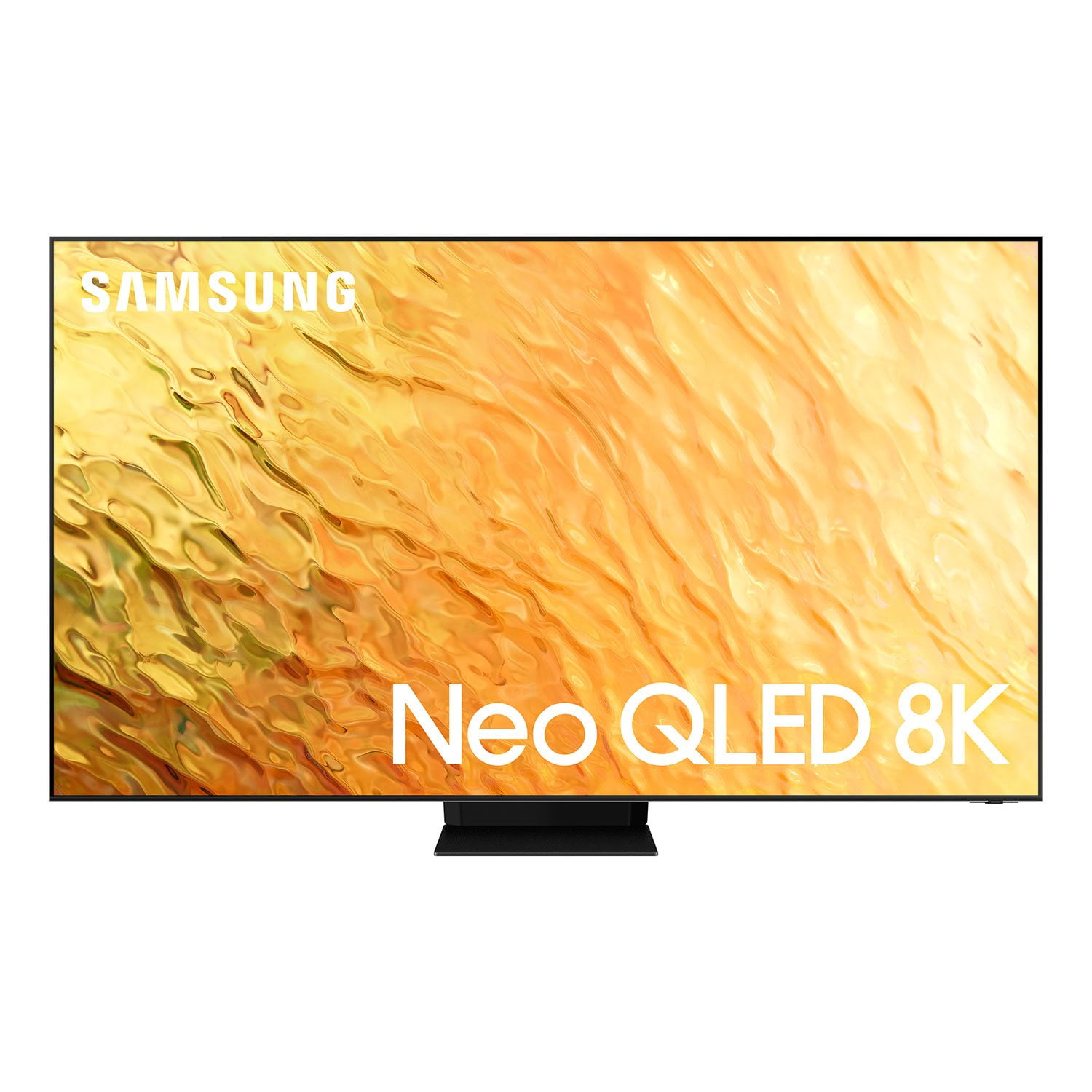
 Customer reviews for SAMSUNG 65" Class QN850B-Series Neo QLED 8K Smart TV with Quantum 32X HDR - QN65QN850BFXZA for
SAMSUNG 65" Class QN850B-Series Neo QLED 8K Smart TV with Quantum 32X HDR - QN65QN850BFXZA
4.5 out of 5 stars
stars
265 ratings252 reviews
Sort by |
Showing 11-20 of 252 reviews
Oct 5, 2022
Reviewer name: Coobreeze22
5 out of 5 stars review
Easy to use high quality tv!
Review from Samsung US
Helpful?
Oct 5, 2022
Reviewer name: Lesliesara
5 out of 5 stars review
Great family TV
Review from Samsung US
Helpful?
Oct 6, 2022
Reviewer name: Samsunguser2022
4 out of 5 stars review
Great TV Overall
Review from Samsung US
Helpful?
reply from Samsung Brand Ambassador
Dec 15, 2022
Reviewer name: Alex
1 out of 5 stars review
Pointless multiview
Review from Samsung US
Helpful?
reply from Samsung Brand Ambassador
Dec 18, 2022
Reviewer name: BEC
5 out of 5 stars review
Verified Purchase
Samsung 8K Smart TV
Helpful?
Oct 25, 2022
Reviewer name: BabyPichu
5 out of 5 stars review
Great TV overall!
Review from Samsung US
Helpful?
Mar 12, 2023
Reviewer name: navb23
1 out of 5 stars review
done with samsung
Review from Samsung US
Helpful?
Oct 25, 2022
Reviewer name: Tahoe24x7
5 out of 5 stars review
Direct Connect to Internet provides 8K streaming
Review from Samsung US
Helpful?
Oct 25, 2022
Reviewer name: Astro1960
1 out of 5 stars review
Not Happy with it
Review from Samsung US
Helpful?
reply from Samsung Brand Ambassador
Oct 5, 2022
Reviewer name: Glem55
5 out of 5 stars review
This product has great features.
Review from Samsung US
Helpful?