Disappointing
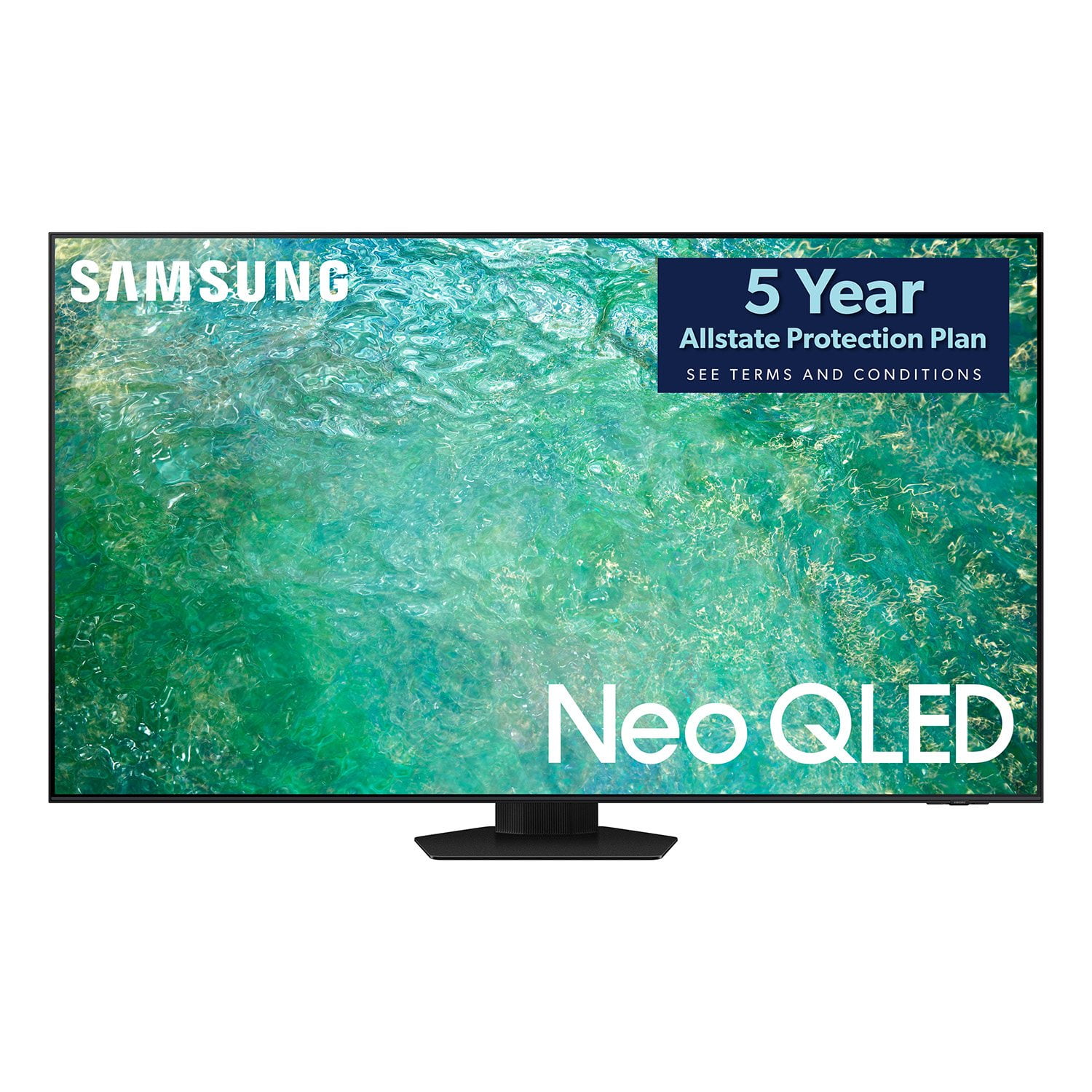
My old Samsung plasma finally went out, so based on the reviews, I thought the 65" QN85C would be a good choice. With the QN85C I have to have the contrast all the way up and the brightness almost all the way up to get decent contrast. I prefer to have the brightness lower, but the contrast is terrible there. The remote is terrible. There are too many actions to get where you want to go. I saw an unboxing from the UK and they get the smart remote and one of the older style ones. Why don't both remotes come with the US models? If I cast a video to the TV, it is washed out and there is no way to adjust the picture that I could find. If you want to use you pictures in the ambient mode you must do it from your cell phone. You can't add them from the USB. The marketing says it will upscale inputs to 4K, but I don't see any improvement over standard HD, and the picture is not as sharp as it was on the plasma. If there is somewhere to turn that on, I haven't found it. Overall, a disappointment. I may decide to return it, but I don't know if the other models are any better.
reply from Samsung
Hi Paul,Thank you for taking the time to provide a detailed review of the QN85C TV. Please know we are here to help! I have a few troubleshooting recommendations that may improve your experience.First, to ensure you’ve got the latest image quality updates, please confirm that your TV is up to date with the latest firmware version. You can check by going to Home > Menu > Settings > Support > Software Update.Next, regarding the image you are seeing on your screen, you may want to enable some Intelligent Mode options, as these recognize and analyze the surroundings, noise, content, and usage patterns to provide the best viewing experience. Go to Menu > Settings > All Settings > General & Privacy > Intelligent Mode Settings. Turn the options on or off to meet your needs: Adaptive Picture (2 options)- Optimized: Optimizes brightness & provides the best picture quality in real-time, based on the lighting condition & content you're viewing.- EyeComfort: Syncs sunrise/sunset times and ambient light intensity. After sunset, the mode provides warmer colors and lower brightness. The sunrise and sunset times can be manually changed.If the product’s colors or absolute whites/blacks seem to be off, run a Picture Test: Home > Menu > Support > Device Care > Self Diagnosis > Picture Test, and then I recommend you check whether Grayscale is set to On Home > Menu > Settings > All Settings > General & Privacy > Accessibility > Grayscale.Finally, regarding the Samsung TV remote, please know that many of the buttons on your remote have multiple functions. For example, you can push the Volume button UP/DOWN to adjust the volume, and to MUTE the sound; you need to PRESS it in. If that same button is pressed for longer than 1 second, the Accessibility Shortcuts appear. Pressing the RETURN button (looks like a curved, backward-facing arrow) returns you to the previous menu; pressing it while watching a program will take you back to the previous channel.If you continue to have issues, please contact us so we can better support you. Just call us at 1-800-SAMSUNG, 8 AM - 12 AM EST, seven days a week. LiveChat with an agent as well as manuals, software, and warranty info, can be found at the ‘Support’ link on our Samsung website.~ Samsung Advisor

 Customer reviews for SAMSUNG 65" Class QN85-Series Neo QLED 4K Smart TV - QN65QN85CDFXZA for