Join Now
Skip to Main Content
Sam's Club
Sam's Club
All Departments
All Services
Customer reviews for SAMSUNG 75" Class Q6-Series 4K Ultra HD Smart QLED TV - QN75Q6DAAFXZA for
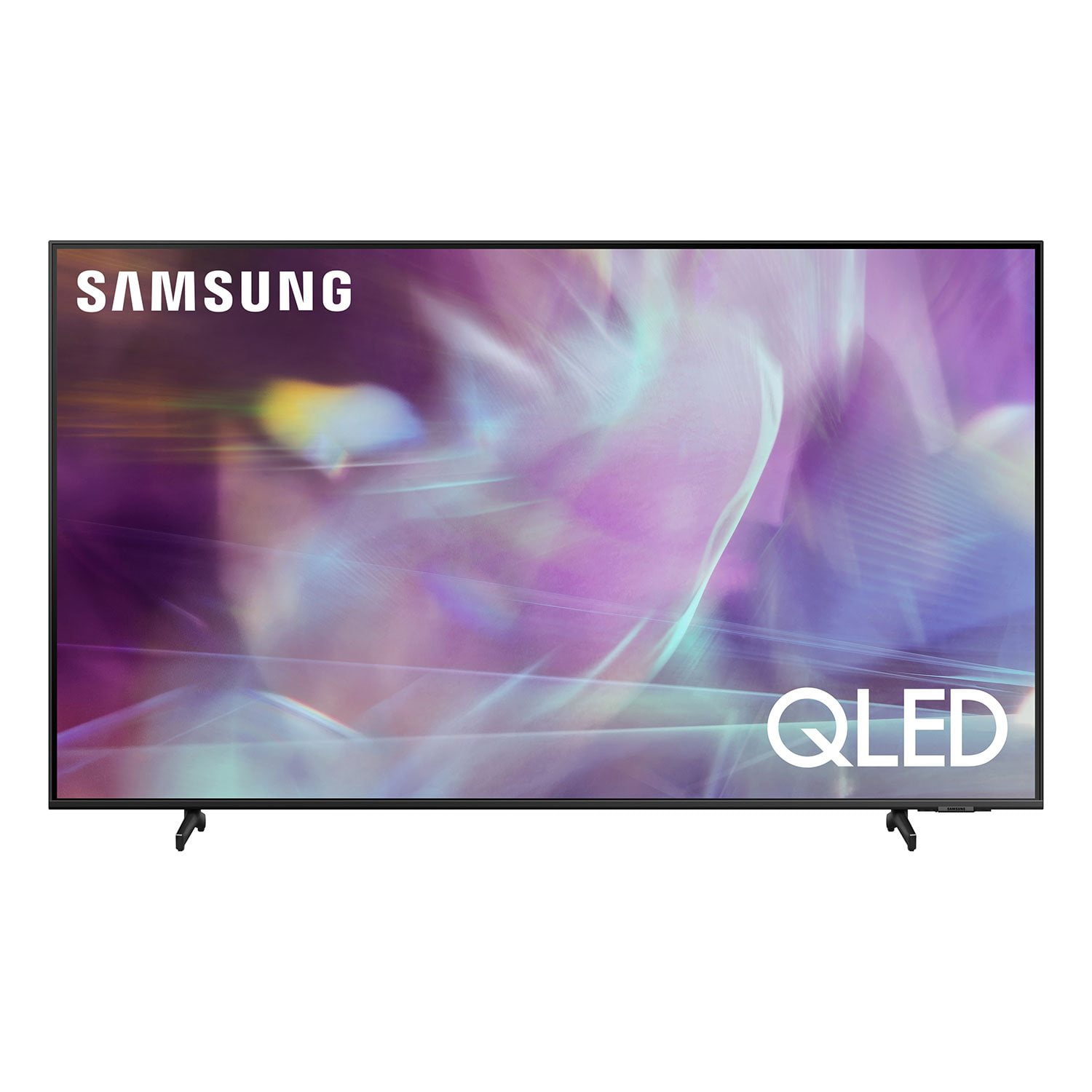
SAMSUNG 75" Class Q6-Series 4K Ultra HD Smart QLED TV - QN75Q6DAAFXZA
4.6 out of 5 stars
stars
1,998 ratings1,898 reviews
  1. 5 stars74% (1,480)
  2. 4 stars17% (337)
  3. 3 stars4% (77)
  4. 2 stars2% (31)
  5. 1 star4% (73)
Sort by |
Showing 491-500 of 1,898 reviews
Apr 14, 2021
Reviewer name: Brig
5 out of 5 stars
5 out of 5 stars review

60 inch Spectrum TV Great Feature

[This review was collected as part of a promotion.] The one thing that I love about my 60 inch Spectrum TV is that you can get Amazon Prime Netflix YouTube and many more my kids enjoy what you guys offer and that excites me also one more relaxed day for me when they say 60 in Spectrum TV is turned on in my house kids sit down and be good that's one thing I do like about my television that I purchased from you all at Walmart if something happened to this one I will go purchase because I know how great they are. My husband even enjoys playing video games on his 60-inch Spectrum TV he is such a big kid haha LOL

Review from Samsung US
Helpful?20S51SPKF03T15280651920
Apr 19, 2021
Reviewer name: Lukeskiiwalker
5 out of 5 stars
5 out of 5 stars review

Best TV I have ever owned

[This review was collected as part of a promotion.] The picture quality on this tv is unreal. I am very pleased with this purchase and well worth the money... This tv has more features then I will ever use or most likely understand which is a good thing because it is like discovering something new weeks later that make you go wow. I do wish the sound on the tv speakers were better but I use a sound bar so it's not that big of a deal for me.

Review from Samsung US
Helpful?20S51SPKF03T15280651920
Apr 20, 2021
Reviewer name: Lovinthistv
5 out of 5 stars
5 out of 5 stars review

Its everything and more!!

[This review was collected as part of a promotion.] I was just happy to finally get a 4K TV QLED at first. Then I find out how easy it is to navigate all of the streaming services. Which by the way, there are so many I didn't even know about. Its hard to believe but one of the best parts it's the free channels. No more bale or fish networks constantly raising rates and charging you more. Pay for what you want now!! Its awesome that I have a phone, watch, tablet, and sound bar that are all Samsung! It wasn't intended but you can't go wrong with Samsung. Hands down.

Review from Samsung US
Helpful?20S51SPKF03T15280651920
Mar 31, 2021
Reviewer name: Nikluv21
5 out of 5 stars
5 out of 5 stars review

Awesome features

[This review was collected as part of a promotion.] I use my television for gaming, Netflix, and whatver apps I choose to watch TV. I don't have cable anymore, so i do get local stations which is always good to watch the news especially with breaking news events or serious weather events.

Review from Samsung US
Helpful?20S51SPKF03T15280651920
Apr 10, 2021
Reviewer name: Anna029
5 out of 5 stars
5 out of 5 stars review

This product has excellent features

[This review was collected as part of a promotion.] I use my TV for just about everything. I stream movies listen to music surf the internet upload my pictures and videos so many apps gaming apps etc Oh let's not forget the fact that I can make my TV into a picture frame. I just love everything about my Q60

Review from Samsung US
Helpful?20S51SPKF03T15280651920
Apr 3, 2021
Reviewer name: xGhost
4 out of 5 stars
4 out of 5 stars review

Good

[This review was collected as part of a promotion.] In all this time that I have used my Television, it seems to me a Great Purchase, the truth is if you have the money and are looking for a TV I recommend this TV 100% although sometimes it gives me errors but otherwise All Good 100% I recommend it

Review from Samsung US
Helpful?20S51SPKF03T15280651920
Nov 12, 2021
Reviewer name: luis
2 out of 5 stars
2 out of 5 stars review

"multiview feature"

other than these apps: (samsung tv plus, youtube, or youtube tv). can you provide a list of apps that are compatible with "multiview feature"? i think that most consumers would agree that this "multiview feature" should be compatible with todays most popular apps such as disney, hulu, prime, netflix's, hbo max etc... additionally, i want to point out that these apps are already pre-installed in the tv which i see as even more reason as to which these apps should be compatible with this "multiview feature". samsung should have tested the functionality of this "feature" prior to selling it to us. what is needed here is a answer in form of a firmware update to allow these popular pre-installed apps to be compatible with "multiview feature"

Review from Samsung US
Helpful?20S51SPKF03T15280651920
reply from Samsung Brand Ambassador

Hi luis, Thank you for your review of Samsung's Q60A TV and for sharing your feedback regarding Multi View. This feature allows you to display two things at once on your TV. For example, you can view media from different sources, such as a compatible app, Blu-ray player, or game console, on the main left screen, while also mirroring your phone to the smaller screen. Only 1 HDMI-connected device can be used at a time. For example, on the left screen: You can play an app (Samsung TV Plus, YouTube, or YouTube TV), HDMI devices, Antenna or Cable, or USB devices. On the right screen: You can screen mirror, use AirPlay, cast from an app, or cast from an IoT camera. Should you ever have questions or need help, please call us at 1-800-SAMSUNG (ask for TVs), available 8AM - 12AM EST, 7 days a week. For additional support resources, visit us on the Samsung website and click on the ‘Support’ link in the upper right corner of the homepage for: 1) Chat with Us/Product Help: To begin a chat or find solutions, choose ‘TVs & Home Theater’ and select your model & topic. 2) Register a Product: For access to easy warranty support, convenient opt-in to special promos and offers, faster troubleshooting and service, and quick notification of system updates. 3) Manuals & Software 4) Warranty Info 5) Contact Us ~ Samsung Specialist

Apr 17, 2021
Reviewer name: Goku
5 out of 5 stars
5 out of 5 stars review

Saved by a Samsung TV

[This review was collected as part of a promotion.] I recently switched from Verizon to AT&T and haven't hD all to well an experience. But if it wasn't for my samsung TV when I switch providers I would have switched off the galaxy phone series to as well to make ancomplete makeover.

Review from Samsung US
Helpful?20S51SPKF03T15280651920
Sep 14, 2021
Reviewer name: Good4NowGuy
4 out of 5 stars
4 out of 5 stars review

UI Design

[This review was collected as part of a promotion.] I feel like you have to do quite a bit of navigating to finally get to the setting you want to tweak. Maybe a revamped UI or a new remote controller with mapping capabilities of specific TV functionality? & please integrate Xbox's Game Streaming and Cloud Service so connecting once configured will be flawless.

Review from Samsung US
Helpful?20S51SPKF03T15280651920
Sep 20, 2021
Reviewer name: Anonymous
5 out of 5 stars
5 out of 5 stars review

Great TV for the price

[This review was collected as part of a promotion.] this is our main TV in our living room. TV is on all the time when we're home and we've played around with different settings. there is no burn in/out effect which i have heard about like OLED tv has. bezels are thin and HDR pictures looks so bright and beautiful. still not bright enough for day light where you can see reflection from windows my TV remote didn't come with Google voice instead, it has bixby which is a bummer. I've seen a few new Samsung TV come with Google voice for commands by remote control. remote control is better than the one with lots of buttons. i wished it had inbuilt antennae.

Review from Samsung US
Helpful?20S51SPKF03T15280651920
reply from Samsung Brand Ambassador

Hi there, Thank you for sharing your user experience with the 2021 Q60A QLED Smart TV. Your TV has 3 Voice Assistants to choose from: Bixby, Amazon Alexa, or Google Assistant. You will first need to select which Voice Assistant you would like to help control your TV. You will also need to be connected to the internet. After selecting your Voice Assistant, you can change the settings by going to: Settings > General > Voice > Voice Assistant. Once your Voice Assistant is selected, you can press the Microphone button on your remote to help navigate the settings menu, change the volume, or even search for content. Please also know your TV does feature a built-in tuner that can scan for and automatically program local channels that will appear on your channel list. Simply connect the coax cable to the ANT IN port on the back of the TV. I hope this helps! Should you ever have questions or need help, please call us at 1-800-SAMSUNG (ask for TVs), available 8AM - 12AM EST, 7 days a week. For additional support resources, visit us on the Samsung website and click on the ‘Support’ link in the upper right corner of the homepage for: 1) Contact Us: For additional Chat & Text options, choose ‘TVs & Home Theater’ and select your model & topic. 2) Manuals & Software 3) Warranty Info 4) Register a Product: For access to easy warranty support, convenient opt-in to special promos and offers, faster troubleshooting and service, and quick notification of system updates. ~ Samsung Specialist