Join Now
Skip to Main Content
Sam's Club
Sam's Club
All Departments
All Services
Customer reviews for SAMSUNG 75" Class Q6-Series 4K Ultra HD Smart QLED TV - QN75Q6DAAFXZA for
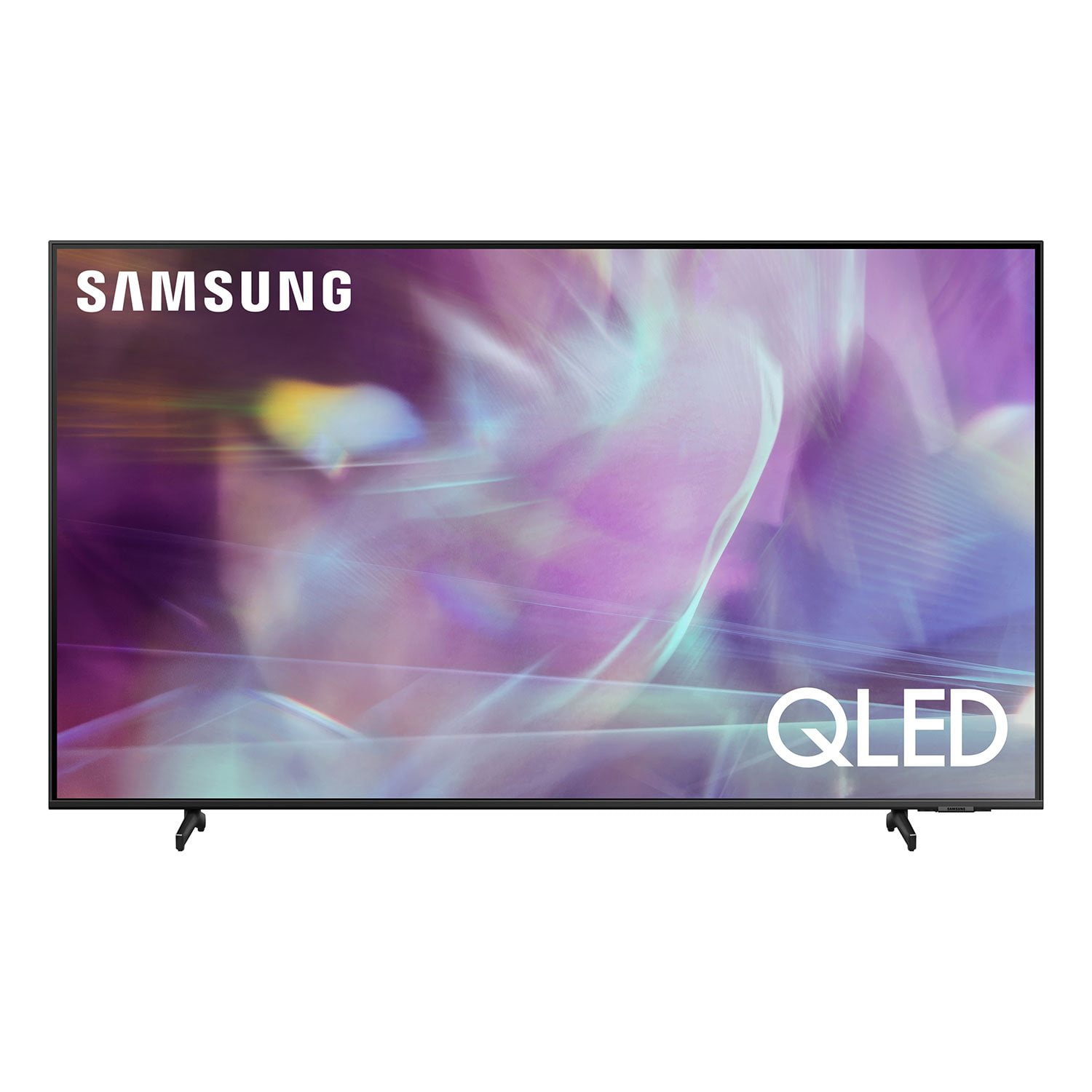
SAMSUNG 75" Class Q6-Series 4K Ultra HD Smart QLED TV - QN75Q6DAAFXZA
4.6 out of 5 stars
stars
1,998 ratings1,898 reviews
  1. 5 stars74% (1,480)
  2. 4 stars17% (337)
  3. 3 stars4% (77)
  4. 2 stars2% (31)
  5. 1 star4% (73)
Sort by |
Showing 441-450 of 1,898 reviews
Jun 29, 2021
Reviewer name: Cripster64
5 out of 5 stars
5 out of 5 stars review

Great TV for the price!!

[This review was collected as part of a promotion.] This TV not only met my expectations, it blew them away!! It's not only a smart TV, it's an intelligent TV! The clarity is just so beautiful, it's like looking through a window. Thank you Samsung for making such a great TV at a reasonable price.

Review from Samsung US
Helpful?20S51SPKF03T15280651920
Oct 14, 2021
Reviewer name: Ebbitt
5 out of 5 stars
5 out of 5 stars review

Quality is no surprise

[This review was collected as part of a promotion.] I needed a tv for the bedroom, so I went back to my go to brand samsung for what is my 5th samsung tv sine 2005. I am so happy to report all 5 still work and I've had no issues throughout their operational record!This is my 3rd QLED and i loveit!

Review from Samsung US
Helpful?20S51SPKF03T15280651920
Nov 27, 2021
Reviewer name: HighAltitude Airhead
3 out of 5 stars
3 out of 5 stars review

Good TV, terrible remote

the picture and features are fine. the solarcell smart remote is terrible. it fails to hold a charge even if left in direct sunlight for hours. the operation is not intuitive, and the function of some buttons changes as you move through menus or replays. other buttons don't function as described in the user docs. save your self a ton of frustration and buy a tv that has a useable remote.

Review from Samsung US
Helpful?20S51SPKF03T15280651920
reply from Samsung Brand Ambassador

HighAltitude Airhead, Thank you for choosing Samsung's Q60A TV. We appreciate your feedback regarding the issues you are experiencing with your remote. You may first want to reset your remote by pressing and holding Return and Enter (the center of the navigation pad) for more than 10 seconds. After performing this reset, you will need to pair the remote to the TV again. To pair, press the Return and Play/Pause buttons simultaneously for at least 5 seconds or until a message appears on your TV indicating that the remote is now connected. Please also check to see if your remote is charged. You can check remaining battery by going to: Settings > General > Power and Energy Saving > Available Remote Battery. I hope this helps. For further assistance, please contact Samsung Customer Support at 1-800-SAMSUNG (ask for TVs), available 8AM - 12AM EST, 7 days a week. For additional support resources, visit us on the Samsung website and click on the ‘Support’ link in the upper right corner of the homepage for: 1) Chat with Us/Product Help: To begin a chat or find solutions, choose ‘TVs & Home Theater’ and select your model & topic. 2) Manuals, Software, & Warranty Info ~ Samsung Specialist

Sep 18, 2021
Reviewer name: MoesTV
5 out of 5 stars
5 out of 5 stars review

Samsung tv

[This review was collected as part of a promotion.] I use the the TV for mostly to watch Netflix, hulu and YouTube. I also have the sound bar with the TV same series and it feels like I'm in a theater. Smart TV feature is really helpful and amazing. Only negative side is connecting the Bluetooth devices almost every other day manually. This started to happen with the most recent updates. I love the apps and Samsung live TV for free. Overall I am satisfied with my TV.

Review from Samsung US
Helpful?20S51SPKF03T15280651920
reply from Samsung Brand Ambassador

MoesTV, Thank you for choosing Samsung’s 2021 Q60A QLED TV. With Dual LED, a combination of warm and cool LEDs enhance contrast and improve viewing angles. Please keep in mind that some settings such as Bluetooth will not be remembered as these devices are used on demand. When the TV turns off, the Bluetooth device will disconnect, and the TV won’t reconnect automatically unless you choose to pair the device again. Should you ever have questions or need help, please call us at 1-800-SAMSUNG (ask for TVs), available 8AM - 12AM EST, 7 days a week. For additional support resources, visit us on the Samsung website and click on the ‘Support’ link in the upper right corner of the homepage for: 1) Contact Us: For additional Chat & Text options, choose ‘TVs & Home Theater’ and select your model & topic. 2) Manuals & Software 3) Warranty Info 4) Register a Product: For access to easy warranty support, convenient opt-in to special promos and offers, faster troubleshooting and service, and quick notification of system updates. ~ Samsung Specialist

Jul 23, 2021
Reviewer name: Torty
4 out of 5 stars
4 out of 5 stars review

Great picture clarity and features

[This review was collected as part of a promotion.] I'm using the TV for series TV and movies. The picture clarity is a terrific upgrade from my older model. Accessing apps is easier and quicker and the voice control features just make the experience better. Very streamlined look with low profile stand. Very happy!

Review from Samsung US
Helpful?20S51SPKF03T15280651920
Apr 21, 2021
Reviewer name: Cljobe79
5 out of 5 stars
5 out of 5 stars review

Love this TV

[This review was collected as part of a promotion.] I love streaming my ATT TV on this Samsung TV! The picture is crystal clear and the color is simply out of his world. I own 4 Samsung TV'S and all my smart home, phone, watch and ear buds are Samsung I love there products and features

Review from Samsung US
Helpful?20S51SPKF03T15280651920
Jul 23, 2021
Reviewer name: Scott
5 out of 5 stars
5 out of 5 stars review

This TV does so much, so well...

[This review was collected as part of a promotion.] We only stream our television watching, and this TV is amazing! It has never glitched or buffered once, and we use at least 12 devices on our network. The picture is the best I've seen on any TV I have ever owned! The colors are vivid and stand out, the back-lighting provide true black and white, and the clarity feels almost 3-D. The TV is only a week old, so I am still discovering great innovations and interactivity. I will check in again after we've had time to enjoy this amazing piece of technology!

Review from Samsung US
Helpful?20S51SPKF03T15280651920
Sep 15, 2021
Reviewer name: SathvikB
5 out of 5 stars
5 out of 5 stars review

Truly Innovative and a High-Quality Television

[This review was collected as part of a promotion.] The Samsung QLED 4K TV offers a high quality immersive viewing experience with a 70" screen. Although a thin device, it contributes to the sleekness of the device and still very durable. The sheer quantity of Samsung Smart Things features make the TV even more enjoyable. For instance, one of the coolest features allows you to simply tap the back of your Samsung phone on the TV, and it instantly becomes a mirrored screen for your phone. The built in software for the TV is also very clean and intuitive, and frankly, I prefer it to the Amazon Fire TV interface which I use regularly. The TV itself offers multiple viewing modes to enhance the quality and color to your preference, although I personally use Dynamic, as it offers the best picture overall. All in all, the TV is really well built, Innovative, and truly worth the price.

Review from Samsung US
Helpful?20S51SPKF03T15280651920
Sep 24, 2021
Reviewer name: Love2ball
3 out of 5 stars
3 out of 5 stars review

OK entry level TV

[This review was collected as part of a promotion.] This is an OK entry level TV. Good color gamut. One thing that I found distracting was the significant motion delay. I have always been a Samsung fan, but I'm not too impressed with this model. Will keep as a good entry level TV.

Review from Samsung US
Helpful?20S51SPKF03T15280651920
reply from Samsung Brand Ambassador

Love2ball, Thank you for choosing the Samsung Q60A TV and for sharing your feedback regarding your picture when watching fast motion. For optimal motion image performance, you may want to adjust the picture clarity setting by going to: Settings > Picture > Expert Settings > Picture Clarity Settings - Off: Picture Clarity Settings will always be off - Auto: Picture Clarity Settings will automatically activate and deactivate based on the type of program being watched - Custom: Allows custom adjustments and settings to be used. By selecting the Custom option, you can access these advanced settings for Judder Reduction, LED Clear Motion, and Noise Reduction. Should you need further assistance with features or other product usage, please reach out to Samsung Support at 1-800-SAMSUNG (ask for TVs), available 8AM - 12AM EST, 7 days a week. For additional support resources, visit us on the Samsung website and click on the ‘Support’ link in the upper right corner of the homepage for: 1) Contact Us: For additional Chat & Text options, choose ‘TVs & Home Theater’ and select your model & topic. 2) Manuals & Software 3) Warranty Info 4) Register a Product: For access to easy warranty support, convenient opt-in to special promos and offers, faster troubleshooting and service, and quick notification of system updates. ~ Samsung Specialist

Jan 7, 2022
Reviewer name: seoras
4 out of 5 stars
4 out of 5 stars review

Good picture but...

Good picture but rigid user interface. Can't reorder the channel list so I am always immediately presented with channels I don't use. More clicks on the remote than should be needed to find BBC1 HD, for example. The connection sockets can't be accessed once the set is mounted on a wall so all cables must be connected before mounting which makes it extra difficult. Disappointed and surprised by the inability to customise the user screen. Even my old Samsung TV allowed reordering of the channels.

Review from Samsung UK
Helpful?20S51SPKF03T15280651920