
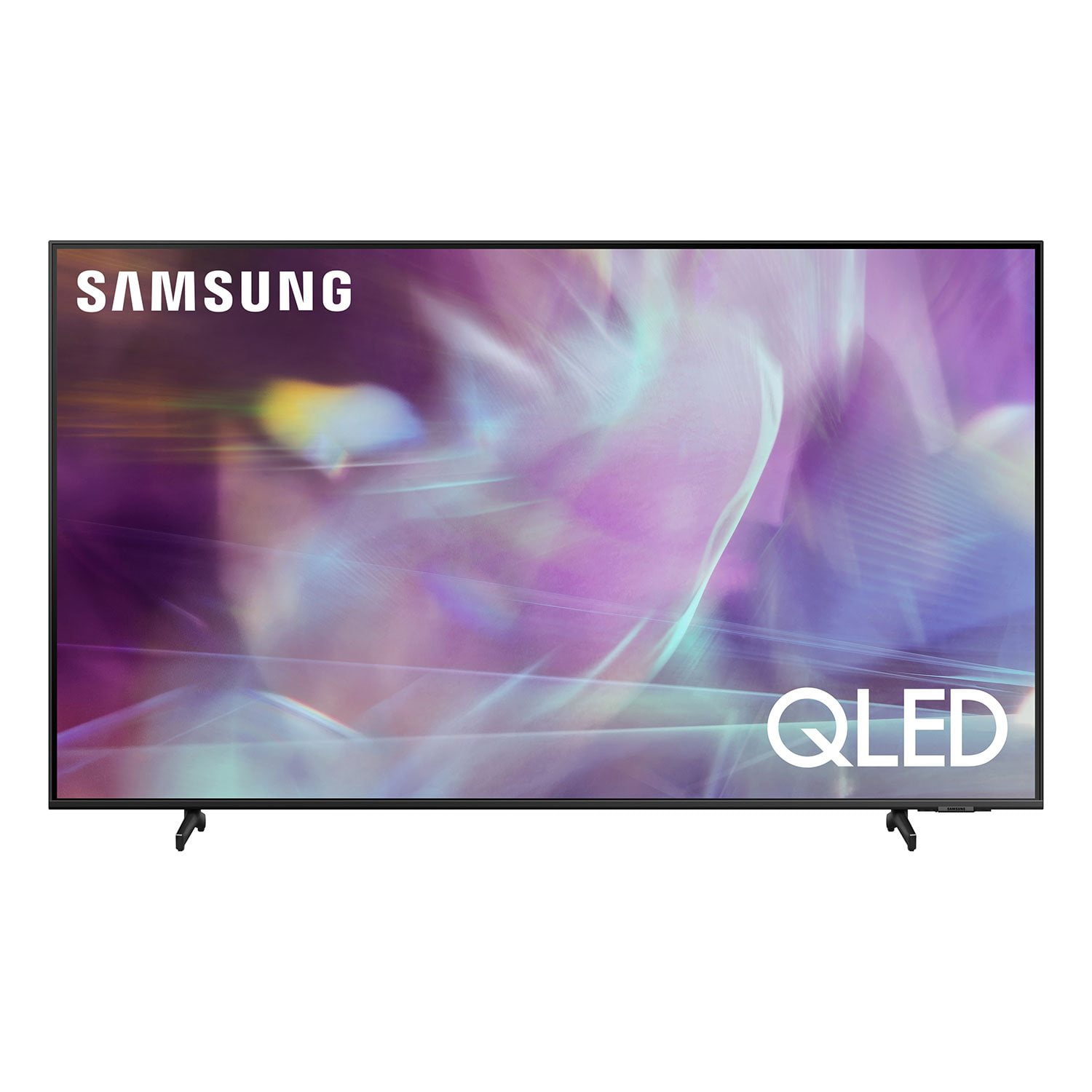
 Customer reviews for SAMSUNG 75" Class Q6-Series 4K Ultra HD Smart QLED TV - QN75Q6DAAFXZA for
QLED 4K 50 Review
[This review was collected as part of a promotion.] Love it! Didn't like the dull screen out of the box, so had to adjust color, contrast, brightness etc. Still slightly disappointed that the quality of the picture is best directly in front of the TV, but diminishes as you move slightly to either side.
Hi MisterT1, Thank you for choosing Samsung’s 2021 Q60A QLED TV and for your review. We appreciate you sharing your thoughts on the viewing angle. Your Q60A is designed with Dual LED technology which allows the TV to balance color and brightness more accurately than conventional Edge Lighting arrangements. Samsung TVs with Dual LED also produce a wider viewing angle, making it better for everybody watching. Starting with our Q70A, our models feature a Wide Viewing Angle designed to let you see the full picture with brilliant color — no matter where you're sitting. From our QN90A Neo QLED Series on up, our models feature Ultra Viewing Angle allowing you to see every detail at any angle. Ultra Viewing Angle gives you the consistent detailed picture, even when sitting off to the side. Should you ever have questions or need help, please call us at 1-800-SAMSUNG (ask for TVs), available 8AM -12AM EST M-F (9AM – 6PM EST Sat). Or text HELP to 62913. For additional support resources, visit us on the Samsung website and click on the ‘Support’ link in the upper right corner of the homepage for: 1) More ‘Contact Us’ options – LiveChat, Facebook, Twitter, Samsung Community, Samsung Members app 2) Manuals & Software 3) Warranty Info 4) Product Registration: For access to easy warranty support, convenient opt-in to special promos and offers, faster troubleshooting and service, and quick notification of system updates. ~ Samsung Specialist
Go Out and Get this Amazing TV!!
[This review was collected as part of a promotion.] Love, love, love this Samsung. I use my Amazing TV for streaming, watching movies, and it has enhanced my life even further while working from home for the last year. Putting in long hours from the home office , stationary at the desk and chair can get very boring and achey. My Awesome picture perfect with vivid display makes life easier by casting my laptop to this 85 inches of pure beauty. I can quickly complete spreadsheets, watch webcast meetings in comfort and so much more. The TV was super easy to set up as 1,2,3 and instantly recognized my wifi. I get complements from everyone that sees this Samsung beauty in my media room. The price for the 85 inch is DEFINITELY worth it. Who needs the movie theaters to reopen when you have this! Samsung continues to deliver and impress , no cons here. Word to the wise, go out and get it, you'll truly be glad you did!
Great picture, not so great menus
[This review was collected as part of a promotion.] TV picture is what I expect from Samsung. Outstanding. The menu is another story. My two other Samsungs were easy to find inputs, rename, etc. I expected the same with this newer model. Unfortunately not all things get better with time. I was able to figure it out with a few YouTube videos. Also, I would have probably been able to fix the issue much sooner if a manual was provided. Another unwelcome change from my older models. BTW, the older models I'm referring to were from 2017 and 2018, so not that old.
SoClose, Thank you for choosing Samsung's Q60A TV and for your review. To assist you in learning the various features, functions and settings of your new TV, please know you can download the Q60A TV's User Manual, e-Manual, Remote Control Leaflet, and Quick Setup Guide on Samsung's website by clicking "Support" > "Manuals & Software" > "TVs & Home Theater". From there, you can select the Q60A TV under "QLED 4K TVs” > “A Model Lineup" and download the guides you would like. The e-Manual is also embedded into the TV itself under Settings > Support > Open e-Manual. I hope this tip helps. Should you ever have questions or need help, please call us at 1-800-SAMSUNG (ask for TVs), available 8AM - 12AM EST, 7 days a week. For additional support resources, visit us on the Samsung website and click on the ‘Support’ link in the upper right corner of the homepage for: 1) Contact Us: For additional Chat & Text options, choose ‘TVs & Home Theater’ and select your model & topic. 2) Manuals & Software 3) Warranty Info 4) Register a Product: For access to easy warranty support, convenient opt-in to special promos and offers, faster troubleshooting and service, and quick notification of system updates. ~ Samsung Specialist
Best TV for a very good price
[This review was collected as part of a promotion.] I use my TV for my ps5 and to stream Netflix Disney+ and Hulu and I have s20 ultra I just want to say that connectivity between my phone and my TV is is the best for when I am wanting to show guests things from my phone like my wedding video for example still their is room for improvement but I like what I am getting right now and it has a perfect image quality and colors are on spot.
Good to
[This review was collected as part of a promotion.] I use my tv for video gaming I could have gotten a better quality but I probably should have waited a little but not to bad does act weird sometimes where it will lag Nd freeze during ps5 turn on but other then that good
Love, Thank you for sharing the issues you are experiencing with your Samsung Q60A TV. So we can better understand the problems you are experiencing and provide you with troubleshooting assistance or warranty service, please contact Samsung Customer Support at 1-800-SAMSUNG (ask for TVs), available 8AM -12AM EST M-F (9AM – 6PM EST Sat). Or text HELP to 62913. For additional support resources, visit us on the Samsung website and click on the ‘Support’ link in the upper right corner of the homepage for: 1) More ‘Contact Us’ options – LiveChat, Facebook, Twitter, Samsung Community, Samsung Members app 2) Manuals & Software 3) Warranty Info 4) Product Registration: For access to easy warranty support, convenient opt-in to special promos and offers, faster troubleshooting and service, and quick notification of system updates. We hope to hear from you. ~ Samsung Specialist
Decent TV
[This review was collected as part of a promotion.] Decent TV for the price, died but do anything amazing but everything works fine. Using this as a monitor and TV. Picked up on my Samsung sound bar immediately. Able to connect (wireless) from my surface book 3 and see it as an external monitor in 4k. Downloaded power toys from windows and set it up with fancy zones so it looks like the equivalent of 6 separate screens and you can lay the grid out however you like.
Hi Hhhh, It’s great to hear that you are happy with your new Samsung 2021 Q60A TV. Quantum Dots power over a billion brilliant shades of vivid and lifelike colors that stay true without fading, regardless of the scene's brightness. At only 1” thick, the sleek and slim AirSlim with minimalist details are designed to enhance your space. If you are experiencing specific issues which caused you to give this a 3-star rating, please know Samsung Customer Support is here to help. You can reach us at 1-800-SAMSUNG (ask for TVs), available 8AM -12AM EST, 7 days a week. Or text HELP to 62913. For additional support resources, visit us on the Samsung website and click on the ‘Support’ link in the upper right corner of the homepage for: 1) More ‘Contact Us’ options – LiveChat, Facebook, Twitter, Samsung Community, Samsung Members app 2) Manuals & Software 3) Warranty Info 4) Product Registration: For access to easy warranty support, convenient opt-in to special promos and offers, faster troubleshooting and service, and quick notification of system updates. ~ Samsung Specialist
Perfect tv
[This review was collected as part of a promotion.] We couldn't afford a good tv, I'm a single dad with 4 kids of my own and 3 step kids, so money's been tight for years, I've been saving up for 4 yrs and got this tv and it's been a game changer, on my spare time I watch movies and play Xbox, the colors the sound everything about it blew me away, best thing in my life after the kids
Perfect on all fronts!
[This review was collected as part of a promotion.] Just got a simple tv to play some games on and blown away with the quality! All my life I had gotten cheap LED tvs thinking that even if i did spend the money for a nicer picture i wouldn't notice (boy was i wrong) Being able to see in dark environments in movies and the clarity of the picture is picture perfect. All in all I have used samsung products all my life and will continue using them because of the quality!
Great value for the price !
[This review was collected as part of a promotion.] This TV is connected to my AT&T u-verse and the internet. It plays well with cable and we use the streaming apps like ABC , Disney+, and HBO Max. When my wife's soaps get interrupted the steaming apps are great for catching up on her shows. Colors are excellent, and the picture quality is outstanding, especially on HD cable channels. When we have to use the TV sound it is adequate but not near the sound from my AV system.
Great pic, sound problems
[This review was collected as part of a promotion.] I wanted a great picture which I got - sharp colors. But I had a problem with the sound. The volume control would not go above 15. And sometimes the sound would drop out for an instant - different stations and different sources - DVR, Dish, streaming
Oldtimer: Thank you for choosing the Q60A QLED TV and taking the time to share your experience with your sound problems. So that we can better understand your issue and provide you with troubleshooting assistance, please contact Samsung TV Customer Support. You can reach us at 1-800-SAMSUNG (ask for TVs), available 8AM -12AM EST, 7 days a week. Or text HELP to 62913. For additional support resources, visit us on the Samsung website and click on the ‘Support’ link in the upper right corner of the homepage for: 1) More ‘Contact Us’ options – LiveChat, Facebook, Twitter, Samsung Community, Samsung Members app 2) Manuals & Software 3) Warranty Info 4) Product Registration: For access to easy warranty support, convenient opt-in to special promos and offers, faster troubleshooting and service, and quick notification of system updates. ~ Samsung Solutions