Skip to Main Content
Sam's Club
Sam's Club
All Departments
All Services
Customer reviews for SAMSUNG 75" Class Q6-Series 4K Ultra HD Smart QLED TV - QN75Q6DAAFXZA for
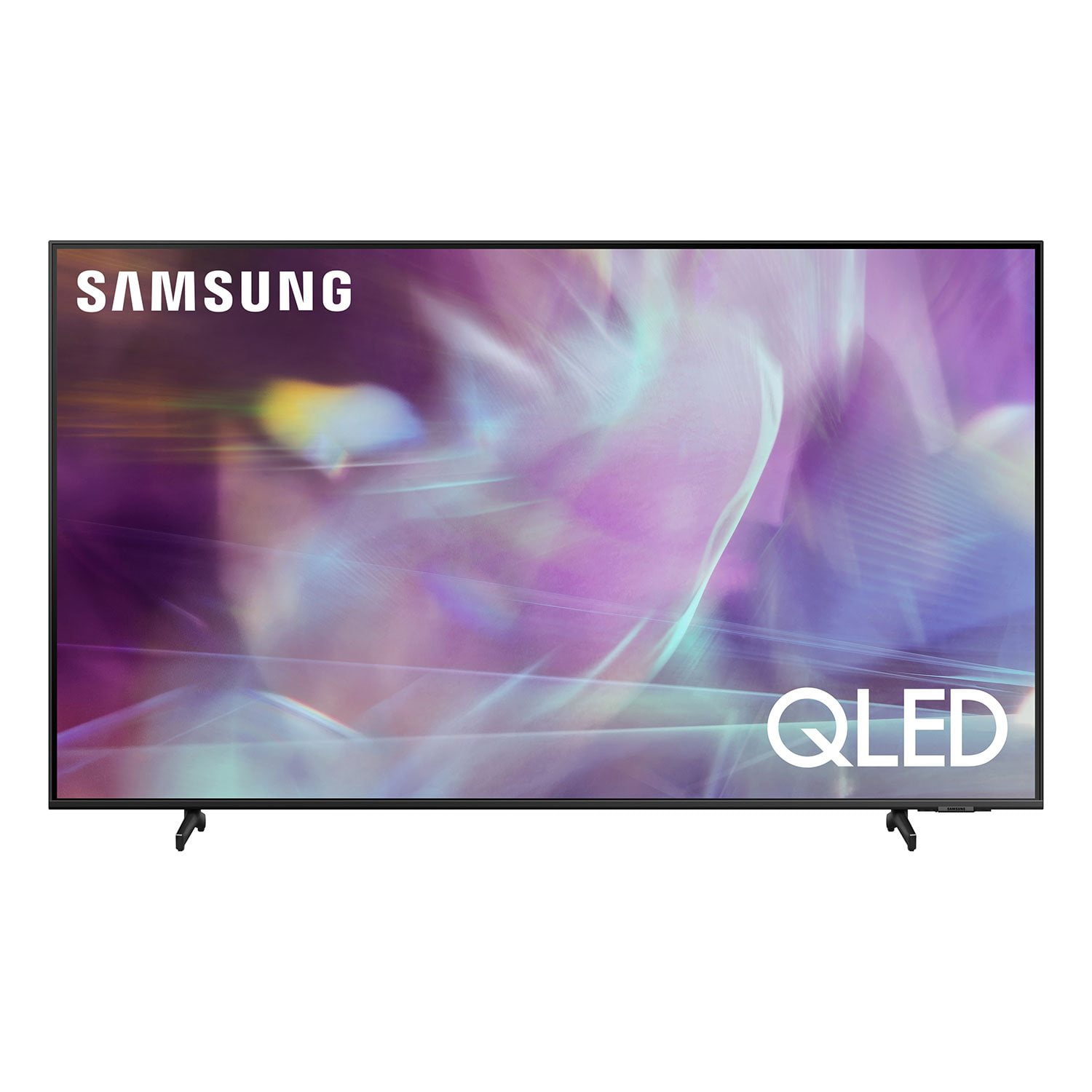
SAMSUNG 75" Class Q6-Series 4K Ultra HD Smart QLED TV - QN75Q6DAAFXZA
4.6 out of 5 stars
stars
1,998 ratings1,898 reviews
  1. 5 stars74% (1,480)
  2. 4 stars17% (337)
  3. 3 stars4% (77)
  4. 2 stars2% (31)
  5. 1 star4% (73)
Sort by |
Showing 1,651-1,660 of 1,898 reviews
Apr 28, 2022
Reviewer name: chas 68
5 out of 5 stars
5 out of 5 stars review

awesome

love the new smart tv color is great easy set up love the remote solar charging ,would recommend this tv to everyone.

Review from Samsung Canada
Helpful?20S51SPKF03T15280651920
reply from Operations

Thank you, chas 68! We love to hear positive feedback and we’re delighted you’re enjoying your new Samsung TV.

Jun 29, 2021
Reviewer name: turra
5 out of 5 stars
5 out of 5 stars review

This Tv is good

[This review was collected as part of a promotion.] We use to watch tv , netflix, amazon etc.. Its really nice. and big.

Review from Samsung US
Helpful?20S51SPKF03T15280651920
Jun 24, 2021
Reviewer name: BLynn
5 out of 5 stars
5 out of 5 stars review

I like it nice and good so far ..

[This review was collected as part of a promotion.] I like it it's big and I haven't had any issues with these kinds of tv so far ... So far so good.

Review from Samsung US
Helpful?20S51SPKF03T15280651920
Apr 5, 2021
Reviewer name: Gamingtv
5 out of 5 stars
5 out of 5 stars review

Stunning picture quality

[This review was collected as part of a promotion.] Main uses are gaming completely changed my experience

Review from Samsung US
Helpful?20S51SPKF03T15280651920
Jul 20, 2021
Reviewer name: Granny
5 out of 5 stars
5 out of 5 stars review

This product has wonderful features

[This review was collected as part of a promotion.] I use it for streaming music and watching tv great for You Tube Netflix and hulu

Review from Samsung US
Helpful?20S51SPKF03T15280651920
Apr 26, 2021
Reviewer name: Cjflash
5 out of 5 stars
5 out of 5 stars review

This TV has great features

[This review was collected as part of a promotion.] I us my TV for everything and I can't be happier with this product

Review from Samsung US
Helpful?20S51SPKF03T15280651920
Jul 13, 2021
Reviewer name: Shawty200
5 out of 5 stars
5 out of 5 stars review

Yes

[This review was collected as part of a promotion.] It's a very good tv also work it aslo have great features

Review from Samsung US
Helpful?20S51SPKF03T15280651920
Oct 2, 2021
Reviewer name: NesetS
5 out of 5 stars
5 out of 5 stars review

Remote is fantastic

[This review was collected as part of a promotion.] Super thin and has fantastic remote control. I reaaly recomend it.

Review from Samsung US
Helpful?20S51SPKF03T15280651920
Apr 27, 2021
Reviewer name: Robert
5 out of 5 stars
5 out of 5 stars review

Excelente tv good

[This review was collected as part of a promotion.] movies and YouTube and netflix , excelente tv and amarte tv

Review from Samsung US
Helpful?20S51SPKF03T15280651920
Apr 19, 2021
Reviewer name: Zack
3 out of 5 stars
3 out of 5 stars review

I'm still trying to make it work

[This review was collected as part of a promotion.] Streaming, sports and entertainment For home. I don't know what else you want me to say

Review from Samsung US
Helpful?20S51SPKF03T15280651920
reply from Samsung Brand Ambassador

Zack: Thank you for your review of the 2021 Samsung Q60A TV. You can view the embedded e-Manual that contains information about your TV's key features. You will also find step-by-step instruction on great features such as Multi View where you can watch what’s on your TV and your phone on the same screen at the same time and Tap View which allows you to mirror your phone on your TV with just a tap. The manual is available directly on your TV at: Settings > Support > Open e-Manual It is also available online on the Samsung website. Should you ever have questions or need help, you can reach us at 1-800-SAMSUNG (ask for TVs), available 8AM -12AM EST, 7 days a week. Or text HELP to 62913. For additional support resources, visit us on the Samsung website and click on the ‘Support’ link in the upper right corner of the homepage for: 1) More ‘Contact Us’ options – LiveChat, Facebook, Twitter, Samsung Community, Samsung Members app 2) Manuals & Software 3) Warranty Info 4) Product Registration: For access to easy warranty support, convenient opt-in to special promos and offers, faster troubleshooting and service, and quick notification of system updates. ~ Samsung Solutions