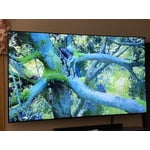
Great Picture but...
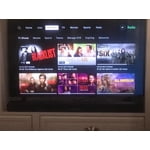
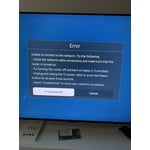
the picture and quality seem really good but every time i turn on the tv and go to use the netflix app or any of the other apps, it says my tv is having a connection problem but when i go to look at the connection in settings it says it is connected. i then have to hold my power button for three seconds to reset the tv and then turn it back on, everyday. i am not a fan of the fact that you can't move the apps on the home bar. i changed the order in the apps page but it doesnt translate. also, the drop down function annoys me, i'd rather not have it and it would be nice to have an input button on the remote so i can easily switch from steaming to my games, instead of having to open the home bar and scroll all the way to the left. tv does the job and for the price, you cant beat it!
reply from OBA
Erin T:
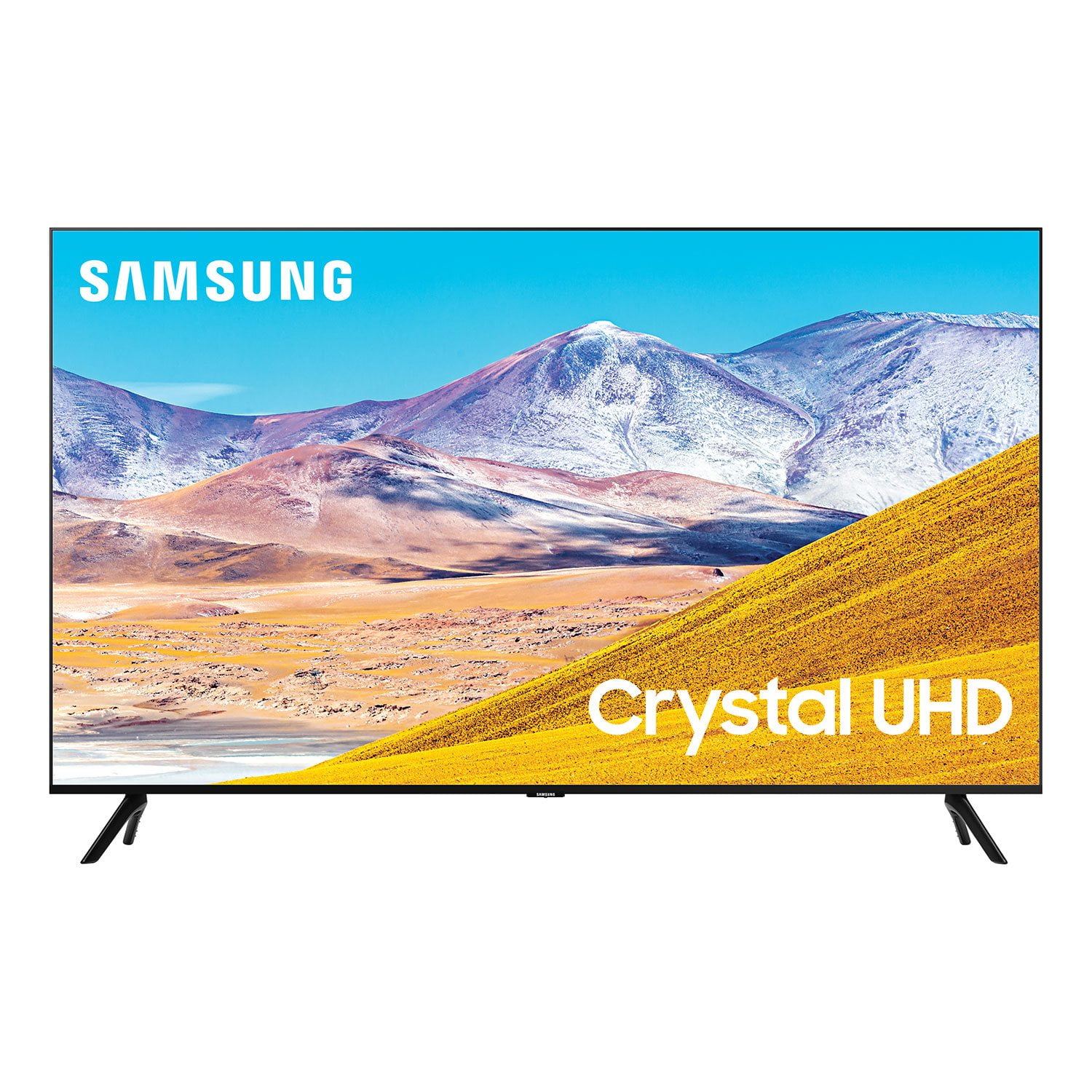
Thank you for purchasing the Samsung TU8000 TV and for your review. I am very sorry you are experiencing connection issues. A new firmware update has recently been released which may help improve your connection. (1460.9 released on 12/7/20)
Using your TV's remote, navigate to Settings, and select Support. Select Software Update, and then select Update Now. New updates will be downloaded and installed on your TV. Updates usually take a few minutes; please do not turn off the TV until the update is complete. When the update is finished, the TV will restart automatically.
You may also want to enable automatic updates for future convenience. Select Settings > Support > Software Update, then select Auto Update.
Please know that you can customize the Smart Hub by removing apps from or adding apps to the home screen. You can also rearrange apps to your liking. Simply select an app, press, and hold the Enter key. You’ll see a popup menu with options to move or remove it.
Should you have further questions or concerns, please contact Samsung Customer Support.
1-800-SAMSUNG (ask for TVs), available 8AM -12AM EST, 7 days a week
Or visit us on the Samsung website and click on the ‘Support’ link in the upper right corner of the homepage for:
1) Contact Us Options (LiveChat, Remote Support, Facebook, Twitter)
2) Product Support
3) Manuals and Downloads
4) Warranty Info
5) Product Registration: Registering your product gives you access to easy warranty support, convenient opt-in to special promos and offers, faster troubleshooting and service, and quick notification of system updates
6) Samsung Community: A great resource for getting help from Samsung moderators and customers and more
7) …and more product, repair, order, and care options
~ Samsung Solutions

 Member ratings & reviews for