Skip to Main Content
Sam's Club
Sam's Club
Member ratings & reviews for
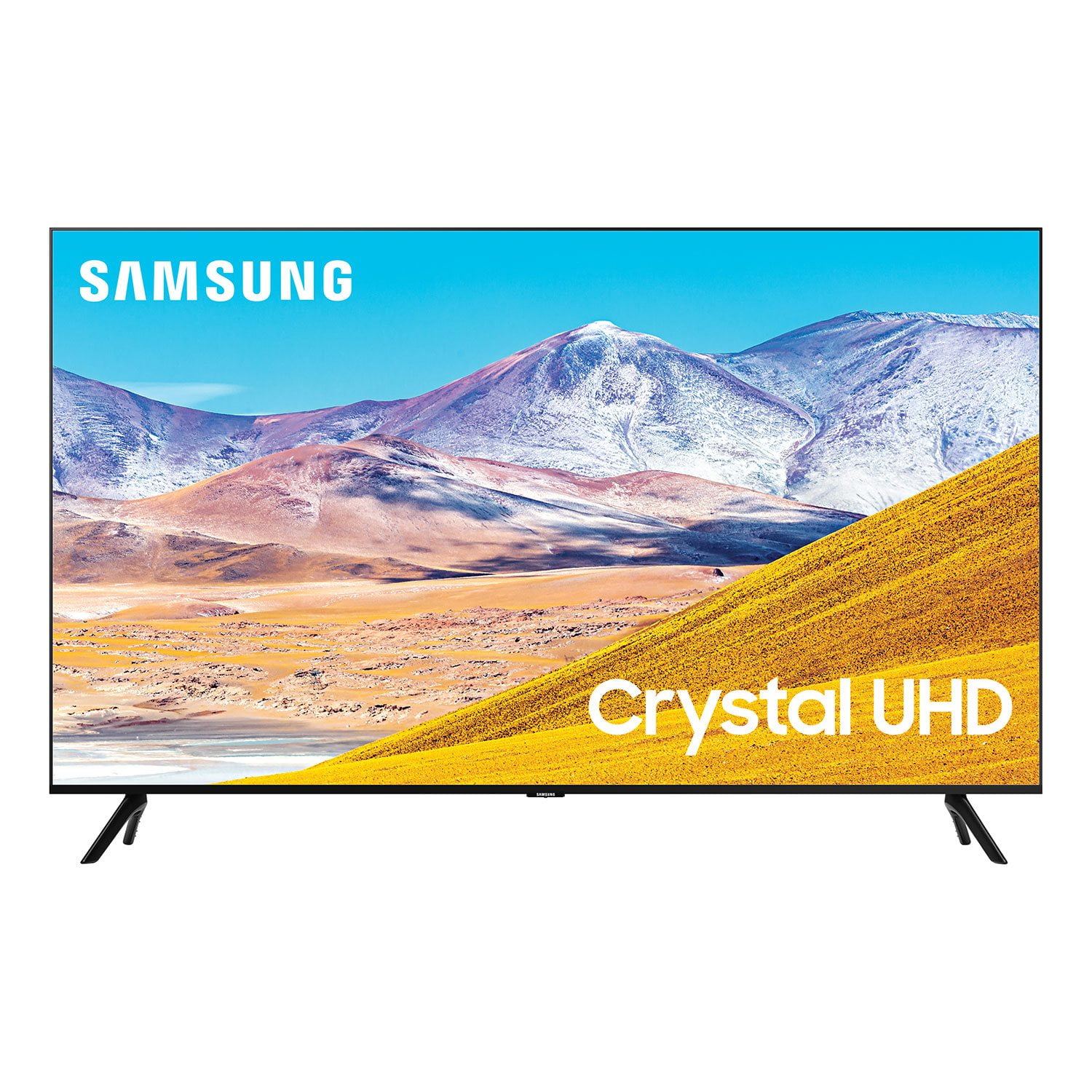
SAMSUNG 85" Class TU800D-Series Crystal Ultra HD 4K Smart TV - UN85TU800DFXZA (2020 Model)
4.5 out of 5 stars
stars2,685 ratings2,589 reviews
  1. 5 stars70% (1,890)
  2. 4 stars18% (476)
  3. 3 stars4% (116)
  4. 2 stars2% (52)
  5. 1 star6% (151)

Member photos

  • +42 images
Sort by |
Showing 2,451-2,460 of 2,589 reviews
Nov 2, 2020
Mike
4 out of 5 stars review

picture quality, smart features

remote control does not function well with directv set top controller. constantly switching between samsung remote and directv remote is annoying .

Review from Samsung US
Helpful?6WJALYUO0YZR15267810566
Sep 21, 2020
Safetyman
5 out of 5 stars review

The features are great

[This review was collected as part of a promotion.] My experience has been more than what I expected. The picture and sound quality are exceptional.

Review from Samsung US
Helpful?6WJALYUO0YZR15267810566
Sep 15, 2020
jonwk56
5 out of 5 stars review

Excellent quality

[This review was collected as part of a promotion.] Love all the features.. excellent picture . . easy to use remote functions

Review from Samsung US
Helpful?6WJALYUO0YZR15267810566
Sep 19, 2020
yordy
5 out of 5 stars review

great tv

[This review was collected as part of a promotion.] I love it great tv super good colors easy to handle

Review from Samsung US
Helpful?6WJALYUO0YZR15267810566
Oct 6, 2020
TVGuy2
5 out of 5 stars review

Gret Picture and Easy to Navigate

[This review was collected as part of a promotion.] Love the TV, it was a great purhcase- affordable for a quality TV.

Review from Samsung US
Helpful?6WJALYUO0YZR15267810566
Dec 6, 2020
Middlinger
5 out of 5 stars review

Large screen TV at a fair price

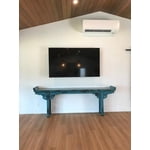
lot of technology. very sharp graphics. easy to set up. paired well with samsung sound bar. wall mounting was not complicated.

Review from Samsung US
Helpful?6WJALYUO0YZR15267810566
Sep 15, 2020
Siwin
5 out of 5 stars review

This product has great features.

[This review was collected as part of a promotion.] Crystal clear, good song quality, and very quick on/off.

Review from Samsung US
Helpful?6WJALYUO0YZR15267810566
Oct 6, 2020
Tereza
5 out of 5 stars review

Samsung 8 series 4K uhd tv

[This review was collected as part of a promotion.] Love the great quality of this tv use my tv for everything.( music, shows,movies,etc)

Review from Samsung US
Helpful?6WJALYUO0YZR15267810566
Jan 8, 2021
Kristine
3 out of 5 stars review

Its alright

good tv. love the colors and picture but it has reaccuring issues with connection to wifi that i have nevwr had on any other products.

Review from Samsung US
Helpful?6WJALYUO0YZR15267810566
reply from OBA

Kristine: Thank you for purchasing the Samsung TU8000 TV and for your review. I am very sorry that you are experiencing WiFi connection issues. You may want to go through these steps to check your network connection: 1) First, please be sure you have the latest firmware update. (1460.9 released on 12/7/20) Using your TV's remote, navigate to Settings, and select Support. Select Software Update, and then select Update Now. New updates will be downloaded and installed on your TV. Updates usually take a few minutes; please do not turn off the TV until the update is complete. When the update is finished, the TV will restart automatically. You may also want to enable automatic updates for future convenience. Select Settings > Support > Software Update, then select Auto Update. 2) Check the distance between the TV and your modem or access point. The distance should not exceed 50 ft. (15.2 m). 3) Minimize interference by not using or turning off wireless devices. Also, verify that there are no obstacles between the TV and the modem or access point. (WiFi strength can be decreased by appliances, cordless phones, stone walls/fireplaces, etc.) 4) Perform a network test to check if there is a network problem. Press the Home button on your remote. Navigate to Settings > Support > Device Care > Self Diagnosis> Smart Hub Connection Test 5) Try a cold reboot of your TV by pressing and holding the power button for 5+ seconds until the TV turns off and on again. For further assistance or service, please contact us via any of the following options: 1-800-SAMSUNG (ask for TVs), available 8AM -12AM EST, 7 days a week Or visit us on the Samsung website and click on the ‘Support’ link in the upper right corner of the homepage for: 1) Contact Us Options (LiveChat, Remote Support, Facebook, Twitter) 2) Product Support 3) Manuals and Downloads 4) Warranty Info 5) Product Registration: Registering your product gives you access to easy warranty support, convenient opt-in to special promos and offers, faster troubleshooting and service, and quick notification of system updates 6) Samsung Community: A great resource for getting help from Samsung moderators and customers and more 7) …and more product, repair, order, and care options ~ Samsung Solutions

Sep 17, 2020
Shep
4 out of 5 stars review

Samsung 43” TV

[This review was collected as part of a promotion.] Beautiful picture but the sound out of the internal speakers is poor.

Review from Samsung US
Helpful?6WJALYUO0YZR15267810566