
 Member ratings & reviews for
Member photos




 +42 images
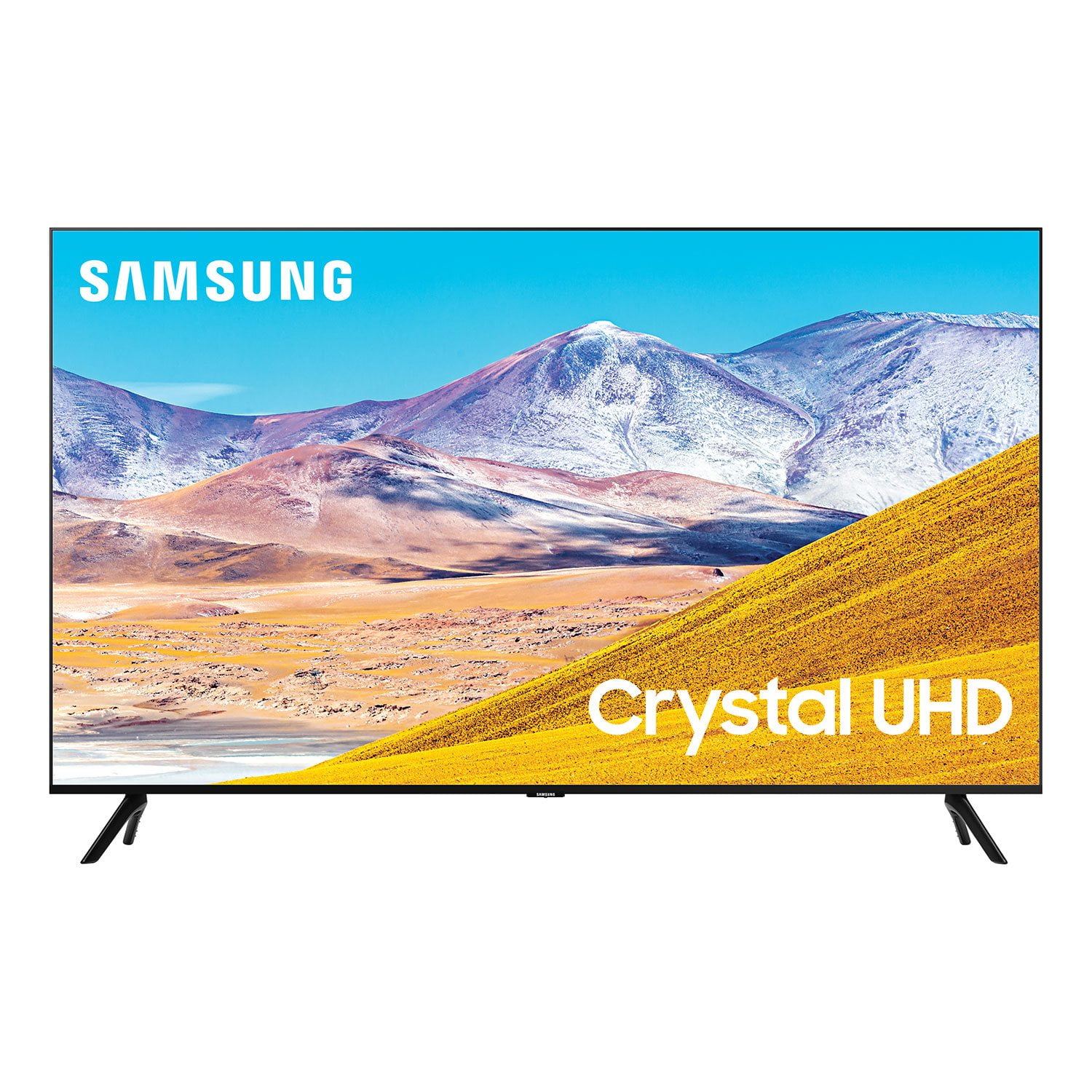
50" Class TU8000 Crystal UHD
great price, however picture quality not what we expected--additionally, hard to see picture from either 'side' area. would not buy this model again. thank you,
Good TV, good screen image
works great, for the price the image quality is superb. we did encounter issues downloading disney+ from the app store and it seams this is a recuring issue on this model. i have a older curve samsung tv with no issues on the app. i do recomend
This tv is awful
Bought this tv couple weeks ago and it is horrible! Without touching anything the tv started narrating every channel, commercial etc and will not allow us to reset tv. It's not an option. We are still in time frame to return it so are doing so today.
Stressed one, I apologize for the inconvenience you have had. If your TV is announcing everything you do, then Voice Guide is turned on. Voice Guide is an accessibility function to assist users who are visually impaired. To turn off Voice Guide, navigate to Home > Settings > General > Accessibility > Voice Guide Settings > Voice Guide. I hope this tip helps to solve your concern. If you need further help, please contact Samsung Customer Support at 1-800-SAMSUNG, available 8AM – 9PM EST (Mon-Fri) Simply copy-paste this link into your browser to LiveChat with us: https://www.samsung.com/us/support/#contact_us_for_support We are likewise reachable by Facebook Messenger at: https://www.facebook.com/samsungsupport Or find us on Twitter at https://twitter.com/SamsungSupport Lastly, we invite you to register your new Samsung TV at: www.samsung.com/us/account/signin/?redirect=https%3A%2F%2Fwww.samsung.com%2Fus%2Fsupport%2Fregister%2F Registering your product gives you access to easy warranty support, convenient opt-in to special promos and offers, faster troubleshooting and service, and quick notification of system updates. Thank you for choosing Samsung. -Samsung Ambassador
A beautiful picture that grabbed my attention
a beautiful picture for an led tv at a price above many not so good led tvs, but less than near qled tvs. i don't rely on tv speakers, but this tv knew the parameters necessary to easily connect, operate and use my high end sound system. the tv supports well beyond the apps i use. my only disappointment is the need to reboot the tv every two or three days once it freezes (no blue screen of death!) to regain control of the tv (support services did tell me of this remedy).
Fantastic Picture
the remote is 1 1/4" wide and what few buttons it has doesn't really make any sense, and it's really easy to misplace. i cannot find a remote that can replace this one that is like a normal remote. the picture is amazing, even in most black and white movies as well as color, it's like you're there in the show with them.
Great picture, imperfect UX.
i'd love to give it 5 stars...and despite excellent visual performance the ux prevents top marks. the mini-blutooth remote that comes with the unit is terrible. if you have a dense wifi/blutooth environment (like every living room now) it will struggle to pair, frequently disconnect and be generally abusive to the overall experience. we tried the easy setup via mobile app...but as soon as the tv came live it invasively tried to push the client onto all our phones. there is a fine line between automated/helpful and creepy/invasive...and it was crossed. contrasting our hisense roku-tv is night/day. setup was quick and easy. disappointing that a market leader like samsung can't do better than this. picture and visuals: 5/5 initial ux and setup: 1/5 general ux: 3/5
AMAZING Quality & Ease of Use
i've followed, adored and purchased samsung products now for 10+ years. i have recently relocated and part of the cost savings was to sell my two samsung tv's and soundbar systems. i did and with costs being a big consideration, i wanted a qled and 85" tv with 7.1 sound. but, i purchased this instead and .... i'm here to say elated at the choice. i stream from sd to uhd from the internet and a local resource inside. wow!!! picture quality during streaming is as fluid and consistent as watching a 32gb bluray file off my storage unit. the most difficult part of owning this tv - finding a perfect media / entertainment center that would complement it's length. samsung will be my go to for televisions and sound systems. they aren't unmatched, but they are definitely worth the investment!
The smooth transitions in the viewing experience
the picture is one of strong transmission. it makes for entertaining watching. the apps are thorough and easy to reach. the sound is adequate and balanced. the colors are vibrant and vivid. the price is modest for the features and quality. this all in all makes for a transcendental viewing experience!
Doesnt work well with apple products :(
apple airpods pro won't stay connected and constantly says its connected but the volume doesnt work. description says it works well with apple homekit - but it doesn't. i can't get homekit to even recognize the samsung tv. i bought it for apple product compatibility and feel decieved since it is not easily compatible with apple as they say it is.
Greg: Thank you for choosing the TU8000 TV. I am very sorry to hear that you are experiencing issues connecting your Apple products. You may need to unpair/re-pair your AirPods. Please also be sure you are running the latest firmware. You can check to see what software version your TV is using and if there is an available update through the settings on your TV. Go to: Settings > Support > Software Update. This TV does not feature the Apple HomeKit dashboard on the TV. However, it is compatible with Airplay 2 technology you to connect wirelessly to the TV from an Apple device. If you should have concerns or questions regarding setup, function, features, or settings, please know that Samsung Customer Support is here to help. 1-800-SAMSUNG (ask for TVs), available 8AM -12AM EST, 7 days a week Or visit us on the Samsung website and click on the ‘Support’ link in the upper right corner of the homepage for: 1) Contact Us Options (LiveChat, Remote Support, Facebook, Twitter) 2) Product Support 3) Manuals and Downloads 4) Warranty Info 5) Product Registration: Registering your product gives you access to easy warranty support, convenient opt-in to special promos and offers, faster troubleshooting and service, and quick notification of system updates 6) Samsung Community: A great resource for getting help from Samsung moderators and customers and more 7) …and more product, repair, order, and care options ~ Samsung Solutions
Hugely Disappointing Purchase
the screen is too dark. the e-manual does not provide information on how to operate the tv; for example, it does not explain voice commands. i expected to find videos on operating the tv and the remote; i didn't find any. the remote is not intuitive and does not have the buttons i have become accustomed to. i connected my hearing aids to the tv, but that shut off all the other speakers so no one else could hear. then the connect-hearing-aids box kept appearing on the screen despite clicking "cancel", which was very irritating. no place to connect the tv ears. we were so annoyed and aggravated by this tv that we threw it away after 2 weeks and bought another tv. yes, we are extremely agitated at the waste of money.
Darold, I am very sorry to hear that you are experiencing issues using your TU8000 TV. Please accept our apology for the disappointment and inconveniences you have had. Samsung is committed to providing the best possible product experience, quality, and value. We back this TV with a 1-year limited manufacturer's warranty if purchased brand-new directly from an authorized seller. Our Customer Support team is always here to help you with step-by-step setup, setting adjustment, usage guide and troubleshooting. Please reach out to us by calling 1-800-SAMSUNG (available 8AM -12AM EST, 7 days a week) Or visit us on the Samsung website and click on the ‘Support’ link in the upper right corner of the homepage for: 1) Contact Us Options (LiveChat, Remote Support, Facebook, Twitter) 2) Product Support 3) Manuals and Downloads 4) Warranty Info 5) Product Registration: Registering your product gives you access to easy warranty support, convenient opt-in to special promos and offers, faster troubleshooting and service, and quick notification of system updates 6) Samsung Community: A great resource for getting help from Samsung moderators and customers and more 7) …and more product, repair, order, and care options We hope to hear from you and assist you towards a solution. -Samsung Ambassador