Skip to Main Content
Sam's Club
Sam's Club
All Departments
All Services
Member ratings & reviews for
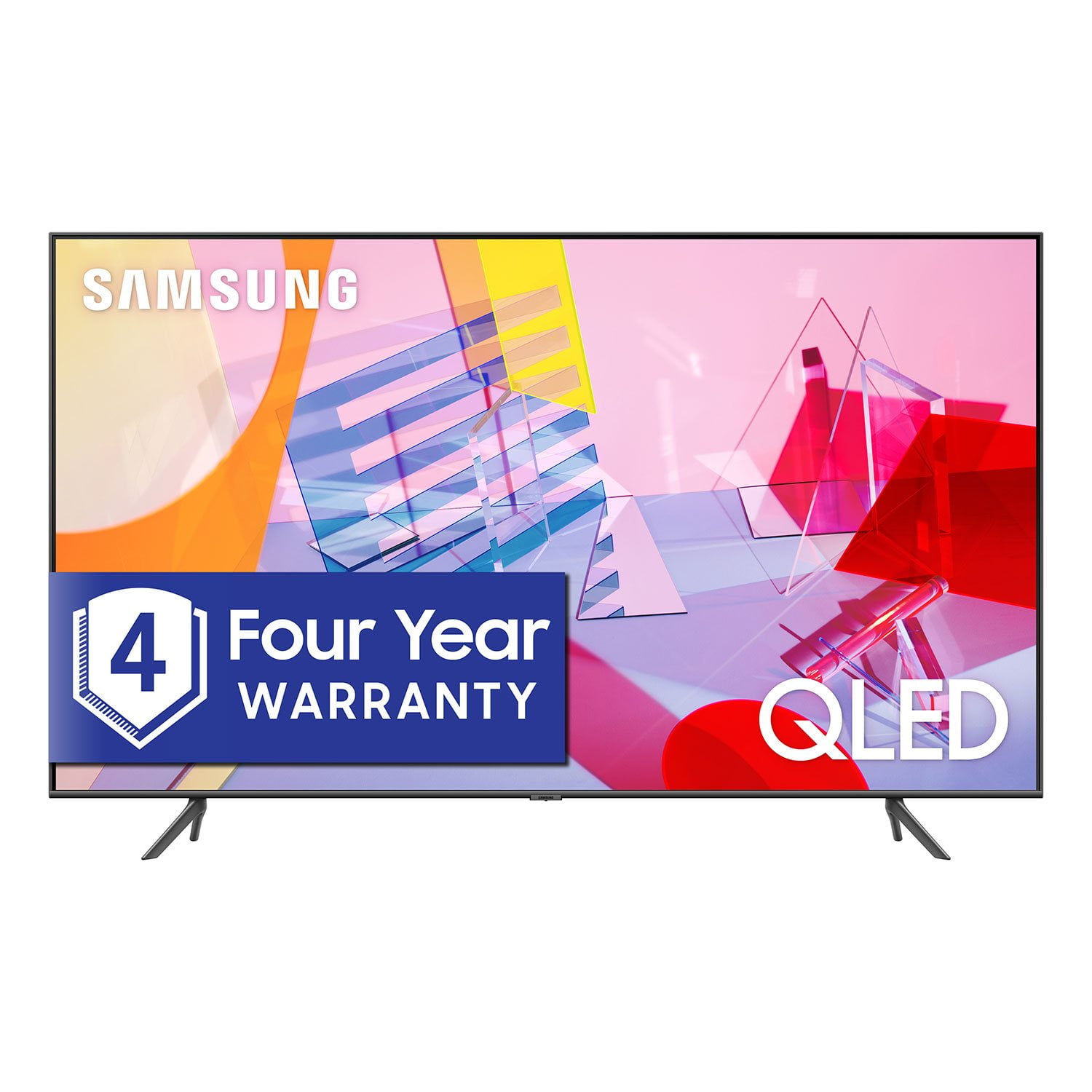
SAMSUNG 55" Class Q6DT-Series 4K Ultra HD QLED Smart TV - QN55Q6DTAFXZA (2020 Model)
4.7 out of 5 stars
stars
2,111 ratings2,037 reviews
  1. 5 stars78% (1,656)
  2. 4 stars15% (321)
  3. 3 stars3% (56)
  4. 2 stars1% (22)
  5. 1 star3% (56)

Member photos

  • +13 images
Sort by |
Showing 1,801-1,810 of 2,037 reviews
Nov 8, 2020
Reviewer name: JohnnySyracuse
5 out of 5 stars
5 out of 5 stars review

Love it!

[This review was collected as part of a promotion.] Had it put together and set up in 10 minutes. The picture is excellent! Buy it!

Review from Samsung US
Helpful?2NS8KJIS3KAL15252270711
Oct 6, 2020
Reviewer name: jkharris31
4 out of 5 stars
4 out of 5 stars review

Samsung TV

[This review was collected as part of a promotion.] Great picture -easy set up - what's not to love about a Samsung TV!

Review from Samsung US
Helpful?2NS8KJIS3KAL15252270711
Sep 15, 2020
Reviewer name: Lookattv
5 out of 5 stars
5 out of 5 stars review

Picture is great

[This review was collected as part of a promotion.] Watching movies , playing games is great , I love it

Review from Samsung US
Helpful?2NS8KJIS3KAL15252270711
Oct 6, 2020
Reviewer name: Anonymous
5 out of 5 stars
5 out of 5 stars review

Love the colors!

[This review was collected as part of a promotion.] Bright colors! Love it! And the pair with Alexa is awesome. Thank you

Review from Samsung US
Helpful?2NS8KJIS3KAL15252270711
Oct 26, 2020
Reviewer name: Johnno
5 out of 5 stars
5 out of 5 stars review

Awesome

[This review was collected as part of a promotion.] Great picture all the opinions i want. Hooks up smart things no problem. Love it

Review from Samsung US
Helpful?2NS8KJIS3KAL15252270711
Nov 18, 2020
Reviewer name: Love2hop
5 out of 5 stars
5 out of 5 stars review

Love this tv

[This review was collected as part of a promotion.] The TV has a beautiful picture. Sound is OK but needs a little more Love how thin it is

Review from Samsung US
Helpful?2NS8KJIS3KAL15252270711
Oct 6, 2020
Reviewer name: RayClay72
4 out of 5 stars
4 out of 5 stars review

What love most about my new Samsung TV

[This review was collected as part of a promotion.] Very clear and crisp picture. Bold and beautiful colors. Both wall and stand mount options.

Review from Samsung US
Helpful?2NS8KJIS3KAL15252270711
Jun 28, 2021
Reviewer name: Anj3l75
4 out of 5 stars
4 out of 5 stars review

Great color

[This review was collected as part of a promotion.] I love the color and picture very bright and vivid also great picture quality for gaming

Review from Samsung US
Helpful?2NS8KJIS3KAL15252270711
Apr 19, 2021
Reviewer name: Tubbs54
5 out of 5 stars
5 out of 5 stars review

This product has absolutely awesome features

[This review was collected as part of a promotion.] I use my tv for watching movies in 4K, watching movies, streaming movies and gaming

Review from Samsung US
Helpful?2NS8KJIS3KAL15252270711
Jul 25, 2021
Reviewer name: Robles
5 out of 5 stars
5 out of 5 stars review

Beautiful picture!

[This review was collected as part of a promotion.] Beautiful quality picture that is super clear! Streaming with Comcast is sometimes slow.

Review from Samsung US
Helpful?2NS8KJIS3KAL15252270711
reply from Samsung Brand Ambassador

Robles, Thank you for choosing Samsung's Q60T TV and for your review. We appreciate your feedback regarding your TV's response time. If you are using Comcast's Xfinity streaming app and are experiencing freezing or crashing issues, you can try cold booting your TV by holding down the power button on your remote for 5+ sec until the TV turns off and on again, deleting and downloading the apps again, and completing full reset of Smart Hub to correct the issue. Please also check that your TV is running the latest firmware version. Go to: Settings > Support > Software Update. Should you ever have questions or need help, please call us at 1-800-SAMSUNG (ask for TVs), available 8AM -12AM EST M-F (9AM – 6PM EST Sat). Or text HELP to 62913. For additional support resources, visit us on the Samsung website and click on the ‘Support’ link in the upper right corner of the homepage for: 1) More ‘Contact Us’ options – LiveChat, Facebook, Twitter, Samsung Community, Samsung Members app 2) Manuals & Software 3) Warranty Info 4) Product Registration: For access to easy warranty support, convenient opt-in to special promos and offers, faster troubleshooting and service, and quick notification of system updates. ~ Samsung Specialist