Skip to Main Content
Sams Club
Sams Club
Member ratings & reviews for
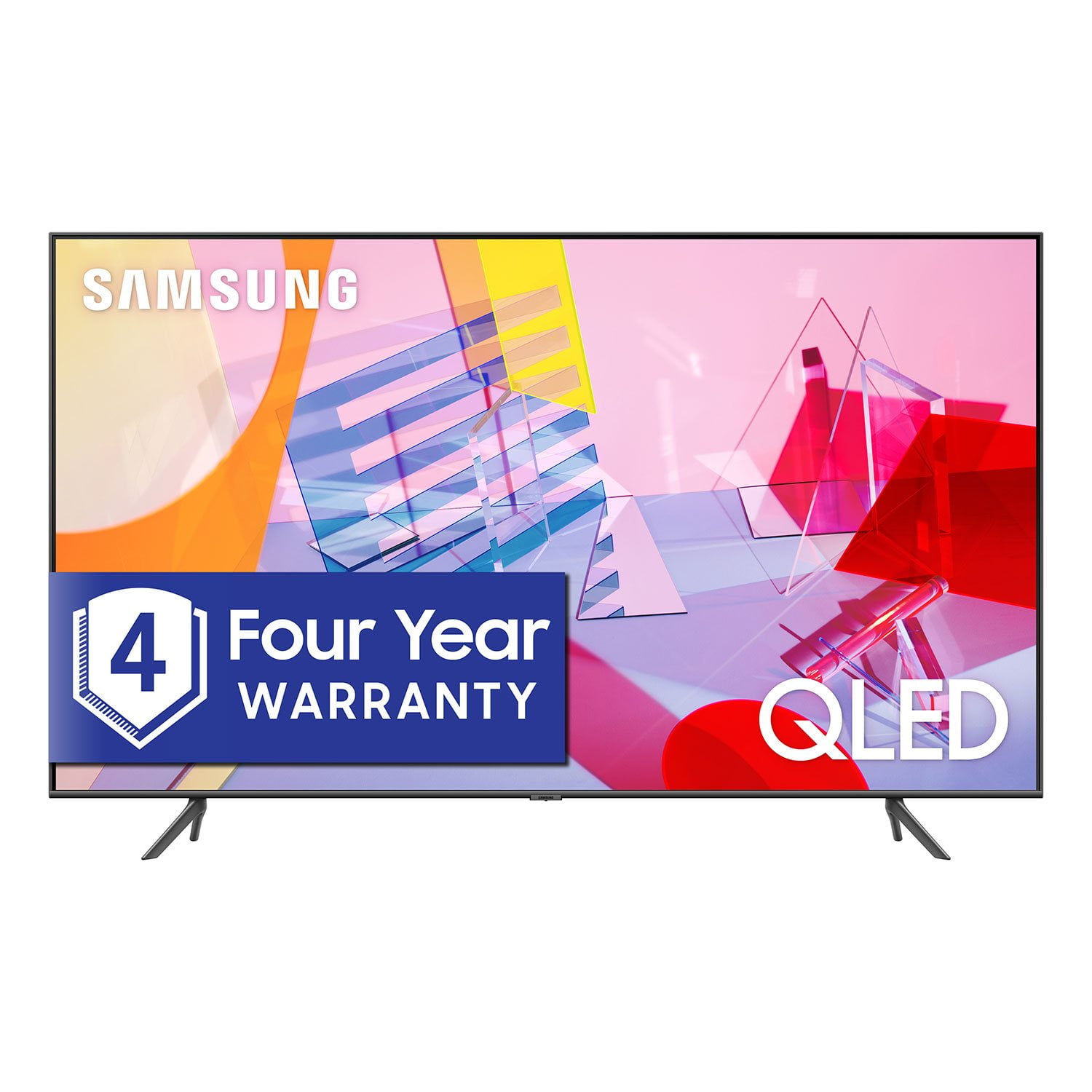
SAMSUNG 55" Class Q6DT-Series 4K Ultra HD QLED Smart TV - QN55Q6DTAFXZA (2020 Model)
4.7 out of 5 stars
stars2,111 ratings2,037 reviews
  1. 5 stars78% (1,656)
  2. 4 stars15% (321)
  3. 3 stars3% (56)
  4. 2 stars1% (22)
  5. 1 star3% (56)

Member photos

  • +13 images
Sort by |
Showing 1,211-1,220 of 2,037 reviews
Jul 23, 2021
Samsungsrock
5 out of 5 stars review

This tv picture is very clear and we love it!

[This review was collected as part of a promotion.] We use our tv for Netflix and Roku! Lots of Disney plus and amazing movies all around! Definitely a tv to look into getting

Review from Samsung US
Helpful?2NS8KJIS3KAL15252270711
Jun 29, 2021
Phillie
3 out of 5 stars review

Same as any other Samsung

[This review was collected as part of a promotion.] It's not 82” it's 48”. I thought it was supposed to work with Google and I have no google functions. I can't do anything with voice recognition

Review from Samsung US
Helpful?2NS8KJIS3KAL15252270711
reply from Samsung Brand Ambassador

Hi Phillie, Thank you for purchasing the 82” Q60T TV. Please know that the industry standard when measuring screen size refers to the measurement of the screen when measured diagonally. The measurements of your 82” model are 72.1" x 41.1" x 2.5" (WxHxD) when measured without the stand. Measurements can be found on the product page on the Samsung website by clicking on SPECS and then on SEE ALL SPECS. Samsung Smart TVs let you sync with Google Home, allowing you the convenience of using voice commands for certain functionalities, such as power on/off, volume up/down, channel change, input source change, and playback control. Here is a step-by-step guide for syncing with Google Home: 1) Make sure you have the SmartThings app on your mobile device. Add your TV device to the SmartThings app. 2) Open the Google Home app on your phone. If you do not have the app on your phone, you can search for Google Home in the Google Play Store and download the app. 3) Select the Add button. On the next screen select Set Up Device. 4) Press on the text under the title Works with Google. Here you will see a list of accounts. Scroll down until you see SmartThings and select it or search SmartThings by pressing the search icon in the top right-hand corner. 5) Once you have selected SmartThings , press the “Sign in with Samsung Account”’ and use the same Samsung Account which you used to sign in on the SmartThings app on your mobile. 6) The TV will be added automatically. If you have not already set up your TV's voice assistant functions, the TV must be connected to the internet. Go to Settings > General > Voice > Voice Assistant to select which Voice Assistant you would like to help control your TV (Bixby, Amazon Alexa, or Google Assistant) To use the Voice Assistant, follow the instructions on the TV screen to enable the selected Voice Assistant. To enable the Settings menus for each Voice Assistant, log into each Voice Assistant. To run your selected Voice Assistant, press and hold the button, say a command, and then release the button to run Voice Assistant. The Samsung Smart Remote may not recognize your voice when it is far away from you, turned upside down, or located in an environment with loud ambient noise. Use the Samsung Smart Remote less than 2 feet (1.5 m) from you with the remote control buttons facing upward. If you have already set up your Voice Assistant, your issue might be with your remote. For further assistance, please contact Samsung Customer Support. You can call us at 1-800-SAMSUNG (ask for TVs), available 8AM -12AM EST, 7 days a week. Or text HELP to 62913. For additional support resources, visit us on the Samsung website and click on the ‘Support’ link in the upper right corner of the homepage for: 1) More ‘Contact Us’ options – LiveChat, Facebook, Twitter, Samsung Community, Samsung Members app 2) Manuals & Software 3) Warranty Info 4) Product Registration: For access to easy warranty support, convenient opt-in to special promos and offers, faster troubleshooting and service, and quick notification of system updates. ~ Samsung Specialist

Jun 30, 2021
2grafic
5 out of 5 stars review

Color love the quantum dots

[This review was collected as part of a promotion.] I use it with my Xbox series x and I stream and play games its feel like I'm at the movies....the sound is also good as well

Review from Samsung US
Helpful?2NS8KJIS3KAL15252270711
Sep 15, 2020
Sylvia
5 out of 5 stars review

This TV is amazing

[This review was collected as part of a promotion.] I have had my tv for a couple of months and I completely love it. This tv is amazing. I have no complaints thus far. I would recommend this tv.

Review from Samsung US
Helpful?2NS8KJIS3KAL15252270711
Sep 23, 2020
kingfamily
3 out of 5 stars review

OK TV, Not sure if it's worth the price

[This review was collected as part of a promotion.] Nice TV, very big period controls are very cumbersome periodI don't like how there's all kind of free options, and you can't hide them from your home screen did they are always

Review from Samsung US
Helpful?2NS8KJIS3KAL15252270711
Sep 15, 2020
Greattv
5 out of 5 stars review

Great features and picture!

[This review was collected as part of a promotion.] Love the TV and the features. We love all the apps that are included in the TV. Wish we would have went for the next larger one!

Review from Samsung US
Helpful?2NS8KJIS3KAL15252270711
Oct 5, 2020
Dany
5 out of 5 stars review

Good and smart product

[This review was collected as part of a promotion.] I really like this tv.mostly the remote control..it's so smart..easy to access..will buying to 2 more to ship back home..

Review from Samsung US
Helpful?2NS8KJIS3KAL15252270711
Oct 22, 2020
mrjstyl
5 out of 5 stars review

As good as advertised!!!!

[This review was collected as part of a promotion.] Highly recommended!!!! Samsung has don't it again!!! One of the best TV's on the market . No Flaws!!!

Review from Samsung US
Helpful?2NS8KJIS3KAL15252270711
Oct 6, 2020
MyTV
5 out of 5 stars review

This is a great tv!

[This review was collected as part of a promotion.] I love this tv and Samsung electronic items. We haven't had a single problem. I like how it can automatically tell between game mode and when we are watching streaming services.

Review from Samsung US
Helpful?2NS8KJIS3KAL15252270711
Apr 27, 2021
RickZ1011
5 out of 5 stars review

Best TV 4k

[This review was collected as part of a promotion.] I really enjoyed the Ambient mode, the color of the picture quality, the amplify sound mode and most of all.. the size of the TV, Samsung is one of my favorite TV brands I used.

Review from Samsung US
Helpful?2NS8KJIS3KAL15252270711