Skip to Main Content
Sam's Club
Sam's Club
All Departments
All Services
Member ratings & reviews for
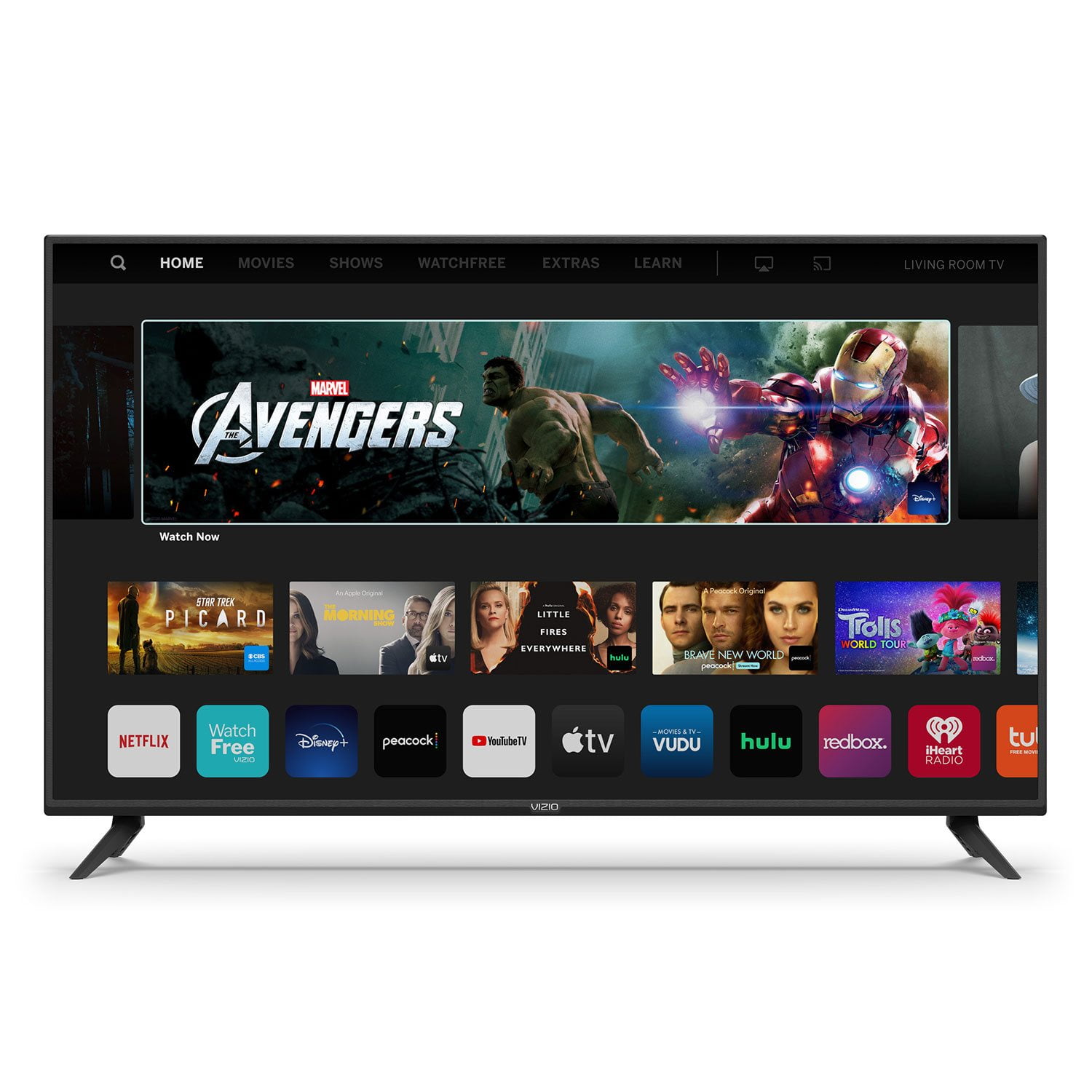
VIZIO 50" Class V-Series 4K HDR Smart TV - V505-H

Member photos

  • +35 images
Sort by |
Showing 8,631-8,640 of 34,160 reviews
Apr 27, 2021
Chad M
4 out of 5 stars review

[Employee of vizio] I bought this t.v about a month ago and very happy I did my only negative thing I could say is the volume could be better . But that wouldn't matter if you had surround or a sound bar.

Review from vizio.com
Helpful?292P25TATFGG15229700618
Feb 26, 2019
adinh
4 out of 5 stars review

V435-G0

[Employee of vizio] For what we were able to see, I thought the features were nice and the picture was crisp. Nothing to really complain about but at the same time, we weren't really able to take a deeper dive into the product either.

Review from vizio.com
Helpful?292P25TATFGG15229700618
Feb 7, 2021
JimboBob
4 out of 5 stars review

Great Product!

Had the tv over a year and love the picture quality and love the built in apps. Wish I could pick and choose the apps to save memory on the tv and wish there were apps that I use frequently or I wouldn't need to have my Firestick plugged in.

Review from vizio.com
Helpful?292P25TATFGG15229700618
Jan 11, 2021
Jbirdroster
3 out of 5 stars review

Not the best picture and color quality

Like all the features, but not very satisfied the picture and color quality, have adjusted all settings, but not getting a clear picture, and color tones are disappointing to say the least.

Review from vizio.com
Helpful?292P25TATFGG15229700618
reply from Customer Care

Hello Jbirdroster, at VIZIO we pride ourselves on our highly rated picture quality. To make sure you’re getting the most out of your VIZIO TV, we’d recommend making sure your devices are connected with an HDMI cable, and are set to broadcast in 4K (2160p) or Full HD (1080p). You can also individually adjust your picture settings in the menu. For brighter rooms, try using the ‘VIVID’ picture mode for a brighter, more colorful image. If you’d like any assistance adjusting these settings, our customer support team would love to help you dial in the TV to your preference, you can reach them at 844-254-8087. 

Dec 9, 2020
Sunshine162
5 out of 5 stars review

Beautiful big screen with wonderful sound.

We wanted to upgrade our 32 inch Tv in the living room and got this 58 inch beautiful clear bright screen and wonderful sound TV. We are so happy with it.

Review from vizio.com
Helpful?292P25TATFGG15229700618
Mar 27, 2020
Anonymous
4 out of 5 stars review

Great bargain!

I bought this a couple weeks ago to replace my old TV. I'm very happy with it as it's large and has decent video quality. The only thing I'm not impressed with is the audio quality.

Review from vizio.com
Helpful?292P25TATFGG15229700618
Dec 12, 2020
Mike7777
3 out of 5 stars review

OK tv, Mediocre color quality. poor sound quality.

I have had it 1 week. Getting the color adjusted is problematic. For the set up process the onscreen keyboard was very cumbersome. I have three other Vizio's this newest model setup experience was much more difficult than my previous experiences.

Review from vizio.com
Helpful?292P25TATFGG15229700618
Nov 23, 2022
Littlewolf
5 out of 5 stars review

Use it daily!!!!!

[This review was collected as part of a promotion.] Use it from 2hr-4hrs a day in great condition! Super happy with the video quality, it's also in a small room so we use the tv speakers for sound..it has great audio quality.

Review from vizio.com
Helpful?292P25TATFGG15229700618
Jul 11, 2020
Mg15
5 out of 5 stars review

Love it.

I bought one in 2005 and now another one. Smart tv.

Helpful?292P25TATFGG15229700618
Mar 25, 2021
Lilfox314
1 out of 5 stars review

Lilfox314

This is the worst TV I've ever bought. It's not kid friendly at all in fact I will more than likely be returning it

Review from vizio.com
Helpful?292P25TATFGG15229700618
reply from Customer Care

Hello Lilfox314, can you give us some additional details about the issue you are experiencing? I would like to learn more so we can assist with troubleshooting. Please visit support.VIZIO.com and click on ‘Contact Us’. We’ve got agents ready to chat, text message, or speak with you on the phone.