Skip to Main Content
Sam's Club
Sam's Club
All Departments
All Services
Member ratings & reviews for
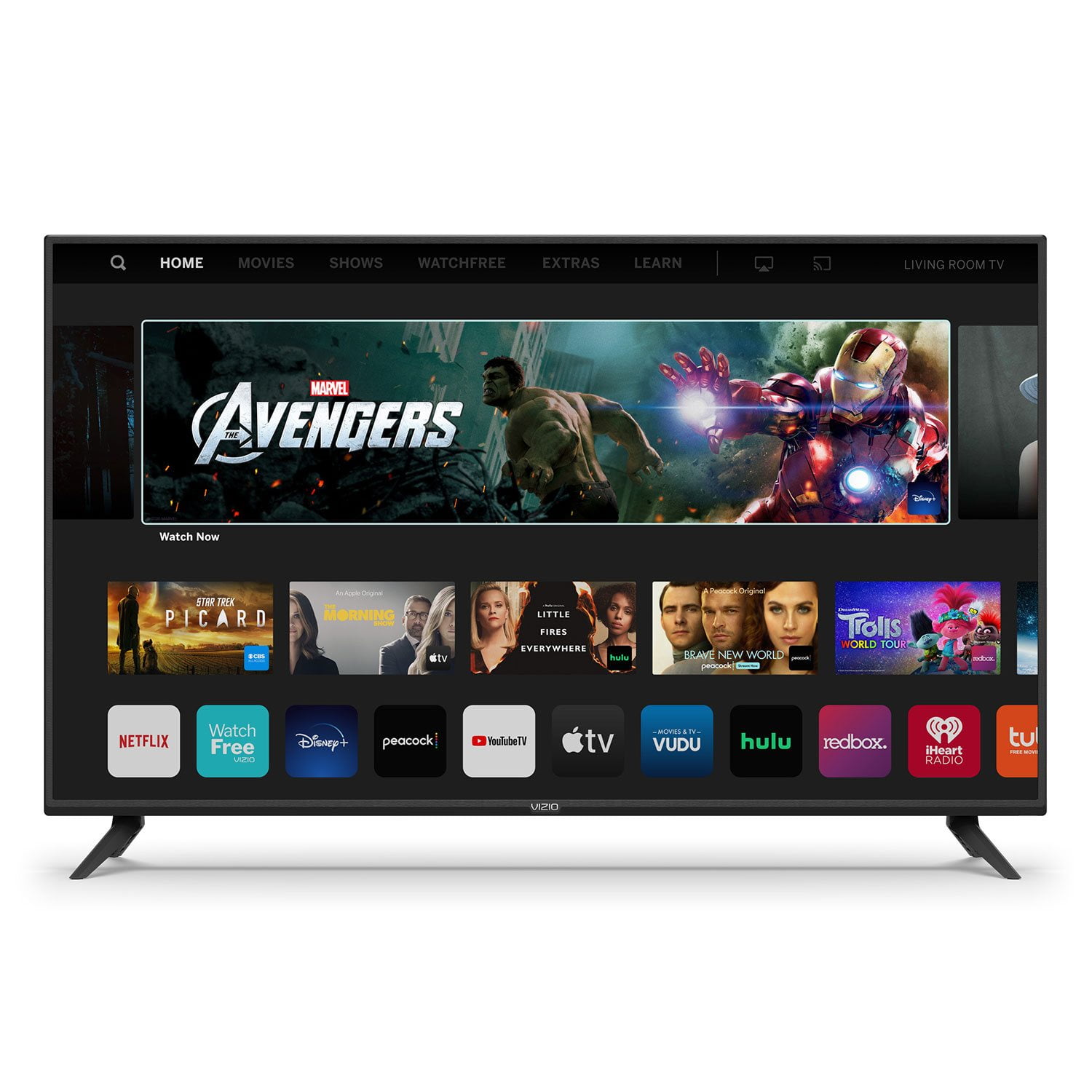
VIZIO 50" Class V-Series 4K HDR Smart TV - V505-H
4.7 out of 5 stars
stars
40.8K ratings34.2K reviews
  1. 5 stars77% (31.6K)
  2. 4 stars16% (6,573)
  3. 3 stars3% (1,215)
  4. 2 stars1% (568)
  5. 1 star2% (890)

Member photos

  • +35 images
Sort by |
Showing 511-520 of 34,260 reviews
Jun 14, 2021
Reviewer name: Brillr
1 out of 5 stars
1 out of 5 stars review

No sound!!!

We bought a new vizio 50” smart tv. Found out not smart at all. When I hiked it up there was no sound. Got on the phone with a vizio technician. She spent a great amount of time changing settings and her final conclusion was it could not communicate with our cable. Cable tech said has had this problem with vizio. Could fix by changing out the box which would lose recordings. Have a new Samsung.

Review from vizio.com
Helpful?292P25TATFGG15229700618
reply from Customer Care

Hello Brillr, we appreciate you taking the time to review our product. We are constantly working to deliver exceptional value, endless entertainment options and amazing customer experience. We’ll continue to use feedback like yours to improve our TVs and the user experience in the future. 

Nov 14, 2020
Reviewer name: Bleu42
4 out of 5 stars
4 out of 5 stars review

Bought again!

I bought a 65" for my living room last year & loved it, so when my bedroom TV went out we replaced it with this same model. Only issue I have had is sometimes you have to actually hold the power button down for a minute to get power instead of just a quick tap. Love it!

Review from vizio.com
Helpful?292P25TATFGG15229700618
Oct 13, 2019
Reviewer name: GSW3470
5 out of 5 stars
5 out of 5 stars review

Exceptional!

This is the second Vizio TV I have purchased. I have also purchased the Samsung brand with almost identical specs and hands down the quality of the Vizio is a step above the Samsung and also more economical. I will be a firm supporter of Vizio for yeard to come!!

Review from vizio.com
Helpful?292P25TATFGG15229700618
Apr 3, 2021
Reviewer name: DS50000
5 out of 5 stars
5 out of 5 stars review

Works great and very affordable

Everything works as expected, with my Google Home, and all of the channels and features. Sometimes my Android phone casting won't work, but then it does. My wife's Apple casting always works. Also, they don't have in their OS yet, the newer apps like HBO Max, Paramount. Discovery, etc. Hopefully they will get them soon.

Review from vizio.com
Helpful?292P25TATFGG15229700618
May 18, 2020
Reviewer name: Very disappointed me
1 out of 5 stars
1 out of 5 stars review

Horrible

The TV doesn't work with fios mini set top box. I had to return the TV twice because the first TV the hdmi ports didn't work at all. The second TV didn't work either. I went on to another brand because this brand didn't work at all! I feel that vizio should give me a free TV for the problems i had worth a thousand dollar TV.

Review from vizio.com
Helpful?292P25TATFGG15229700618
Mar 4, 2021
Reviewer name: fatty911
3 out of 5 stars
3 out of 5 stars review

Is it really 4K HDR?

I bought this TV because it said 4K HDR and had 4K upscaling. But, it's only 4K HDR if you have a direct internet signal or have an ethernet (Cat5 or 6) cable hooked up directly into your T.V. (Internet Modem directly into T.V) Other than that it doesn't do 4K, it will be blurry at times as the processor is trying to render the graphics. My wifi signal is at 500 mbps download and 23 mbps upload all the time and yet this T.V still struggles to give me 4K. When I hook up my connection directly into the T.V, everything is cherry. But since this T.V is in my bedroom, I don't want my modem there. Another thing this T.V doesn't have is bluetooth. For a TV that is suppose to be Smart, where's the bluetooth? Even a T.V I bought 10 years ago came with Bluetooth.

Review from vizio.com
Helpful?292P25TATFGG15229700618
reply from Customer Care

Hello fatty911, thank you for taking time to let us know your concerns. A 4K resolution is determined by the content you are watching, the signal the TV gets from a source device like a cable box or application, and your TVs ability to display 4K. The VIZIO TV will always display as high resolution as possible as it is given to it from the source device or app. You can also individually adjust your picture settings in the menu. For brighter rooms, try using the ‘VIVID’ picture mode for a brighter, more colorful image. If you’d like any assistance adjusting these settings, our customer support team would love to help you dial in the TV to your preference, you can reach them at 844-254-8087. In regards to Bluetooth, this model supports Bluetooth LE, which is a low energy form of Bluetooth used to assist in pairing the VIZIO SmartCast Mobile application to use devices like smart phones and tablets as a remote for the TV. This TV is not designed to output audio over Bluetooth. You could purchase a Bluetooth transmitter and connect it to this TV to listen over Bluetooth.

Mar 28, 2020
Reviewer name: KtQu
2 out of 5 stars
2 out of 5 stars review

Doesn't work with Alexa

Prior to having this "Smart" TV, my Alexa worked great. I made to sure to read reviews prior to purchasing. Now it only works if the TV is on and set to the HDMI channel. The apps constantly log me out if I use the TV, so I have to use Alexa to watch TV as well, which means 2 remotes again. Defeats the purpose of a smart TV.

Review from vizio.com
Helpful?292P25TATFGG15229700618
reply from Customer Service

Hello KtQu, this television should not have caused any interference with your Alexa device. We would love the opportunity to look into your setup and see exactly what may be causing this behavior. Please reach out to our customer support at support.vizio.com and clicking 'Contact Us' so that we can help.

Jan 12, 2022
Reviewer name: Janks
3 out of 5 stars
3 out of 5 stars review

My vizio

I love my 50" 4k vizio.I Havre always bought vizio since the first time I ever bought one.this is the one time that I bought a vizio that has a problem.in the center and around the edge of half of the tv it is really white,I don't think it's vizio's fault though.I think it might have been the way it was handled during shipping.Ill never know,Aside from all that I have never had a problem with vizio,I'll just shop a little smarter next time. Thanks,James B

Review from vizio.com
Helpful?292P25TATFGG15229700618
reply from Customer Care

Hello Janks, VIZIO is committed to making sure you have the best viewing experience possible. Based on your description of the problem, we’d really love for you to speak with our customer service team. They’ve got a few questions about the devices you have connected, and what kind of content you’re watching. They’re available through text message, chat, or over the phone. Just go to support.VIZIO.com and click on ‘Contact Us’.

Mar 14, 2021
Reviewer name: Rocketman
5 out of 5 stars
5 out of 5 stars review

Great TV

after research I bought this TV to replace the Samsung in my office. It is wall mounted and I needed something reliable and with lots of HDMI ports. This fit perfectly. Why Visio? Well the TV in my living room was a Sharp Aqua and I bought it 10 years ago and it has never failed. Sharp is now Visio.

Review from vizio.com
Helpful?292P25TATFGG15229700618
Feb 28, 2020
Reviewer name: MustangMan
3 out of 5 stars
3 out of 5 stars review

nice tv, needs bugs worked out

When I bought the TV it was working good, then all of a sudden it is saying hot plug HDMI port 1, so I switched plugs, and now says Hot plug port 2. So when the plug is hot the only way I can get the cable to come on is, to use the input button change it off the hot port and then switch it back. other than that aggravating issue, it has been a good tv. just hope that this issue does not tear up my tv.

Review from vizio.com
Helpful?292P25TATFGG15229700618
reply from Customer Service

Hello MustangMan, the issue you are seeing with the HDMI port is very odd if you are using a quality HDMI cable and compatible source devices. We’d really love the opportunity to have our tech support team run through some troubleshooting steps to see if we can get the TV up and running for you. When you have a free moment, they’re available through text message, chat, or over the phone. Just go to support.VIZIO.com and click on ‘Contact Us’.