Skip to Main Content
Sam's Club
Sam's Club
All Departments
All Services
Customer reviews for SAMSUNG 65” Class DU6900D Series 4K UHD Smart TV for
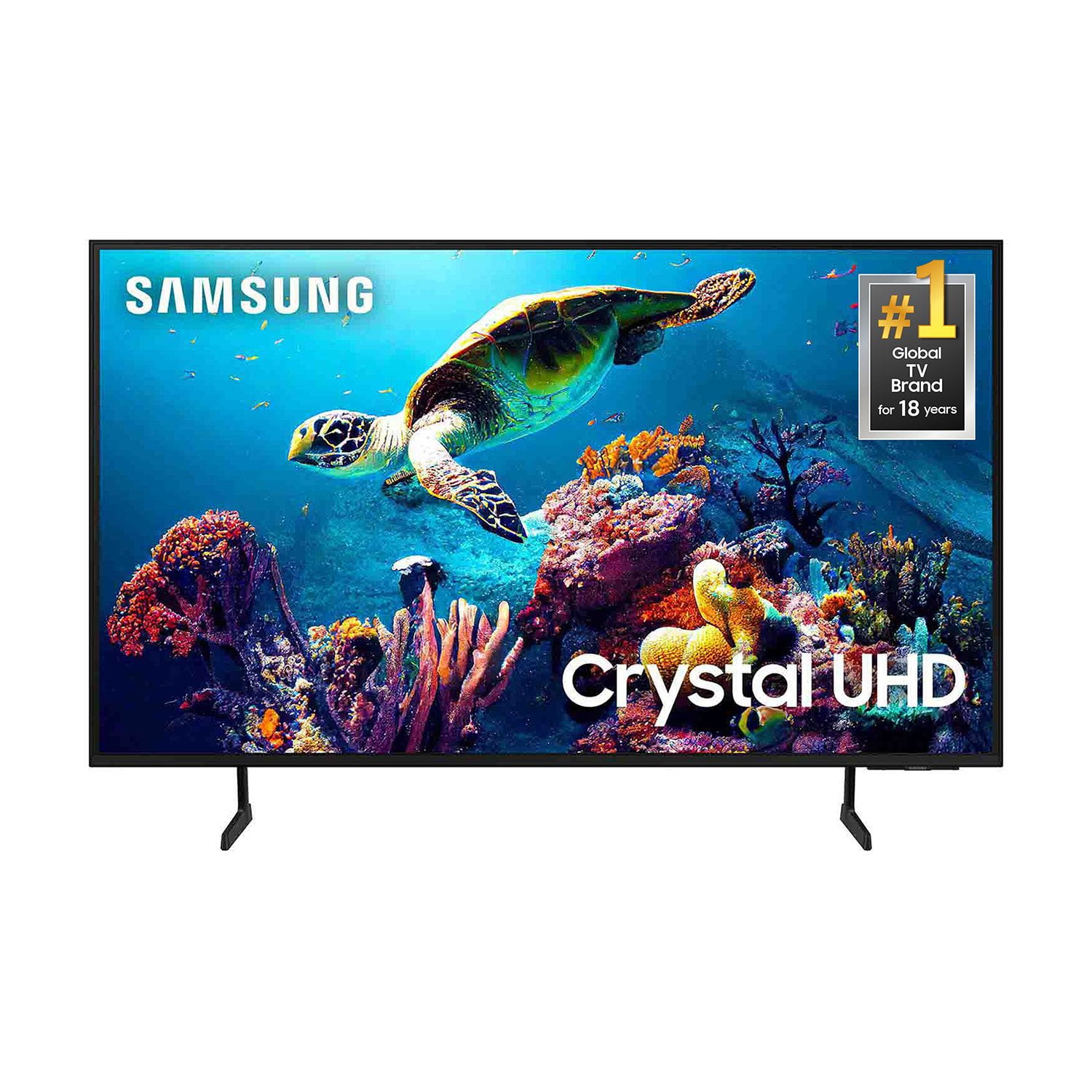
SAMSUNG 65” Class DU6900D Series 4K UHD Smart TV
4.4 out of 5 stars
stars
2,261 ratings2,195 reviews
  1. 5 stars69% (1,554)
  2. 4 stars16% (363)
  3. 3 stars7% (153)
  4. 2 stars3% (78)
  5. 1 star5% (113)

Member photos

  • +559 images
Sort by |
Showing 61-70 of 2,195 reviews
Aug 21, 2025
Reviewer name: KayK36
5 out of 5 stars
5 out of 5 stars review

Purchased 2 Samsung TVs

[This review was collected as part of a promotion.] I watch a lot of movies, so this TV is perfect for movie watching, I added a sound bar to it, it’s the best! It looks good in any room, one in my living room and one in my bedroom! Clear picture, comes with plenty of channels itself!

Review from Samsung US
Helpful?3ZT00GJD0QQ915202201960
Aug 5, 2025
Reviewer name: goose636
2 out of 5 stars
2 out of 5 stars review

Poor connectivity to Spectrum

Compared to my older Samsung Smart TVs this model has connectivity issues with Spectrum streaming service. It is forever needing to reboot the TV either by holding power button on remote or unplugging. My other Samsung TVs do not have this issue. I have auto update to Samsung software enabled yet it seems that this firmware is not fully compatible with the Spectrum.

Review from Samsung US
Helpful?3ZT00GJD0QQ915202201960
reply from Samsung Brand Ambassador

goose636, To help resolve the issue with the Spectrum app, I recommend running a cold reboot on your TV. There are two ways to do this: 1) Using the Remote: For most people, the easiest way is to hold down the Power button on the Samsung TV remote until the TV turns off and then on again. This should take about 5 seconds. 2) Using the Plug: If you do not have the remote, unplug your TV from the wall outlet or surge protector, leave it unplugged for 30 seconds, and then plug it back in. Next, I recommend ensuring the Spectrum app is up to date by going to “Apps” on your Smart TV and selecting “Settings” from the top right corner. Next, select the Spectrum app and select "Update," if available. If the issue persists or if there is no Update available, we will try deleting and reinstalling the Spectrum app. To do so, navigate to “Apps” on your Smart TV and select “Settings” from the top right corner. Next, select the app. Finally, select Delete, and select Delete again to confirm. Then we will reinstall the app by returning to “Apps” on your Smart TV and selecting “Settings” from the top right corner. Click on “Spectrum” and then select “Reinstall.” Also, please ensure you are running the latest Firmware update. Go to Settings> Support> Software Update. If you need further assistance, we would be happy to help! Please feel free to contact Samsung Support at 1-800-SAMSUNG, available from 8 AM to 12 AM EST, seven days a week. You can also chat with us on Samsung.com for immediate assistance. ~Samsung Pro

Aug 22, 2025
Reviewer name: HelloYou
4 out of 5 stars
4 out of 5 stars review

The price is right

[This review was collected as part of a promotion.] I'm a huge fan of Samsung. With that being said this is mainly used by my kids who like to watch their own shows and flip between apps fairly quickly. The good thing is it get you to the home page really quickly, not sure why it takes about 20-40 seconds to boot and app. So switching from Netflix to YouTube will take a bit. If you are okay with waiting. Get this tv.

Review from Samsung US
Helpful?3ZT00GJD0QQ915202201960
Aug 22, 2025
Reviewer name: TrekkieLadyInWA
4 out of 5 stars
4 out of 5 stars review

Brilliant picture & sound, but slow startup
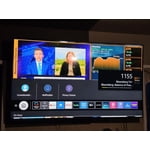
[This review was collected as part of a promotion.] We use this tv for sreaming shows, movies, YouTube, & lots of Star Trek! It displays great picture, beautiful colors, including for the darker colors of sci-fi. The sound is more than enough, we no longer need to use our other surround sound systems. There are a few things, however, that could be improved. Working the basic functions like scrolling the selection bar or menu is very delayed and clunky. It will often freeze, especially when first turning on the TV. The remote is not very user friendly, especially in the dark. Once in awhile, we have to unplug the TV to fix the freezing. The provided Samsung channels are a great added bonus. In theory, someone could opt out of paying for any other streaming service like Netflix, and just watch the free channels from Samsung!

Review from Samsung US
Helpful?3ZT00GJD0QQ915202201960
Aug 31, 2025
Reviewer name: Shleighbee
5 out of 5 stars
5 out of 5 stars review

This TV is the best I've owned thus far, by far!
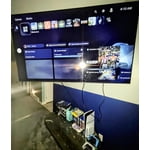
[This review was collected as part of a promotion.] Since owning this TV all other TVs were pretty much non existent! My husband and I do a little gaming on it, but it's main use is for watching movies and TV shows. We got a wall mount as well when purchasing the TV so it has been on the wall and adjustable by swivel and a sizeable extension! With the TV the size it is and being centered perfectly with the mount, it can make you feel like you are in the movie viewing the scene with the characters right before you. It has an amazing picture display with plenty of customization options-as TVs do. It did say the series I selected is a 2024 release, but the release year was 2022- the year we bought it on for Christmas. With that being said, we have had not a single issue with the cosmetics of the TV itself, it's display, or any of the general workings of the tv.

Review from Samsung US
Helpful?3ZT00GJD0QQ915202201960
Aug 18, 2025
Reviewer name: BigScreenBigPlay
5 out of 5 stars
5 out of 5 stars review

GAMERS DREAM

[This review was collected as part of a promotion.] I purchased a 75in TV to play my Madden, College football, and NBA2k games. Im in over 8 leagues between the 3. Streaming and playing the games is something different on this TV. Between the quality of picture and the sound of the game, it's like you are really there.

Review from Samsung US
Helpful?3ZT00GJD0QQ915202201960
Sep 5, 2025
Reviewer name: Tara
1 out of 5 stars
1 out of 5 stars review

Odd sounds

This television was given to us as a gift from our children this past December. About 3 months in, it started making squealing sounds on and off, not all the time. The picture is great but the issues with the sound would cause me not to buy another one.

Review from Samsung US
Helpful?3ZT00GJD0QQ915202201960
reply from Samsung Brand Ambassador

Tara, We appreciate you taking the time to let us know about your experience with your TV. So that we can better troubleshoot this issue and provide steps towards a solution, please contact Samsung Support at 1-800-SAMSUNG, 8AM - 12AM EST, 7 days a week. Or visit us on the Samsung website and click on the ‘Support’ link for: •  LiveChat •  Manuals, Software, & Warranty Info ~ Samsung Pro

Sep 20, 2025
Reviewer name: JMAC71
5 out of 5 stars
5 out of 5 stars review

LOVE ALL MY SAMSUNG PRODUCTS

Love my Samsung 65 in TV, love all my Samsung stuff my watch,my phone my TV my soundbar, now I'm just looking for a Samsung 43 inch TV for my bedroom got to save money for that unless Samsung's going to send me one because I got so many of their other products LOL let me know I'll give you my address no I love all Samsung stuff

Review from Samsung US
Helpful?3ZT00GJD0QQ915202201960
Aug 5, 2025
Reviewer name: Jamie
5 out of 5 stars
5 out of 5 stars review

Great features! Ease of use

I’ve had this tv for about 6-8 months now and I have to say, it’s nice. I’m not a big tv guy so this was great for my family. Ease of controls, connecting to network, and ease of apps is great! The only thing I don’t like is that I can’t change apps on the Home Screen to put the ones we watch the most up there instead of others. Minor though. I would buy this again. I have 2 other tvs in my house and I prefer this tv over the other two I have. It also has a really great picture as well, now again, I’m not a big tv guy so to me this is great.

Review from Samsung US
Helpful?3ZT00GJD0QQ915202201960
Sep 20, 2025
Reviewer name: Laura
3 out of 5 stars
3 out of 5 stars review

Streaming service

Cannot get some steaming services it wont let me add them such as Paramount Plus and Marquee. Also when using the remote which has been replaced twice you can not just go up and down to channels it jumps fron live tv to samsung plus (remote has been replaced twice)

Review from Samsung US
Helpful?3ZT00GJD0QQ915202201960
reply from Samsung Brand Ambassador

Laura, Thank you for your feedback on the DU6900 TV. Please know you can download Paramount Plus, Marquee Sports, and Marquee TV in the built-in app store on your television. Please make sure your Firmware is up to date so there are no issues accessing this app. Go to Settings> Support> Software Update. If you ever have questions or need help, Samsung is here for you! Give us a call at 1-800-SAMSUNG, 8 AM - 12 AM EST, seven days a week. Our LiveChat agents are also available by clicking on the ‘Support’ link on our website. ~Samsung Pro