Skip to Main Content
Sam's Club
Sam's Club
All Departments
All Services
Customer reviews for SAMSUNG 65” Class DU6900D Series 4K UHD Smart TV for
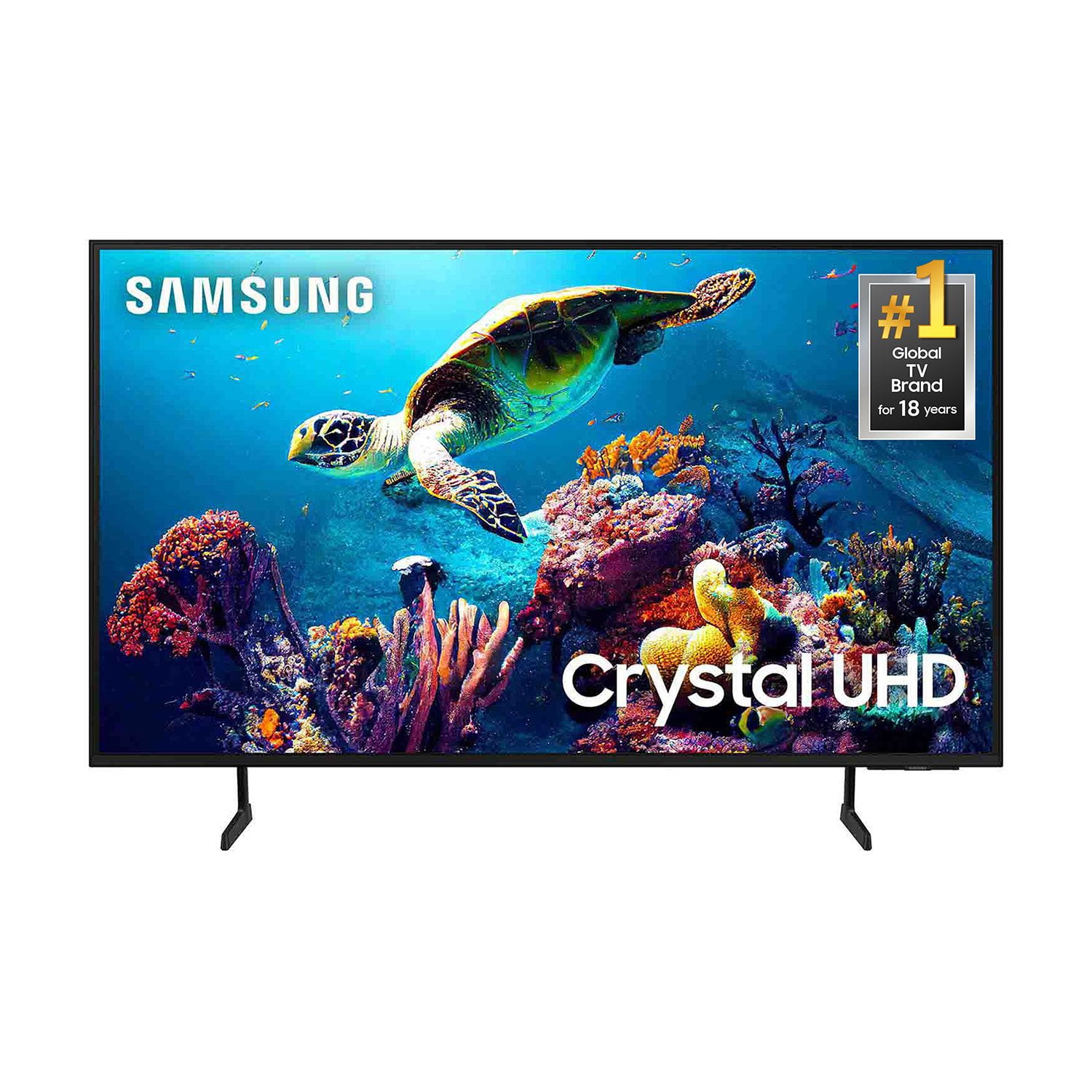
SAMSUNG 65” Class DU6900D Series 4K UHD Smart TV
4.4 out of 5 stars
stars
2,261 ratings2,195 reviews
  1. 5 stars69% (1,554)
  2. 4 stars16% (363)
  3. 3 stars7% (153)
  4. 2 stars3% (78)
  5. 1 star5% (113)

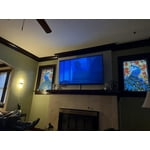
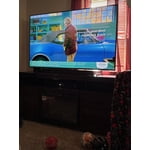
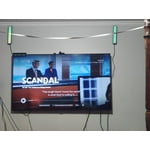
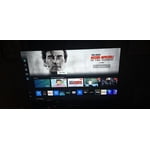
Member photos

  • +559 images
Sort by |
Showing 1,471-1,480 of 2,195 reviews
May 20, 2025
Reviewer name: Brian
4 out of 5 stars
4 out of 5 stars review

Good TV, picture and features for the price

Good TV, picture and features for the price but, menu system can be designed better

Review from Samsung US
Helpful?3ZT00GJD0QQ915202201960
May 21, 2025
Reviewer name: BlackBeauty
5 out of 5 stars
5 out of 5 stars review

It has a lot of great features

I’ve my Samsung Television it’s a great investment

Review from Samsung US
Helpful?3ZT00GJD0QQ915202201960
May 8, 2025
Reviewer name: Citicotobe
5 out of 5 stars
5 out of 5 stars review

Great Television

Love the TV. Great picture and easy to navigate. Samsung channel is the BEST!

Review from Samsung US
Helpful?3ZT00GJD0QQ915202201960
May 6, 2025
Reviewer name: MysE
4 out of 5 stars
4 out of 5 stars review

Great TV

The remote should be lit up in the dark. It’s very hard to read.

Review from Samsung US
Helpful?3ZT00GJD0QQ915202201960
May 25, 2025
Reviewer name: Tazz128
5 out of 5 stars
5 out of 5 stars review

Great features

I love tje quality of my TV. Picture is very clear and color is impressive

Review from Samsung US
Helpful?3ZT00GJD0QQ915202201960
May 15, 2025
Reviewer name: Tvtony
5 out of 5 stars
5 out of 5 stars review

Good picture

Like TV a lot only complaint is not ab.e to.navigate well

Review from Samsung US
Helpful?3ZT00GJD0QQ915202201960
Jul 20, 2025
Reviewer name: Lisa
1 out of 5 stars
1 out of 5 stars review

Garbage

I will never buy another Samsung television 6 months problem after problem

Review from Samsung US
Helpful?3ZT00GJD0QQ915202201960
reply from Samsung Brand Ambassador

Lisa, We appreciate you taking the time to let us know about your experience with your TV. So that we can better troubleshoot this issue and provide steps towards a solution, please contact Samsung Support at 1-800-SAMSUNG, 8AM - 12AM EST, 7 days a week. Or visit us on the Samsung website and click on the ‘Support’ link for: •  LiveChat •  Manuals, Software, & Warranty Info ~ Samsung Pro

Jul 5, 2025
Reviewer name: Bitt
4 out of 5 stars
4 out of 5 stars review

Good tv

Very upset they took Tik Tok off of the tv y did they do that

Review from Samsung US
Helpful?3ZT00GJD0QQ915202201960
Jul 20, 2025
Reviewer name: Pedazo
1 out of 5 stars
1 out of 5 stars review

Too dark Car see the screen half the time

Too dark can’t see almost anything during the day it’s awful

Review from Samsung US
Helpful?3ZT00GJD0QQ915202201960
reply from Samsung Brand Ambassador

Pedazo, I’m sorry to hear you’re not fully satisfied with the DU6900 TV’s picture quality. If the image is too dim, try adjusting Picture Mode, Contrast, Brightness, or Sharpness settings. First, let’s ensure you are running the latest Firmware Update. Go to Settings> Support> Software Update. Next, If the colors on your TV are correct but just a little too dark or bright, you can try adjusting Picture Modes, Contrast, Brightness, or Sharpness settings. For darker scenes, I recommend Dynamic Picture Mode, which makes pictures brighter and clearer in bright viewing environments. Go to Settings > All Settings> Picture > Picture Mode > Dynamic. Or you can manually adjust the Brightness by pressing the HOME button on your remote, then navigating to Settings > All Settings> Picture > Expert Settings. You may also want to disable Power Saving Mode, which automatically adjusts the brightness to reduce the TV’s power consumption. Go to Settings > All Settings> General > Eco Solution> Power Saving Mode. I hope this helps to improve your picture. Should you need further assistance, please contact us at 1-800-SAMSUNG, 8 AM - 12 AM EST, seven days a week. Our LiveChat agents are also available by clicking on the ‘Support’ link on our website. ~Samsung Pro

Jun 5, 2025
Reviewer name: Ricky
5 out of 5 stars
5 out of 5 stars review

55" TV

Har to set up, but great tv. to smart for me. excellent tv

Review from Samsung US
Helpful?3ZT00GJD0QQ915202201960