Skip to Main Content
Sam's Club
Sam's Club
All Departments
All Services
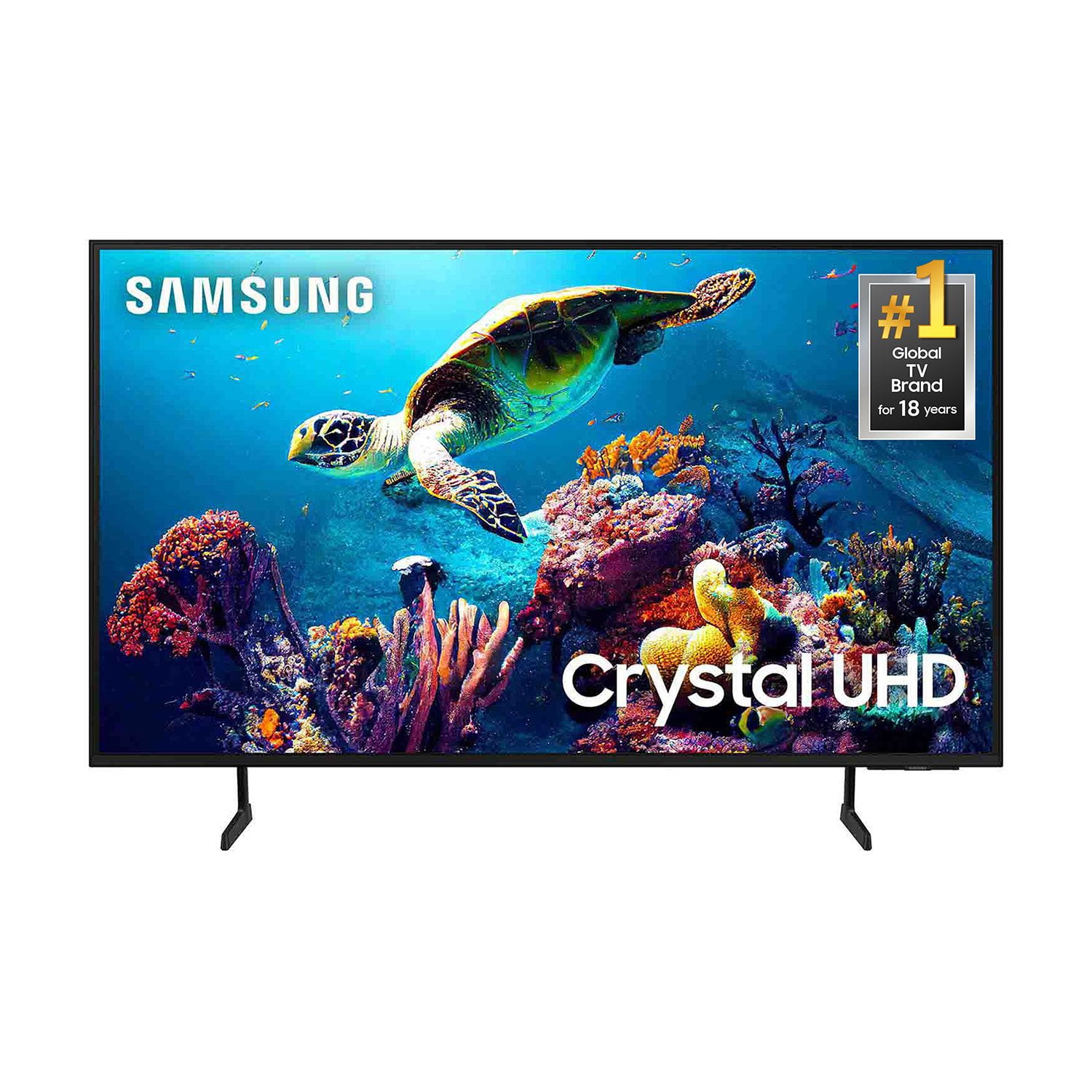
Customer reviews for SAMSUNG 65” Class DU6900D Series 4K UHD Smart TV for
SAMSUNG 65” Class DU6900D Series 4K UHD Smart TV
4.4 out of 5 stars
stars
2,261 ratings2,195 reviews
  1. 5 stars69% (1,554)
  2. 4 stars16% (363)
  3. 3 stars7% (153)
  4. 2 stars3% (78)
  5. 1 star5% (113)

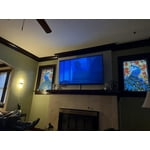
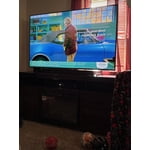
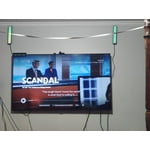
Member photos

  • +559 images
Sort by |
Showing 1,461-1,470 of 2,195 reviews
Jul 30, 2025
Reviewer name: KatB
5 out of 5 stars
5 out of 5 stars review

Samsung TV

Great picture quality and love the Samsung plus tv option.

Review from Samsung US
Helpful?3ZT00GJD0QQ915202201960
Jun 6, 2025
Reviewer name: Allib
5 out of 5 stars
5 out of 5 stars review

Picture perfect

Picture is perfect. I had some problems with remote. I'm not tech savvy

Review from Samsung US
Helpful?3ZT00GJD0QQ915202201960
May 20, 2025
Reviewer name: SERIA
5 out of 5 stars
5 out of 5 stars review

Great features

Love it remote easy to function tv clear never no problem thank u

Review from Samsung US
Helpful?3ZT00GJD0QQ915202201960
May 5, 2025
Reviewer name: Aprather
1 out of 5 stars
1 out of 5 stars review

This tv sucks. Reuses old parts for the newer tv
I bought the tv in November and by January their was a black line going down the side

Review from Samsung US
Helpful?3ZT00GJD0QQ915202201960
reply from Samsung Brand Ambassador

Aprather, We appreciate your feedback regarding the screen abnormalities you’re seeing on your DU9600 TV. Please run a Picture Test to determine if the problem is caused by the TV. Picture Test displays a high-definition picture you can examine for flaws or faults. Go to Settings > Support > Device Care > Self Diagnosis > Picture Test. If this occurs on all sources and the picture test, this may require service. For help with setting up a service appointment, please contact Samsung Support at 1-800-SAMSUNG, 8 AM - 12 AM EST, seven days a week. Our LiveChat agents are also available by clicking on the ‘Support’ link on our website. ~Samsung Pro

May 20, 2025
Reviewer name: Nene
5 out of 5 stars
5 out of 5 stars review

Mom deserves and upgrade

If was an upgrade for mom and she loves it. H Easy set up and great experience.

Review from Samsung US
Helpful?3ZT00GJD0QQ915202201960
May 5, 2025
Reviewer name: GMC040
2 out of 5 stars
2 out of 5 stars review

Not impressed

I’m not impressed with the picture quality, my old plasma tv looked a whole lot better.

Review from Samsung US
Helpful?3ZT00GJD0QQ915202201960
reply from Samsung Brand Ambassador

GMC040, We appreciate you sharing your experience with the DU6900 TV. Your feedback regarding image quality is essential to us and will be shared with our internal teams. Please try adjusting the below image settings to improve your picture. Go to Home > Settings > All Settings > Picture > Picture Mode and select the mode that best fits your usage: 1) Standard: Default mode suitable for general viewing environments. 2) Natural: Reduces eye strain for a comfortable viewing experience. 3) Movie: Most suitable for watching TV or movies in a dark room. 4) Dynamic: Makes the picture brighter and clearer in bright viewing environments. 5) Filmmaker Mode: You can watch the source content (e.g., movie) as it is. If the image is defined as Filmmaker Mode, it will automatically switch to Filmmaker Mode while watching. You can also go to Settings > All Settings> Picture > Expert Settings > to manually fine-tune your image. If you need more help, Samsung is here for you. Call us at 1-800-SAMSUNG, 8 AM - 12 AM EST, seven days a week. Our LiveChat agents are also available by clicking on the ‘Support’ link on our website. ~ Samsung Pro

May 5, 2025
Reviewer name: Will
5 out of 5 stars
5 out of 5 stars review

Great features

I got it for Christmas of 24” and by far best brand tv

Review from Samsung US
Helpful?3ZT00GJD0QQ915202201960
May 7, 2025
Reviewer name: Caprichosablue
5 out of 5 stars
5 out of 5 stars review

Love my TV

Love my TV, nice picture, all the app, free tv shows, perfect size.

Review from Samsung US
Helpful?3ZT00GJD0QQ915202201960
May 5, 2025
Reviewer name: Samsong
5 out of 5 stars
5 out of 5 stars review

Great brand

Love my Samsung tv, it’s the only brand my family will buy due to the great quality

Review from Samsung US
Helpful?3ZT00GJD0QQ915202201960
May 6, 2025
Reviewer name: Gcbee
1 out of 5 stars
1 out of 5 stars review

Me

Tv freezes and it has to be unplugged for a while. Not happy with this product

Review from Samsung US
Helpful?3ZT00GJD0QQ915202201960
reply from Samsung Brand Ambassador

Gcbee, We appreciate your feedback on freezing, and for optimal performance, we ask that you please ensure you've got the latest firmware version installed on your TV. You can check this by going to Home > Menu > Settings > Support > Software Update. You may also want to further optimize performance with the self-diagnostic tool, which checks memory, frees up unused cached memory, and closes background apps. Go to: Home > Menu > Settings > Support > Device Care > Start Device Care. If you need further assistance, we would be happy to help! Please feel free to contact Samsung Support at 1-800-SAMSUNG, available from 8 AM to 12 AM EST, seven days a week. You can also chat with us on Samsung.com for immediate assistance. ~Samsung Pro