Skip to Main Content
Sam's Club
Sam's Club
Customer reviews for LG 43" Class UR8000 AUB series LED 4K UHD webOS 22 Smart w/ThinQ AI TV - 43UR8000AUA for
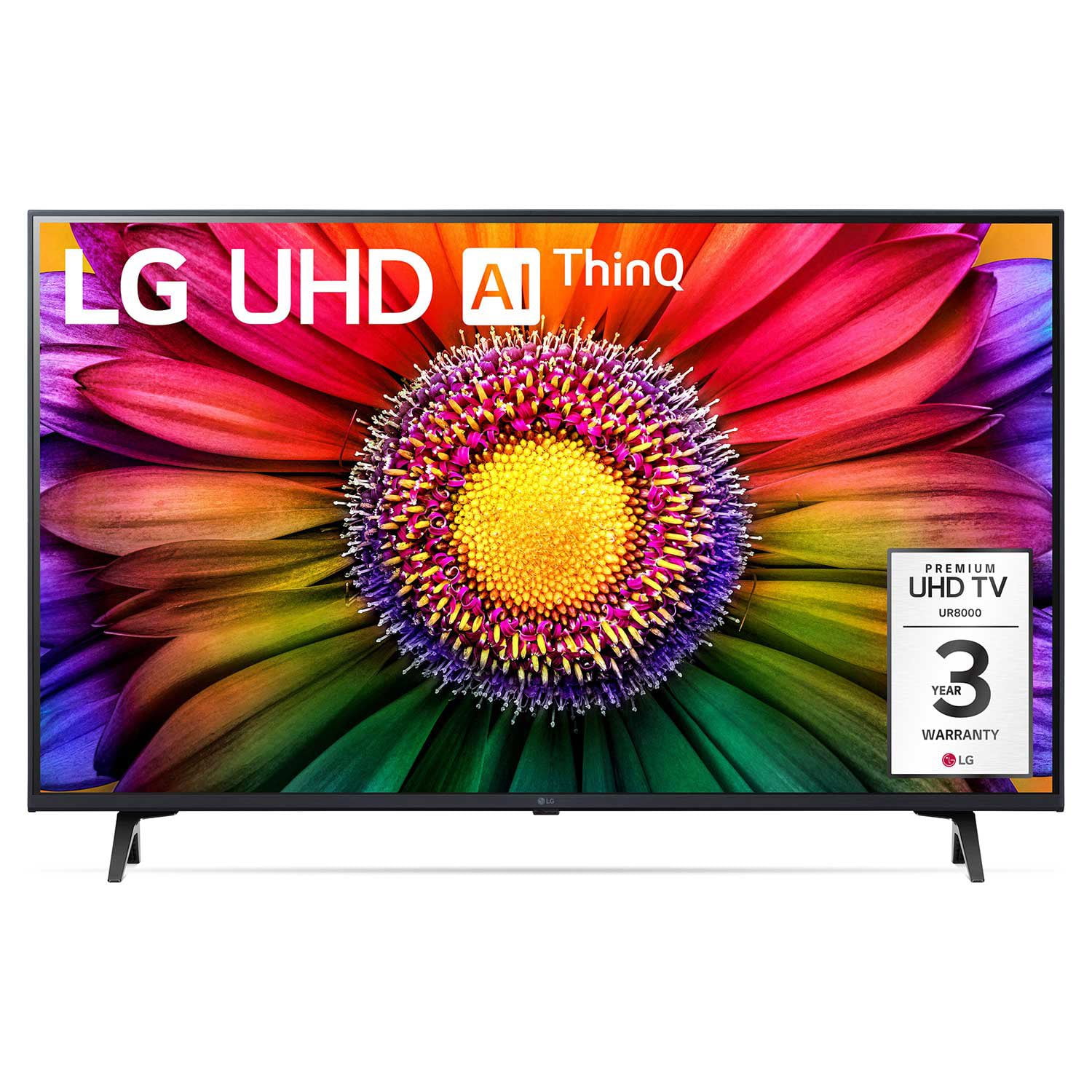
LG 43" Class UR8000 AUB series LED 4K UHD webOS 22 Smart w/ThinQ AI TV - 43UR8000AUA
4.4 out of 5 stars
stars948 ratings909 reviews
  1. 5 stars66% (626)
  2. 4 stars21% (200)
  3. 3 stars7% (62)
  4. 2 stars3% (27)
  5. 1 star3% (33)
Sort by |
Showing 361-370 of 909 reviews
Dec 14, 2023
dpr7
5 out of 5 stars review

Verified Purchase

Classic product with sustainable feactures!

WE have had many L'sG. But you prefer Life's Good, a meaning not many people know the meaning ogf LG Love that I can enjoy talkinga bout a great product!!!!

Review from lg.com
Helpful?4D5IRBPNXGFN13963407680
Jan 14, 2024
Jo3e
3 out of 5 stars review

Verified Purchase

Sign on

Picture and sound are nice but no matter what I try (following tech service advice) I can not sign on my new tv because it says that it's registered in a non-us country, which it's not!

Review from lg.com
Helpful?4D5IRBPNXGFN13963407680
reply from LG Digital Care Team

Hi there, thank you for reaching out to us. We'll need to go over a few things with you. Have you downloaded the LG ThinQ App? If you have not please do so. On the other hand, if you have already you need to log out of your current ThinQ app account. 2. After logging out, set your language and region as below on the login page. “Region/Language ”(e.g. USA/English) and language from the list of the selected region and language settings. Go to the settings menu>all settings>general then select locations>ok then change the country to US. The LG TV will restart, and then you should have full access. Here is a quick tutorial for reference: http://spr.ly/6429rQBox. ~Tanisha

Aug 18, 2023
Bopa1
5 out of 5 stars review

Verified Purchase

[This review was collected as part of a promotion.] We love everything about it as we did our last one we purchased 10 years ago. The sound is better on this one. We don't need the LG sound bar we used with the old one

Review from lg.com
Helpful?4D5IRBPNXGFN13963407680
Nov 1, 2023
Bartman354
4 out of 5 stars review

Verified Purchase

Not a bad tv so far

The tv itself is great but it doesn’t want to work with my sound bar when ever I turn it on it doesn’t turn on my sound bar and I can’t get the audio right. I can manually do it but that’s something I don’t want to do

Review from lg.com
Helpful?4D5IRBPNXGFN13963407680
Jun 10, 2023
Evan5595
5 out of 5 stars review

Verified Purchase

Fantastic Television

We purchased this TV as a replacement for our living room. This is a fantastic TV set. Very clear picture and sound. Works excellent for both regular programming and movies, as well as sports.

Review from lg.com
Helpful?4D5IRBPNXGFN13963407680
reply from social/LG

We appreciate your fantastic review and are delighted to hear that you had a seamless shopping experience with us! Our team works diligently to ensure that our products meet your expectations and are delivered promptly. Thank you for choosing LG, And we can’t wait to serve you again in the future! ~Tanisha

Nov 7, 2023
Jlouis77
5 out of 5 stars review

Verified Purchase

Best picture resolution

This 43”LG smart tv had the clearest picture of all other brands on display, however I found that it would be too big for the location I had to put it in so I settled on a 32”

Review from lg.com
Helpful?4D5IRBPNXGFN13963407680
reply from Customer Care

Thank you for sharing your experience with us! It's great to hear that the 43" LG smart TV caught your attention with its exceptionally clear picture quality. While it may have been too big for your intended location, we're glad to hear that you found a suitable alternative with the 32". If you have any questions or need assistance in the future, please don't hesitate to reach out to us privately on Facebook or Twitter (X) by mentioning @LGUSSupport. We would be delighted to assist you!

Jul 21, 2023
Steve in Montana
5 out of 5 stars review

Verified Purchase

Wonderful entry level smart tv

Wanted to upgrade to a smart tv and did I ! Great picture and sound quality. Easy to use and enjoy. I like everything about this LG tv. If you are looking for a new smart tv look no further then LG

Review from lg.com
Helpful?4D5IRBPNXGFN13963407680
Jun 9, 2024
Drew25
5 out of 5 stars review

Verified Purchase

Amazing TV

Amazing TV and value for money. 70 inch is as big a as you can imagine. Would definitely buy it again! The free LG channels are amazing and the app is very user friendly.

Review from lg.com/uk
Helpful?4D5IRBPNXGFN13963407680
Jul 23, 2023
Austin Bell
5 out of 5 stars review

Verified Purchase

Bang for your buck!

Best TV I’ve ever purchased for the money. Super easy setup and smart setup. I’ve really enjoyed how integrated all of the apps are as well. This is my third LG TV in 15 years and definitely the best. I’m extremely happy!

Review from lg.com
Helpful?4D5IRBPNXGFN13963407680
Mar 16, 2024
I hate the remote
2 out of 5 stars review

Verified Purchase

Hate the remote

I hate the remote - I cannot control the pointer-it moves all over. Wish I could make it go away and just have it respond up or down and right to left like my oldone

Review from lg.com
Helpful?4D5IRBPNXGFN13963407680
reply from LG Digital Care Team

Hey there. We can help you turn off the cursor on your LG Magic remote. To disable or hide the cursor on your device, you need to access the "General" or "Additional Settings" options in your settings. Scroll down to find the "Cursor" or "Pointer" settings within the menu. Once you locate it, select the option to access the settings. Within the "Cursor" or "Pointer" settings, you should be able to find an option to turn off or hide the cursor. For more questions, private message us on social media @LGUSSupport. We are just a DM away! ^David