Skip to Main Content
Sams Club
Sams Club
Customer reviews for SAMSUNG 50" Class DU6900 Series UHD 4K Smart TV for
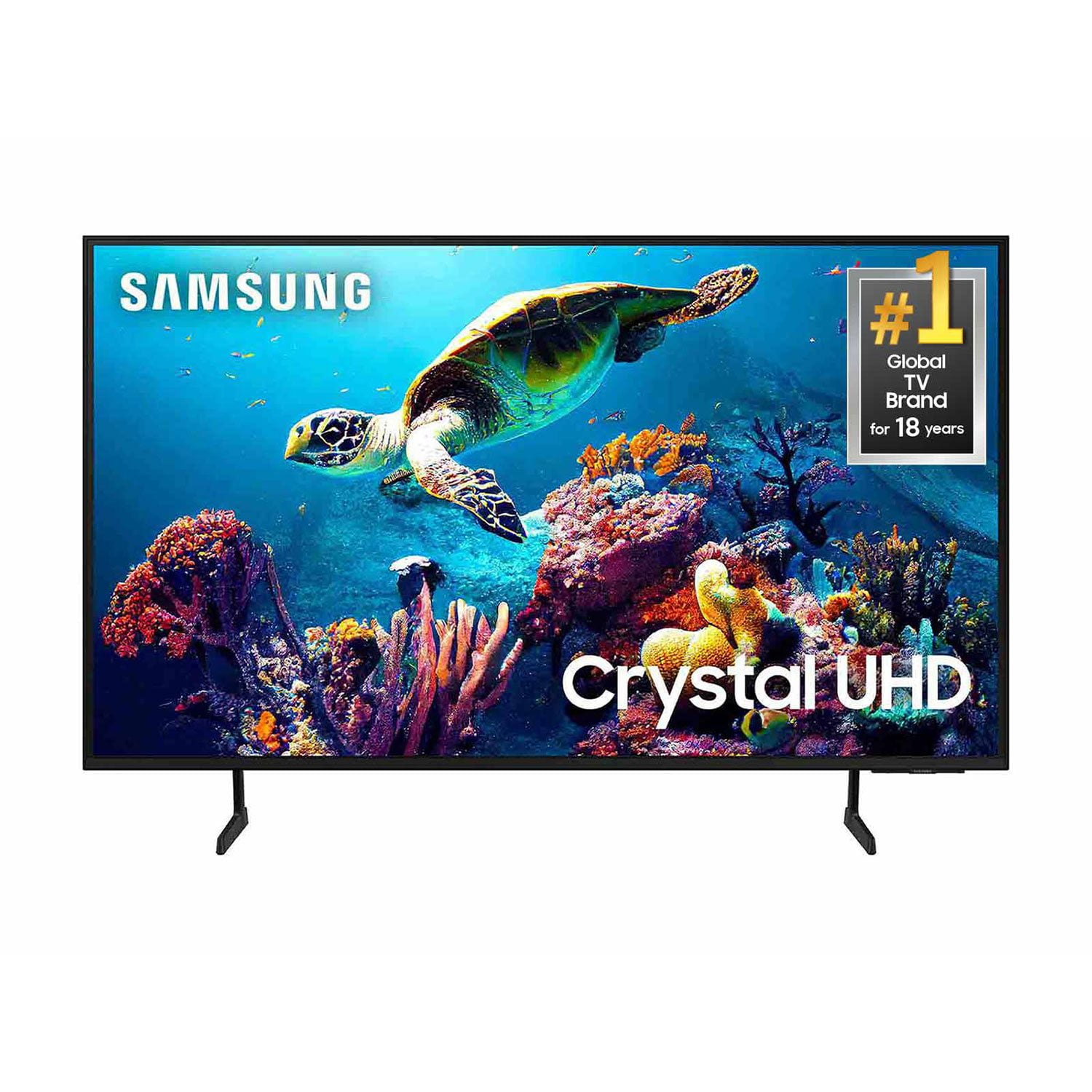
SAMSUNG 50" Class DU6900 Series UHD 4K Smart TV
4.4 out of 5 stars
stars2,179 ratings2,177 reviews
  1. 5 stars68% (1,482)
  2. 4 stars16% (354)
  3. 3 stars7% (154)
  4. 2 stars4% (81)
  5. 1 star5% (108)

Member photos

  • +557 images
Sort by |
Showing 501-510 of 2,177 reviews
Aug 1, 2025
Stormyg
4 out of 5 stars review

Love the size and picture

I love the TV, the colors are good and always wanted a larger TV so I'm pleased. I only have one problem and it's with the remote for the sound. It's hard to adjust it to make it either louder or softer.

Review from Samsung US
Helpful?21P69184561C13959770739
Aug 23, 2025
Caribe2004
5 out of 5 stars review

This is good TV

[This review was collected as part of a promotion.] We purchased this tv to stream. We watch tv through a mobile app and streaming services. It works well and has a good picture.

Review from Samsung US
Helpful?21P69184561C13959770739
Jul 3, 2025
LondonBridge
4 out of 5 stars review

Great quality pictures and smart features.

[This review was collected as part of a promotion.] Streaming films and tv series, news, and sports. We leave it on for the dogs when we leave, and they also enjoy it 😉

Review from Samsung US
Helpful?21P69184561C13959770739
May 30, 2025
Raggingbull
5 out of 5 stars review

Great tv crystal clear Pic n the sound is like be

[This review was collected as part of a promotion.] The picture is crystal clear. I love it n the sound is unbelievable it sounds like your in a movie theater. Everything about this tv is perfect n the color is the best I ever seen

Review from Samsung US
Helpful?21P69184561C13959770739
Jun 13, 2025
2weeker
5 out of 5 stars review

Bright fulness and sounds compacity

[This review was collected as part of a promotion.] Never any lag, loads right up, my family enjoys the bright colors watching underwater documentaries.

Review from Samsung US
Helpful?21P69184561C13959770739
Jun 16, 2025
Wimboice
5 out of 5 stars review

I love the quality and the programming

[This review was collected as part of a promotion.] I use my tv for many things. News, Sports Streaming, Gamming, Study. Is like a multi tool. I love my new TV

Review from Samsung US
Helpful?21P69184561C13959770739
Sep 5, 2025
Ms Denise
3 out of 5 stars review

Good Buy

The screen is quite small doesn't seem like it's a 50 Inch not much bigger than my visio I replaced with this Samsung but good for the price I paid

Review from Samsung US
Helpful?21P69184561C13959770739
reply from Samsung Brand Ambassador

Ms Denise, Thanks for sharing your thoughts. If there's anything we can do to improve your experience, please reach Samsung Support at 1-800-SAMSUNG, 8AM - 12AM EST, 7 days a week. Or visit us on the Samsung website and click on the ‘Support’ link for: • LiveChat • Manuals, Software, & Warranty Info ~ Samsung Pro

Jul 5, 2025
Mario24
5 out of 5 stars review

Great features great price

[This review was collected as part of a promotion.] The picture is amazing. I love that it seamlessly connects with my Samsung phone. That is one of the biggest things that I truly enjoy about this TV.

Review from Samsung US
Helpful?21P69184561C13959770739
Jul 21, 2025
Pastorboomer
5 out of 5 stars review

Great TV, great picture.

I love this TV. We use it in our TV room. We have an 85-in Samsung in our family room but in our TV room we spend most of our time. The only thing I wish it had that it does not is the ability to use voice control from the TV remote control.

Review from Samsung US
Helpful?21P69184561C13959770739
May 24, 2025
CInce1026
3 out of 5 stars review

great picture

[This review was collected as part of a promotion.] To watch TV. I have to reboot my phone frequently to have sound on the television. Remote is difficult to use.

Review from Samsung US
Helpful?21P69184561C13959770739
reply from Samsung Brand Ambassador

CInce1026, We appreciate your feedback, and for optimal performance, we ask that you please ensure you've got the latest firmware version installed on your TV. You can check this by going to Home > Menu > Settings > Support > Software Update. You may also want to further optimize performance with the self-diagnostic tool, which checks memory, frees up unused cached memory, and closes background apps. Go to: Home > Menu > Settings > Support > Device Care > Start Device Care. If you need further assistance, we would be happy to help! Please feel free to contact Samsung Support at 1-800-SAMSUNG, available from 8 AM to 12 AM EST, seven days a week. You can also chat with us on Samsung.com for immediate assistance. ~ Samsung Pro