Skip to Main Content
Sams Club
Sams Club
Customer reviews for SAMSUNG 50" Class DU6900 Series UHD 4K Smart TV for
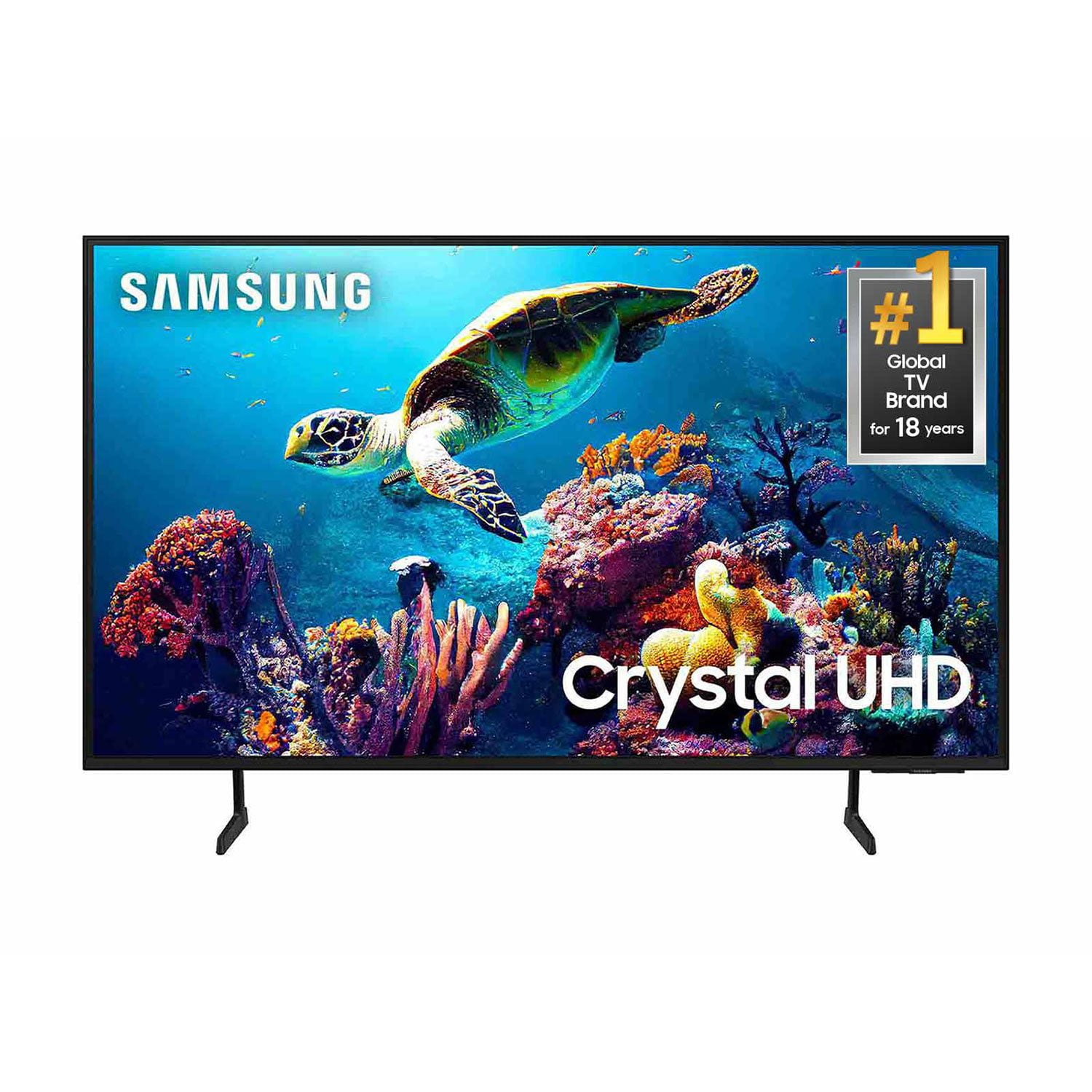
SAMSUNG 50" Class DU6900 Series UHD 4K Smart TV
4.4 out of 5 stars
stars2,179 ratings2,177 reviews
  1. 5 stars68% (1,482)
  2. 4 stars16% (354)
  3. 3 stars7% (154)
  4. 2 stars4% (81)
  5. 1 star5% (108)

Member photos

  • +557 images
Sort by |
Showing 2,011-2,020 of 2,177 reviews
Feb 20, 2025
HDiaz
5 out of 5 stars review

Excellent feautures

This is my third samsung tv I have no doubt my next tv will be a samsung

Review from Samsung US
Helpful?21P69184561C13959770739
Mar 5, 2025
Debbie
4 out of 5 stars review

OPTICAL PLUG IN

Love the TV, Unhappy there is not a Opical plug in for my hearing aids

Review from Samsung US
Helpful?21P69184561C13959770739
Feb 20, 2025
Sears
4 out of 5 stars review

Nice picture

The remote control unit is not user friendly !!!!!!! Too small for the hand !!!

Review from Samsung US
Helpful?21P69184561C13959770739
Mar 5, 2025
Nettie
5 out of 5 stars review

Great Purchase

I bought with my first check it’s highly upgraded and it just takes some getting used too.

Review from Samsung US
Helpful?21P69184561C13959770739
Apr 19, 2025
Television
4 out of 5 stars review

Tv

I hate the remote. I have to buy a Samsung universal remote for this TV.

Review from Samsung US
Helpful?21P69184561C13959770739
Feb 5, 2025
Punkin51
5 out of 5 stars review

Best gift ever

I bought this as a Christmas present/housewarming gift to myself. And I love it.

Review from Samsung US
Helpful?21P69184561C13959770739
Feb 16, 2025
Big Sky
1 out of 5 stars review

Never buy again

Glitches in tv and pauses, doesn’t play fully through smh

Review from Samsung US
Helpful?21P69184561C13959770739
reply from Samsung Brand Ambassador

Big Sky, We appreciate your feedback on the Samsung DU6900 TV. I'm sorry to hear you are experiencing issues with your TV. First, let's ensure you are running the latest Firmware. Go to Settings> Support> Software Update. To ensure you do not miss any Firmware Updates, I recommend enabling Auto Updates. Go to Settings> Support> Software Update> then select Auto Update. Next, let's try running a cold boot on your TV. To do so, hold down the Power button on the Samsung TV remote until the TV turns off and then on again. This should take about 5 seconds. I hope these tips help resolve your concerns. If you need further assistance, we would be happy to help! Please feel free to contact Samsung Support at 1-800-SAMSUNG, available from 8 AM to 12 AM EST, seven days a week. You can also chat with us on Samsung.com for immediate assistance. ~Samsung Pro

Mar 5, 2025
Maddi
5 out of 5 stars review

Great features

I have discovered a lot of features on the TV. It is easy to operate and can add apps.

Review from Samsung US
Helpful?21P69184561C13959770739
Feb 20, 2025
Ron L
4 out of 5 stars review

Easy to control

It seams to run good and I like the way the tv turns on quickly. The color is good so far so good

Review from Samsung US
Helpful?21P69184561C13959770739
Feb 21, 2025
Diamond
5 out of 5 stars review

Great features

Love it clear quality colors are vibrant. I would definitely recommend purchasing this TV.

Review from Samsung US
Helpful?21P69184561C13959770739