Skip to Main Content
Sams Club
Sams Club
Customer reviews for SAMSUNG 50" Class DU6900 Series UHD 4K Smart TV for
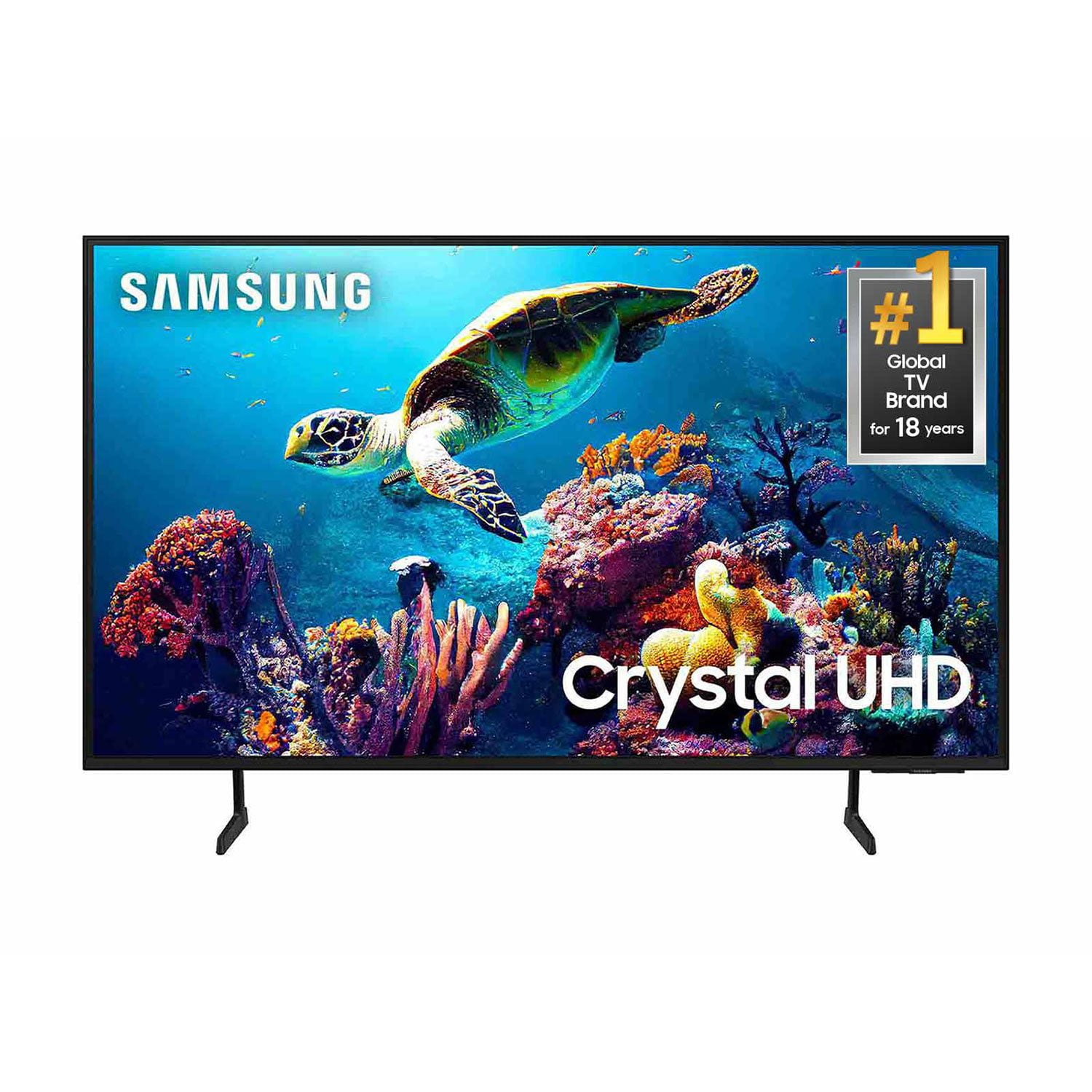
SAMSUNG 50" Class DU6900 Series UHD 4K Smart TV
4.4 out of 5 stars
stars2,179 ratings2,177 reviews
  1. 5 stars68% (1,482)
  2. 4 stars16% (354)
  3. 3 stars7% (154)
  4. 2 stars4% (81)
  5. 1 star5% (108)

Member photos

  • +557 images
Sort by |
Showing 1,911-1,920 of 2,177 reviews
Mar 23, 2025
Samsung
5 out of 5 stars review

Samsung

Very happy with my product, very nice, simple to work with.

Review from Samsung US
Helpful?21P69184561C13959770739
Apr 19, 2025
Kkb69
5 out of 5 stars review

Nice picture

I have had this for 2 months and it's great I have really enjoyed

Review from Samsung US
Helpful?21P69184561C13959770739
Apr 19, 2025
Rich
5 out of 5 stars review

Great TV

Great TV, I love the features. I especially like that it can connect to the internet.

Review from Samsung US
Helpful?21P69184561C13959770739
Feb 5, 2025
WiseBuyer
5 out of 5 stars review

Happy All Around!

Picture quality is great. Sound quality is great.the price for the size was great.Happy

Review from Samsung US
Helpful?21P69184561C13959770739
Apr 19, 2025
viz712
4 out of 5 stars review

Good

It’s a good tv, overall good. Hasn’t given me problems. I bought it last year, during Black Friday.

Review from Samsung US
Helpful?21P69184561C13959770739
Apr 19, 2025
Willisr
5 out of 5 stars review

Great picture

Very nice picture, even on older shows. Highly recommend,will buy another Samsung

Review from Samsung US
Helpful?21P69184561C13959770739
Feb 6, 2025
ty89445
1 out of 5 stars review

TV messed up already

I've had the TV since september and the lighting for the picture is discolored

Review from Samsung US
Helpful?21P69184561C13959770739
reply from Samsung Brand Ambassador

ty89445, Thank you for purchasing the Samsung DU6900 TV and for sharing your experience with your TV not displaying properly. Please try the following troubleshooting steps: 1. If any external devices are connected, check all input cable connections 2. If the issue persists, define precisely what is wrong with the display. 3. Try changing channels using the remote control. Is the issue the same on all channels? 4. Press the Home button (looks like a house), select Source, and choose another input source. Is the issue the same on all sources? 5. If the same problem persists, run a diagnostic test. (Home > Settings > Support > Device Care > Self Diagnosis > Picture Test) 6. If the problem disappears during the test, check your TV signal (Home > Settings > Support > Device Care > Self Diagnosis > Signal Information) to check the signal strength. The signal strength must be more than 20 dB (more than 4 bars on the icon) for stable signal reception Should your issue persist, please contact Samsung Customer Support. You can call us at 1-800-SAMSUNG, 8 AM - 12 AM EST, seven days a week. Our LiveChat agents are also available by clicking on the ‘Support’ link on our website. ~ Samsung Pro

Mar 5, 2025
DONNY
5 out of 5 stars review

Great Tv

This is my third Samsung TV and the last one was a QLED and they Work great.

Review from Samsung US
Helpful?21P69184561C13959770739
Feb 5, 2025
Dodie
5 out of 5 stars review

New TV

Great tv very good picture, love all the streaming capabilities

Review from Samsung US
Helpful?21P69184561C13959770739
Feb 5, 2025
None
2 out of 5 stars review

Ok

Don’t like the when I turn on TV the volume always comes on extremely loud

Review from Samsung US
Helpful?21P69184561C13959770739
reply from Samsung Brand Ambassador

None, Thank you for reaching out and letting us know about the issues you are experiencing with your DU6900 TV not saving your sound/volume settings. Please ensure that your TV is in Home Mode by going to Settings> All Settings >General & Privacy System> Manager Usage Mode> Home Mode. If you continue to have issues, please give us a call at 1-800-SAMSUNG, 8 AM – 12 AM EST, seven days a week, or Chat with us on Samsung.com: https://www.samsung.com/us/support/contact/ ~ Samsung Pro