Skip to Main Content
Sams Club
Sams Club
Customer reviews for SAMSUNG 50" Class DU6900 Series UHD 4K Smart TV for
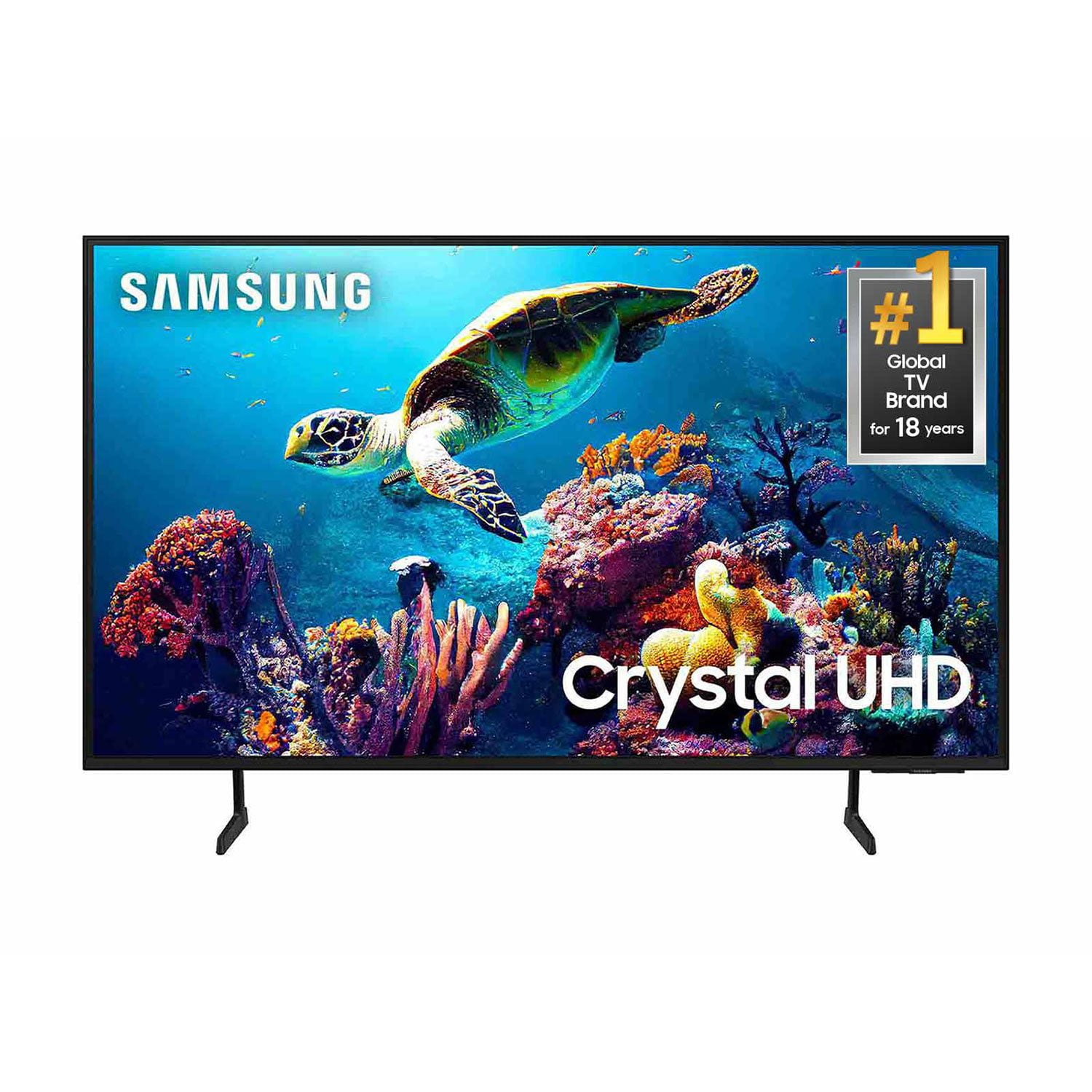
SAMSUNG 50" Class DU6900 Series UHD 4K Smart TV
4.4 out of 5 stars
stars2,179 ratings2,177 reviews
  1. 5 stars68% (1,482)
  2. 4 stars16% (354)
  3. 3 stars7% (154)
  4. 2 stars4% (81)
  5. 1 star5% (108)

Member photos

  • +557 images
Sort by |
Showing 1,781-1,790 of 2,177 reviews
Dec 6, 2024
Lilshopper
5 out of 5 stars review

Like crystal

[This review was collected as part of a promotion.] Omg how clear can a TV get i can see every detail on here.

Review from Samsung US
Helpful?21P69184561C13959770739
Dec 27, 2024
gluckett54
5 out of 5 stars review

Excellent TV for the price

[This review was collected as part of a promotion.] Living room for all viewing. Our first smart TV - very pleased.

Review from Samsung US
Helpful?21P69184561C13959770739
Dec 24, 2024
M4ddog2020
5 out of 5 stars review

Tv has a great picture.

[This review was collected as part of a promotion.] I use tv for my gaming monitor. Graphics are awesome.

Review from Samsung US
Helpful?21P69184561C13959770739
Apr 19, 2025
Debbie
3 out of 5 stars review

Somewhat satisfied

tI am satisfied with the TV overall, but no matter what we do, the picture is very dark. We have tried EVERYTHING, but no difference noted.

Review from Samsung US
Helpful?21P69184561C13959770739
reply from Samsung Brand Ambassador

Debbie, It’s unfortunate to hear you’re not fully satisfied with the brightness of your DU6900 TV’s picture. Please know that we are here to help you. First, let’s ensure you are running the latest Firmware Update. Go to Settings> Support> Software Update. Next, If the colors on your TV are correct but just a little too dark or bright, you can try adjusting Picture Modes, Contrast, Brightness, or Sharpness settings. For darker scenes, I recommend Dynamic Picture Mode, which makes pictures brighter and clearer in bright viewing environments. Go to Settings > All Settings> Picture > Picture Mode > Dynamic. Or you can manually adjust the Brightness by pressing the HOME button on your remote, then navigating to Settings > All Settings> Picture > Expert Settings. You may also want to disable Power Saving Mode, which automatically adjusts the brightness to reduce the TV’s power consumption. Go to Settings > All Settings> General > Eco Solution> Power Saving Mode. I hope this helps to improve your picture. Should you need further assistance, please contact us at 1-800-SAMSUNG, 8 AM - 12 AM EST, seven days a week. Our LiveChat agents are also available by clicking on the ‘Support’ link on our website. ~ Samsung Pro

Dec 25, 2024
Warhammer
5 out of 5 stars review

Great picture quality

I bought this about six months ago so far I’m loving it. Great picture and great sound. Samsung has always provided quality televisions.

Review from Samsung US
Helpful?21P69184561C13959770739
Mar 5, 2025
Monkey
5 out of 5 stars review

All the apps

Great tv hung on the wall in my boys room who is in his first yr in college and he loves it when he comes home on break

Review from Samsung US
Helpful?21P69184561C13959770739
Mar 5, 2025
Skip
4 out of 5 stars review

Too much frufru

I bought before Christmas. Picture is great. Unhappy there is no audio jack and the HDMI 2 cable dors not seem to provide audio.

Review from Samsung US
Helpful?21P69184561C13959770739
Apr 20, 2025
Venancio Cerrillo
5 out of 5 stars review

Great 📺 excelente price

Colores vivos y brillantes! Y mejor bluetooth incluyendo sólo tienes qué conectar la bocina y listo! Dejate llevar...

Review from Samsung US
Helpful?21P69184561C13959770739
May 21, 2025
Honeyloverorme
5 out of 5 stars review

Love all the features will always stay with Samsun

[This review was collected as part of a promotion.] In my lady cave Nana's place music video and movie watching

Review from Samsung US
Helpful?21P69184561C13959770739
May 20, 2025
Fitzgerald1176
5 out of 5 stars review

Samsung products

[This review was collected as part of a promotion.] I'm totally satisfied with all of my Samsung televisions(4) and cell phones

Review from Samsung US
Helpful?21P69184561C13959770739