Skip to Main Content
Sams Club
Sams Club
Customer reviews for SAMSUNG 50" Class DU6900 Series UHD 4K Smart TV for
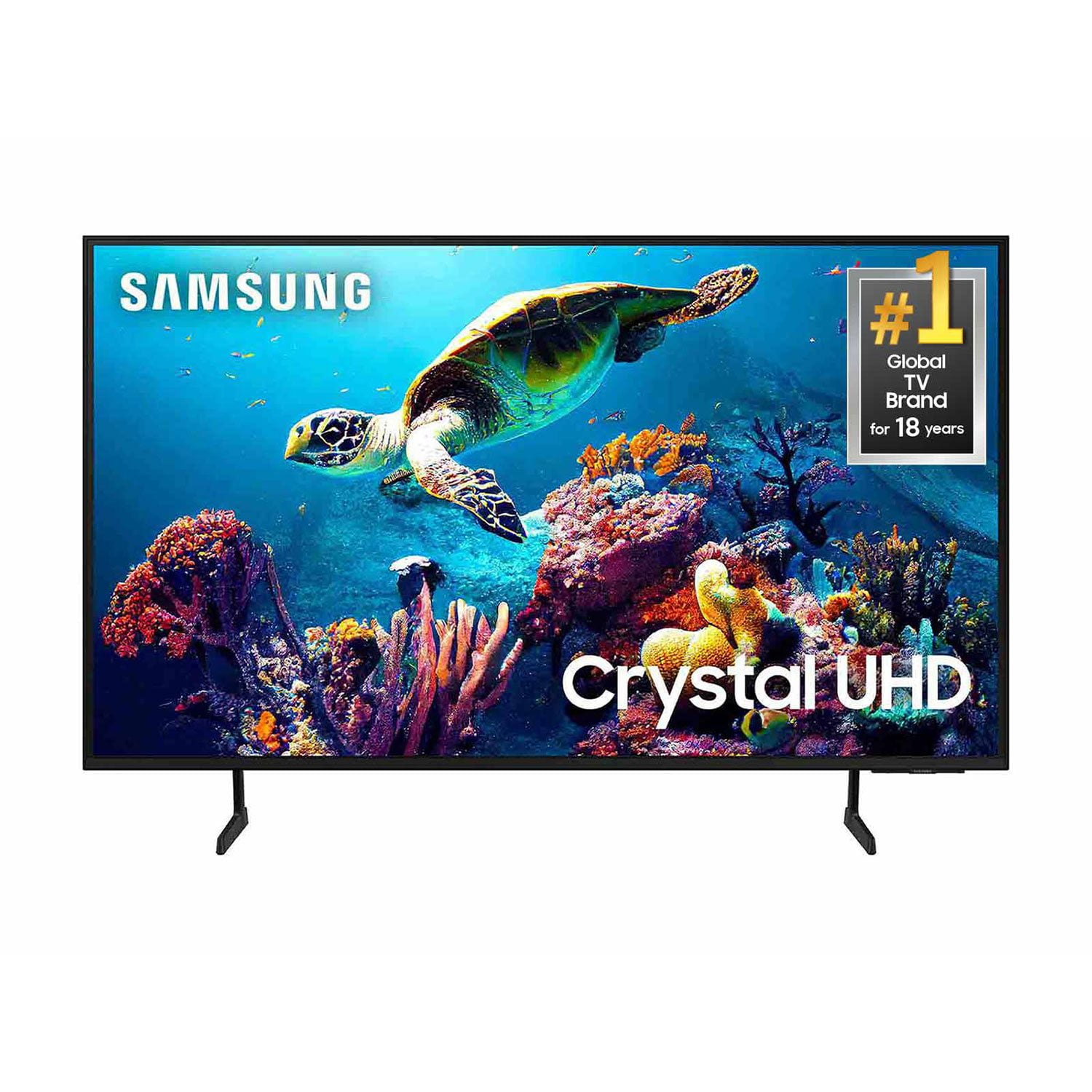
SAMSUNG 50" Class DU6900 Series UHD 4K Smart TV
4.4 out of 5 stars
stars2,179 ratings2,177 reviews
  1. 5 stars68% (1,482)
  2. 4 stars16% (354)
  3. 3 stars7% (154)
  4. 2 stars4% (81)
  5. 1 star5% (108)

Member photos

  • +557 images
Sort by |
Showing 1,631-1,640 of 2,177 reviews
Apr 20, 2025
LinV
5 out of 5 stars review

Great TV!

This is my first Samsung Smart TV. I can say I'm happy with it. It was easy to set up. I love all the different features it has. The size is perfect.

Review from Samsung US
Helpful?21P69184561C13959770739
Mar 20, 2025
Samsungliving
5 out of 5 stars review

Amazing television

[This review was collected as part of a promotion.] This is the e best tv I only buy samsung tv they are by far the best tv

Review from Samsung US
Helpful?21P69184561C13959770739
Mar 5, 2025
TheDaver72
5 out of 5 stars review

Great Buy

The best TV I've ever owned. It's a smart TV so obviously it does a lot of stuff. It's the perfect size for my space. I would recommend this TV.

Review from Samsung US
Helpful?21P69184561C13959770739
Dec 1, 2024
Onehotmama
5 out of 5 stars review

Review product

[This review was collected as part of a promotion.] Works great haven't had any problems with it yet. enjoy it very much

Review from Samsung US
Helpful?21P69184561C13959770739
Mar 20, 2025
JLCPCC
3 out of 5 stars review

blurry on sports

[This review was collected as part of a promotion.] Longer shots on sports games are blurry, otherwise its a good picture

Review from Samsung US
Helpful?21P69184561C13959770739
reply from Samsung Brand Ambassador

JLCPCC, Thank you for sharing your experience with the DU6900 TV’s image quality. Motion smoothing features eliminate ghosting and blurring that occurs from fast-moving images. On Samsung TVs, these are known as Auto Motion Plus or Picture Clarity. These motion smoothing settings look great on live TVs, like sporting events or parades, which are filmed at 30 frames per second. To Change Motion smoothing settings on your TV: Navigate to Settings > All Settings > Picture > Expert Settings > Auto Motion Plus Settings (Picture Clarity Settings). 1. The default setting is Auto. This means the feature automatically turns on and off based on the type of program being watched. 2. Select Auto Motion Plus (Picture Clarity) to change the setting to either Off or Custom. If you select Custom, three additional options are available: - Blur Reduction: Use the directional keys on the remote to adjust the Blur setting. - Judder Reduction: Use the directional keys on the remote to adjust the Judder setting. - LED Clear Motion: This option allows you to configure the LED backlight to sharpen fast-moving images. Select to turn On or Off. If you’d like more help with settings, we are always happy to help! Call us at 1-800-SAMSUNG, 8 AM - 12 AM EST, seven days a week. Or visit us on the Samsung website and click on the ‘Support’ link for: 1) LiveChat 2) Manuals, Software, & Warranty Info ~ Samsung Pro

Jul 27, 2024
Kiki927
3 out of 5 stars review

This product is amazing

[This review was collected as part of a promotion.] I really enjoy the high definition it has a wonderful picture

Review from Samsung US
Helpful?21P69184561C13959770739
reply from Samsung Advisor

Hi Kiki927, Thank you for purchasing the Samsung DU6900 Crystal UHD TV. I am happy that you are enjoying your new TV with features such as Mega Contrast, allowing incredible details to be revealed, drawing your eyes to the most important parts of whatever you’re watching. If you should have any questions or concerns with usage, features, or how to best optimize your settings, Samsung Customer Support is here to help. You can call us at 1-800-SAMSUNG, 8 AM - 12 AM EST, seven days a week. Our LiveChat agents are also available by clicking on the ‘Support’ link on our website. ~ Samsung Advisor

Oct 13, 2024
Anna122473
4 out of 5 stars review

This product has a really good picture.

[This review was collected as part of a promotion.] I use the TV to stream movies and play video games.

Review from Samsung US
Helpful?21P69184561C13959770739
Feb 6, 2025
love to watch
5 out of 5 stars review

great tv

I am very happy with my new tv. I only wish that is came a manuel book on how to navagate the remote control .

Review from Samsung US
Helpful?21P69184561C13959770739
Apr 19, 2025
Kblubl
4 out of 5 stars review

My New TV

I got my TV a month ago love the picture, i wish it had more HDMI connections, and I do not like the new Remotes

Review from Samsung US
Helpful?21P69184561C13959770739
Mar 20, 2025
BillLee
5 out of 5 stars review

I now have two!

[This review was collected as part of a promotion.] I love my first Crystal UHD in my game room so much, I bought another for my hearth room!

Review from Samsung US
Helpful?21P69184561C13959770739