Skip to Main Content
Sams Club
Sams Club
Customer reviews for SAMSUNG 50" Class DU6900 Series UHD 4K Smart TV for
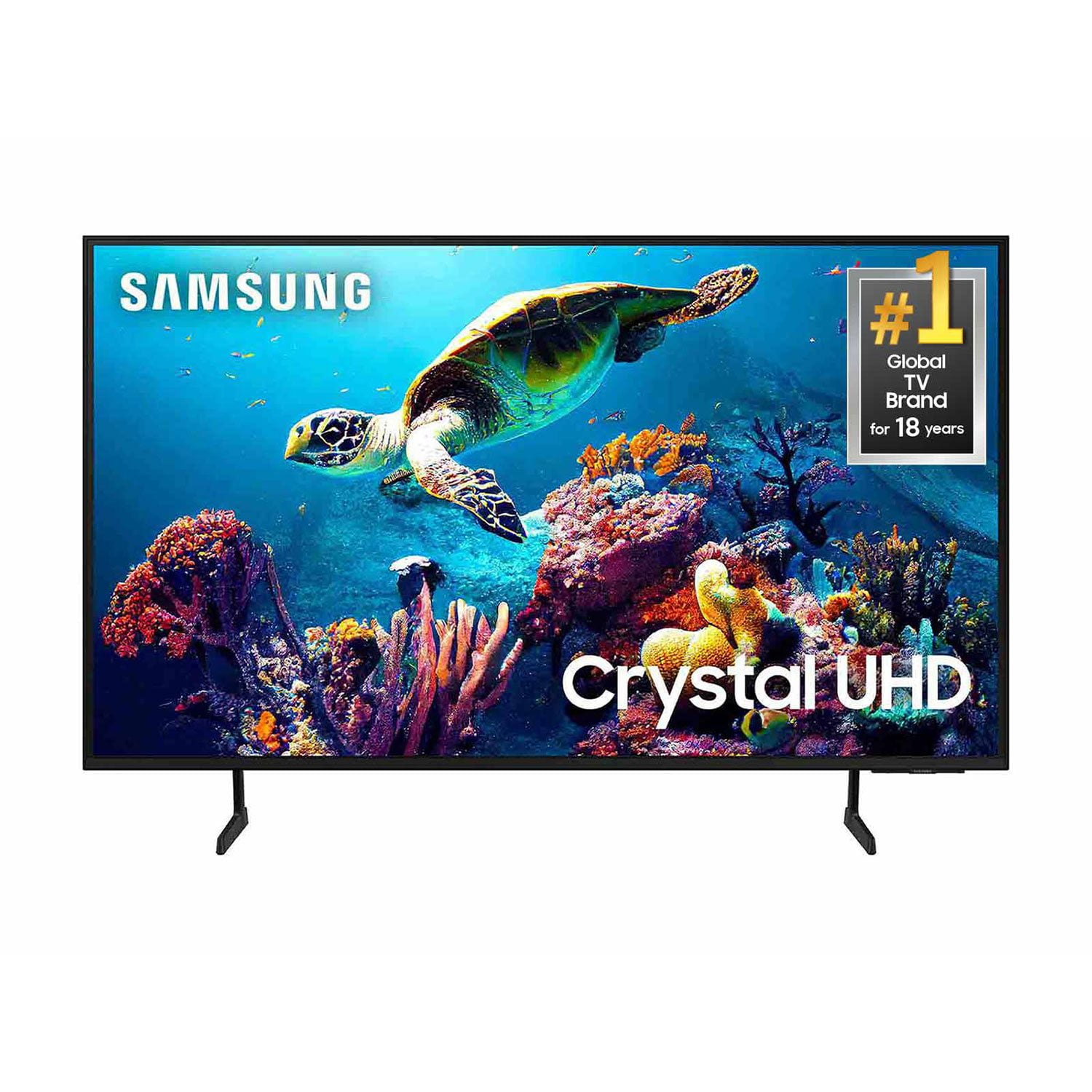
SAMSUNG 50" Class DU6900 Series UHD 4K Smart TV
4.4 out of 5 stars
stars2,179 ratings2,177 reviews
  1. 5 stars68% (1,482)
  2. 4 stars16% (354)
  3. 3 stars7% (154)
  4. 2 stars4% (81)
  5. 1 star5% (108)

Member photos

  • +557 images
Sort by |
Showing 1,171-1,180 of 2,177 reviews
Jul 5, 2025
none
5 out of 5 stars review

Samsung TV

excellent TV and great TV good products good quality

Review from Samsung US
Helpful?21P69184561C13959770739
Aug 20, 2025
Mags
5 out of 5 stars review

Samsung tv

The tv is functioning 100% and I’m very satisfied with product.

Review from Samsung US
Helpful?21P69184561C13959770739
Aug 20, 2025
Desi
5 out of 5 stars review

Great TV looks awesome

Awesome TV I have 3 in my house. Love the channels option.

Review from Samsung US
Helpful?21P69184561C13959770739
Sep 5, 2025
Topdawg40
4 out of 5 stars review

I am Happy

I am very happy with the picture resolution. I wish the sound was better

Review from Samsung US
Helpful?21P69184561C13959770739
Aug 21, 2025
Loki Bug 3651
5 out of 5 stars review

Nice slim design

We are extremely satisfied with our 65” Samsung smart TV! Easy to set up & use. Great color picture

Review from Samsung US
Helpful?21P69184561C13959770739
Aug 20, 2025
MemeBrenda
5 out of 5 stars review

Super features

This TV is slim, it has beautiful, clear picture and vibrant colors.

Review from Samsung US
Helpful?21P69184561C13959770739
Jul 5, 2025
Bitt
4 out of 5 stars review

Good tv

Very upset they took Tik Tok off of the tv y did they do that

Review from Samsung US
Helpful?21P69184561C13959770739
Jun 5, 2025
Suboo
3 out of 5 stars review

Nice TV

The TV is nice. The remote is awful! It’s kind of confusing trying to manage all of the programs

Review from Samsung US
Helpful?21P69184561C13959770739
reply from Samsung Brand Ambassador

Suboo, We appreciate your review of the DU6900 TV. To learn how to use your Samsung remote and understand the settings on your TV, please use your remote to access the remote guide. Go to Home> (left directional button) Settings> Support> Remote Control Guide. If you need more help, Samsung is here for you. Please call us at 1-800-SAMSUNG, 8 AM - 12 AM EST, seven days a week. Our LiveChat agents are also available by clicking on the ‘Support’ link on our website. ~Samsung Pro

Jun 20, 2025
Bean
5 out of 5 stars review

Tv

We love our samsung tv it has great sound and picture

Review from Samsung US
Helpful?21P69184561C13959770739
Jul 20, 2025
Pedazo
1 out of 5 stars review

Too dark Car see the screen half the time

Too dark can’t see almost anything during the day it’s awful

Review from Samsung US
Helpful?21P69184561C13959770739
reply from Samsung Brand Ambassador

Pedazo, I’m sorry to hear you’re not fully satisfied with the DU6900 TV’s picture quality. If the image is too dim, try adjusting Picture Mode, Contrast, Brightness, or Sharpness settings. First, let’s ensure you are running the latest Firmware Update. Go to Settings> Support> Software Update. Next, If the colors on your TV are correct but just a little too dark or bright, you can try adjusting Picture Modes, Contrast, Brightness, or Sharpness settings. For darker scenes, I recommend Dynamic Picture Mode, which makes pictures brighter and clearer in bright viewing environments. Go to Settings > All Settings> Picture > Picture Mode > Dynamic. Or you can manually adjust the Brightness by pressing the HOME button on your remote, then navigating to Settings > All Settings> Picture > Expert Settings. You may also want to disable Power Saving Mode, which automatically adjusts the brightness to reduce the TV’s power consumption. Go to Settings > All Settings> General > Eco Solution> Power Saving Mode. I hope this helps to improve your picture. Should you need further assistance, please contact us at 1-800-SAMSUNG, 8 AM - 12 AM EST, seven days a week. Our LiveChat agents are also available by clicking on the ‘Support’ link on our website. ~Samsung Pro