Skip to Main Content
Sams Club
Sams Club
Customer reviews for SAMSUNG 50" Class DU6900 Series UHD 4K Smart TV for
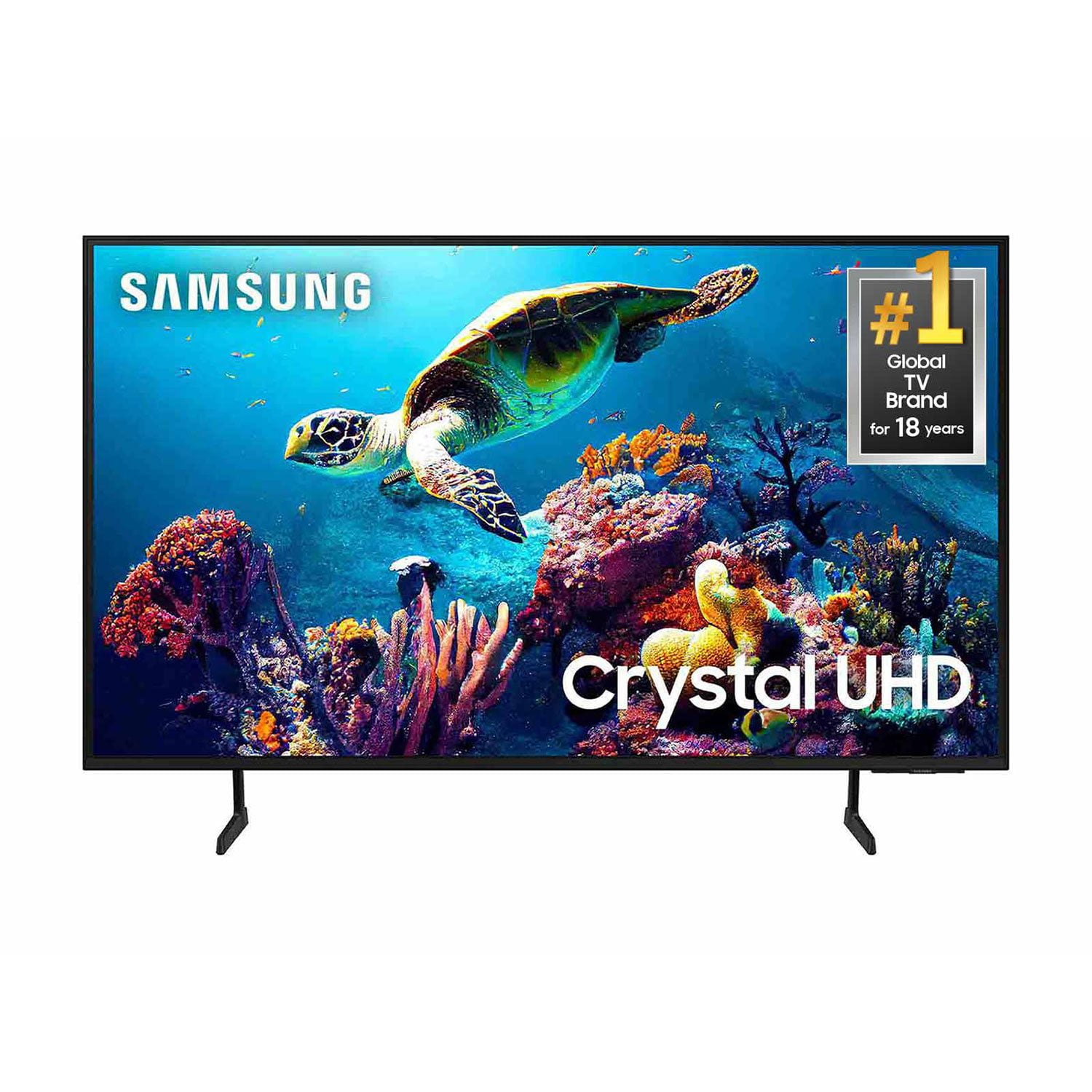
SAMSUNG 50" Class DU6900 Series UHD 4K Smart TV
4.4 out of 5 stars
stars2,179 ratings2,177 reviews
  1. 5 stars68% (1,482)
  2. 4 stars16% (354)
  3. 3 stars7% (154)
  4. 2 stars4% (81)
  5. 1 star5% (108)

Member photos

  • +557 images
Sort by |
Showing 1,121-1,130 of 2,177 reviews
Aug 6, 2025
Richie
5 out of 5 stars review

Samsung Tv

Great picture quality easy navigation and all the apps on here I no longer need my fire stick.

Review from Samsung US
Helpful?21P69184561C13959770739
Jul 21, 2025
Osborne
2 out of 5 stars review

Poor

I returned this tv after 1 week. The sound was terrible

Review from Samsung US
Helpful?21P69184561C13959770739
reply from Samsung Brand Ambassador

Osborne, I’m sorry to hear about the issues you’ve experienced with Samsung’s DU6900 TV. Your feedback is important to us and will be shared with our product teams. Should you ever decide to give Samsung TVs another try and have questions or need help with settings, setup, or features, we would be happy to help. Call us at 1-800-SAMSUNG, 8 AM – 12 AM EST, seven days a week. LiveChat with an agent, as well as manuals, software, and warranty info, can be found at the ‘Support’ link on our Samsung website. We hope to regain you as a customer in the future. ~ Samsung Pro

Sep 5, 2025
Shann
2 out of 5 stars review

Review

I have had nothing but problems with last Samsung TV. It keeps shutting itself off.

Review from Samsung US
Helpful?21P69184561C13959770739
reply from Samsung Brand Ambassador

Shann, It’s unfortunate to hear your DU6900 TV is turning off by itself. Please try a few troubleshooting steps that may help solve the issue: 1. Unplug the TV from the wall outlet or surge protector and leave it unplugged for 30 seconds. 2. Check the power cord to see if there is any visible damage. 3. Plug the TV power cord back into the wall outlet. If you were using a surge protector, bypass it for now and use a wall outlet. 4. Try to update the software. In some cases, a software update can correct the problem. There is a risk, however. If the TV turns off during the software update, it could damage the TV. Updates can take up to 30 minutes depending on network speed, so if the TV is not turning off too frequently, try updating the software. If the TV continues to turn off by itself, please call us at 1-800-SAMSUNG, 8AM - 12AM EST, 7 days a week. Our LiveChat agents are also available by clicking on the ‘Support’ link on our website. ~ Samsung Pro

Jun 20, 2025
DeeDee
5 out of 5 stars review

Crystal clear picture

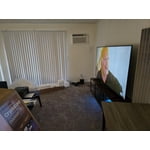
Beautiful picture and the tv size is perfect for a studio apartment.

Review from Samsung US
Helpful?21P69184561C13959770739
Jul 20, 2025
Pedazo
1 out of 5 stars review

Too dark Car see the screen half the time

Too dark can’t see almost anything during the day it’s awful

Review from Samsung US
Helpful?21P69184561C13959770739
reply from Samsung Brand Ambassador

Pedazo, I’m sorry to hear you’re not fully satisfied with the DU6900 TV’s picture quality. If the image is too dim, try adjusting Picture Mode, Contrast, Brightness, or Sharpness settings. First, let’s ensure you are running the latest Firmware Update. Go to Settings> Support> Software Update. Next, If the colors on your TV are correct but just a little too dark or bright, you can try adjusting Picture Modes, Contrast, Brightness, or Sharpness settings. For darker scenes, I recommend Dynamic Picture Mode, which makes pictures brighter and clearer in bright viewing environments. Go to Settings > All Settings> Picture > Picture Mode > Dynamic. Or you can manually adjust the Brightness by pressing the HOME button on your remote, then navigating to Settings > All Settings> Picture > Expert Settings. You may also want to disable Power Saving Mode, which automatically adjusts the brightness to reduce the TV’s power consumption. Go to Settings > All Settings> General > Eco Solution> Power Saving Mode. I hope this helps to improve your picture. Should you need further assistance, please contact us at 1-800-SAMSUNG, 8 AM - 12 AM EST, seven days a week. Our LiveChat agents are also available by clicking on the ‘Support’ link on our website. ~Samsung Pro

May 23, 2025
Ryeq21
5 out of 5 stars review

Great

Love it and would recommend it to anyone I am sorry I would be if I got any other TV

Review from Samsung US
Helpful?21P69184561C13959770739
Jun 20, 2025
Bowlerld
5 out of 5 stars review

Great features

Love my tv the picture size is wonderful. It was worth Waiting for the sale .

Review from Samsung US
Helpful?21P69184561C13959770739
Jun 5, 2025
Ricky
5 out of 5 stars review

55" TV

Har to set up, but great tv. to smart for me. excellent tv

Review from Samsung US
Helpful?21P69184561C13959770739
Jul 30, 2025
SASO8459
5 out of 5 stars review

Great price. Exceptional value.

Love my samsung tv. Lots of channels for free. Never have any problems with it.

Review from Samsung US
Helpful?21P69184561C13959770739
Jul 20, 2025
Lowtide3091
1 out of 5 stars review

Not for me

This is the first Samsung product I didn't like took it back

Review from Samsung US
Helpful?21P69184561C13959770739
reply from Samsung Brand Ambassador

Lowtide3091, Thank you for taking the time to provide feedback on your DU6900 TV. Please know that your feedback will be shared with our internal product teams. We take pride in our products and are sorry to hear that your experience was not up to our high standards. Should you ever decide to give Samsung TVs another try and have questions or need help with settings, setup, or features, we would be happy to help. Call us at 1-800-SAMSUNG, 8 AM – 12 AM EST, seven days a week. LiveChat with an agent, as well as manuals, software, and warranty info, can be found at the ‘Support’ link on our Samsung website. We hope to regain you as a customer in the future. ~ Samsung Pro