
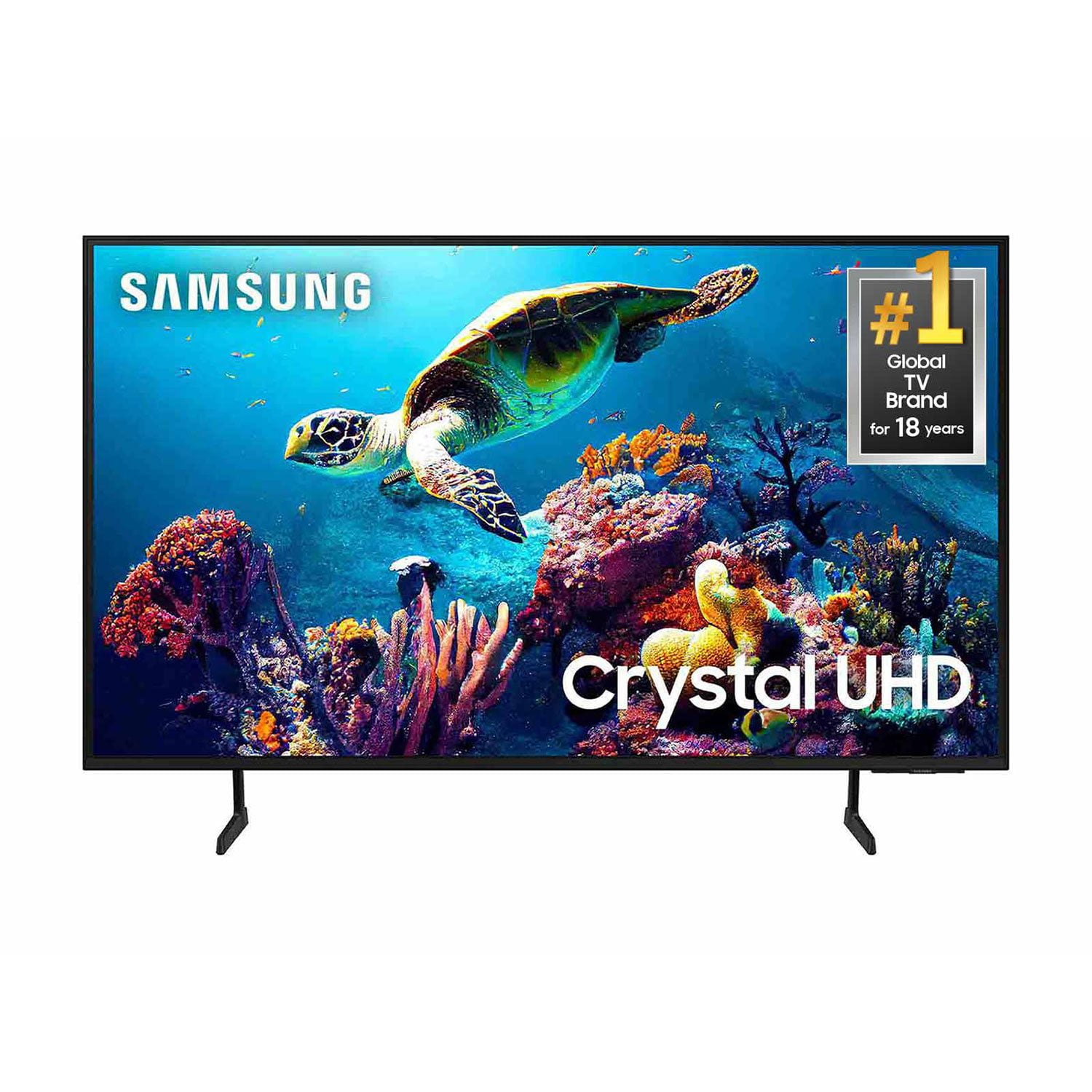
 Customer reviews for SAMSUNG 50" Class DU6900 Series UHD 4K Smart TV for
Member photos






 +557 images
Good for the price
[This review was collected as part of a promotion.] Love the features, the apps preinstalled and the user friendly interface to download more apps. My only negative or what I think can improve is the the feel of the device to me it feels like a toy o should of went for the higherend model
Digity, Thank you for taking the time to provide feedback on your DU6900 TV. Please know that your feedback will be shared with our internal product teams. We take pride in our products and are sorry to hear that your experience was not up to our high standards. Please know we are available and happy to assist you. You can contact Samsung Customer Support at 1-800-SAMSUNG, 8 AM - 12 AM EST, seven days a week. Our LiveChat agents are also available by clicking on the ‘Support’ link on our website. ~Samsung Pro
Small Remote!!
I love everything about this TV, Except 1 thing!! The Remote!! Why do you make it so small?????? What is the reasoning behind a small remote? It can't be to save space on the coffee table. So why have a remote that is so small that you are going to hit the wrong button? Not to mention,the terrible placement of the mute button.
Easy to install and set up!
[This review was collected as part of a promotion.] I am not the most "Techy" guy, but it is my responsibility to set up new electronics when they arrive at the house. (Oh Yeah! - sarcasim!) But, this new Samsung TV made set up pretty easy... Plug in, get updates, hook up to wifi...and your ready to go! On screen prompts make it easy, and barcodes with your phone makes it even easier to set up your screaming services.
Good value for the money
[This review was collected as part of a promotion.] This TV is easy to use, and the interface is simple to understand. I use it for everything from watching shows and movies, to playing games. I'd recommend it to anyone in the market for a new TV who isn't wanting to break the bank
ONLY FIT FOR THE DUMP
We have a custom-made TV cabinet with a 60-inch opening. Because neither Samsung (nor any other manufacturer) now make 60" TVs, we were forced to replace our 10-year old Samsung model with this piece of garbage. Sound & especially picture are absolutely horrendous: dim & unclear. I'd put it out on the curb this minute IF we could find another, but until someone makes one, we're stuck with it.
KELTZ, We appreciate you sharing your experience with the DU6900 TV. Your feedback regarding image quality is essential to us and will be shared with our internal teams. Please try adjusting the below image settings to improve your picture. Go to Home > Settings > All Settings > Picture > Picture Mode and select the mode that best fits your usage: 1) Standard: Default mode suitable for general viewing environments. 2) Natural: Reduces eye strain for a comfortable viewing experience. 3) Movie: Most suitable for watching TV or movies in a dark room. 4) Dynamic: Makes the picture brighter and clearer in bright viewing environments. 5) Filmmaker Mode: You can watch the source content (e.g., movie) as it is. If the image is defined as Filmmaker Mode, it will automatically switch to Filmmaker Mode while watching. You can also go to Settings > All Settings> Picture > Expert Settings > to manually fine-tune your image. For sound adjustments, go to Settings> All Settings> Sound. If you need further assistance, we would be happy to help! Please feel free to contact Samsung Support at 1-800-SAMSUNG, available from 8 AM to 12 AM EST, seven days a week. You can also chat with us on Samsung.com for immediate assistance. ~Samsung Pro
Solid tv great buy
Purchased over a month ago to replace an older Samsung 32 on our pourch. Love the bigger screen and the ease of downloading apps as we cut the cord on cable. The Newer tv's have stronger Wifi.Our older 32 was first gen Wifi and hard to keep conected as not able to use 5g. I give it to Samsung to build dependable units as we also installed them in our RV.
Very disappointing
I just got this TV in February.I have been very disappointed with my TV. I’ve had a Samsung TV forever and the picture has always been perfect and the sound was fabulous. This TV; The picture always seems dark and the sound is horrible. I bought the sound bar when I bought the TV.
Leeuts50, We appreciate you sharing your experience with the DU6900 TV. Your feedback regarding image quality is essential to us and will be shared with our internal teams. Please try adjusting the below image settings to improve your picture. Go to Home > Settings > All Settings > Picture > Picture Mode and select the mode that best fits your usage: 1) Standard: Default mode suitable for general viewing environments. 2) Natural: Reduces eye strain for a comfortable viewing experience. 3) Movie: Most suitable for watching TV or movies in a dark room. 4) Dynamic: Makes the picture brighter and clearer in bright viewing environments. 5) Filmmaker Mode: You can watch the source content (e.g., movie) as it is. If the image is defined as Filmmaker Mode, it will automatically switch to Filmmaker Mode while watching. You can also go to Settings > All Settings> Picture > Expert Settings > to manually fine-tune your image. For sound adjustments, go to Settings> All Settings> Sound. If you need further assistance, we would be happy to help! Please feel free to contact Samsung Support at 1-800-SAMSUNG, available from 8 AM to 12 AM EST, seven days a week. You can also chat with us on Samsung.com for immediate assistance. ~Samsung Pro
TV that allows multi use.
[This review was collected as part of a promotion.] It serves as our primary entertainment system. Additionally, it allows other devices to connect and project their content. This reliable connection lets us work, play games, and watch various media from mobile devices.
It’s alright with a few tweeks could be better
Has a delay in it when powering on changes channels any remote function you must be patient and wait for your command or request to take place, and, almost no volume sounds to be the loudest I’d say a 4-5 volume level , other than that , states auto dimmer on HD, the color seems a little dull not bright. Light weight easy setup if you already have a Samsung account must download Roku if you have a Roku account must have a proper stand to fit its pretty large you’re definitely get the size you were looking for
Entrepreneur401, Thank you for sharing your experience with the DU6900 TV. For optimal performance, we ask that you please ensure you've got the latest firmware version installed on your TV. You can check this by going to Home > Menu > Settings > Support > Software Update. You may also want to further optimize performance with the self-diagnostic tool, which checks memory, frees up unused cached memory, and closes background apps. Go to: Home > Menu > Settings > Support > Device Care > Start Device Care There are several volume features you can adjust, which may improve your audio experience. 1) Auto Volume automatically adjusts the sound to a certain level when changing channels or switching to another external input. Go to Settings > All Settings> Sound > Expert Settings > Auto Volume. 2) Adaptive Sound automatically adjusts to a specific volume level while watching TV. The TV analyzes your volume usage history by time period to automatically adjust the volume when you use an app or switch to an external input source. Go to Settings> All Settings> Sound> Sound Mode> Adaptive Sound. 3) Several Sound Modes are likewise available to meet your personal preferences: Home > Settings > All Settings> Sound > Sound Mode. Also, some sources have their own volume control, which might need to be set higher. Please check the volume control of the external device (cable box or satellite box, DVD, Blu-ray, etc.) connected to your TV. Also, check the cable connection between an external device and the TV and then try the cable connection again. I hope these tips help you enjoy your new product. You can contact us for further help at 1-800-SAMSUNG, 8 AM - 12 AM EST, seven days a week. Our LiveChat agents are also available by clicking on the ‘Support’ link on our website. ~ Samsung Pro
Regrets
The picture is great. That being said, after owning several TCL's over the years, the operating system is not user friendly. I frequently have to login to the channels I watch, it doesn't "save" what I was watching, and it makes weird, very loud alerts. I regret buying it.
Glenlivetgrl, We appreciate you sharing your user experience. To assist in learning the various functions, please know you can download the DU6900 TV's User Manual, e-Manual, Remote Control Leaflet, and Quick Setup Guide on Samsung's website under Support > Manuals & Software > TVs & Home Theater. You can search for and select the DU6900 TV to download the guides you would like. The e-Manual and Remote Guide are both also embedded into your TV itself under Menu > Settings > Support > Open e-Manual. If you need more help, Samsung is here for you. Please call us at 1-800-SAMSUNG, 8AM - 12AM EST, 7 days a week. Our LiveChat agents are also available by clicking on the ‘Support’ link on our website. ~ Samsung Pro