Skip to Main Content
Sam's Club
Sam's Club
All Departments
All Services
Customer reviews for Samsung 55” Class – Q60 Series – QLED 4K Smart TV for
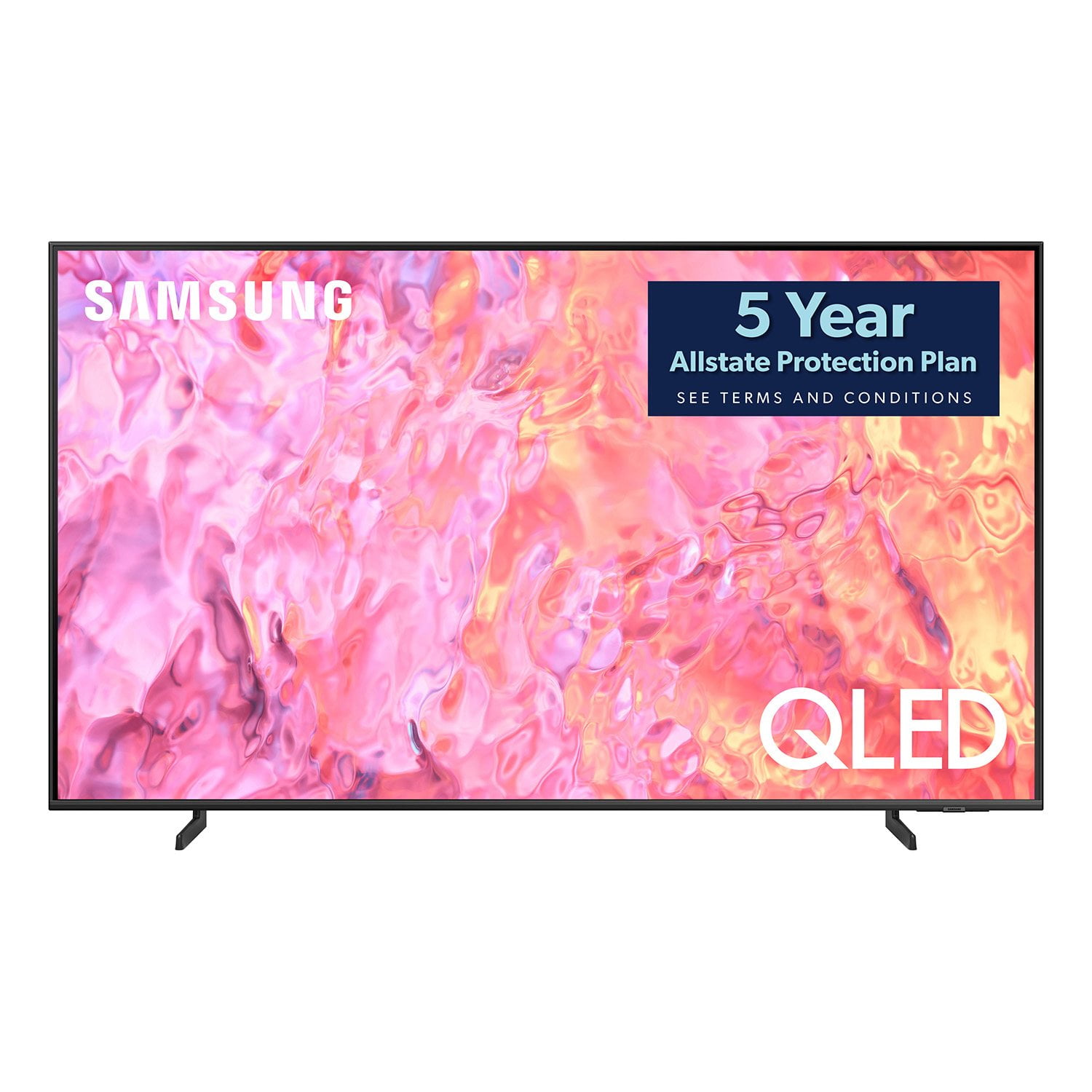
Samsung 55” Class – Q60 Series – QLED 4K Smart TV
4.7 out of 5 stars
stars
184 ratings139 reviews
  1. 5 stars79% (145)
  2. 4 stars15% (28)
  3. 3 stars3% (5)
  4. 2 stars1% (1)
  5. 1 star3% (5)

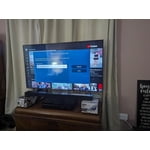
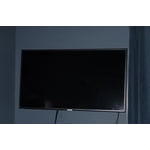
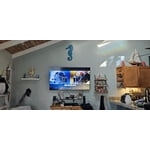
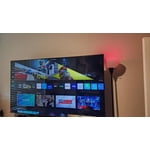
Member photos

  • +19 images
Sort by |
Showing 1-10 of 139 reviews
Mar 29, 2024
Reviewer name: Just Me
5 out of 5 stars
5 out of 5 stars review

Verified Purchase

You can't go wrong with this TV.

This is a very nice TV. This is my first QLED and can I notice the difference. I looked at two other brands. For an inexpensive TV Vizio is OK but they're not what they used to be. I also like LG. LG's top half of their brand is good, but I found that the Samsung was superior when you get to the QLED level. Besides superior picture, I really enjoy how customizable the TV is it easily interfaces with my game systems and sound bar if I ever ditch the cable box the interface is native for xFinity I waited for this to go on sale. So the price and value that I paid I'm happy. If it would've been an original price, I may not have opted for the QLED but I'm glad I did.

Helpful?4HU5CAERVZHS13952353597
Nov 10, 2023
Reviewer name: Barbara Gann
5 out of 5 stars
5 out of 5 stars review

Verified Purchase

My New 55 Inch TV

I had a tv all picked out. Called my grandson and he gave me advice. I looked again and this Samsung Q60CD QLE caught my eye with everything I needed for my bedroom viewing. My husband and son installed it easily. I'm almost 76 years old and I had no trouble figuring all the things this TV can do. You can easily watch any part of the regular programming then switch to the smart TV with a tiny remote. You won't be disappointed with your purchase.

Helpful?4HU5CAERVZHS13952353597
Dec 17, 2023
Reviewer name: TheMaddBulldog
5 out of 5 stars
5 out of 5 stars review

Verified Purchase

GREAT SmartHDTV!!!

I ALWAYS buy Samsung TVs because of the Excellent Picture, Easy to Configure, ease of repair (IF necessary), and the Price! 👍😁😷

Helpful?4HU5CAERVZHS13952353597
Dec 4, 2023
Reviewer name: na
5 out of 5 stars
5 out of 5 stars review

Verified Purchase

tv

nice TV, easy to hook up to my soundbar

Helpful?4HU5CAERVZHS13952353597
Dec 10, 2023
Reviewer name: Carolina
5 out of 5 stars
5 out of 5 stars review

Verified Purchase

Great picture & sound

Amazing picture and clean look. Very happy with this brand and size TV.

Helpful?4HU5CAERVZHS13952353597
Nov 29, 2023
Reviewer name: Jerry James
4 out of 5 stars
4 out of 5 stars review

Verified Purchase

Don't believe what they tell you!

Tv has nice picture, remote is a peace of junk. To small, buttons never work the same. I'll never buy another major product from Sams club again, came with an extended 5 year warranty, I've had TV for almost a month and still haven't got it. I've been benn on the phone 4 times and for 5 hours, still no extended warranty. Suppose to have a free streaming service, can't get it either.

Helpful?4HU5CAERVZHS13952353597
reply from Samsung

Hi Jerry James,We appreciate you sharing your feedback on the Q60CD TV's image quality, as well as the SolarCell Remote - we'll be sure to pass this along to our internal teams.To address any extended warranty issues, please directly contact or visit your local Sam's Club where you made your initial purchase.Lastly, please visit this site to register for and activate your Streaming Credit: https://www.samsung.com/us/shop/promotions/yourchoice2023/ Should you ever have questions or need help with your new TV, Samsung is here for you. Just give us a call at 1-800-SAMSUNG, 8AM - 12AM EST, 7 days a week. Our LiveChat agents are also available by clicking on the ‘Support’ link on our website.~ Samsung Specialist

Oct 22, 2023
Reviewer name: fortunet5
4 out of 5 stars
4 out of 5 stars review

Verified Purchase

Requires two remotes to use Spectrum box.

The new Samsung TV has a very clear picture and we love the “instant on” feature! The difficult part for old timers, is getting used to using all the Apps. To use our Spectrum TV box, we have to first locate the Spectrum App, click on it, turn the Spectrum box on and then use the Spectrum remote to access live TV and recorded shows. Takes some getting used to and sort of negates the “instant on” feature.

Helpful?4HU5CAERVZHS13952353597
reply from Samsung

fortunet5,We appreciate you sharing your experience with Samsung's Q60CD TV. Please know you can control your connected devices using your TV remote by following these set-up steps:1) Connect an external device to the HDMI port of the TV, and then power on the external device. Your TV will automatically recognize the device when connected through HDMI and will switch the output. If it doesn't automatically detect it, then keep following the steps to set up Universal Remote.2) Go to Home > Menu > Connected Devices > Universal Remote. When you select a connected external device, the output of the selected device is displayed on the TV's screen.3) Select Universal Remote on the Home screen. Next, select Start and make sure the device you want to connect is turned on. When your desired device displays, select it. Follow the on-screen instructions to complete the setup and register the device. The instructions may vary, depending on the device type selected.4) Your TV and remote will memorize the external device and its connection port (HDMI 1, HDMI 2, etc.) to make controlling everything even easier. Occasionally, the device may not respond after it's registered. To make sure the connection is made, you may need to re-register the device or adjust the position of your external device.I hope these tips help you enjoy your new product. You can always contact us for further help at 1-800-SAMSUNG, 8AM - 12AM EST, 7 days a week. Our LiveChat agents are also available by clicking on the ‘Support’ link on our website.~ Samsung Specialist

Oct 15, 2023
Reviewer name: Robert
4 out of 5 stars
4 out of 5 stars review

Verified Purchase

Samsung 55" Class Q60CD QLED 4K SMART TV

Nice TV Beautiful picture only con is the volume. I have to put it up to 25 or 27 to hear it. If anyone gets one I suggest buying a sound bar as well.

Helpful?4HU5CAERVZHS13952353597
Jan 26, 2024
Reviewer name: George Jetson
3 out of 5 stars
3 out of 5 stars review

Verified Purchase

TV set-Up and operation.

Like my 2 other Samsung TVs better. Very simple to operate. The new TV requires too many steps to operate, very frustrating. Colors are ok but not great. Remote is way too small.

Helpful?4HU5CAERVZHS13952353597
reply from Samsung

George Jetson,To further assist you in learning the various features, functions, and settings of your TV and remote, you can download the Q60CD TV's User Manual, e-Manual, Remote Control Leaflet, and Quick Setup Guide on Samsung's website under ‘Support’ (top right corner) > Manuals & Software > TVs & Home Theater. From there, you can select the Q60CD TV under QLED 4K TVs > C Model Lineup to download the guides you would like. The e-Manual and Remote Guide are both also embedded into the TV itself under Menu > Settings > Support.If you need more help, Samsung is here for you. Please call us at 1-800-SAMSUNG, 8AM - 12AM EST, 7 days a week. Our LiveChat agents are also available by clicking on the ‘Support’ link on our website.~ Samsung Specialist

Dec 17, 2023
Reviewer name: Disappointed
3 out of 5 stars
3 out of 5 stars review

Verified Purchase

High hopes?

Highly priced but no better quality than a regular LED HIGH DEF TV.

Helpful?4HU5CAERVZHS13952353597
reply from Samsung

Disappointed,We appreciate your thoughts on the picture quality of Samsung’s Q60CD TV. If the image you’re seeing isn’t to your liking, there are several picture settings you may want to adjust.Go to Home > left direction button > Settings > All Settings > Picture > Picture Mode...and select the mode that best fits your usage:1. Standard: Is the default mode suitable for general viewing environments2. Dynamic: Makes the picture brighter and clearer in bright viewing environments3. Eco: Provided to save energy4. Movie: Suitable for watching TV or movies in a dark room5. Filmmaker Mode: Provides source content just as the creators intended. If the image is defined as Filmmaker Mode, it’ll automatically switch to Filmmaker Mode while watching.You can also fine-tune your picture with expert settings such as brightness, contrast, sharpness and more (All Settings > Picture > Expert Settings).For further assistance with settings adjustments, please contact Samsung Customer Support at 1-800-SAMSUNG, 8AM - 12AM EST, 7 days a week. Or visit us on the Samsung website and click on the ‘Support’ link for:• LiveChat• Manuals, Software, & Warranty Info~ Samsung Specialist