Skip to Main Content
Sam's Club
Sam's Club
All Departments
All Services
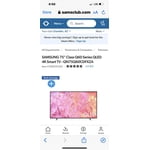
Customer reviews for SAMSUNG 75" Class Q60 Series QLED 4K Smart TV - QN75Q60CDFXZA for
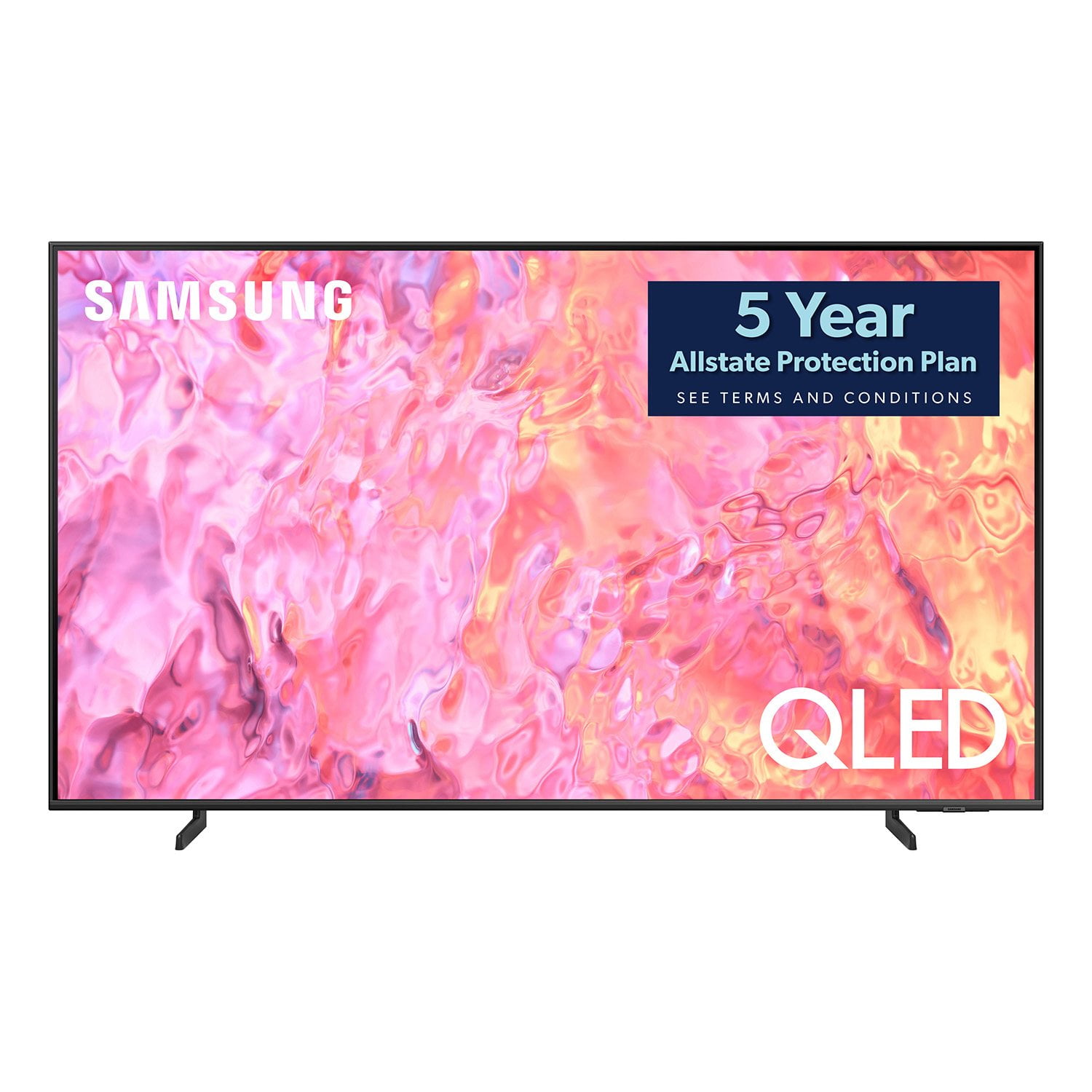
SAMSUNG 75" Class Q60 Series QLED 4K Smart TV - QN75Q60CDFXZA
4.7 out of 5 stars
stars
221 ratings162 reviews
  1. 5 stars79% (174)
  2. 4 stars14% (32)
  3. 3 stars3% (6)
  4. 2 stars2% (4)
  5. 1 star2% (5)

Member photos

  • +31 images
Sort by |
Showing 1-10 of 162 reviews
Nov 6, 2023
Reviewer name: Vineet
5 out of 5 stars
5 out of 5 stars review

Verified Purchase

quick curb side pickup

it is very early to give a product review as i purchased it 3-4 weeks earlier. however so far it has been nice. sound is not that powerfull , probably you would need a soundbar or extra speaker.

Helpful?1Z0JLNBVPBEV13951564214
Jan 3, 2024
Reviewer name: Pmug
5 out of 5 stars
5 out of 5 stars review

Verified Purchase

Nice machine!

Was easy to set up and has a great picture. Remote took a minute to get used to, but it does the job. Glad I selected this item.

Helpful?1Z0JLNBVPBEV13951564214
Oct 26, 2023
Reviewer name: Gerald
5 out of 5 stars
5 out of 5 stars review

Verified Purchase

Samsung 75 in TV

I am extremely happy with the new TV. However I was supposed to get a $50 dollar gift card for purchase between 8/30-10/8 in which I did purchase it between those dates. I haven't received the $50 gift card.

Helpful?1Z0JLNBVPBEV13951564214
Dec 14, 2023
Reviewer name: Duke
5 out of 5 stars
5 out of 5 stars review

Verified Purchase

Samsung 75" class Q60 series 4k smart TV

The Samsung 75" flat screen is an excellent choice. Great picture quality, easy set up. Remote makes it very easy. The extras that Samsung gives with the product is outstanding. Highly recommend this product. Thank you Sam's Club for caring a great product at a reasonable price.

Helpful?1Z0JLNBVPBEV13951564214
Dec 5, 2023
Reviewer name: JR
5 out of 5 stars
5 out of 5 stars review

Verified Purchase

The television is great. The delivery and set up was excellent, took no time at all and the guys who made the delivery and set things up for me tested things to be sure i was happy. Then they took away all the debris, box etc. Hallelujah!

Helpful?1Z0JLNBVPBEV13951564214
Dec 19, 2023
Reviewer name: Dennis
5 out of 5 stars
5 out of 5 stars review

Verified Purchase

Great looking TV. And excellent delivery.

So far good tv. Excellent color and speed for games. I am using it for tv purposes and it looks great. Was delivered by truck and delivered inside the house.

Helpful?1Z0JLNBVPBEV13951564214
Dec 24, 2023
Reviewer name: Heather T
4 out of 5 stars
4 out of 5 stars review

Verified Purchase

Nice addition to space
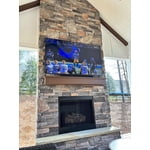
We like the Samsung user interface. The set up didn't want to work on this unit with the app but switched to using the remote and no issues. Has a good picture and easily connected to Bluetooth sound bar. Using in outdoor space and no real issue with glare. Picture from side angle isn't perfect.

Helpful?1Z0JLNBVPBEV13951564214
Oct 6, 2023
Reviewer name: Ginger
4 out of 5 stars
4 out of 5 stars review

Verified Purchase

Amazing picture!!

Amazing picture quality!!! Sound is good but not great. There are sound options and it'll do if you're not far away from the TV. Over all, I absolutely love the TV for the price! A really great upgrade

Helpful?1Z0JLNBVPBEV13951564214
Jan 30, 2024
Reviewer name: Sylvie
4 out of 5 stars
4 out of 5 stars review

Verified Purchase

Very good product for the price

I love my new TV. I have done a lot of research before I bought it. They were right, it's not the greatest sound but with a sound bar everything is perfect. Really good product for the value.

Helpful?1Z0JLNBVPBEV13951564214
Oct 21, 2023
Reviewer name: CB
3 out of 5 stars
3 out of 5 stars review

Verified Purchase

Picture not so good

Nightmare trying to buy online, had to call several times to get free warranty and gift card, Picture on this tv is not as good as my 10yr old samsung i replaced

Helpful?1Z0JLNBVPBEV13951564214
reply from Samsung

CB,Thank you for sharing your thoughts on the picture quality of your Q60CD TV. To ensure you’ve got the latest image quality updates, please confirm that your TV is up to date with the latest firmware version. You can check by going to: Home > Menu > Settings > Support > Software Update.If the picture you’re seeing is still not to your liking after updating firmware, there are several picture settings you may want to try adjusting.Go to Home > left direction button > Settings > All Settings > Picture > Picture Mode...and select the mode that best fits your usage:1. Standard: Is the default mode suitable for general viewing environments2. Dynamic: Makes the picture brighter and clearer in bright viewing environments3. Eco: Provided to save energy4. Movie: Suitable for watching TV or movies in a dark room5. Filmmaker Mode: Provides source content just as the creators intended. If the image is defined as Filmmaker Mode, it’ll automatically switch to Filmmaker Mode while watching.You can also fine-tune your picture with expert settings such as brightness, contrast, sharpness and more (All Settings > Picture > Expert Settings).For further assistance with settings adjustments, please contact Samsung Customer Support at 1-800-SAMSUNG, 8AM - 12AM EST, 7 days a week. Our LiveChat agents are also available by clicking on the ‘Support’ link on our website.~ Samsung Specialist