Skip to Main Content
Sam's Club
Sam's Club
All Departments
All Services
Customer reviews for LG 70" Class UR8000 series LED 4K UHD Smart webOS 23 w/ ThinQ AI TV - 70UR8000AUA for
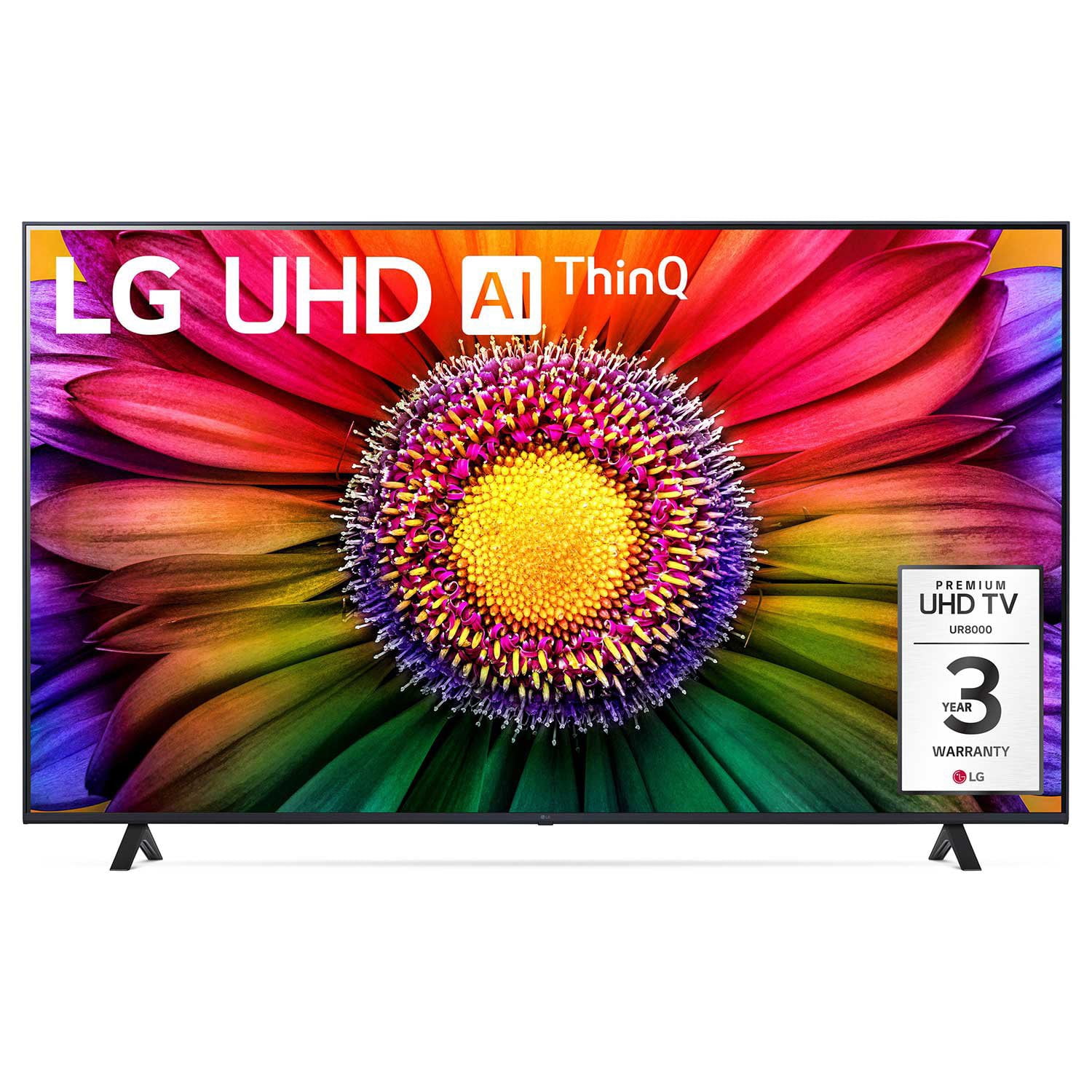
LG 70" Class UR8000 series LED 4K UHD Smart webOS 23 w/ ThinQ AI TV - 70UR8000AUA
4.4 out of 5 stars
stars
895 ratings864 reviews
  1. 5 stars65% (585)
  2. 4 stars21% (187)
  3. 3 stars7% (61)
  4. 2 stars3% (29)
  5. 1 star4% (33)
Sort by |
Showing 241-250 of 864 reviews
Mar 12, 2024
NOT HAPPY COLORS
2 out of 5 stars
2 out of 5 stars review

Verified Purchase

NOT HAPPY COLORS

[This review was collected as part of a promotion.] I am not very happy with the colors. I have tried most of the recommendations from YouTube, the guy at the store, and noting, colors very dark. NOT HAPPY

Review from lg.com
Helpful?3IHSU6ISX66013944458584
reply from LG Digital Care Team

Hey there! We would love to boost the colors to your TV! To ensure we've hit every base, check out this walkthrough: http://spr.ly/6428ks6In. If you have already viewed these troubleshooting steps, please send us a private message on social media @LGUSSupport with your contact information, model, and serial number. Let's see what settings we can tweak to bring more vibrancy into your TV shows and movies! ~ Jupe

Jul 14, 2023
Big City
5 out of 5 stars
5 out of 5 stars review

Verified Purchase

LG always makes me smile 😀

I purchased this LG to replace my old set that was taken out in a lightning storm. I always choose LG because of the quality of the products. I didn't even consider looking at other models. Great TV at a fair price.

Review from lg.com
Helpful?3IHSU6ISX66013944458584
Mar 16, 2024
I hate the remote
2 out of 5 stars
2 out of 5 stars review

Verified Purchase

Hate the remote

I hate the remote - I cannot control the pointer-it moves all over. Wish I could make it go away and just have it respond up or down and right to left like my oldone

Review from lg.com
Helpful?3IHSU6ISX66013944458584
reply from LG Digital Care Team

Hey there. We can help you turn off the cursor on your LG Magic remote. To disable or hide the cursor on your device, you need to access the "General" or "Additional Settings" options in your settings. Scroll down to find the "Cursor" or "Pointer" settings within the menu. Once you locate it, select the option to access the settings. Within the "Cursor" or "Pointer" settings, you should be able to find an option to turn off or hide the cursor. For more questions, private message us on social media @LGUSSupport. We are just a DM away! ^David

Aug 18, 2023
Madame
5 out of 5 stars
5 out of 5 stars review

Verified Purchase

Great TV!

I absolutely love this TV. The picture is quite clear, and the color is perfect. It sits on a corner stand, so the slight swivel is perfect. I did have to buy a stronger footer, since the included “feet” were unstable.

Review from lg.com
Helpful?3IHSU6ISX66013944458584
Oct 6, 2023
dancing bear 74
4 out of 5 stars
4 out of 5 stars review

Verified Purchase

Excellent picture

[This review was collected as part of a promotion.] For some of us Gen X clients it takes some time to learn how to use this instrument to their advantage.

Review from lg.com
Helpful?3IHSU6ISX66013944458584
Aug 7, 2023
Mrtfor3
5 out of 5 stars
5 out of 5 stars review

Verified Purchase

Great value for 65 inch TV

[This review was collected as part of a promotion.] Purchased to up grade from a 55 inch TV. Great picture and features. Easy to set up and add remote control and sound bar.

Review from lg.com
Helpful?3IHSU6ISX66013944458584
Nov 7, 2023
Jlouis77
5 out of 5 stars
5 out of 5 stars review

Verified Purchase

Best picture resolution

This 43”LG smart tv had the clearest picture of all other brands on display, however I found that it would be too big for the location I had to put it in so I settled on a 32”

Review from lg.com
Helpful?3IHSU6ISX66013944458584
reply from Customer Care

Thank you for sharing your experience with us! It's great to hear that the 43" LG smart TV caught your attention with its exceptionally clear picture quality. While it may have been too big for your intended location, we're glad to hear that you found a suitable alternative with the 32". If you have any questions or need assistance in the future, please don't hesitate to reach out to us privately on Facebook or Twitter (X) by mentioning @LGUSSupport. We would be delighted to assist you!

Jul 28, 2023
RP475
5 out of 5 stars
5 out of 5 stars review

Verified Purchase

The best tv I've purchased

[This review was collected as part of a promotion.] I've purchased 3 tv's in the last year the other 2 were different brands and this is the best one for picture quality and sound. Love the remote also.

Review from lg.com
Helpful?3IHSU6ISX66013944458584
Oct 31, 2023
Michael 9
4 out of 5 stars
4 out of 5 stars review

Verified Purchase

Better TV... Smart TV

[This review was collected as part of a promotion.] I bought this a month ago and its bigger than my 41 inch LG that i got about 7yrs ago. I enjoy the larger screen. Features im still getting used to but it's an improvement...

Review from lg.com
Helpful?3IHSU6ISX66013944458584
Oct 26, 2023
JoyOh
3 out of 5 stars
3 out of 5 stars review

Verified Purchase

Disappointment

Enjoying the big screen! One major disappointment is there is no way to stream Acorn TV…so we must go elsewhere in the house to enjoy Acorn. When will it be available?

Review from lg.com
Helpful?3IHSU6ISX66013944458584
reply from Customer Care

Hello there, thank you for reaching out to us today. We see that you're wanting to stream Acorn TV on your LG unit. No worries, if you have a Roku or firestick device you can stream through those. If not you can go to your web browser and watch it from there. ~Tanisha