Skip to Main Content
Sam's Club
Sam's Club
All Departments
All Services
Customer reviews for LG 55" Class UR8000 Series LED 4K Smart TV for
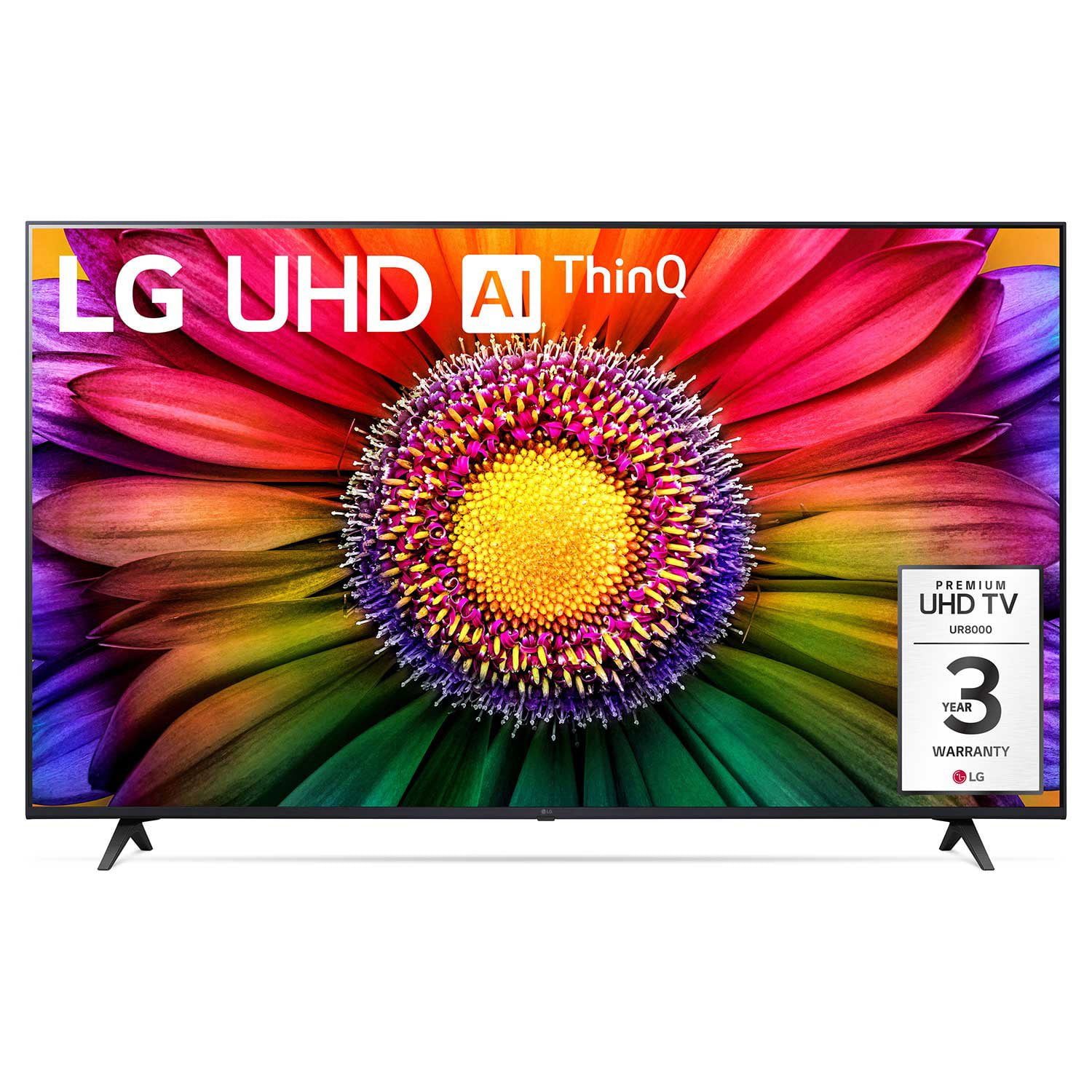
LG 55" Class UR8000 Series LED 4K Smart TV
4.4 out of 5 stars
stars
480 ratings421 reviews
  1. 5 stars68% (325)
  2. 4 stars18% (87)
  3. 3 stars8% (36)
  4. 2 stars2% (10)
  5. 1 star5% (22)

Member photos

  • +53 images
Sort by |
Showing 91-100 of 421 reviews
Dec 15, 2023
Reviewer name: RubyKate
5 out of 5 stars
5 out of 5 stars review

Verified Purchase

Amazing!

[This review was collected as part of a promotion.] LOVING it!! We purchased it for our Christmas present. The COLOR is amazing and the DETAIL exquisite!!

Review from lg.com
Helpful?57TENEFV7AVO13933659125
Nov 8, 2023
Reviewer name: Anonymous
5 out of 5 stars
5 out of 5 stars review

Verified Purchase

[This review was collected as part of a promotion.] Very happy, but you guys put on my registry that it's a 50 ? It's a 70 LG please fix the register account thank you.

Review from lg.com
Helpful?57TENEFV7AVO13933659125
Jan 22, 2024
Reviewer name: Hoss2
4 out of 5 stars
4 out of 5 stars review

Verified Purchase

Nice TV

I bought this Television 3 weeks ago and it has performed better than expected. The “Magic Remote” coul be payed out better but it's a learning curve.

Review from lg.com
Helpful?57TENEFV7AVO13933659125
Oct 8, 2023
Reviewer name: Cathyn
3 out of 5 stars
3 out of 5 stars review

Verified Purchase

I have had for a couple weeks. Don't like the toggle wheel on the remote or the fact that it never starts on tv mode, you always have to scroll to choose.

Review from lg.com
Helpful?57TENEFV7AVO13933659125
Nov 24, 2023
Reviewer name: DglennK
5 out of 5 stars
5 out of 5 stars review

Verified Purchase

What can I say? The picture quality is fantastic!

Love the picture quality and reputation of the TV. The "Magic Remote" is another matter. The user guide is pretty much useless and the buttons are small and not designed for a senior citizen with arthritis to use. .

Review from lg.com
Helpful?57TENEFV7AVO13933659125
Jul 1, 2023
Reviewer name: Anonymous
3 out of 5 stars
3 out of 5 stars review

Verified Purchase

Over complicated

I don't need all the extra "help" these smart TVs offer. I'm not a genius but I can figure out what to do. The TV drops channels by itself and changes settings with out input from me. Is that AI ? I don't need the help.

Review from lg.com
Helpful?57TENEFV7AVO13933659125
reply from social/LG

Hi there, We appreciate your feedback, This helps us to improve in ways that will make the experience of our valued customers much happier with the comfort of style and convenience you all deserve. However, We're concerned about the hiccup your experiencing with your LG TV. Yes, Part of the issue may just be the technology of the AI driven LG TV. With that said, We would like to explain why your TV may be dropping channels and changing settings all on it's own. Your LG TV will reprogram channels and/or settings when there is a weak signal detected with your programming, or there may be some interference with some of the other external devices that may be on the same network as your LG TV. Should this issue be something that you would like to discuss in more detail, We'd be glad to see what we can do to rectify this in order for your experience to be one that you will be satisfied with. ~Tanisha

Jan 17, 2024
Reviewer name: Haranux
5 out of 5 stars
5 out of 5 stars review

Verified Purchase

Great but challenging

I've had this monitor for about a month it's very sensitive to the input material, it's HD it's great not it's noticeable. It's has a hard time staying synced to my Yamaha 3020 AVR have to reset it alot pain.

Review from lg.com
Helpful?57TENEFV7AVO13933659125
Mar 16, 2024
Reviewer name: I hate the remote
2 out of 5 stars
2 out of 5 stars review

Verified Purchase

Hate the remote

I hate the remote - I cannot control the pointer-it moves all over. Wish I could make it go away and just have it respond up or down and right to left like my oldone

Review from lg.com
Helpful?57TENEFV7AVO13933659125
reply from LG Digital Care Team

Hey there. We can help you turn off the cursor on your LG Magic remote. To disable or hide the cursor on your device, you need to access the "General" or "Additional Settings" options in your settings. Scroll down to find the "Cursor" or "Pointer" settings within the menu. Once you locate it, select the option to access the settings. Within the "Cursor" or "Pointer" settings, you should be able to find an option to turn off or hide the cursor. For more questions, private message us on social media @LGUSSupport. We are just a DM away! ^David

Oct 24, 2023
Reviewer name: Ice Jan
5 out of 5 stars
5 out of 5 stars review

Verified Purchase

Great picture

[This review was collected as part of a promotion.] Bought it upgrade to a smart TV. Works great. Only problem is tv remote doesn't change volume on a LG sound bar.

Review from lg.com
Helpful?57TENEFV7AVO13933659125
Jul 19, 2024
Reviewer name: Bmust
4 out of 5 stars
4 out of 5 stars review

Verified Purchase

Almost Perfect

This tv has a great picture. It was a great price. Easy to setup and use. I only wish it would have had my streaming company as an app choice. I can only use the tv through a Fire Stick. Otherwise, great purchase.

Helpful?57TENEFV7AVO13933659125