Skip to Main Content
Sam's Club
Sam's Club
All Departments
All Services
Customer reviews for SAMSUNG 65" Class Q60 Series QLED 4K Smart TV - QN65Q60CDFXZA for
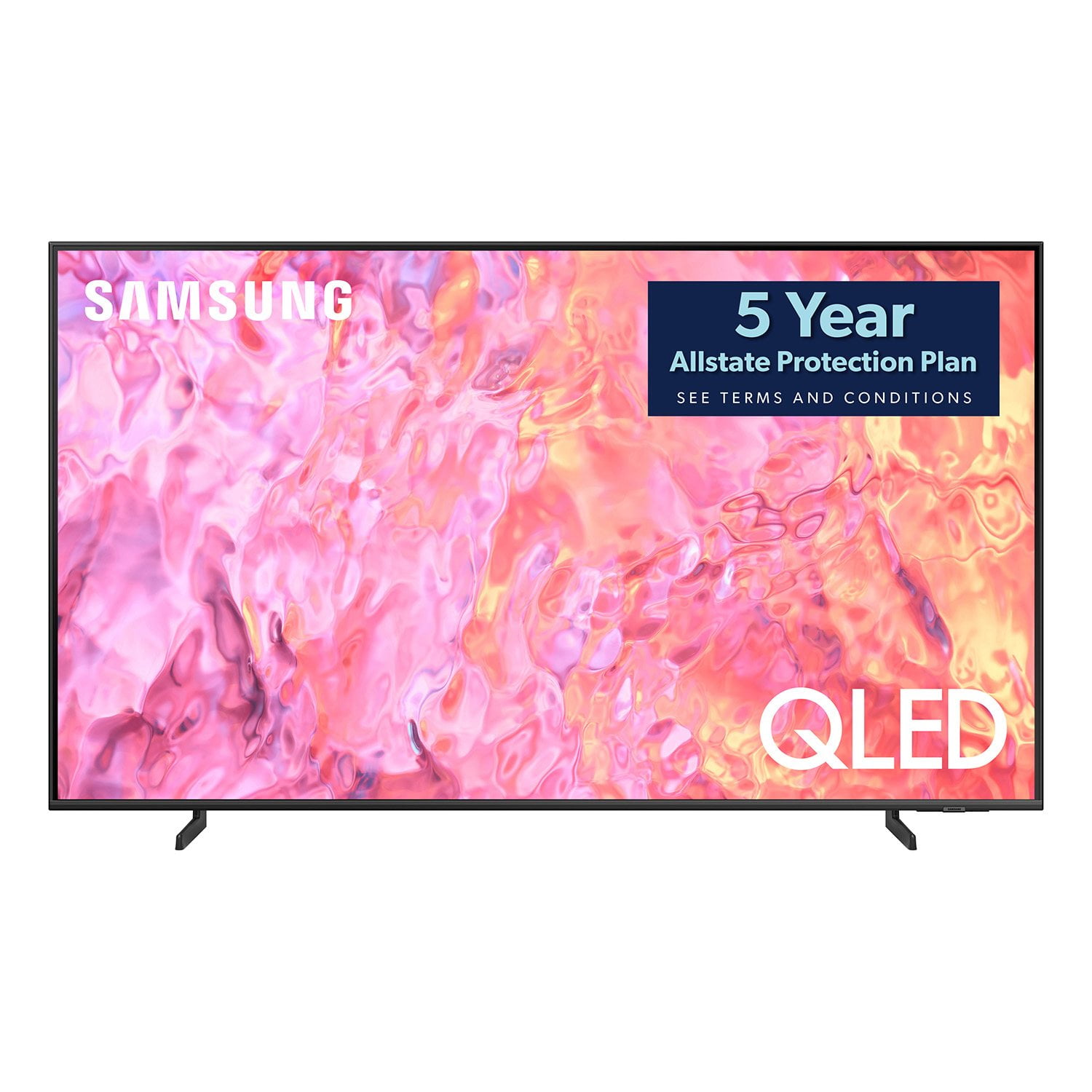
SAMSUNG 65" Class Q60 Series QLED 4K Smart TV - QN65Q60CDFXZA
4.6 out of 5 stars
stars
272 ratings165 reviews
  1. 5 stars78% (211)
  2. 4 stars15% (40)
  3. 3 stars2% (5)
  4. 2 stars2% (6)
  5. 1 star4% (10)

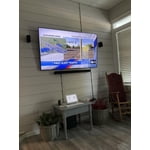
Member photos

  • +21 images
Sort by |
Showing 1-10 of 165 reviews
Jun 22, 2024
Reviewer name: Wendy A
5 out of 5 stars
5 out of 5 stars review

Verified Purchase

Very Nice TV

Perfect for our bedroom. Already has several apps downloaded and easy to subscribe to others. Picture quality and sound are great!

Helpful?24GNWDNO432O13927409142
Feb 12, 2024
Reviewer name: Darryl
5 out of 5 stars
5 out of 5 stars review

Verified Purchase

Sam's Club didn't have transportation

I was not happy to find out that I would not be receiving any Sam's Club rewards because I bought it online versus in the store purchase

Helpful?24GNWDNO432O13927409142
Jan 6, 2024
Reviewer name: Kerry Lundeen
5 out of 5 stars
5 out of 5 stars review

Verified Purchase

You Will Fall In Love with this TV

Really love this TV. Love the picture quality and the sound is far better than our other samsung tv that's not qled

Helpful?24GNWDNO432O13927409142
Dec 4, 2023
Reviewer name: New Kid
5 out of 5 stars
5 out of 5 stars review

Verified Purchase

Awesome

Love this tv. Haven't bought a tv in over 10 years. Im cheap, I believe that everything you have can be fixed. I'm a big video gamer as well a sports and action lover. Love when I turn my video game on, while tv is off. The tv turns itself on and go directly to my game. Able to connect my Vizio surround sound to it. Connect my Spotify account to listen to music to karaoke with family. The ambience channel is a hit. Very good tv. Don't know anything about newer versions that's out there but this is a hit in my household. Definitely recommend.

Helpful?24GNWDNO432O13927409142
Apr 11, 2024
Reviewer name: Ed
5 out of 5 stars
5 out of 5 stars review

Verified Purchase

New Camp TV

This is a great television for the price. It was easy to program and the picture quality is excellent.

Helpful?24GNWDNO432O13927409142
Jan 9, 2024
Reviewer name: Den
4 out of 5 stars
4 out of 5 stars review

Verified Purchase

A true upgrade from my old HD TV

Great color, high contrast, sound and a very sharp picture. I like the way it automatically switches HDMI input sources based on what external device you power on. The only thing I don't like is the way Samsung reduced the remote control size and direct functionality. The remote control looks like all of the other “smart” devices. That means you have less direct access to adjust the audio and video settings. Guess I'm old school and don't like pushing multiple buttons to make the adjustments I want.

Helpful?24GNWDNO432O13927409142
Jan 1, 2024
Reviewer name: Payson
3 out of 5 stars
3 out of 5 stars review

Verified Purchase

Expected better

Expected better quality from a QLED 4K UHD 2023 model. No better than my 65” Samsung 4K model I bought in 2017 without QLED technology. Bummer.

Helpful?24GNWDNO432O13927409142
reply from Samsung

Payson,Thank you for sharing your thoughts on the picture quality of your Q60CD TV. To ensure you’ve got the latest image quality updates, please confirm that your TV is up to date with the latest firmware version. You can check by going to: Home > Menu > Settings > Support > Software Update.If the picture you’re seeing is still not to your liking after updating firmware, there are several picture settings you may want to try adjusting.Go to Home > left direction button > Settings > All Settings > Picture > Picture Mode...and select the mode that best fits your usage:1. Standard: Is the default mode suitable for general viewing environments2. Dynamic: Makes the picture brighter and clearer in bright viewing environments3. Eco: Provided to save energy4. Movie: Suitable for watching TV or movies in a dark room5. Filmmaker Mode: Provides source content just as the creators intended. If the image is defined as Filmmaker Mode, it’ll automatically switch to Filmmaker Mode while watching.You can also fine-tune your picture with expert settings such as brightness, contrast, sharpness and more (All Settings > Picture > Expert Settings).For further assistance with settings adjustments, please contact Samsung Customer Support at 1-800-SAMSUNG, 8AM - 12AM EST, 7 days a week. Or visit us on the Samsung website and click on the ‘Support’ link for:• LiveChat• Manuals, Software, & Warranty Info~ Samsung Specialist

Dec 13, 2023
Reviewer name: Call me daddy
3 out of 5 stars
3 out of 5 stars review

Verified Purchase

Samsung TV

When I first purchased this tv using the scan and go option on my phone. It doesn't give you the option to receive the free 5 yrs protection plan while using the scam and go option. So I had to call Sam's club customer support for them to via email me a gift card to purchase the protection plan through Allstate. Only thing I'm missing is the $65 value for a Xbox pass or use it for a tv service subscription which I'm still waiting for.

Helpful?24GNWDNO432O13927409142
reply from Samsung

Hi,We appreciate you sharing your experience; however, we recommend you contact Sam's Club directly for assistance in correcting this situation. We hope your issue is resolved in a timely manner. You may also want to consider providing feedback directly to the Sam's Club store where you made your purchase.Should you have any questions or need help with your TV once your issue has been resolved, please reach Samsung Support at 1-800-SAMSUNG, 8AM - 12AM EST, 7 days a week. Our LiveChat agents are also available by clicking on the ‘Support’ link on our website.~ Samsung Specialist

Dec 26, 2023
Reviewer name: Peggy
2 out of 5 stars
2 out of 5 stars review

Verified Purchase

Thoughts the colors would be great but no

Very disappointed in the vibrancy

Helpful?24GNWDNO432O13927409142
reply from Samsung

Peggy,Thank you for sharing your thoughts on the picture quality of your Q60CD TV. To ensure you’ve got the latest image quality updates, please confirm that your TV is up to date with the latest firmware version. You can check by going to: Home > Menu > Settings > Support > Software Update.If the picture you’re seeing is still not to your liking after updating firmware, there are several picture settings you may want to try adjusting.Go to Home > left direction button > Settings > All Settings > Picture > Picture Mode...and select the mode that best fits your usage:1. Standard: Is the default mode suitable for general viewing environments2. Dynamic: Makes the picture brighter and clearer in bright viewing environments3. Eco: Provided to save energy4. Movie: Suitable for watching TV or movies in a dark room5. Filmmaker Mode: Provides source content just as the creators intended. If the image is defined as Filmmaker Mode, it’ll automatically switch to Filmmaker Mode while watching.You can also fine-tune your picture with expert settings such as brightness, contrast, sharpness and more (All Settings > Picture > Expert Settings).For further assistance with settings adjustments, please contact Samsung Customer Support at 1-800-SAMSUNG, 8AM - 12AM EST, 7 days a week. Or visit us on the Samsung website and click on the ‘Support’ link for:• LiveChat• Manuals, Software, & Warranty Info~ Samsung Specialist

Sep 4, 2023
Reviewer name: Mark Rodgers
2 out of 5 stars
2 out of 5 stars review

Verified Purchase

TV okay but broken promises by Sam's Club

The TV is great, but poor service makes the purchase less appealing. When it says free 5 year warrantee and a choice of programs, don't believe a word. They say Samsung will be supplying both, they don't know what they are talking about.

Helpful?24GNWDNO432O13927409142
reply from Samsung

Mark Rodgers,I'm sorry to hear of this. To best assist you with additional warranty information, we recommend you contact Sam's Club directly for assistance in correcting this situation. We hope your issue is resolved in a timely manner.Should you have questions regarding the usage or setup of your TV, please contact Samsung Support at 1-800-SAMSUNG, 8AM - 12AM EST, 7 days a week. Our LiveChat agents are also available by clicking on the ‘Support’ link on our website.~ Samsung Specialist