Skip to Main Content
Sam's Club
Sam's Club
All Departments
All Services
Customer reviews for Garmin DriveCam 76 GPS Dash Cam, 7in. for
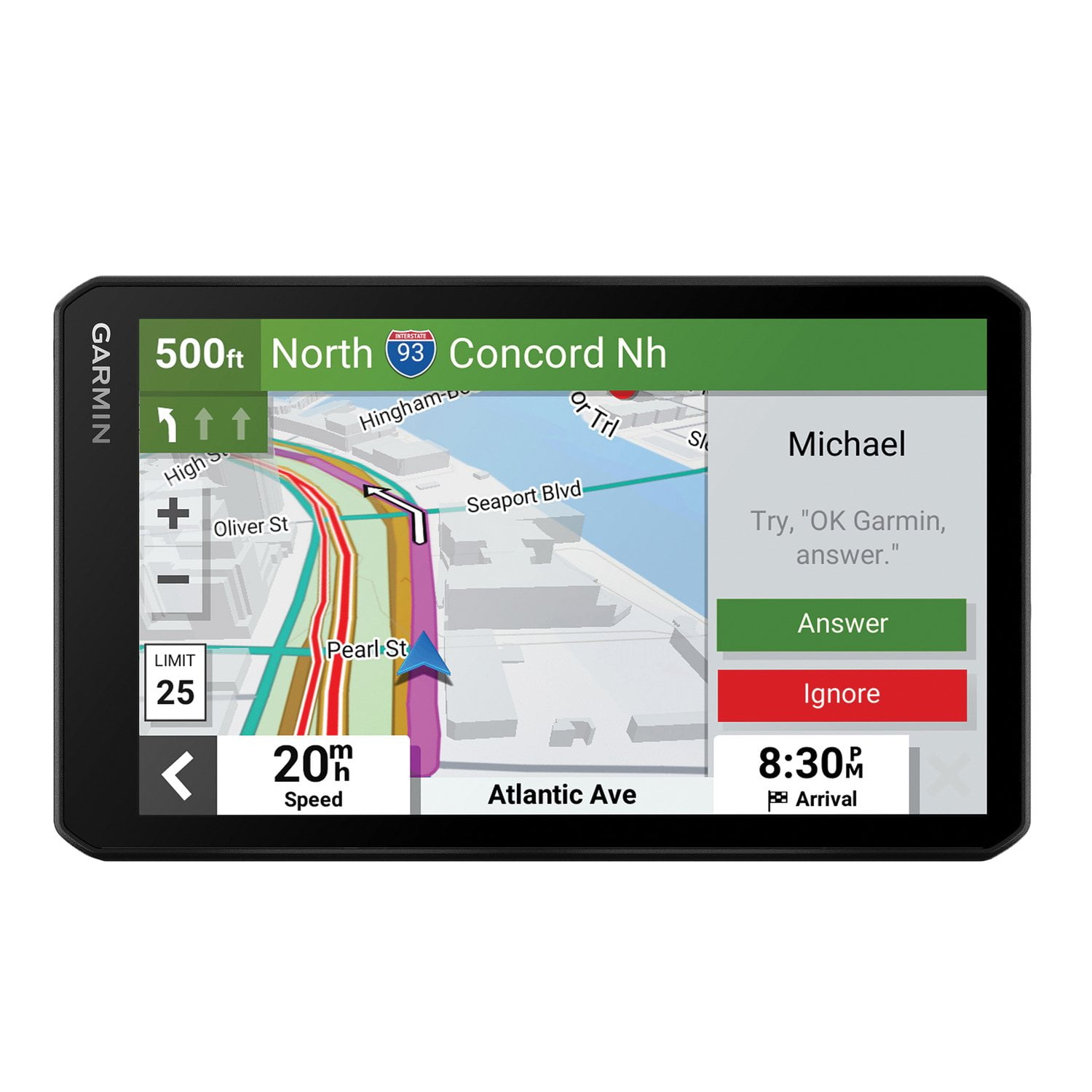
Garmin DriveCam 76 GPS Dash Cam, 7in.
4 out of 5 stars
stars
129 ratings126 reviews
  1. 5 stars53% (68)
  2. 4 stars21% (27)
  3. 3 stars12% (16)
  4. 2 stars5% (7)
  5. 1 star9% (11)
Sort by |
Showing 101-110 of 126 reviews
Jan 13, 2025
Reviewer name: Phillips64
5 out of 5 stars
5 out of 5 stars review

Great device

I, bought this device less than a month ago, and I am glad I did it. But, I woul have loved garmin to make a dashboard mount as well

Review from Garmin
Helpful?3R7D8LAC7FC013915916923
Mar 30, 2023
Reviewer name: Big_Al
1 out of 5 stars
1 out of 5 stars review

will not connect to Garmin Express on my Win 10 de

I want to return it for a full refund, as is does not meet the expectations that I had reading the Garmin description of how it functions.

Review from Garmin
Helpful?3R7D8LAC7FC013915916923
Sep 18, 2025
Reviewer name: BobAcker
4 out of 5 stars
4 out of 5 stars review

Great features

Seems to get a little quirky in this warm weather, I miss the drop down warning for school zones also no tracking of past routes.

Review from Garmin
Helpful?3R7D8LAC7FC013915916923
reply from Care

We appreciate the review! The operating temperature for the DriveCam 76 is from -20° to 55°C (from -4° to 131°F). If you're experiencing odd behavior outside these temperatures, then it may be beneficial to move the position of the device to an area that receives less direct sunlight. An alternate mounting solution may be helpful in this regard. With regard to the school zone alerts, the DashCam 76 has a Driver Alert feature that will play a tone and display the speed limit (if available) for an upcoming school or school zone. You can find and either enable or disable these Driver Alerts by selecting Settings (the gear icon) > Driver Assistance > Driver Alerts, and then select or clear the checkbox next to each alert. Lastly, you may need to enable the Travel History feature on your device. You can do so by selecting Settings > Device > Travel History. Doing so will allow your device to store a record of the places you go, view your trip log, use the Trip History feature, and use myTrends suggested routes. If you have any questions. Garmin Support is always happy to help! You can reach us at 1-800-800-1020 Monday-Friday, 7am-7pm Central (Closed weekends and holidays).

Feb 7, 2023
Reviewer name: Canis
5 out of 5 stars
5 out of 5 stars review

Great unit...still figuring out all the features

So far this has exceeded my expectations.!! Syncing with phone and displaying messages is a really cool feature.

Review from Garmin
Helpful?3R7D8LAC7FC013915916923
Apr 1, 2024
Reviewer name: 1401
5 out of 5 stars
5 out of 5 stars review

great features love the large screen wish it came

have had this for about a month wish it came with a mount that could be located on the top of dash or the windshield

Review from Garmin
Helpful?3R7D8LAC7FC013915916923
Jun 9, 2023
Reviewer name: Mr314
4 out of 5 stars
4 out of 5 stars review

Must have GPS

Must have gps. Everything works well, only lost satellite signal when around tall buildings and under paths.

Review from Garmin
Helpful?3R7D8LAC7FC013915916923
Mar 5, 2023
Reviewer name: mike in Ann Arbor
5 out of 5 stars
5 out of 5 stars review

Great for planning trip

I have a old garmin that i used for may years. This new blows it away. Easy to use display that works well to make a trip run smoothly.

Review from Garmin
Helpful?3R7D8LAC7FC013915916923
Dec 8, 2023
Reviewer name: Fredicus78
3 out of 5 stars
3 out of 5 stars review

?????

I've had to replace this garment seventy six dash cam two times this year. Software issues. Not to sure the bugs are worked out.

Review from Garmin
Helpful?3R7D8LAC7FC013915916923
Mar 30, 2023
Reviewer name: Fredicus
5 out of 5 stars
5 out of 5 stars review

Great Gps

I bought this 76 dash cam a month ago.i do like the yellow light features Dash cam is taking awhile to get programed.

Review from Garmin
Helpful?3R7D8LAC7FC013915916923
Jan 11, 2024
Reviewer name: Don’t have one available
3 out of 5 stars
3 out of 5 stars review

Window mount

The window suction cup does not work. It lets the Unit fall and I am afraid it can damage unit if it hits floor.

Review from Garmin
Helpful?3R7D8LAC7FC013915916923