Skip to Main Content
Sams Club
Sams Club
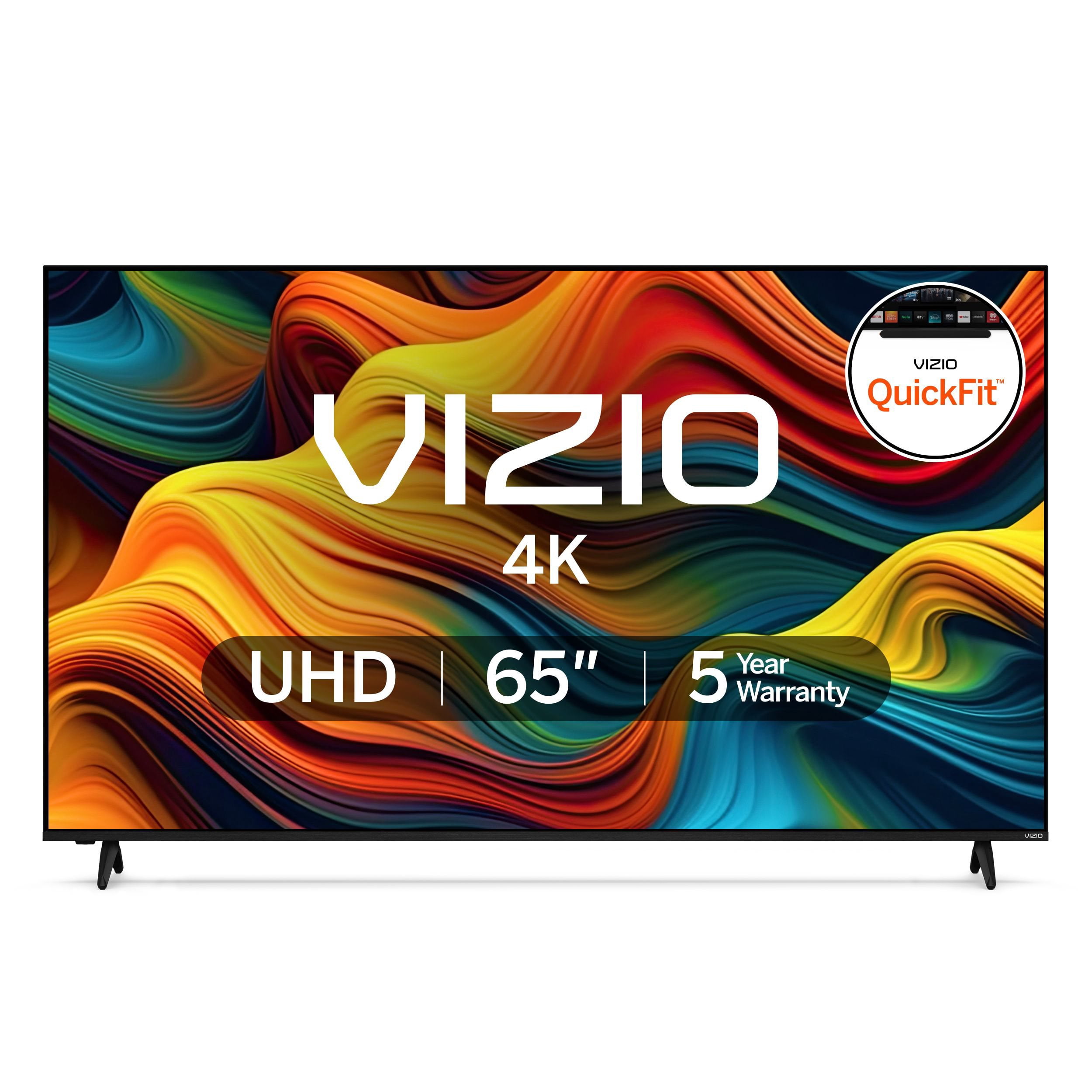
Customer reviews for VIZIO 65" Class 4K Series LED Smart TV, QuickFit® Compatible for
VIZIO 65" Class 4K Series LED Smart TV, QuickFit® Compatible
4.5 out of 5 stars
stars1,545 ratings1,149 reviews
  1. 5 stars76% (1,169)
  2. 4 stars14% (210)
  3. 3 stars4% (62)
  4. 2 stars3% (40)
  5. 1 star4% (64)

Member photos

Sort by |
Showing 371-380 of 1,149 reviews
Jan 6, 2025
Louie T
1 out of 5 stars review

Horrible tv that comes broken

Purchased two 65 inch tv's both with all sorts of issues! Both would turn off on their own over and over! Resetting them didn't help! Ghost images followed by the TV turning off. Loud Buzzing sounds coming from speakers. All sorts of crazy issues. I had to return them after just one week.

Review from vizio.com
Helpful?1HZYQG26A7UL13904407337
reply from Customer Care

I would like to offer the assistance of our award-winning technical support team with this issue. Please visit support.VIZIO.com and click on ‘Contact Us’ or for instant support download the VIZIO Mobile app, then click "Support" and "Contact Us.

Jul 20, 2024
Haze22
1 out of 5 stars review

It’s okay

[This review was collected as part of a promotion.] I like the tv I would say the quality and everything of that is good. The only thing is that the apps the Netflix app doesn’t open at all and that’s very upsetting because now we have to go back to adding an attachment. And also doesn't have the option to download other apps like Spotify etc. also when setting up the programming we did it through our phones like instructed through mobile app and the tv did not take it as if we did. Overall we had heard a lot of good things and ended up very upset with the product.

Review from vizio.com
Helpful?1HZYQG26A7UL13904407337
reply from Customer Care

I would like to offer the assistance of our award-winning technical support team with this issue. Please visit support.VIZIO.com and click on ‘Contact Us’ or for instant support download the VIZIO Mobile app, then click "Support" and "Contact Us.

Oct 1, 2024
Nick
3 out of 5 stars review

Misleading offer

I purchased this TV on 9/29, mainly because of the 3 year warranty and 6 month free subscription to AMC+ and Starz. It did not include anything to suppirt the inclusion of the warranty and streaming offers. 5 stars if I can find a resolution, as the TV is much nicer than the Samsung 55 it replaced.

Helpful?1HZYQG26A7UL13904407337
reply from VIZIO

I would like to offer the assistance of our award-winning technical support team with this issue. Please visit support.VIZIO.com and click on ‘Contact Us’ or for instant support download the VIZIO Mobile app, then click "Support" and "Contact Us.

Sep 25, 2024
2Hawks
4 out of 5 stars review

[This review was collected as part of a promotion.] I bought this about a month ago and love the TV, however I've found out the free channels advertised are a joke. Either you sign up for a subscription or you don't get them. Amost sounds like false advertising to me.

Review from vizio.com
Helpful?1HZYQG26A7UL13904407337
Feb 24, 2025
Rammegacab
5 out of 5 stars review

Awesome TVs

I’ve always bought Vizio TV,s to me they are the best on the market we have the 75” in our living room 58” in our master bedroom and 43” in our other 2 bedrooms we also have a 50” in our 5th wheel living room and a 32” in our RV bedroom awesome picture and easy setup and operation

Review from vizio.com
Helpful?1HZYQG26A7UL13904407337
Sep 25, 2024
cobra49
3 out of 5 stars review

Wireless Connectivity on power up is inconsistent

Wireless Connectivity on power up is inconsistent: half the time the TV struggles to find/connect to the network while other devices are connected and connecting just fine. This happen with the previous TV as well, you need to do a better job with your wireless connectivity, or the app that manages that.

Review from vizio.com
Helpful?1HZYQG26A7UL13904407337
reply from Customer Care

I would like to offer the assistance of our award-winning technical support team with this issue. Please visit support.VIZIO.com and click on ‘Contact Us’ or for instant support download the VIZIO Mobile app, then click "Support" and "Contact Us.

Feb 20, 2025
MoLoCo
5 out of 5 stars review

65" VIZIO TV Model V4K65C-0804

I am 80 years old and trying to find out how to use it, streaming and how to enable the different programs is confusing. Do you have a Manual that explains the features of the tv, that would able me to read it and refer to it in the future in case I forget how to change it. I looked on line for the manuel and what I found was'nt much help.

Review from vizio.com
Helpful?1HZYQG26A7UL13904407337
Jan 27, 2025
rwdoughboy
5 out of 5 stars review

Very difficult setup especially Visio Software

Installing legs on 65 inch model was very difficult due to the rear exterior leg holes to the skin did not match the metal interior female bolt receptacles. Extremely difficult to install the 4 bolts / screws. Had to manually enlarge the exterior holes to allow leg installation. Took more than an hour to figure out how to overcome this manufacturing defect. BEWARE

Review from vizio.com
Helpful?1HZYQG26A7UL13904407337
Jul 31, 2024
P Robert V
5 out of 5 stars review

So far a great product

[This review was collected as part of a promotion.] We have had this TV for about a week now and it has a great picture, was easy to set up, and not sure there’s anything that it has not delivered on. I’ve always been a Vizio fan and so far this TV has not changed that.

Review from vizio.com
Helpful?1HZYQG26A7UL13904407337
Feb 5, 2025
Joe1961
2 out of 5 stars review

Issues with on/off button

I bought this about six months ago and the on off switch started going crazy. When I turned it off with my remote control, it stays off for a couple minutes and it turns back on it’ll do that more often times than not. Should I bring it back? It’s aggravating

Review from vizio.com
Helpful?1HZYQG26A7UL13904407337
reply from Customer Care

I would like to offer the assistance of our award-winning technical support team with this issue. Please visit support.VIZIO.com and click on ‘Contact Us’ or for instant support download the VIZIO Mobile app, then click "Support" and "Contact Us.