Skip to Main Content
Sam's Club
Sam's Club
Customer reviews for SAMSUNG 70” Class Q60D Series QLED Smart TV for
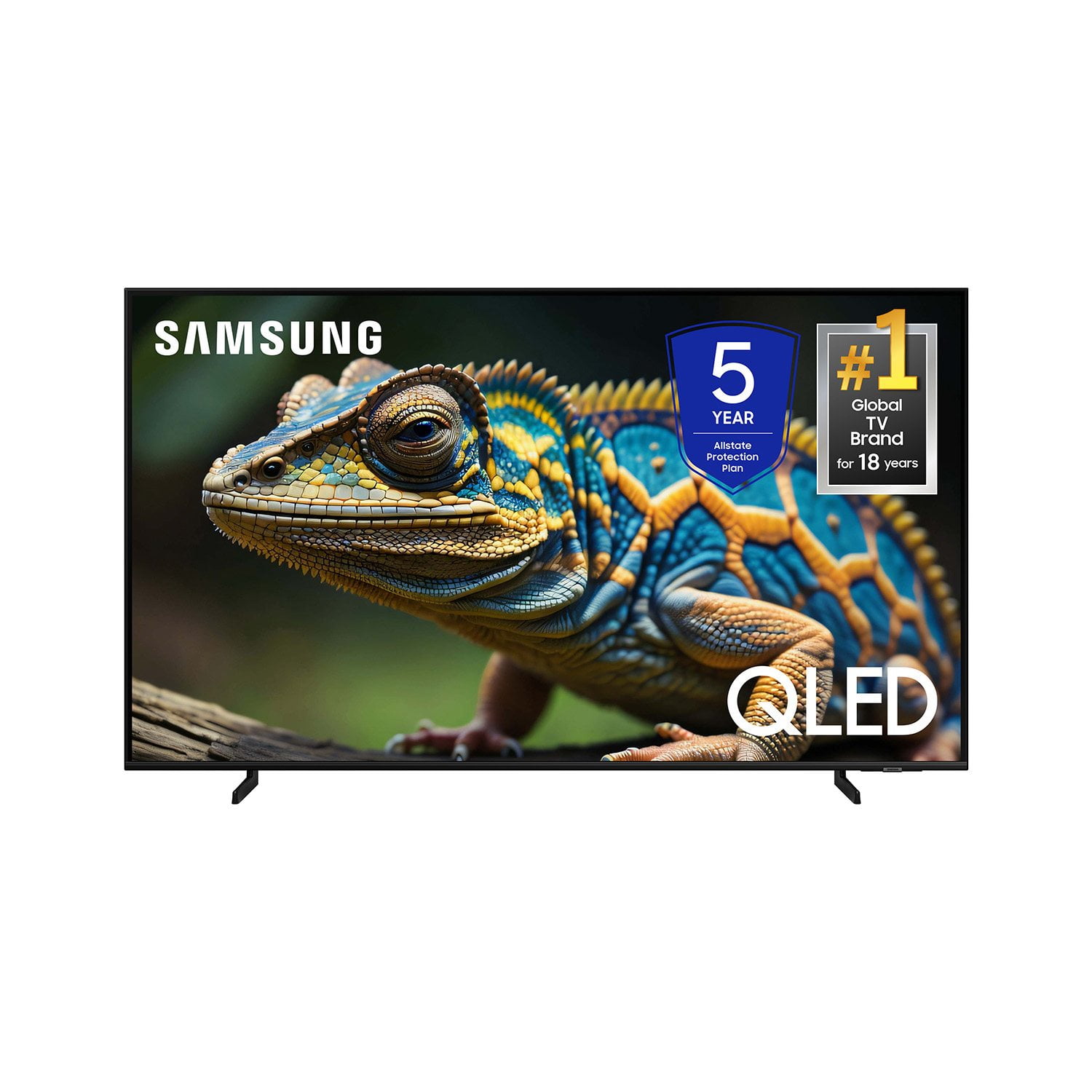
SAMSUNG 70” Class Q60D Series QLED Smart TV
4.4 out of 5 stars
stars701 ratings694 reviews
  1. 5 stars70% (492)
  2. 4 stars15% (108)
  3. 3 stars5% (36)
  4. 2 stars4% (28)
  5. 1 star5% (37)

Member photos

  • +120 images
Sort by |
Showing 631-640 of 694 reviews
Apr 19, 2025
Kelbro61
5 out of 5 stars review

Samsung quality ☮️

TV for my bedroom. This is a great television! Thank you

Review from Samsung US
Helpful?1EEO1IUOE2NN13900012337
Apr 20, 2025
Mustang Sally
4 out of 5 stars review

Nice TV but not the remote

I love the TV but not liking the remote. It is far too complicated.

Review from Samsung US
Helpful?1EEO1IUOE2NN13900012337
Apr 19, 2025
Jonesy
5 out of 5 stars review

Excellence
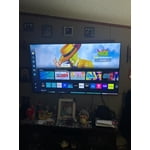
Bought about 6 months ago and iam still very pleased with the t.v.

Review from Samsung US
Helpful?1EEO1IUOE2NN13900012337
Mar 5, 2025
User
5 out of 5 stars review

Samsung TV

Very good TV. We have owned Samsung TV's, cell phone, etc. for years.

Review from Samsung US
Helpful?1EEO1IUOE2NN13900012337
Feb 21, 2025
Rusty
5 out of 5 stars review

Best pictures I have ever owned!Ru

One of the best pictures on the market. Glad I decided to get the QLED.

Review from Samsung US
Helpful?1EEO1IUOE2NN13900012337
Apr 20, 2025
Pat souza
5 out of 5 stars review

Love how it works with Alexa

I received my Samsung for Christmas love it. 😍 The best

Review from Samsung US
Helpful?1EEO1IUOE2NN13900012337
Apr 20, 2025
Eric
5 out of 5 stars review

Great Value

Bought this six months ago. Great value great picture. No issues setting it up.

Review from Samsung US
Helpful?1EEO1IUOE2NN13900012337
Jun 5, 2025
RsT Sr
3 out of 5 stars review

Not impressed

4K on tv is not as sharp as I have seen on other televisions

Review from Samsung US
Helpful?1EEO1IUOE2NN13900012337
reply from Samsung Specialist

RsT Sr, We appreciate your thoughts on the picture quality of Samsung’s Q60D TV. If the image you’re seeing isn’t to your liking, there are several picture settings you may want to adjust. Go to Home > left direction button > Settings > All Settings > Picture > Picture Mode ...and select the mode that best fits your usage: 1. Standard: Is the default mode suitable for general viewing environments 2. Dynamic: Makes the picture brighter and clearer in bright viewing environments 3. Eco: Provided to save energy 4. Movie: Suitable for watching TV or movies in a dark room 5. Filmmaker Mode: Provides source content just as the creators intended. If the image is defined as Filmmaker Mode, it’ll automatically switch to Filmmaker Mode while watching. You can also fine-tune your picture with expert settings such as brightness, contrast, sharpness and more (All Settings > Picture > Expert Settings). For further assistance with settings adjustments, please contact Samsung Customer Support at 1-800-SAMSUNG, 8AM - 12AM EST, 7 days a week. Or visit us on the Samsung website and click on the ‘Support’ link for: • LiveChat • Manuals, Software, & Warranty Info ~ Samsung Specialist

Mar 6, 2025
George
5 out of 5 stars review

Very thin, does use a lot of room

Seems to be flawless,perfect sound and picture. Would buy again

Review from Samsung US
Helpful?1EEO1IUOE2NN13900012337
Feb 6, 2025
Soupman
5 out of 5 stars review

Picture perfect!

Outstanding quality. Such a great picture.Nothing but perfection.

Review from Samsung US
Helpful?1EEO1IUOE2NN13900012337