Skip to Main Content
Sam's Club
Sam's Club
Customer reviews for SAMSUNG 70” Class Q60D Series QLED Smart TV for
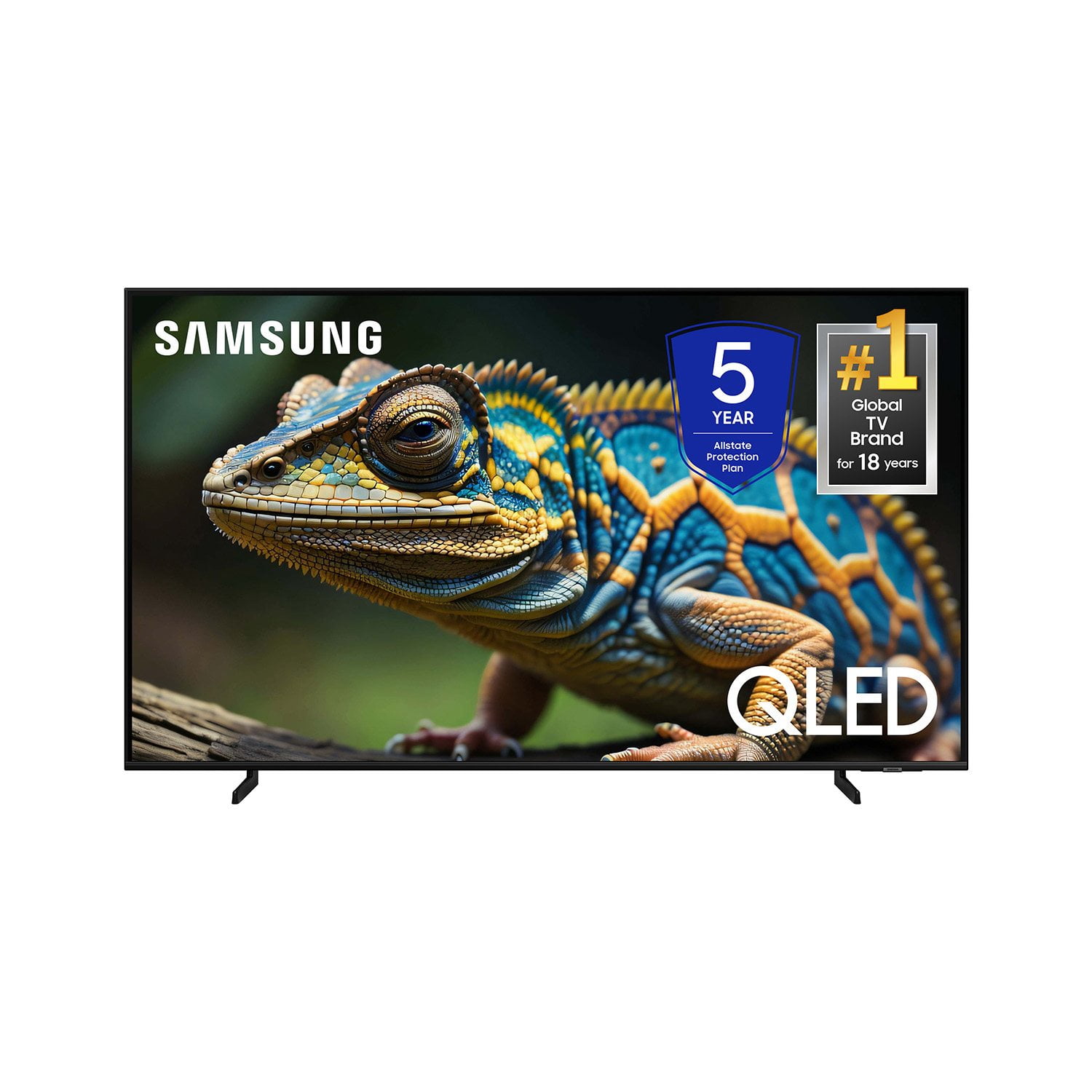
SAMSUNG 70” Class Q60D Series QLED Smart TV
4.4 out of 5 stars
stars701 ratings694 reviews
  1. 5 stars70% (492)
  2. 4 stars15% (108)
  3. 3 stars5% (36)
  4. 2 stars4% (28)
  5. 1 star5% (37)

Member photos

  • +120 images
Sort by |
Showing 471-480 of 694 reviews
Jun 5, 2025
Big d
5 out of 5 stars review

Good tv

Best tv I ever had in my life I love it and everything about it I have nothing bad to say , other that I will it was 1 100 inches lol

Review from Samsung US
Helpful?1EEO1IUOE2NN13900012337
Feb 6, 2025
randy696
3 out of 5 stars review

sound

sound is very poor. turn the volume up to 30 and sound is muffled. i can hear very clear when i'm in the next room.

Review from Samsung US
Helpful?1EEO1IUOE2NN13900012337
reply from Samsung Specialist

randy696, Thank you for purchasing Samsung's Q60D TV and for your feedback on the sound. To ensure you’ve got the latest sound quality updates, please confirm that your TV is up to date with the latest firmware version. You can check by going to: Home > Menu > Settings > Support > Software Update. If the sound is still not to your liking after updating firmware, there are several sound settings you can adjust to suit your personal preferences. • Sound Modes may better meet your personal preferences. Go to: Menu > Settings > All Settings > Sound > Sound Mode, or Expert Settings to fine-tune and customize your sound. • Adaptive Sound will also further optimize sound quality by analyzing the viewing space and the acoustic components of the content. Go to: Menu > Settings > All Settings > General & Privacy > Intelligent Mode Settings. Should you choose to add a Samsung Soundbar to your TV, please know that our Q-Series Soundbars (such as the HW-Q600C) feature Q-Symphony which will synchronize with the speakers of your TV for an immersive 3D sound experience. To assist you with possible sound settings adjustments for a better audio experience or choosing a Samsung Soundbar to complement your viewing enjoyment, please reach out to us at 1-800-SAMSUNG, 8 AM - 12 AM EST, seven days a week. ~ Samsung Specialist

Aug 20, 2024
Bellatv
5 out of 5 stars review

Quality of pictures 10 out of 10

[This review was collected as part of a promotion.] Gaming 9out of 10. It needs on screen keyboard for computer Gaming

Review from Samsung US
Helpful?1EEO1IUOE2NN13900012337
Mar 5, 2025
EDRB64
5 out of 5 stars review

Best TV

Great TV. Clear clear pictures. Easy to figure out all the options TV has to offer. Bestvtv for me so far

Review from Samsung US
Helpful?1EEO1IUOE2NN13900012337
Feb 21, 2025
Ricj
5 out of 5 stars review

Excellent Movie Channels

I never had a Smart TV before I bought the Samsung TV. I find the TV to be unbelievable. Having Samsung own channels makes cable obsolete.

Review from Samsung US
Helpful?1EEO1IUOE2NN13900012337
May 13, 2024
Binkarah
5 out of 5 stars review

Great production

[This review was collected as part of a promotion.] Like playing games streaming movies like the coler

Review from Samsung US
Helpful?1EEO1IUOE2NN13900012337
Mar 5, 2025
Frosty
5 out of 5 stars review

I love this TV!

I love this TV! I love everything about it… the picture, the sound, the options. It’s an amazing piece of technology

Review from Samsung US
Helpful?1EEO1IUOE2NN13900012337
May 26, 2024
Peacelilly
5 out of 5 stars review

Absolutely LOVE this TV

[This review was collected as part of a promotion.] Daily shows and play music got a great picture no matter what your watching

Review from Samsung US
Helpful?1EEO1IUOE2NN13900012337
Dec 5, 2024
Lovemovies
5 out of 5 stars review

Love the picture quality

[This review was collected as part of a promotion.] Every night is a movie night. Love the picture quality and sound.

Review from Samsung US
Helpful?1EEO1IUOE2NN13900012337
Mar 5, 2025
Faranco
1 out of 5 stars review

Annoying

I am not happy with this tv set. I find it unfriendly, overly complicated. Too many features. Too demanding. So I simply do not use it.

Review from Samsung US
Helpful?1EEO1IUOE2NN13900012337
reply from Samsung Specialist

Faranco, We appreciate you sharing your user experience. To assist in learning the various functions, please know you can download the Q60D TV's User Manual, e-Manual, Remote Control Leaflet, and Quick Setup Guide on Samsung's website under Support > Manuals & Software > TVs & Home Theater. You can search for and select the Q60D TV to download the guides you would like. The e-Manual and Remote Guide are both also embedded into your TV itself under Menu > Settings > Support > Open e-Manual. If you need more help, Samsung is here for you. Please call us at 1-800-SAMSUNG, 8AM - 12AM EST, 7 days a week. Our LiveChat agents are also available by clicking on the ‘Support’ link on our website. ~ Samsung Specialist