Skip to Main Content
Sams Club
Sams Club
Customer reviews for SAMSUNG 55” Class DU8000 Series UHD 4K Smart TV for
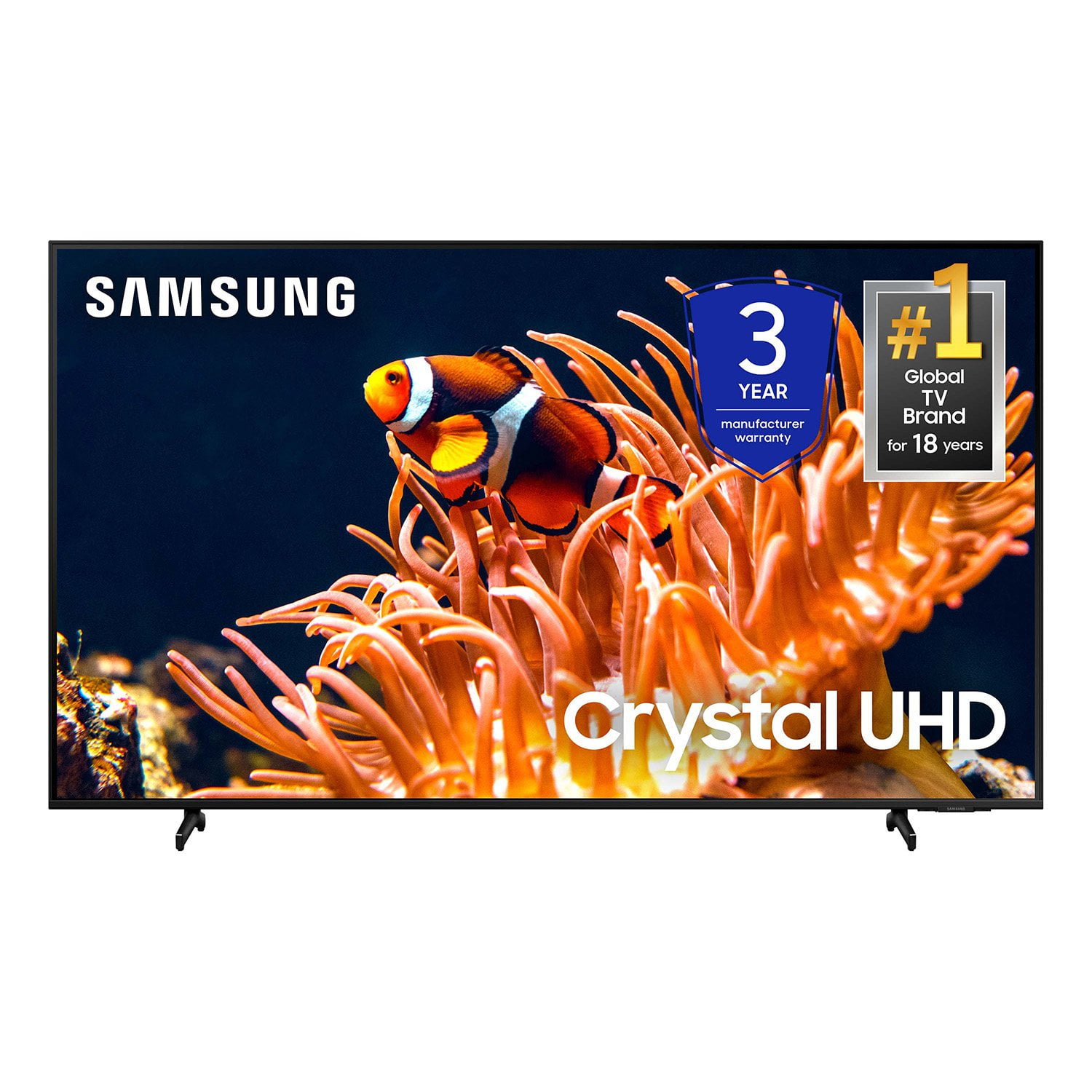
SAMSUNG 55” Class DU8000 Series UHD 4K Smart TV
4.5 out of 5 stars
stars787 ratings784 reviews
  1. 5 stars74% (581)
  2. 4 stars13% (103)
  3. 3 stars5% (42)
  4. 2 stars3% (22)
  5. 1 star5% (39)

Member photos

  • +190 images
Sort by |
Showing 571-580 of 784 reviews
Mar 9, 2025
NO MIND
5 out of 5 stars review

Excellent products. I am a believer in Samsung!!!

Long time user and fan. Latest purchases were 65" tv and pro 2 ear buds. Love both items. Very impressed with the ear buds. I am interested in the smart watch that can read monitor blood sugar. Thank you for the great products.

Review from Samsung US
Helpful?3VJGWSQNU1P413891164846
Sep 10, 2024
Mikeyps2
5 out of 5 stars review

Great for gaming and movies

[This review was collected as part of a promotion.] I upgraded my TV recently from a 46" 1080p to a 55" DU8000 and I absolutely love it. The UI is nice and the television is very responsive. It's been great fir games and movies!

Review from Samsung US
Helpful?3VJGWSQNU1P413891164846
May 3, 2025
TheNameIsD
1 out of 5 stars review

Disposable tv I guess...

At less than seven months the sound keeps going mute. After four attempts with Samsung support and no fix I consider this tv a waste of money and will never purchase Samsung products again.

Review from Samsung US
Helpful?3VJGWSQNU1P413891164846
reply from Samsung Advisor

Hi TheNameIsD, Thank you for your review and for sharing your experience with your DU8000 TV. If you’re not hearing any sound, whether using TV speakers or an external audio device, here are several steps that can help get things working again. 1. Start with Basic Checks • Make sure the TV isn’t muted and the volume is turned up. • If using an external audio device, ensure it’s powered on, set to the correct source, and the volume is turned up there as well. • Unplug your TV for 30 seconds, then plug it back in and power it on. 2. HDMI ARC / eARC Connection • Use a certified High-Speed HDMI cable with Ethernet. Connect it to the HDMI eARC ports on both the TV and the soundbar/receiver. • Enable these settings: o Settings > All Settings > Sound > Expert Settings > HDMI eARC Mode = Auto o Settings > All Settings > General & Privacy > External Device Manager > Anynet+ (HDMI-CEC) = On • Check the digital audio format: Settings > All Settings > Sound > Expert Settings > Digital Output Audio Format o If you're not sure what your connected device supports, set it to Auto. 3. Optical Audio Connection • Power on the soundbar/receiver before connecting the optical cable. • Select the correct sound output: Settings > All Settings > Sound > Sound Output = Optical • Try a different optical cable if no sound is coming through. 4. Bluetooth Audio Connection • Pair your Bluetooth device: Settings > All Settings > Sound > Sound Output > Bluetooth Speaker List • If your Bluetooth device doesn’t appear or won’t connect, move it closer to the TV, ensure it’s in pairing mode, and select Scan. • If paired but no sound, unpair the device and try reconnecting. 5. Wi-Fi / Wireless Speakers • Confirm the speakers and the TV are on the same Wi-Fi network. Use: Settings > All Settings > Sound > Sound Output > Wi-Fi Speaker Surround Setup • Reboot both the TV and the Wi-Fi speakers, and check your router for connection strength. 6. Other Helpful Tips • Run a Sound Test: Settings > Support > Device Care > Self Diagnosis > Sound Test • Update TV firmware to rule out compatibility issues: Settings > Support > Software Update > Update Now • If using a cable box or external streaming device, double-check that the device’s audio output settings are set to HDMI or the appropriate output. If you still don’t hear sound after following these steps, please don’t hesitate to reach out so we can assist further. You can call Samsung Support at 1-800-SAMSUNG, 8AM – 12AM EST, 7 days a week. Our LiveChat agents are also available by clicking the ‘Support’ link at Samsung.com. ~ Samsung Advisor

Dec 28, 2024
NYCDET
5 out of 5 stars review

Great picture

[This review was collected as part of a promotion.] Bought it for my daughter. Picture looks great and all apps work seamlessly. Slim design looks great.

Review from Samsung US
Helpful?3VJGWSQNU1P413891164846
Apr 21, 2025
SenecaLakeMan
5 out of 5 stars review

Picture Quality is amazing!

[This review was collected as part of a promotion.] Love this TV. Picture quality is superb. Great TV for watching football and movies. Easy to set up and install.

Review from Samsung US
Helpful?3VJGWSQNU1P413891164846
Apr 5, 2025
EdWuey
5 out of 5 stars review

The resolution is crazy.

[This review was collected as part of a promotion.] I love to play on my Samsung TV. The colors are vibrant and the frames never dro0. When I play fortnite with my cousin I can see every last detail.

Review from Samsung US
Helpful?3VJGWSQNU1P413891164846
Apr 20, 2025
Anonymous
5 out of 5 stars review

Eye Pleasing TV

Picture? Quality is spectacular. With Samsung TV's, you are readily.Able to find fine tune your desired picture quality. Navigating the system. Is consumer friendly.

Review from Samsung US
Helpful?3VJGWSQNU1P413891164846
Apr 1, 2024
Seemlessconnectivity
5 out of 5 stars review

Great TV for the price

[This review was collected as part of a promotion.] Seamlessly connect with Samsung mobile.devices and minimal lag on inputs. I feel as if it's a better option for a TV as I love Samsung product and their seemless connectivity with each ottger

Review from Samsung US
Helpful?3VJGWSQNU1P413891164846
May 23, 2024
Katb420
5 out of 5 stars review

Awesome picture an sound quality

[This review was collected as part of a promotion.] I love watchin my shows on this tv an the kids love playing thier games on. The picture is amazing an the sound quality is amazing

Review from Samsung US
Helpful?3VJGWSQNU1P413891164846
Nov 18, 2024
HAilHAil
5 out of 5 stars review

Love it! You gotta get one!

[This review was collected as part of a promotion.] SUPER easy set up---looks amazing---this was my Christmas present to the family this year, and we're all as happy as could be

Review from Samsung US
Helpful?3VJGWSQNU1P413891164846