Skip to Main Content
Sam's Club
Sam's Club
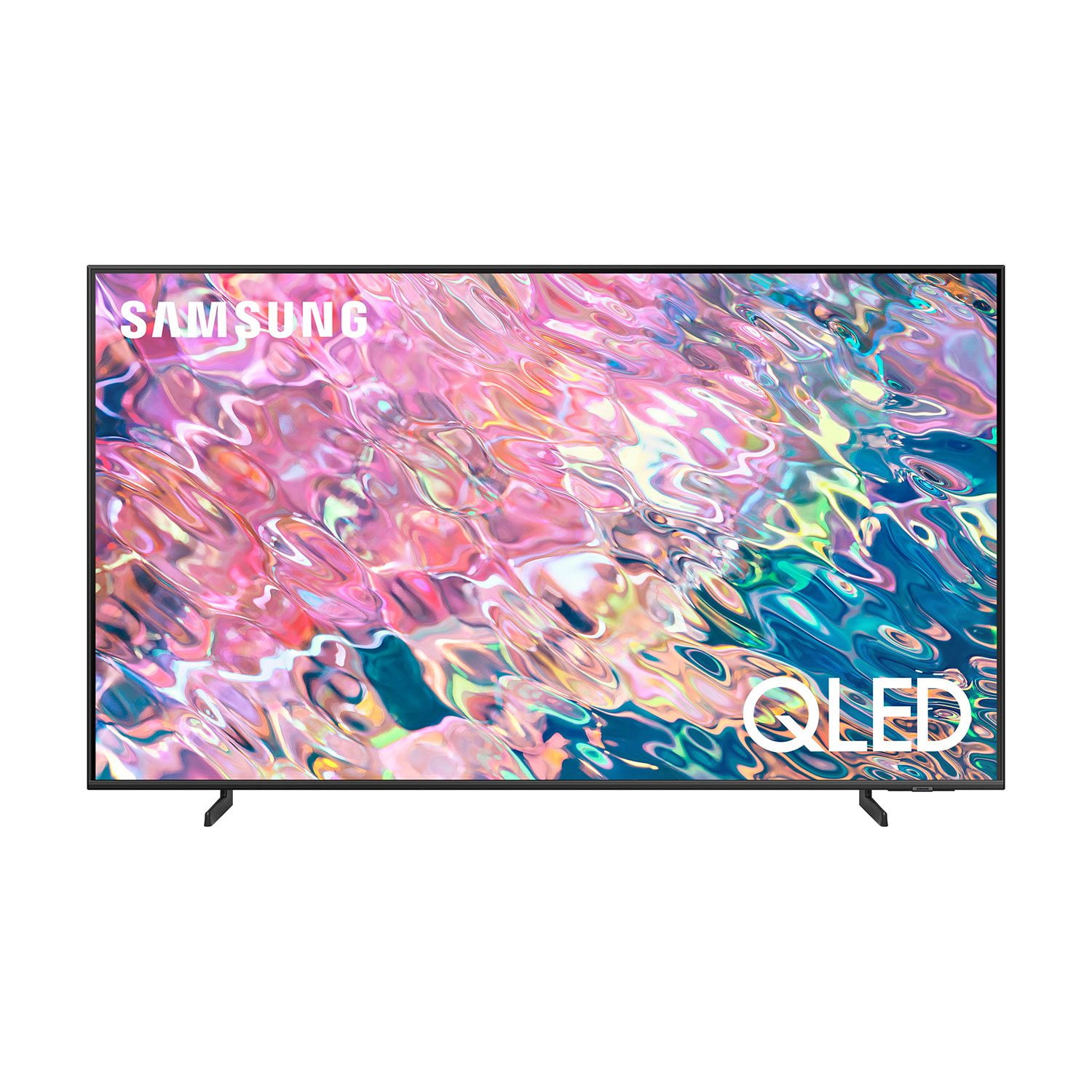
Customer reviews for SAMSUNG 55" Class Q60B-Series QLED 4K Smart TV - QN55Q60BDFXZA for
SAMSUNG 55" Class Q60B-Series QLED 4K Smart TV - QN55Q60BDFXZA
4.6 out of 5 stars
stars514 ratings498 reviews
  1. 5 stars77% (396)
  2. 4 stars16% (81)
  3. 3 stars3% (15)
  4. 2 stars1% (5)
  5. 1 star3% (17)
Sort by |
Showing 421-430 of 498 reviews
Oct 5, 2022
Gerk222
5 out of 5 stars review

Great product

[This review was collected as part of a promotion.] Tv has great picture and love the smart TV feature.. also can sync my phone with the TV so it opens so many more options if I cannot get some apps to work..

Review from Samsung US
Helpful?12GRF2340KB613891106699
Aug 23, 2022
LoveTV
5 out of 5 stars review

Q60 Great TV.

[This review was collected as part of a promotion.] I use my to watch regular channels and stream movies most of the times. I like to mirror my phone in my tv as well. Like to listen music like Spotify on it too.

Review from Samsung US
Helpful?12GRF2340KB613891106699
Oct 25, 2022
Loveit
5 out of 5 stars review

Samsung TV

[This review was collected as part of a promotion.] We stream about 15 channels and watch tv every day! Thank you Samsung! Our new Samsung does so much more than our previous Samsung TV …. Love it!!!!

Review from Samsung US
Helpful?12GRF2340KB613891106699
Jun 13, 2022
Love2Shop
5 out of 5 stars review

Such a good tv

[This review was collected as part of a promotion.] This tv is so clear and works seamlessly with all my other sansung products. It definitely lived up to the hype and having Bixby on it is phenomenal.

Review from Samsung US
Helpful?12GRF2340KB613891106699
Jul 27, 2022
Anonymous
5 out of 5 stars review

Excellent TV

[This review was collected as part of a promotion.] Perfect screen does everything I need it to. It could use a faster refresh rate but otherwise a GREAT all around TV

Review from Samsung US
Helpful?12GRF2340KB613891106699
Jul 20, 2022
Justmyopinion
5 out of 5 stars review

So smooth!

[This review was collected as part of a promotion.] Super rich picture, smooth transitioning from online streaming to cable to blu-ray to games, absolutely love this

Review from Samsung US
Helpful?12GRF2340KB613891106699
Sep 27, 2023
Wonderc
5 out of 5 stars review

Great picture

I love my Samsung TV. I bought a RCA before it and there is no comparison. Will only buy Samsung from here on. It offers so much extras that I haven't even figured all out yet. lol. Picture is so clear! Love it

Review from Samsung Canada
Helpful?12GRF2340KB613891106699
Oct 11, 2022
Moogie
5 out of 5 stars review

TV never looked so great omg.

[This review was collected as part of a promotion.] TV never looked so great. Watching TV now feels like I'm really in the show or movie. I never cried or got emotional from shows and movies until now

Review from Samsung US
Helpful?12GRF2340KB613891106699
Oct 16, 2022
fredlimo1
5 out of 5 stars review

50 class QLED 4K smart tv 2022

[This review was collected as part of a promotion.] Samsung great tv like smart phone she has all future and Bixby alexa all u need 😉 u don't need xbox everything u like u find it google youtube

Review from Samsung US
Helpful?12GRF2340KB613891106699
Oct 25, 2022
Cookie
4 out of 5 stars review

Hard to work with

[This review was collected as part of a promotion.] By only having an onscreen instructions book, it is a royal pain to modify or work with the tv. If you goof up many times you have to start all over again.

Review from Samsung US
Helpful?12GRF2340KB613891106699
reply from Samsung Brand Ambassador

Cookie, We appreciate you sharing your experience. To further assist you in learning the various features, functions, and settings of your TV and remote, you can download the Q60B TV's User Manual, e-Manual, Remote Control Leaflet, and Quick Setup Guide on Samsung's website under ‘Support’ (top right corner) > Manuals & Software > TVs & Home Theater. From there, you can select the Q60B TV under QLED 4K TVs > B Model Lineup to download the guides you would like. The e-Manual is also embedded into the TV itself under Menu > Settings > Support > Open e-Manual. I hope this tip helps improve your enjoyment. For more help, please call us at 1-800-SAMSUNG, 8AM - 12AM EST, 7 days a week. LiveChat with an agent as well as manuals, software, and warranty info can be found at the ‘Support’ link on our Samsung website. ~ Samsung Specialist